

 xbapps
Create Multi Track Cuepoints for Heresphere
Applys to the Hereshpere API
Existing Cuepoints with both a Position and Action, will be split into separate Cuepoint tracks.
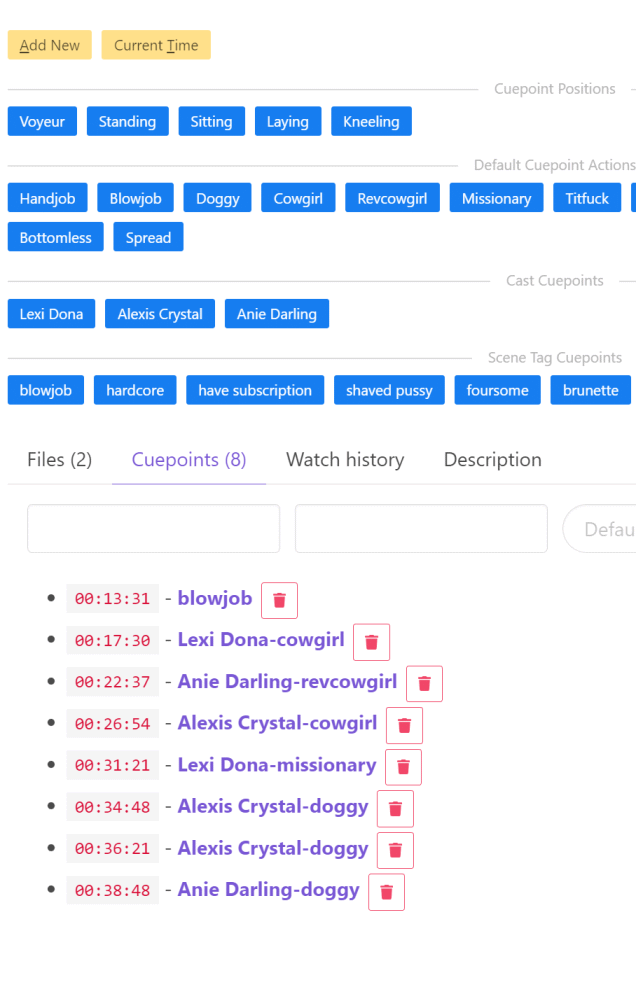
The Scene Details/Cuepoint Tab has been modified create buttons for the scene's cast members. Clicking the cast button will populate the Cuepoint Position with the cast members name. This is envisioned to be used with multi-cast scenes to highlight the main actor involved in the current action.
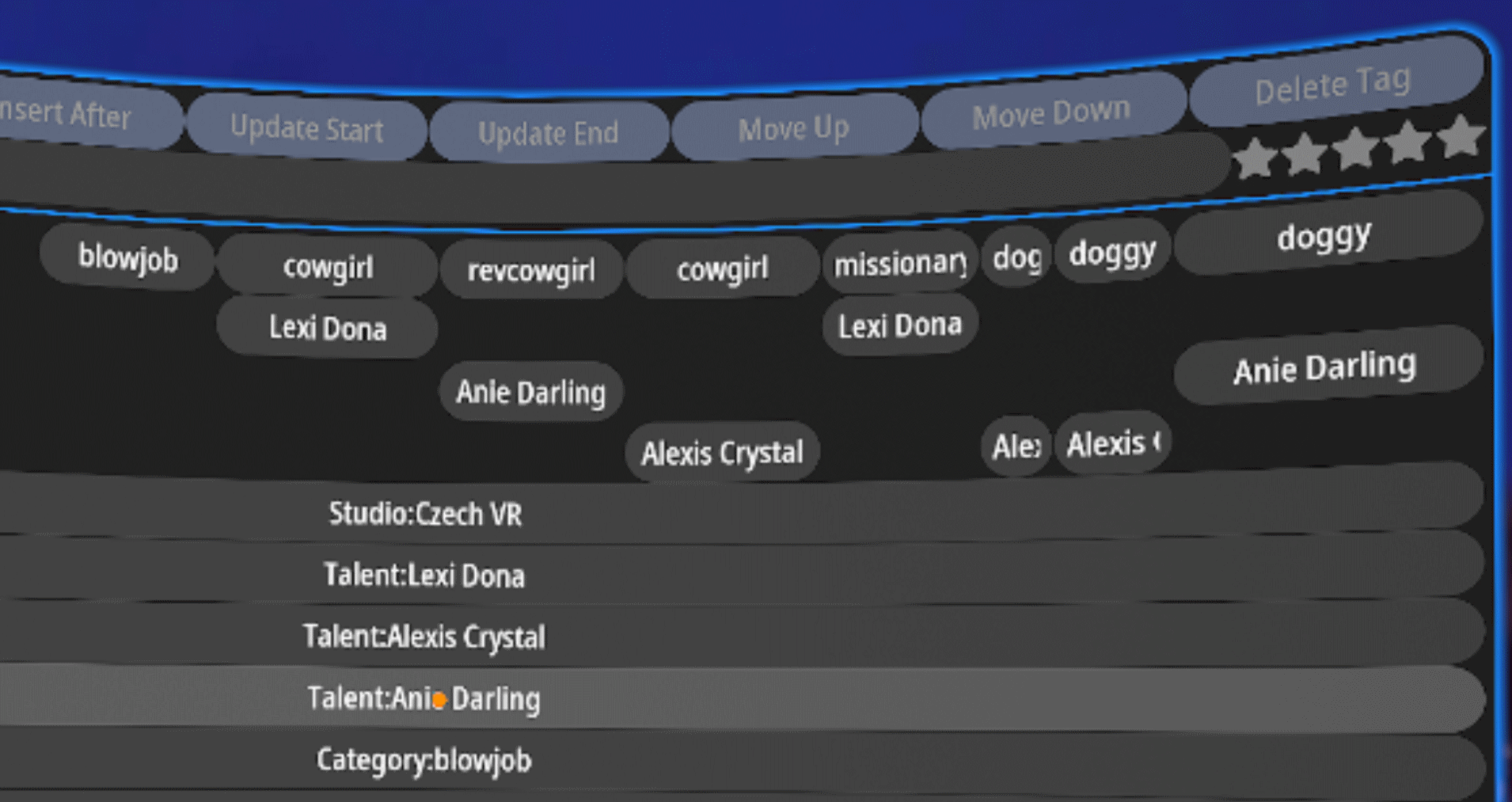
The tracks will be
-
Action (or Position if no Action exists)
-
Followed by (in the first found order)
- Position (if an Action exists as well)
- First Actor
- Second Actor
- etc

How does this work in HereSphere? As far as I know, only track 0 will be shown above the seek bar.

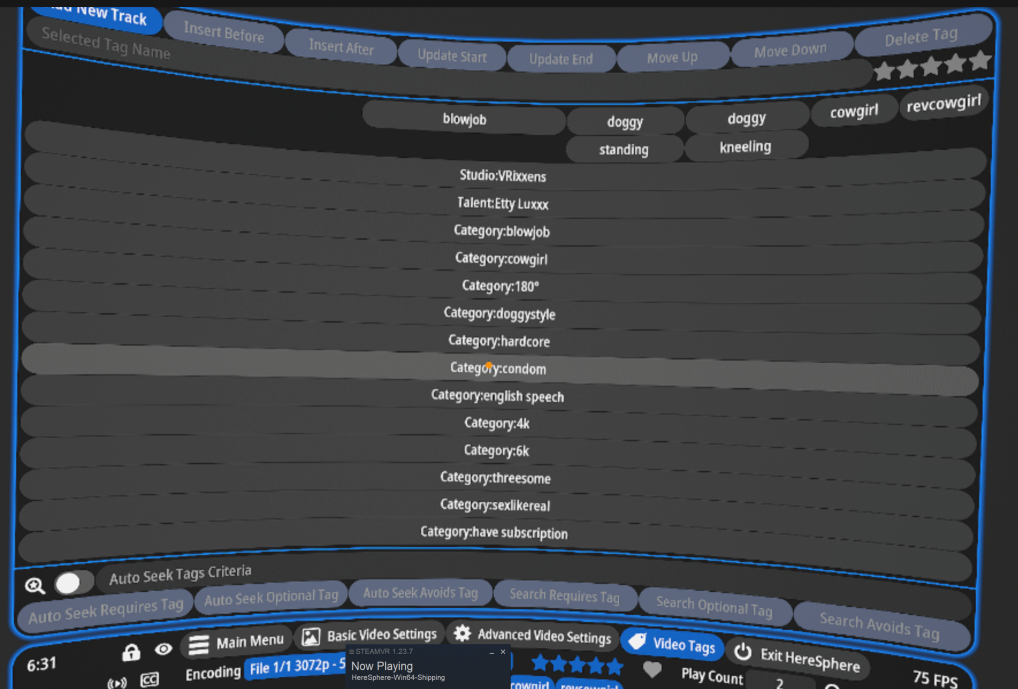
You do only see Track 0 on the Seek Bar, but If you click on Video Tags button, you can see additional Tags tracks as well.
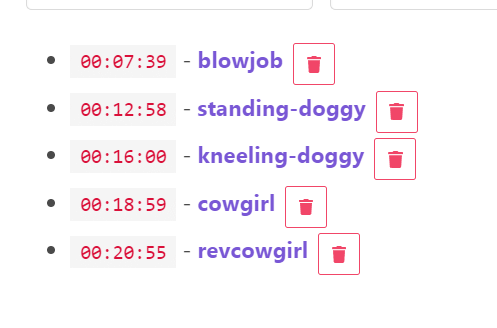
The screenshots shows how an example from xbvr would look in Heresphere, how actors & another for raditional Position/Action
Made the using Multi-Track Cuepoints optional, in case it did not suit how someone used Cuepoints or just had a personal preference not to split.
To help with testing, I have attached a bundle file with Cuepoints for a range of scenes that can demonstrate the multi-track split based on actors. The bundle only includes Cuepoint data, no other scene data. xbvr-content-multitrack-cuepoint-examples-bundle.zip