
IG-Mesh
 IG-Mesh copied to clipboard
 xarthurx
An one-stop solution for mesh processing in Grasshopper (for Rhino).
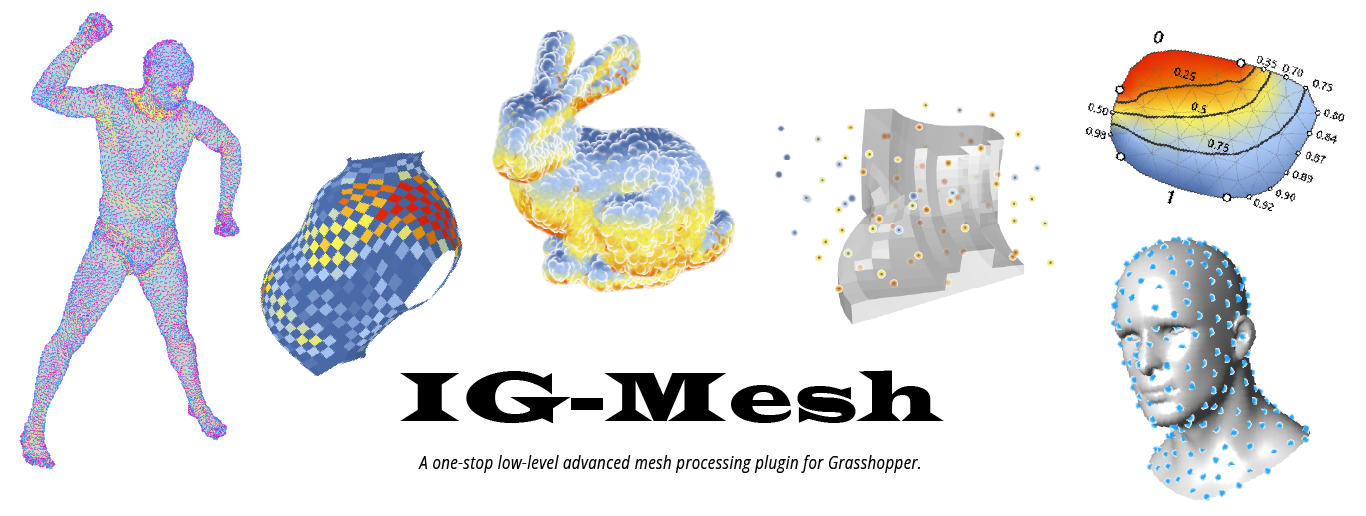
IG-Mesh



A mesh processing library for Grasshopper & Rhino
IG-Mesh (standing for "I Get a Mesh..." or "Igl-Grasshopper Mesh") is a grasshopper plugin for both low-level and advanced mesh processing.
The library features tools for extracting both low-level information (e.g. vertex, edge, face relationship) and high-level properties (e.g. isolines, quad-planarization) that many mesh processing plugins do not provide.
IG-Mesh is developed for the general architecture, design, and fabrication community, hoping to fill the gap of mesh operations in any design-to-fabrication pipelines. The goal is to resolve the long-lasting pain of interactive mesh processing on the Rhino & Grasshopper platform.
Components Overview
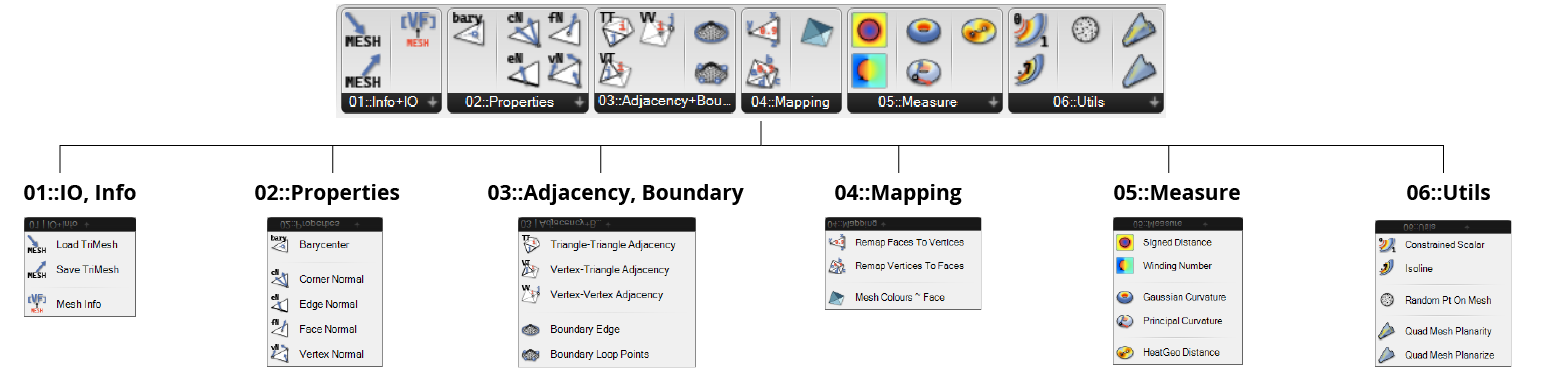
Showcase
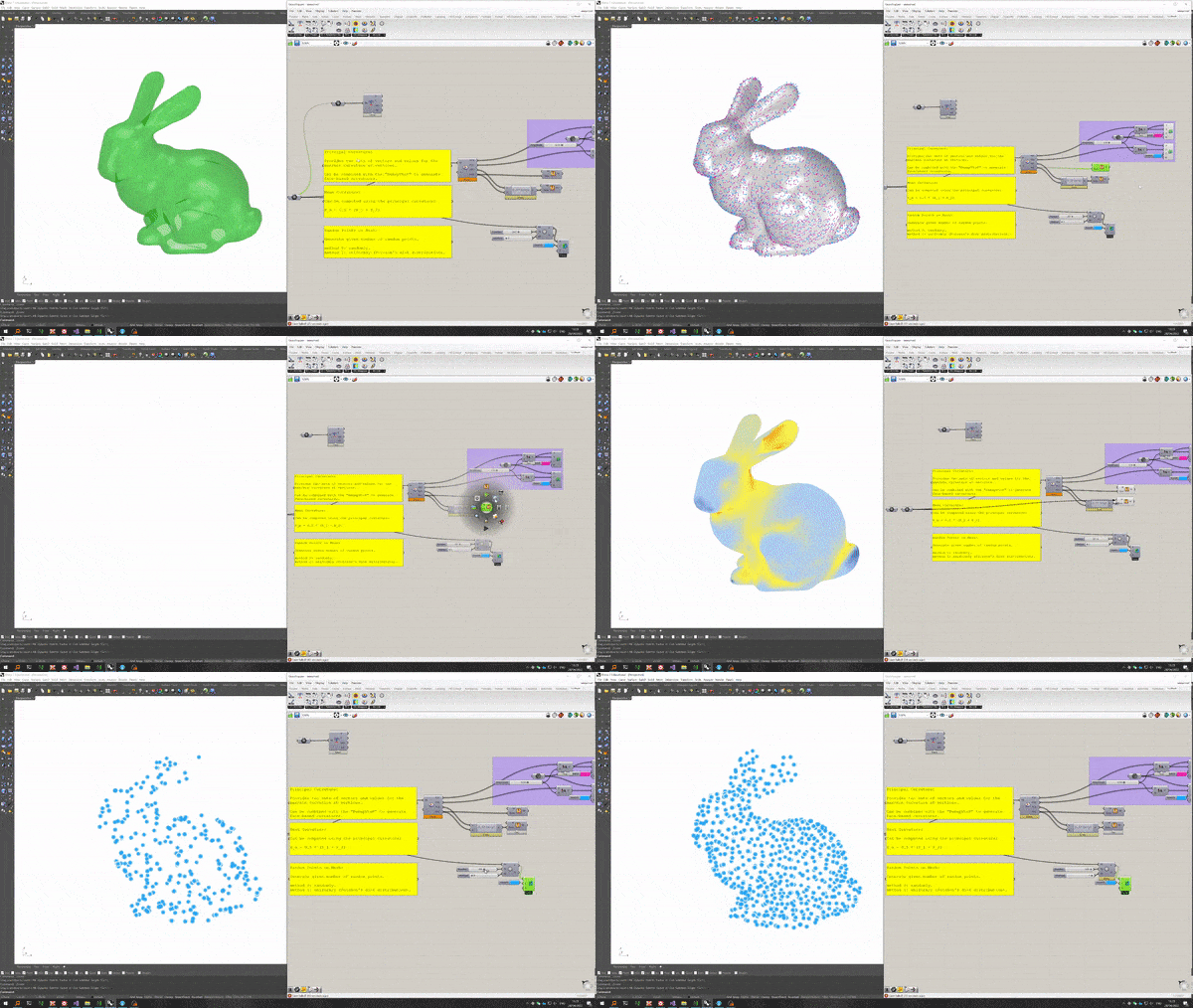
Highlighted Components
universal random points (blue noise):
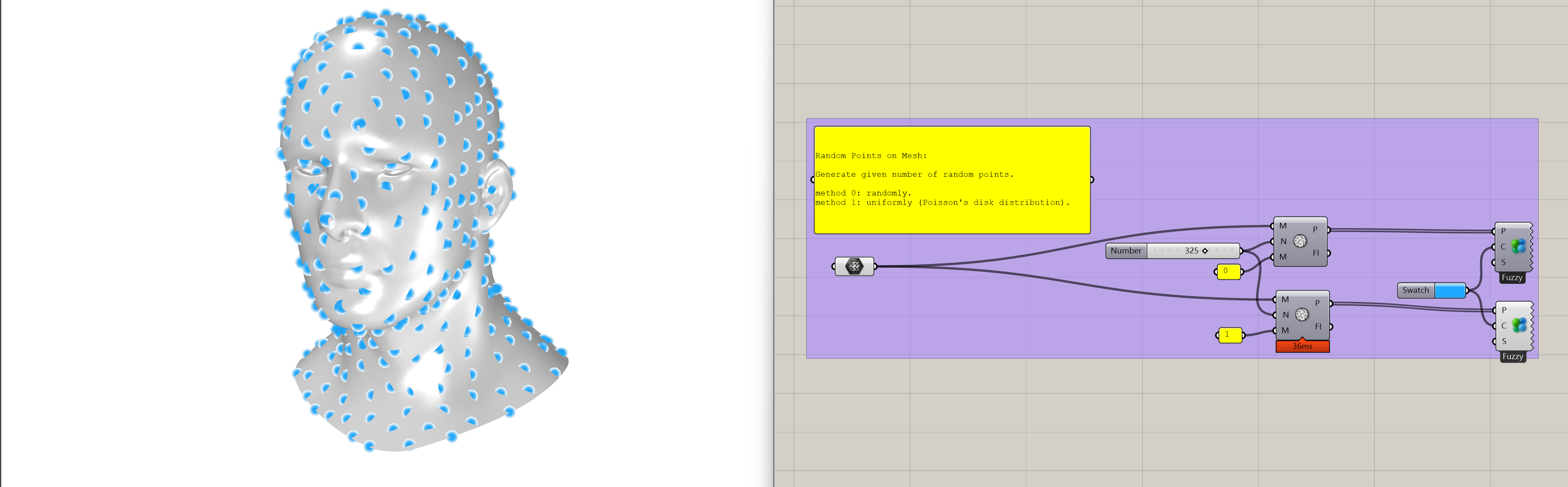
More (Click to expand!)...
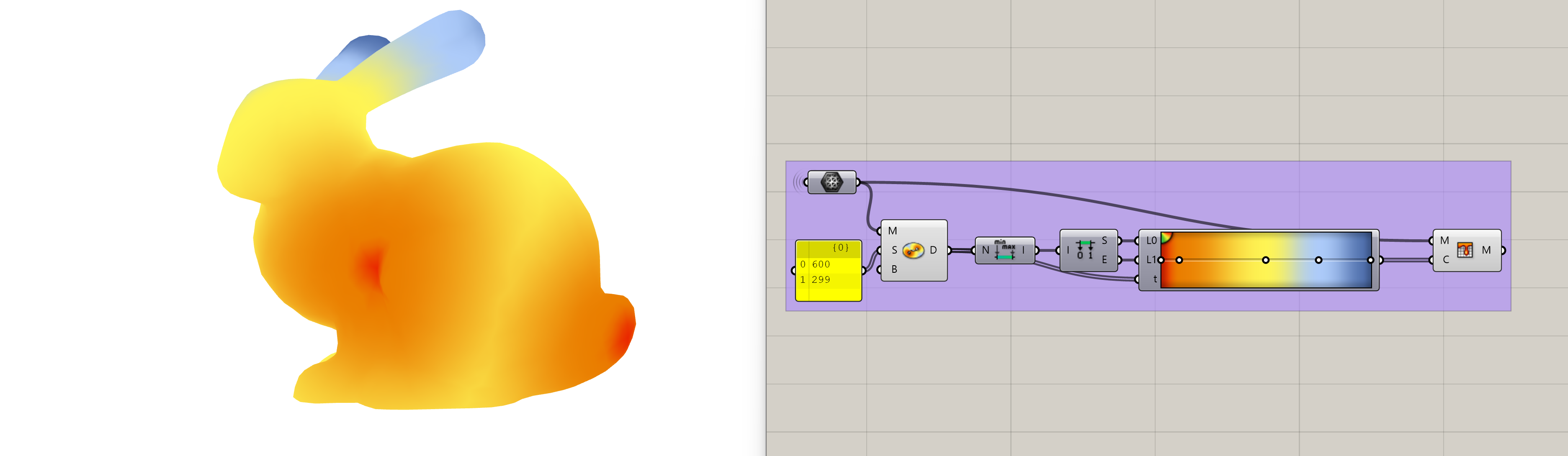
fast geodesic distance:
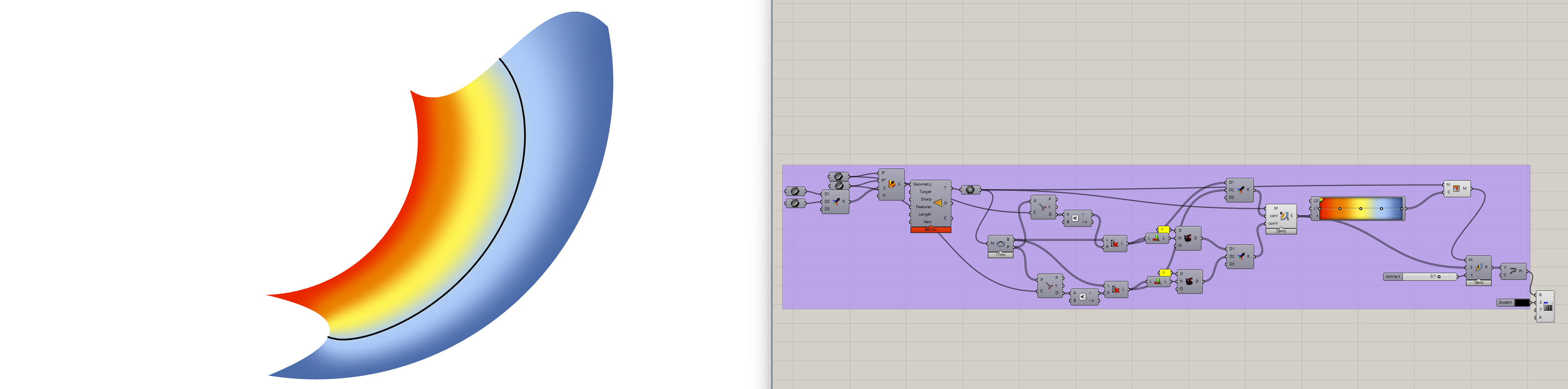
mesh isoline:
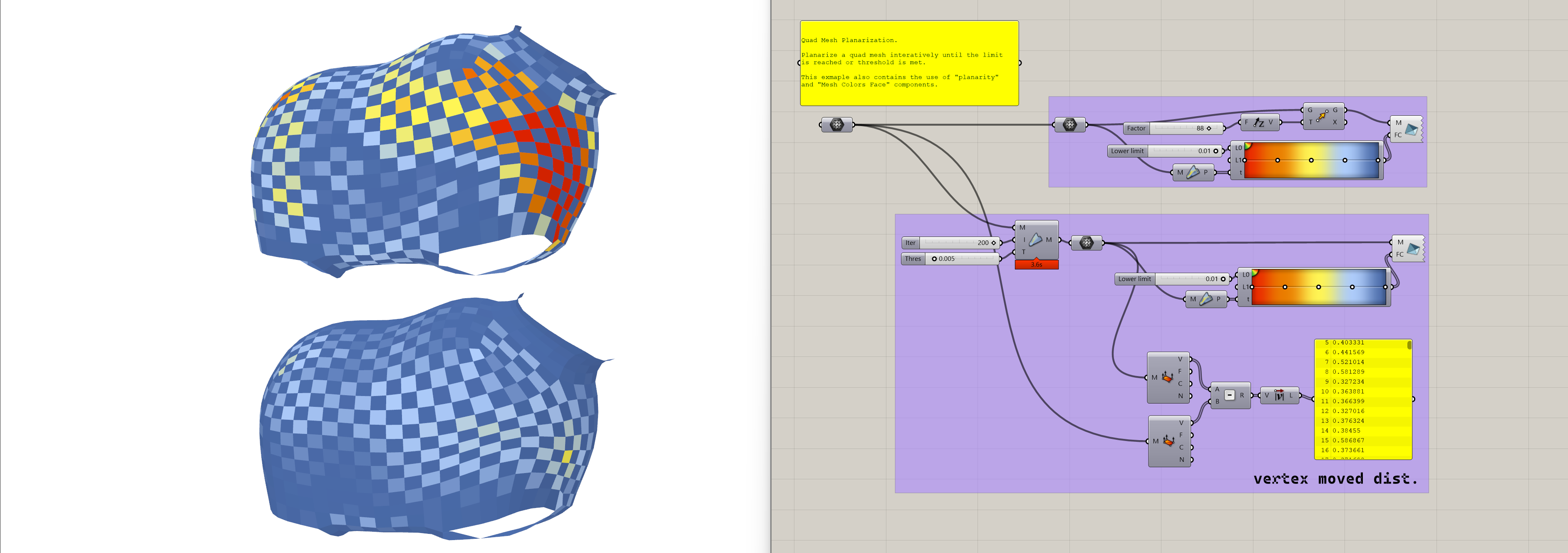
quad-mesh planarization:
ALPHA-phase and Use case collection
This library is currently under the alpha-phase for initial public test. To further improve it, your contribution is needed.
Please submit an issue and describe what your mesh processing task requires and what type of functions are missing.
I will add the corresponding functions to the library after evaluation, ASAP.
Installation
Install with PackageManager (Rhino 7+)
- Open Rhino and run command
PackageManager. - Search for "IG-Mesh".
- Install the plugin and restart Rhino.
Food4Rhino
The Project Page on Food4Rhino also holds major release versions of this library.
Pre-compiled release
Pre-compiled releases are available on the GitHub repo.
- Download the
.zipfile from the latest release. - Unzip the
.zipfile and put the folder into you Grasshopper Component Folder. - Restart Rhino and Grasshopper.
Releases with minor updates will only be published as pre-compiled releases and be hosted on github.
Planned Feature
TODO
Below are the current planned features to be added in the next release:
- ~~planarization using Shape-Up~~ (done in v0.2)
- Half-Edge structure
- ~~Fast geodesic distance based on the "Heat-kernel" method~~ (done in v0.2)
Future Plan (Non-Goal TODO)
Below is an incomplete list of functions that IG-Mesh plans to provide. The list is constantly adjusted based on feedback:
- edge-related functions for vector fields operation
- Various approaches for unrolling mesh (parametrization)
- FEM-related functions (need evaluation on speed and computational efficiency)
- voxel (tet-based) processing functionality
Contribution
You need Visual Studio 2017 or above and the .NET framework to compile the project.
Dependence
openNURBS
-
Download the openNURBS library to your local desk, and build it (both
debugandRelease) following the instructions. -
Modify the corresponding dir in the
stdafx.hfile under projectigm_cppPort.
Note: Compared to the bare-bone PInvoke method, this library depends on the advanced geometry data contrainers from openNURBS to avoid potential memory leak.
libigl
- Download the libigl library to your local desk.
- Add the
includedir in the Property Page ofigm_cppPort.
nuget
In the NuGet package manager of Visual Studio, you should install the following packages for the solution:
System.CollectionsSystem.RuntimeGrasshopperRhinoCommon
Build
You should now be able to build the whole solution and generate the .gha and .dll files.
Acknowledgement and License
Many of the base functions are converted from the geometry processing library libigl, and ported into C# environment through the PInvoke methods and openNURBS.
The author would like to pay his deepest gratitude to the developers for this library and the responsive Q&A during the past years[^1].
[^1]: The name of this library is also partially inspired by the libigl library.
The library is released under the GPL licence.
Credit & Citation
Author: Zhao Ma
If IG-Mesh contributes to an academic publication, please cite it as:
@software{ig-mesh,
  title = {IG-Mesh},
  author = {Zhao Ma},
  url = {https://github.com/xarthurx/IG-Mesh},
  doi = {10.5281/zenodo.6499203},
  version = {0.2.8}
  year = {2022}
}
You can also find the reference infomation on Zenodo.org.
 xarthurx