

 xBimTeam
How to select element individually
I've been studying the Xbim Explorer project to understand how to increase performance when rendering the 3D model. I was able to understand that the BuildScene method is responsible for converting the IFC format to the WPF format. In this method, are identified the geometrys with material and transformations equals, returning the different geometrys only. However, I cannot understand how to select elements individually like in Xbim Explorer.
Xbim Explorer:

My application:
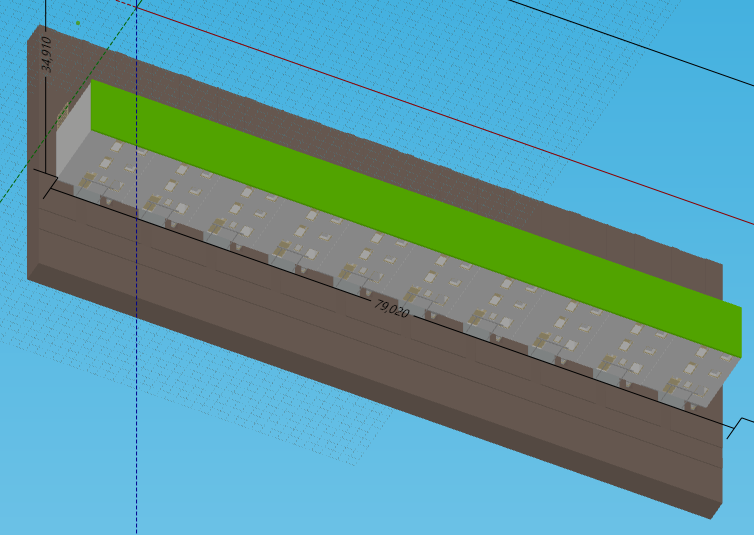
I saw the Canvas_MouseDown event for to check the HitTest, in a way or another, the method is able to highlight one element only.
I would like to know if Xbim team can help me in this doubt.
Thanks in advance!

Hi, we use a trick.
We generate a new geometry from the database upon selection and then show that one above the other. If you are having problems with the speed of your viewer we have our own winforms fastviewer that uses openGL very efficiently and does away with the complexity of the layerstyling... every element in that viewer is controlled independently.
This one, however, is not in the open source toolset and there's a maintenance fee to use it in commercial environments. In case you are interested send me an email [email protected]
I hope this helps, Claudio
