

 xBimTeam
Rendering issue of some wexbim files in chrome
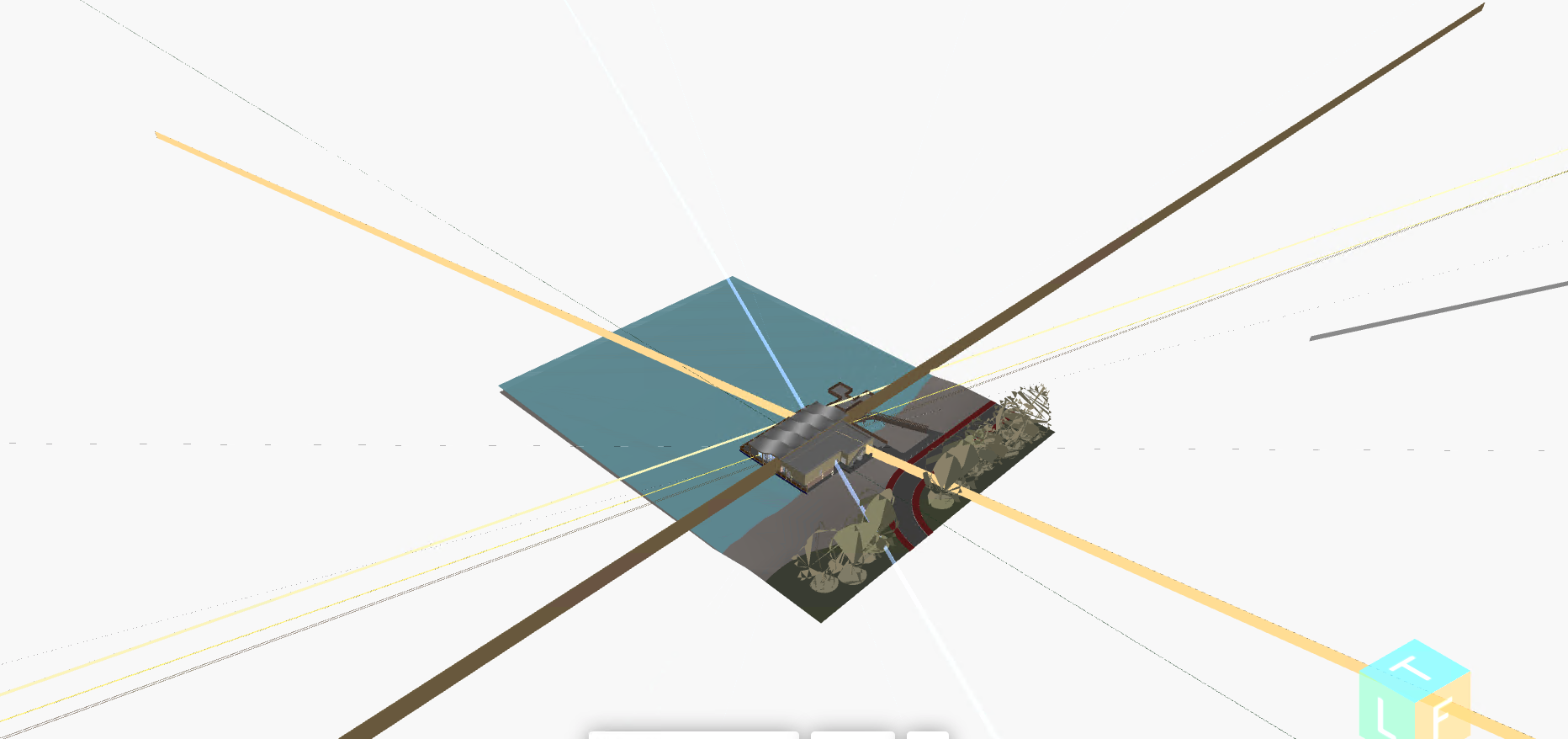
I got rendering issues in some of my files recently in chrome browser (As I was not using my viewer frequently, I don't know exactly when this issue started) which was working fine earlier. I'm attaching the screen shots and the wexbim, json files. Please have a look at it and reply. How can I solve it?
models.zip
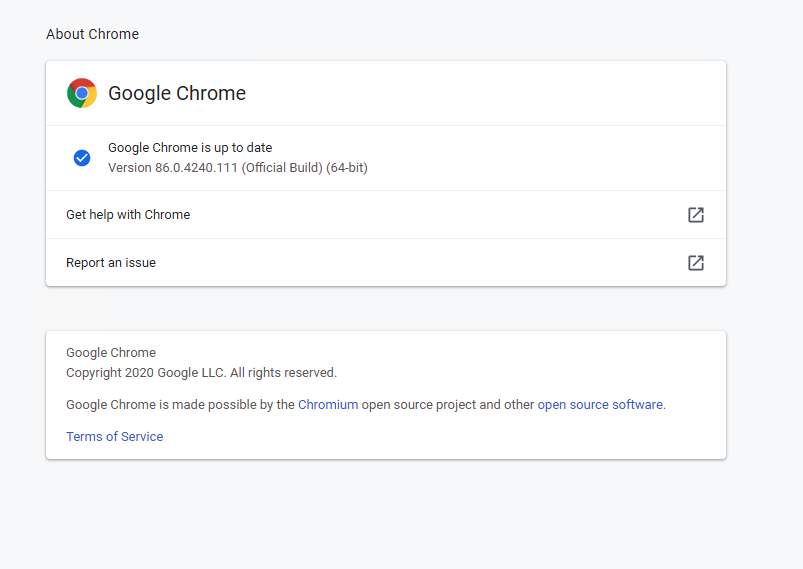

Can you try the latest version?
https://www.npmjs.com/package/@xbim/viewer
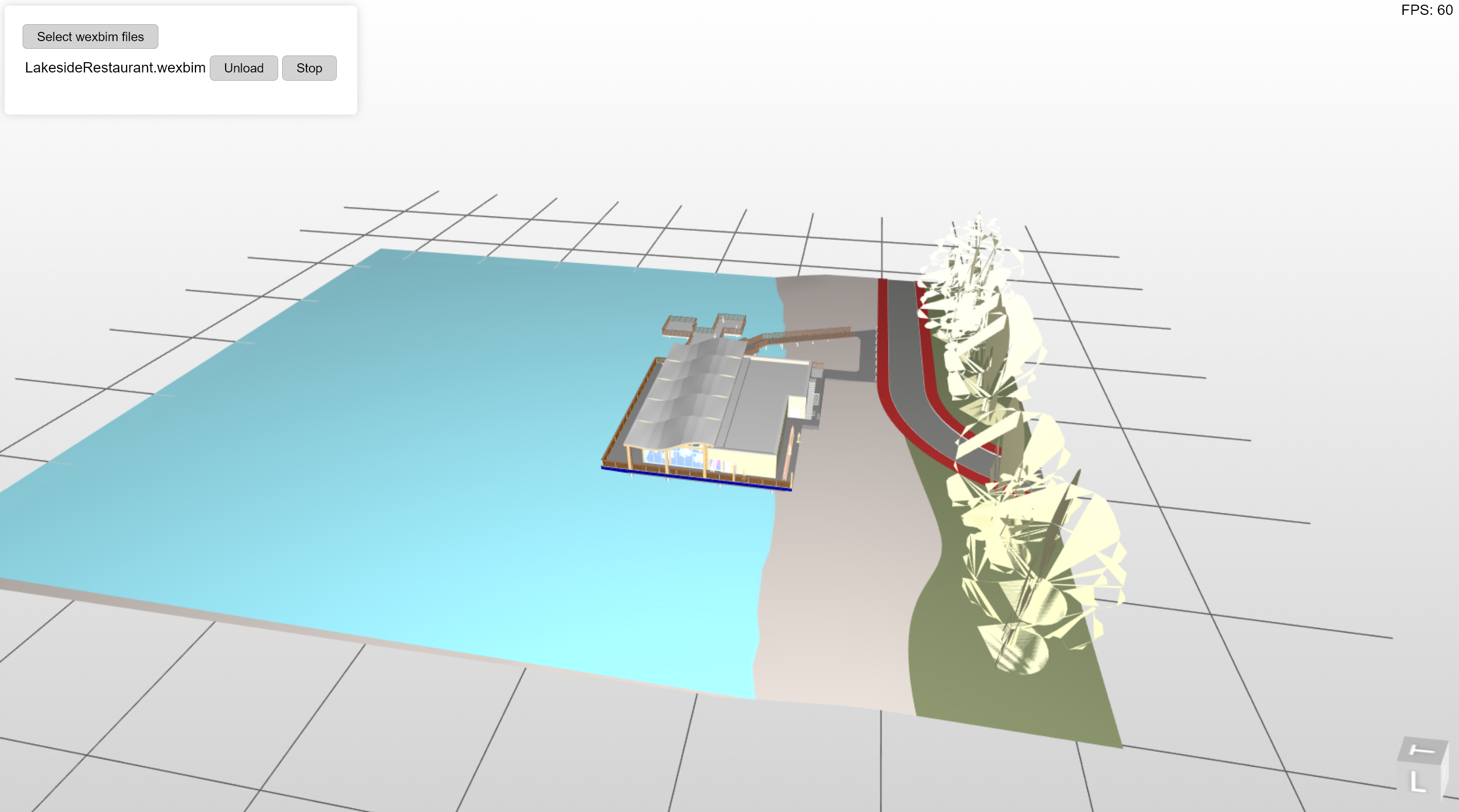

I tried in the latest version, but got the same result. Did you check in chrome browser?
I have the same Chrome version and have no issues rendering that Wexbim. Some suggestions:
- Check the dev tools Console for any errors
- Log the output of
xViewer.check()to establish if any pre-requisites are met e.g. https://docs.xbim.net/XbimWebUI/tutorial-2_Safe_Hello_building.html - Can you reproduce on a different machine / VM? (If not it may be a GPU issue/ out of date graphics driver)
- Disable any chrome plugins / try in incognito mode
- Try resetting the chrome settings to the original defaults chrome://settings/?search=reset
If none of that helps, I'd suggest providing a github repo showing a full example

- There are no console errors
- Output of xViewer.check() is empty
- I reproduced this on a different machine. Also I found out that chrome opened the file without any issues before its latest update. Once updated it to the latest version, I got the same error
- Tried in incognito mode, got same issue
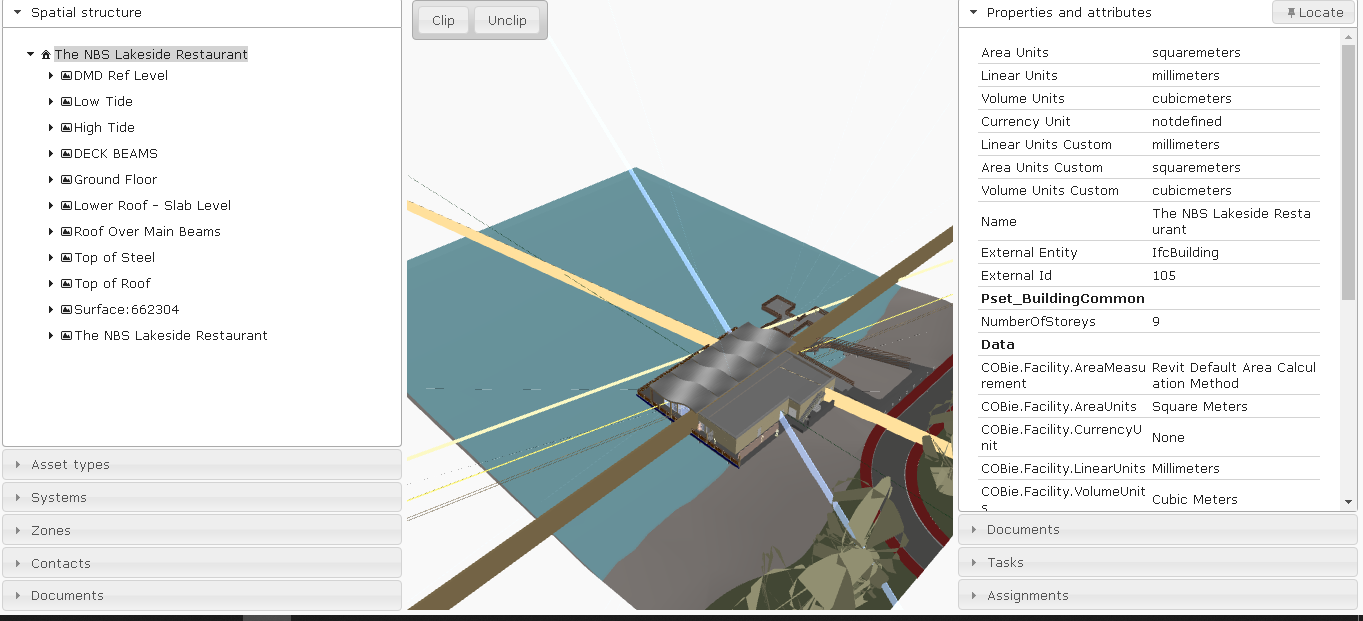
I tried it in the same Xbim.Wexplorer application downloaded from the github, which had the LakesideRestaurant.ifc as the default viewer file.
Which branch of the web UI xViewer are you using.
master or develop? or another source?
I downloaded the master source from here
https://github.com/xBimTeam/XbimWebUI
Yes the master code works for me on 64bit Chrome 86.0.4240.111 and the later 86.0.4240.183 - both on Windows 10. I'm viewing the same model.
Assuming you can confirm you're running the unchanged master code of XbimWebUI, it must be something environmental - which is tricky to diagnose from here.
How did you test that it was OK on a prior version of Chrome? Was that on the same machine or another? How did you actually determine it was the Chrome version that caused the issue? Could anything else have changed?
You'll need to narrow this down to the exact change that triggered the issue so we can reproduce. A couple more thoughts:
- What language/culture are you in (Unlikely, but I'm just wondering if there's a locale bug reading the wexbim stream)
- Have you tried different models? Do they have similar issues.
- How does the model here look https://docs.xbim.net/XbimWebUI/ Compared with
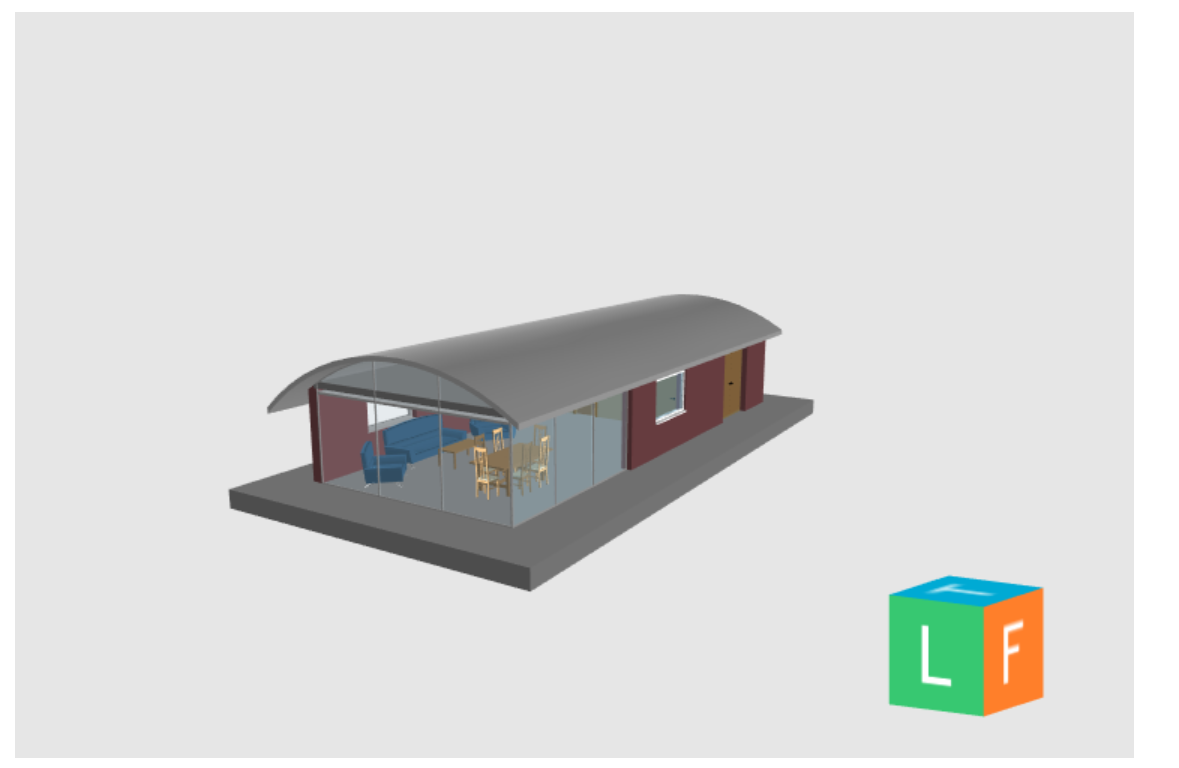
- Have you tried rolling back to older versions of Chrome to test
- Have you tried other BIM applications (to rule out a GPU/driver issue)?
I went through a lot of experiments and came up with the following findings.
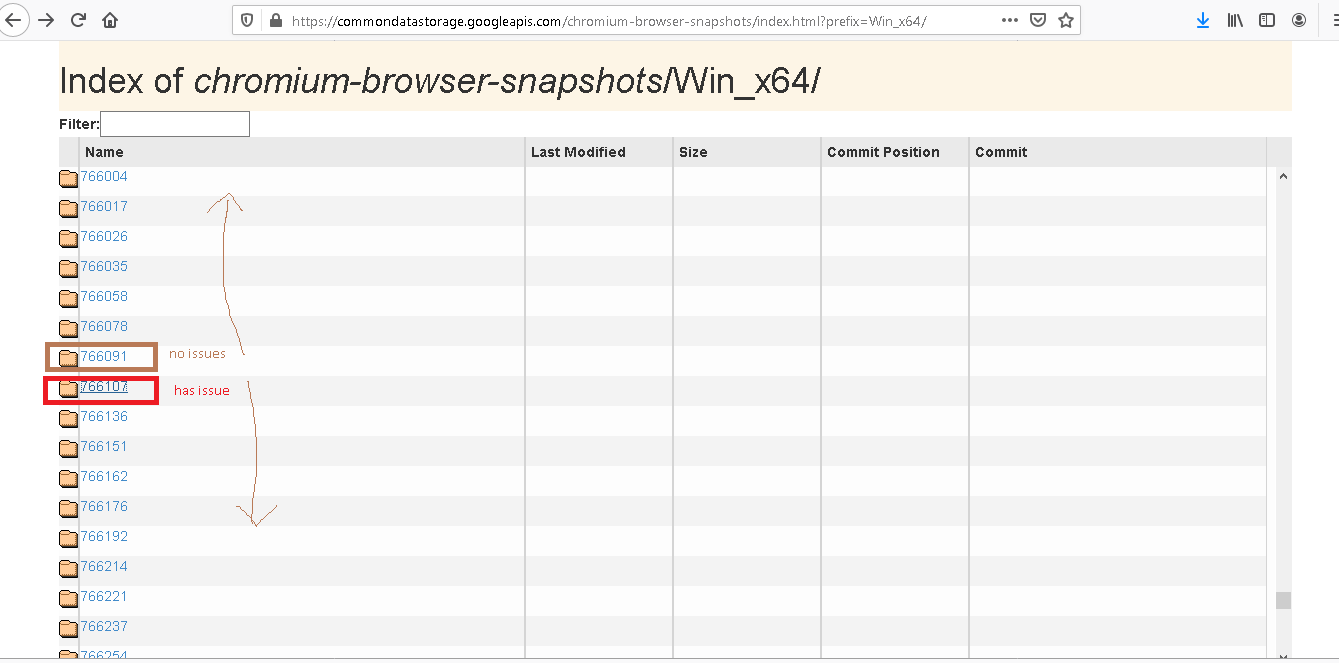
I have tried previous versions of chromium from the site https://commondatastorage.googleapis.com/chromium-browser-snapshots/index.html?prefix=Win_x64/ In the above given site, all those above 766107 have the described issue and the one with number 766091 and all other version below this don't have any rendering issues.
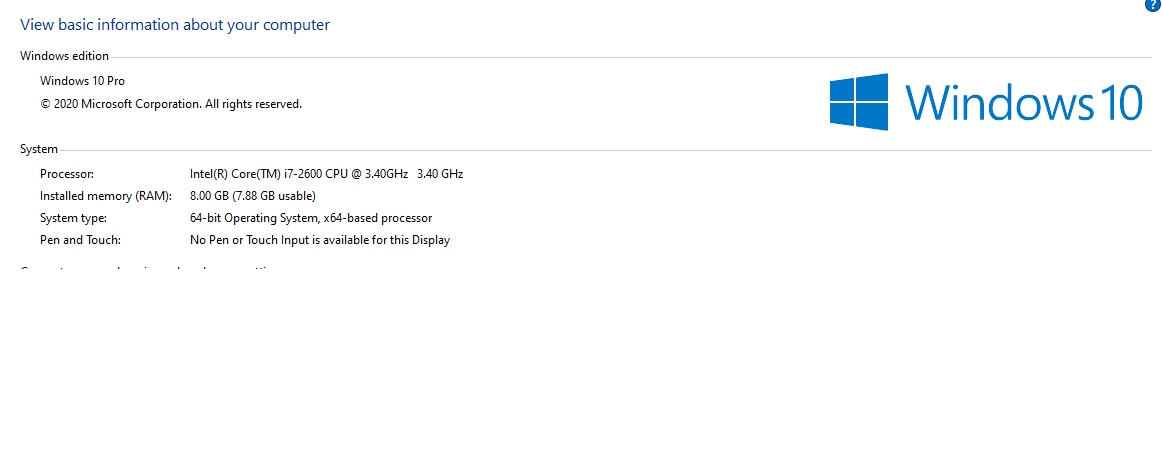
- I'm attaching some screen shots regarding the details of my pc
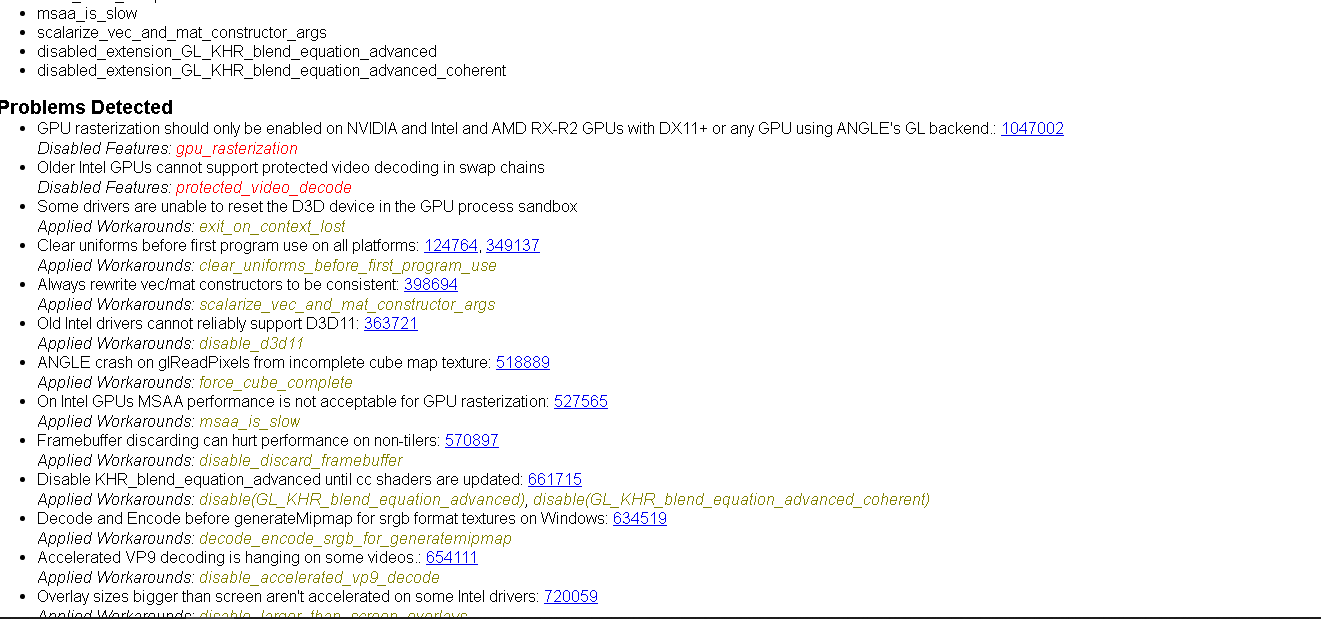
my chrome://gpu

-
I have tried different models. Not every one has this issue. But some of them have.
-
That model looks fine in my chrome
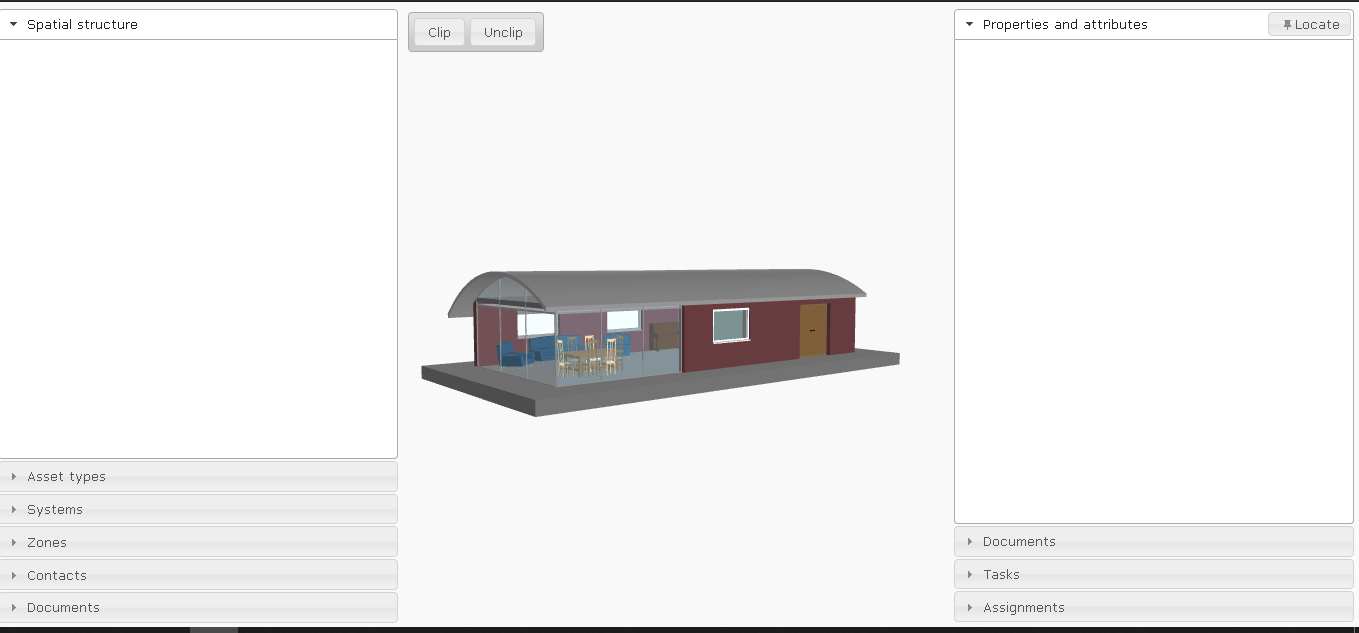
- Which other bim applications should I check?
I'm attaching the XbimWebUI-master application to rule out the doubts regarding code changes. I'm using the same application I downloaded from git XbimWebUI-master.zip
I checked this viewer in 3 computers and all those had the said issue.
Thanks. Useful feedback. Will take a look later to see if we can reproduce
Hi @Anu004 , can you try the NPM package I referred to earlier on? It is several years of development beyond the master branch and will require some refactoring. But will show you where we are now. We will push all the changes to GitHub eventually as well, but we are too busy on other tasks right now.
Hi @Anu004 , can you try the NPM package I referred to earlier on?
I have tried this also.
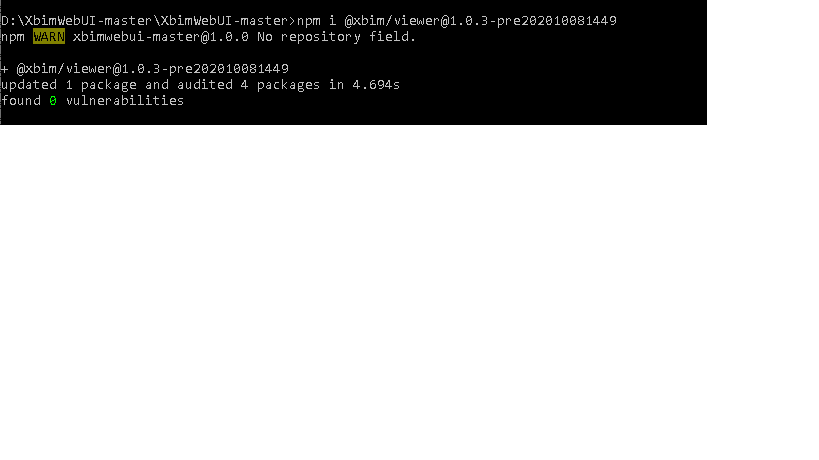
Is this enough to get the new package? I couldn't find any difference between the two versions.
Just tested with your code (zipped above) - it all renders fine in Chrome 86.0.4240.183 (Official Build) (64-bit)
It's really sounding like a local environmental issue, possibly triggered by a change in Chrome.
Of the 3 machines you tried do they have similar hardware?
I had a quick look at the changes in the Chromium build between 766107 & 766091, and I couldn't see anything obvious (seems to be an Android java change?)
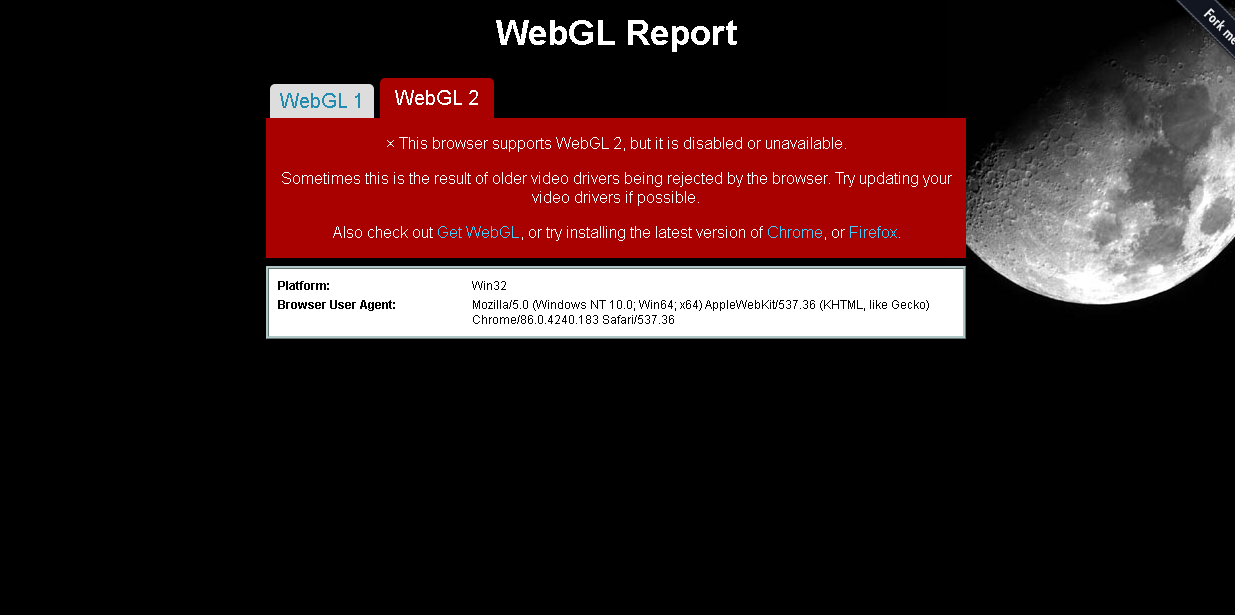
Can you provide the diagnostic report output from https://webglreport.com/?v=1
Of the 3 machines you tried do they have similar hardware?
Yes they all have similar hardware
Can you provide the diagnostic report output from https://webglreport.com/?v=1
Attaching the screen shots
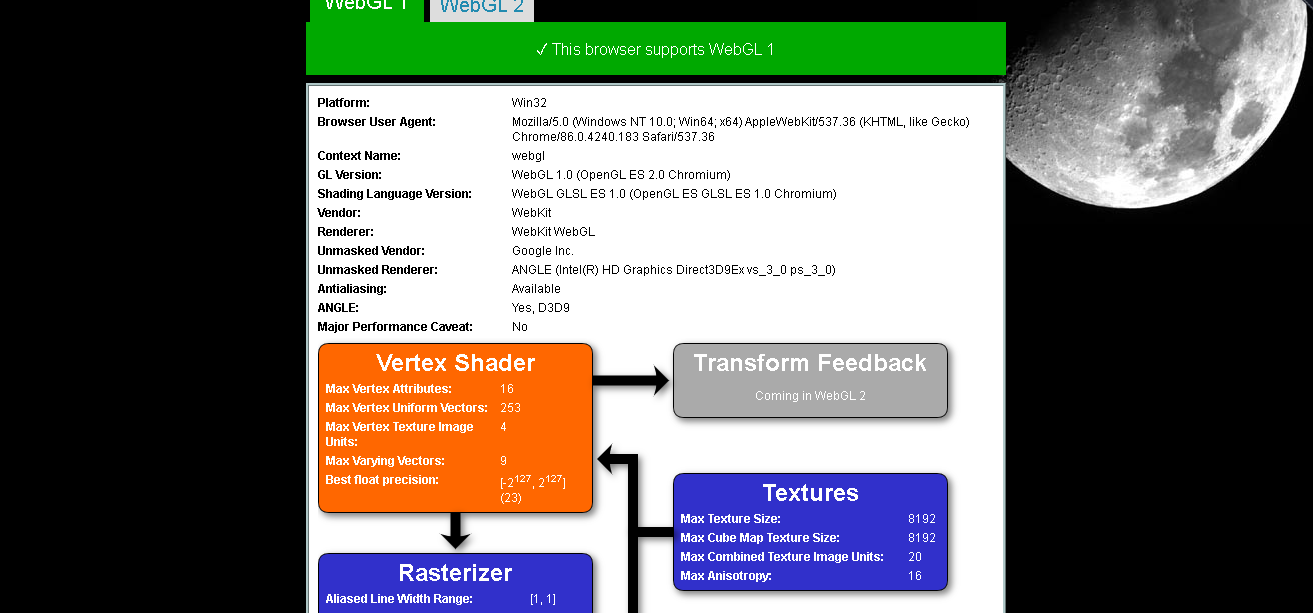
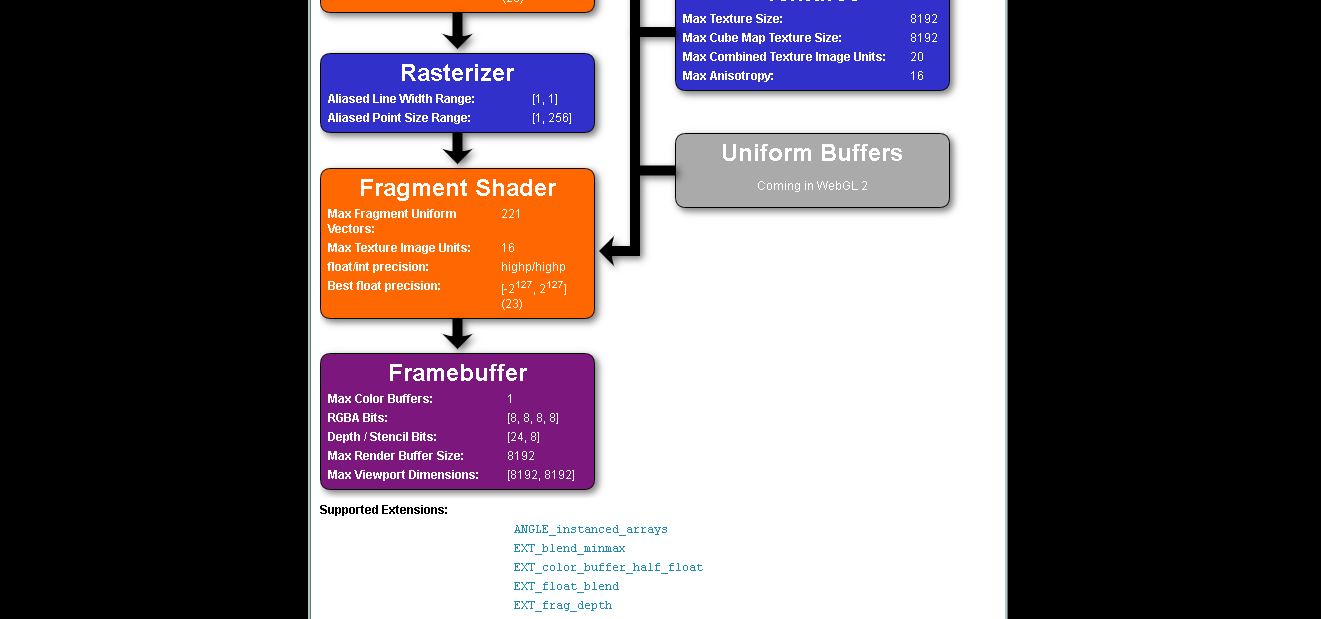
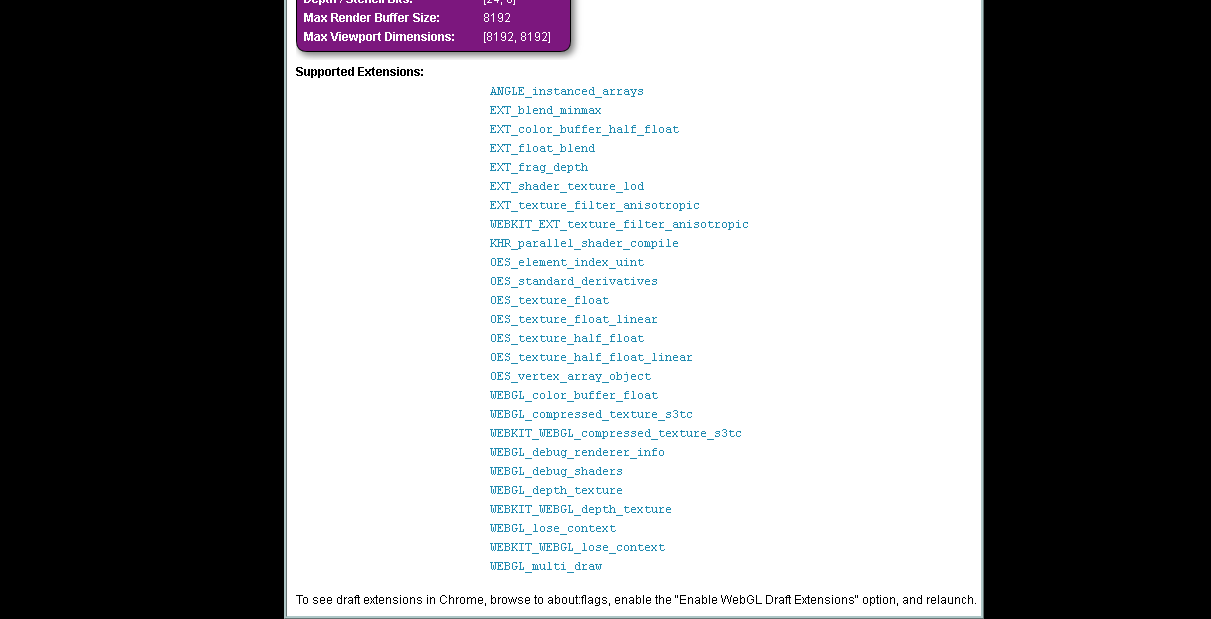
Probably need @martin1cerny to weigh in on this one as he may know what the minimum requirements are in terms of Vertex/Fragment shaders & gl extensions.
Have you checked your GPU drivers are up to date? While we don't use webgl2 in the master version of webui, the fact that it's blocked does indicate an older (blacklisted) driver
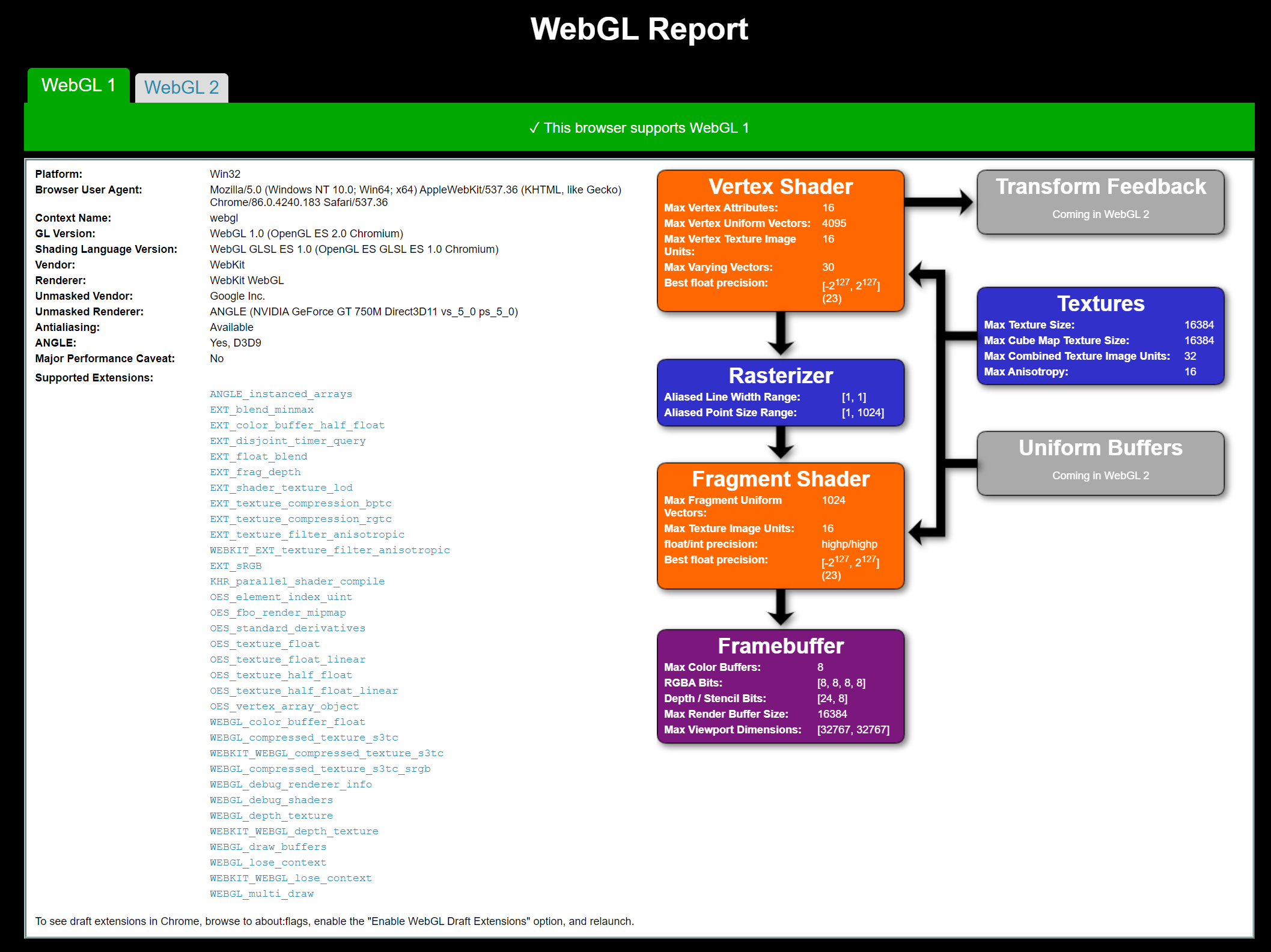
This issue is usually caused by a problem with precision of GPU operations. The viewer essentially works (it loads data and runs the WebGL shader program), but doesn't give the right result. As Andy said, this is specific hardware dependent, so it is very hard to debug/fix as we can't reproduce.
My graphics driver is up-to-date. Is there any possibility to rectify this by changing any chrome settings?
Definitely worth trying out a few Chrome settings changes (or even GPU) to see if any of them make a difference. At the moment the issues seems to be particular to your environment so we're limited in what to suggest.
I guess what you could do is compare chrome://gpu settings of different versions of Chrome (working vs broken) and see what is different.
It might also be worth visiting https://webglreport.com/?v=1 with different versions to see if something has changed in terms of what is reported. (I would save the html and 'diff' them)
If we can determine a repro there may be something we can do.
Also, maybe verify if you have the same issue in Firefox. I'd expect to see the issue in the new Edge as well if it's in Chromium.
Have you tried resetting your chrome settings to default? Appreciate that's a blunt tool (maybe unsync the settings on one machine as a trial before resetting).