
product-is

product-is copied to clipboard
 wso2
wso2
No instructions on how to fix console login when hostname changes
Is your suggestion related to a missing or misleading document? Please describe.
When you change the hostname after you startup the server once, the console login fails with the below error.
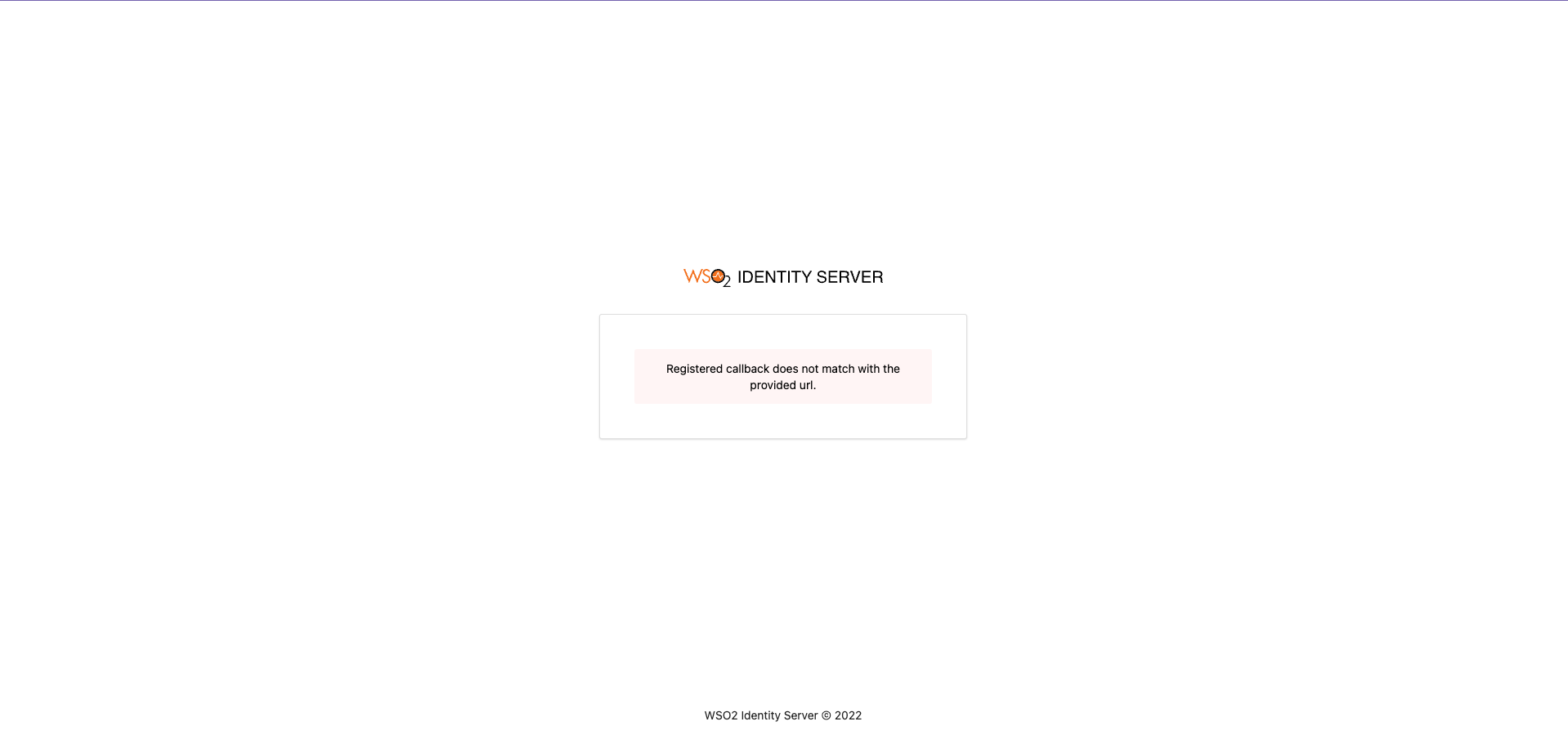
To fix this the console callback URLs needs to be updated. This requires
- Removing console from marked as a read only app in deployment.toml
- Restart the server
- Login with Management console
- Go to the console app and change the callback URL
or
- Revert the hostname change
- Removing console from marked as a read only app in deployment.toml
- Login with console
- Update the callback URLs with the new hostname
- Stop the server
- Change the hostname and restart
Describe the improvement
What ever the approach we decide for the user needs to be part of https://is.docs.wso2.com/en/6.0.0/deploy/change-the-hostname/
Optional Fields
Additional context
Related Issues:
