

 wp-media
Auto-optimization on image upload doesn't optimize thumbnails
Probably due to a new change in the upload process, only the full size (+ webp) is optimized automatically. The media then displays a "Optimize X missing thumbnails" link. I was able to follow the lead to some point:
Imagify_Auto_Optimization->do_auto_optimization()
=> Imagify\Optimization\Process\AbstractProcess->optimize()
=> Imagify\Media\WP->get_media_files()
=> wp_get_attachment_metadata()
This final wp_get_attachment_metadata() returns an empty string instead of the full meta data (as it should, since it is supposed to be ran after the upload is complete).
Related ticket.

@Screenfeed Thanks for the report. Could you please work on priority on this bug?

@hellofromtonya This is fixed in #494 and I tested it manually. Automated tests won't be a piece of cake though. Any thoughts about how to proceed?
@Screenfeed I'd suggest the following:
- Have our Dev QA team test it out on MEGA or somewhere.
- Have Marko add the changes to customer websites to validate it works.
We can add tests later. Why later? I know that it's tough to test Imagify now. We'll fix that later and make Imagify testable.
Sound good?

Apparently this may still be a problem, as we have a customer reporting that the fix contained in the 1.9.10 release is not solving the issue for him.
Reopening and tagging for more info.

I can maybe reproduce this, in the case where there are image thumbnail sizes defined with a 0 dimension, like
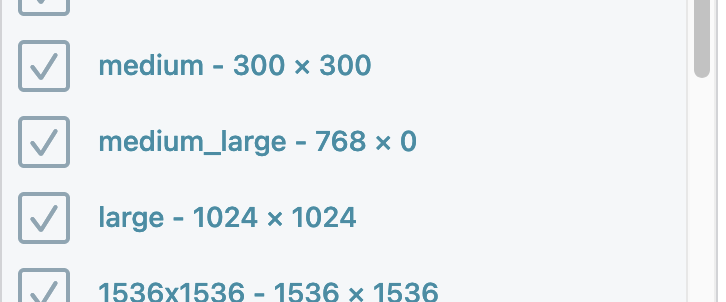
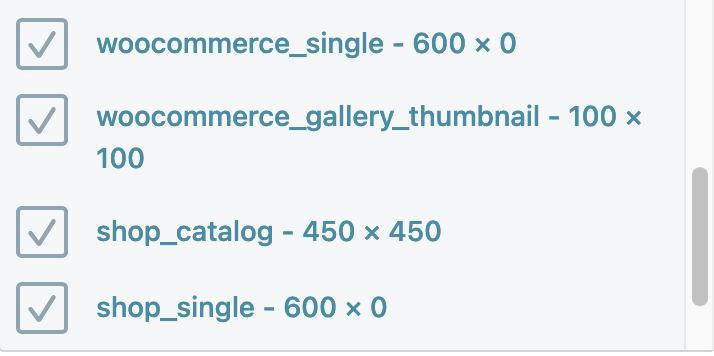
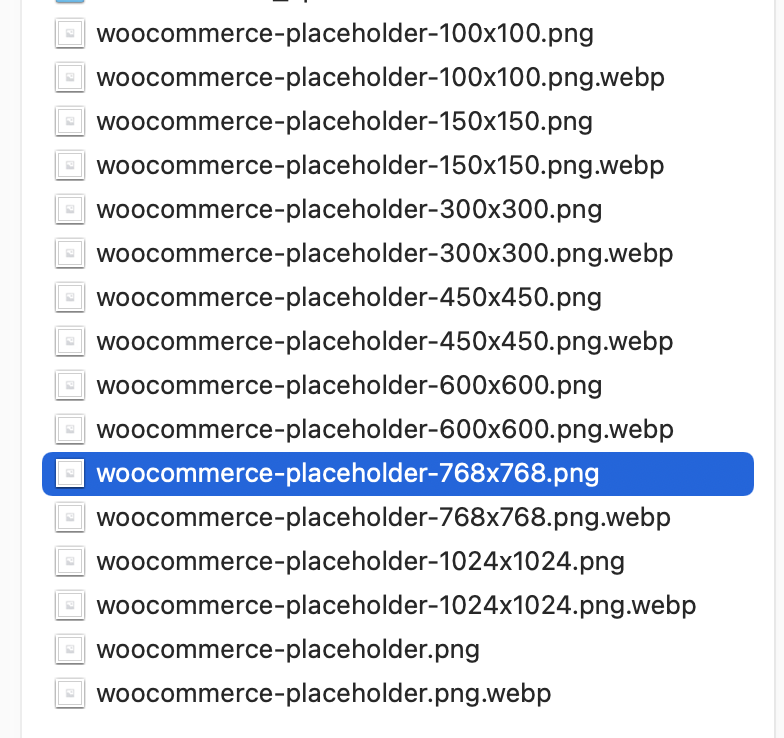
Image thumbnails seem to be generated in square dimensions (0 dimension same as given dimension):
There appear to be 3 unoptimized thumbnail sizes (presumably corresponding to the 3 sizes with a 0 dimension:
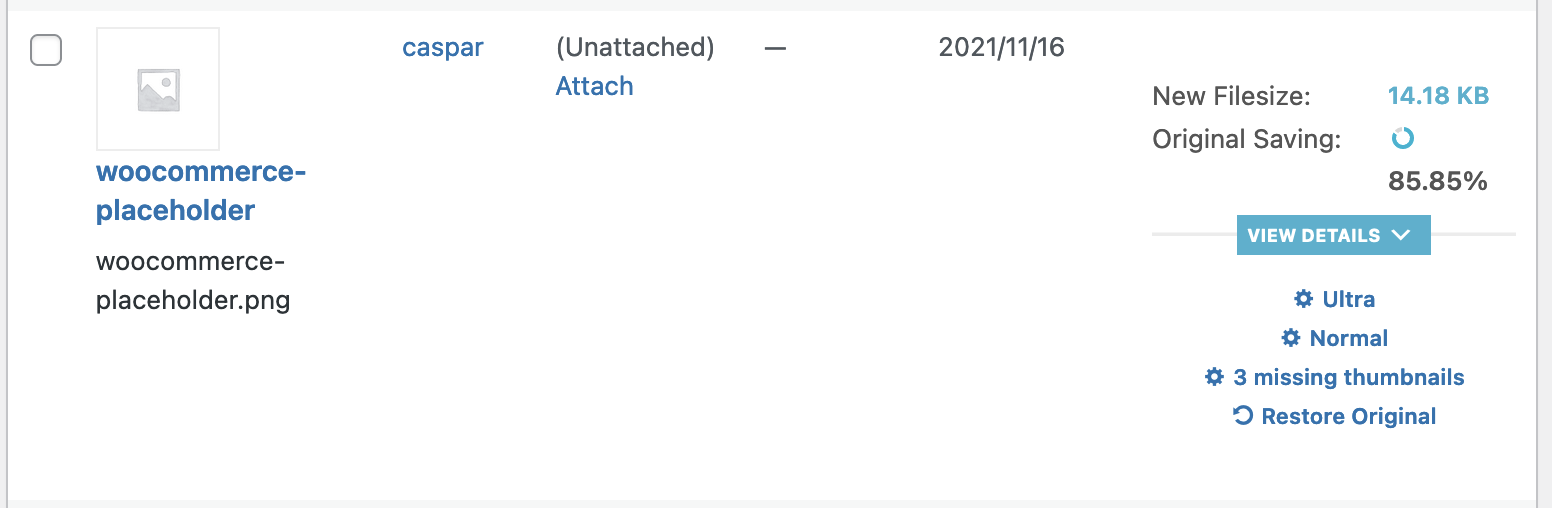
But this occurs only for the single (in this case woocommerce placeholder) image. Other images do not show as missing the unoptimized thumbnails.
One might suspect that it's because the woocommerce image was not uploaded via the media uploader, rather installed with woo, and in this case, restoring the original image and re-optimizing clears the missing thumbnails message. In which case, it's not to do with auto-optimizing as it is with the image being uploaded in a "non-standard" manner.