

 wordpress-mobile
Media & Text vertical alignment icon state "out-of-sync" after orientation change
Describe the bug In the Media & Text block, after rotating to landscape, the vertical alignment icon is "out of sync" with the state. As soon as you change the value, it syncs again, and remains synced after that.
To Reproduce
- Add a Media & Text block
- Add an image from the media library
- Add some text
- Rotate the device to landscape mode
- Observe the state of the vertical alignment in the content
- Observe the vertical alignment button icon state
Expected:
The icon should reflect the current state of the setting.
Screenshot
Screenshot

Smartphone (please complete the following information):
- Device: Pixel 3a
- OS: Android X

:wave: @mkevins ! I'm having some trouble reproducing this both on our latest code and with the alpha-219 build. Would you mind taking a look at my test and let me know if I'm missing something.
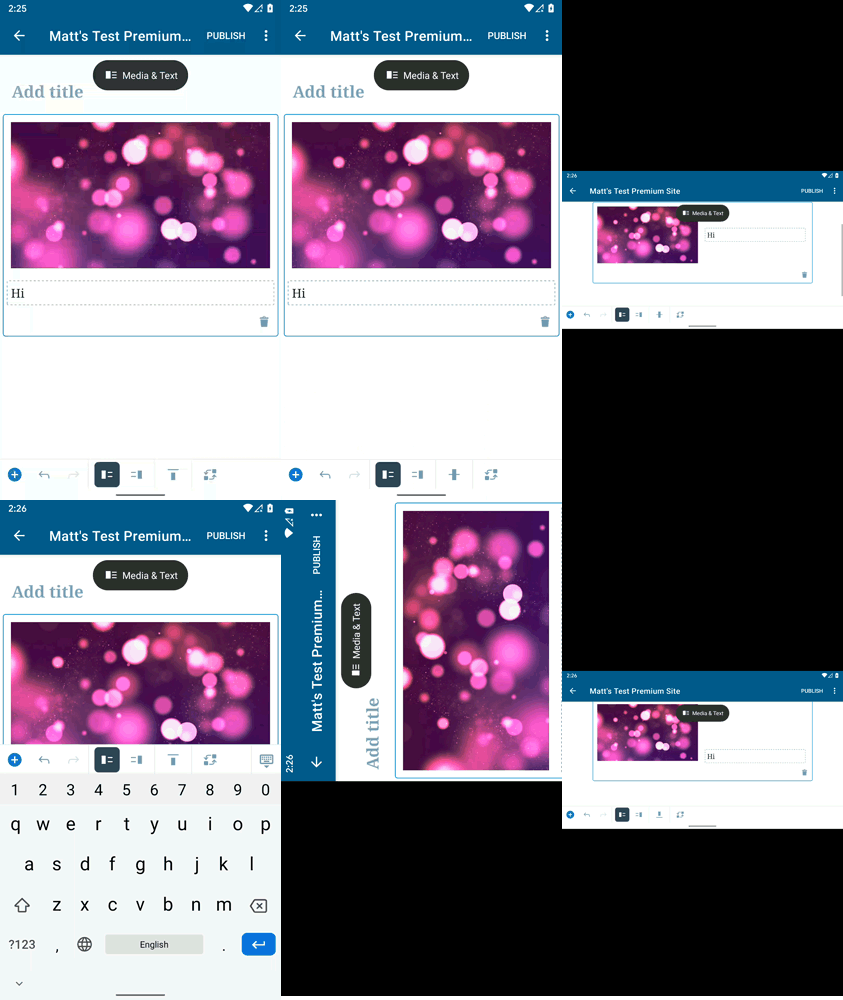

Hi @mchowning :wave: :smiley: thanks for taking a look at this one.
@mkevins ! I'm having some trouble reproducing this both on our latest code and with the alpha-219 build. Would you mind taking a look at my test and let me know if I'm missing something.
I couldn't be sure from your screencast, but when you first added the block in portrait mode, did you also edit the setting before rotating? In my tests, the syncing works correctly after changing the setting, but if I add the block, then rotate (without first touching the setting), the icon renders incorrectly in landscape. Can you confirm if you encounter (or don't) the same?
if I add the block, then rotate (without first touching the setting), the icon renders incorrectly in landscape
I see what you mean now. Thanks for explaining!
It looks to me like the issue is that the icon shown when no alignment is active is the top alignment icon, but the text is actually presented as if middle alignment is applied. This same thing happens on web fwiw.
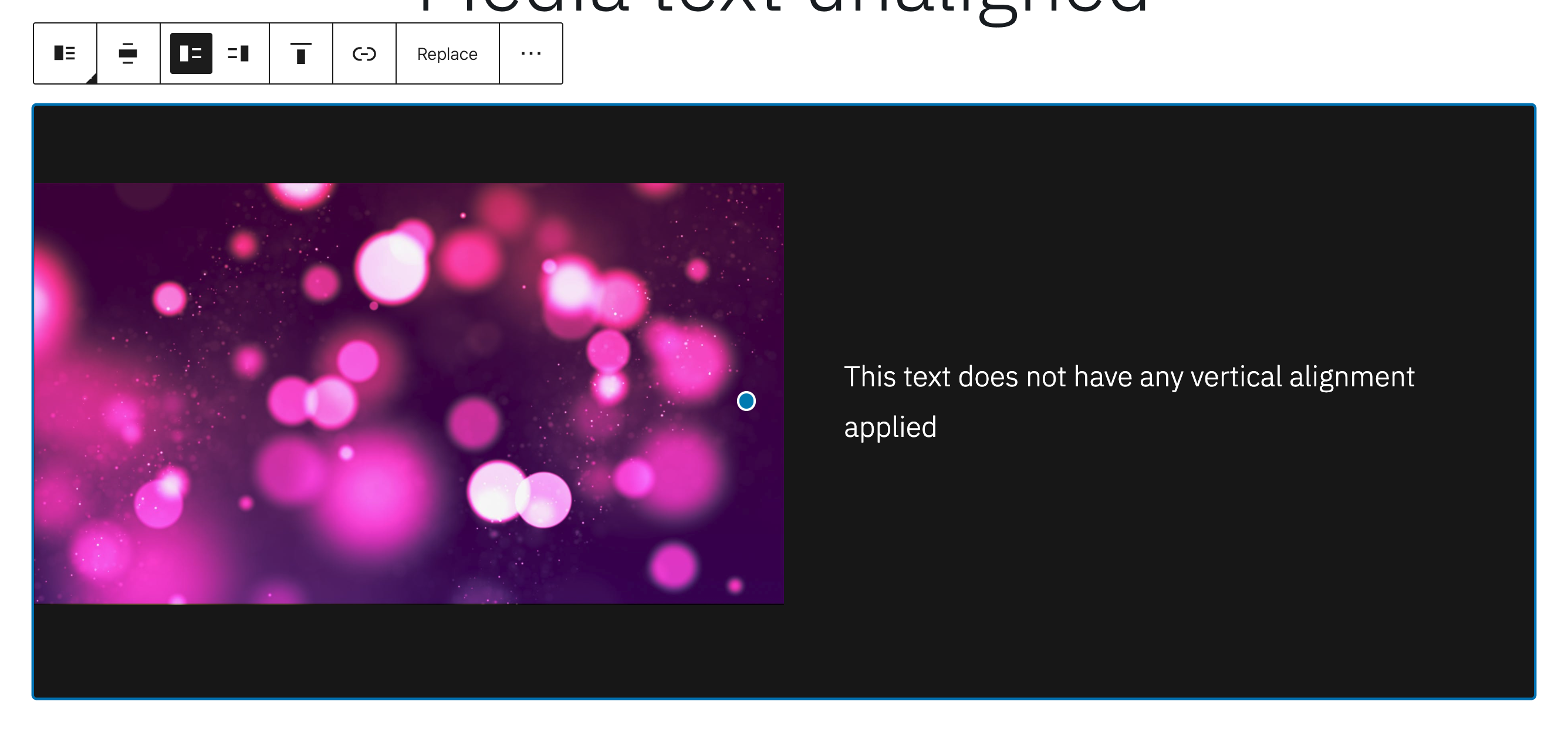
It looks to me like the issue is that the icon shown when no alignment is active is the
topalignment icon, but the text is actually presented as ifmiddlealignment is applied. This same thing happens on web fwiw.
Confirming that the quoted incorrect default value bug does exist. I was unable to reproduce the originally referenced "out of sync" issue.

I was unable to reproduce the originally referenced "out of sync" issue.
Looking back upon this, I think this is likely the same issue, expressed in different ways. What I originally meant by "out of sync" is that the actual alignment that is applied is not "in sync" with (i.e. it appears to be different from) the alignment icon displayed in the settings. This original (user-centric) description was not considering that there was no alignment value present, so that the reason for the bug was due to a mismatch in how the default value was being reflected in the button state and the content rendering.
@dcalhoun , I may be missing something, so please correct me if I'm wrong here. When you mention that you are unable to reproduce the original issue, when you follow the steps described, do you observe the button state reflecting "top" alignment, while the text is rendered with "middle" alignment, or something else?
@mkevins your are correct. We all experience the same issue, but describe it with different words.
For me, I think the misleading portion of the original description is that the title references "after orientation change" and the reproduction steps include "Rotate the device to landscape mode." I interpreted that to mean that changing the orientation was a required step for producing the unexpected outcome.
While the orientation change enables observing the different states of content alignment and button state, it is not required for reproducing the issue. That nuance is why I misinterpreted the original report.