

 wordpress-mobile
PDF file not showing on the media picker screen on the classic editor
Expected behavior
To be able to select the PDF file that's been uploaded to the Media library on the classic editor to add it to the page/post on the app.
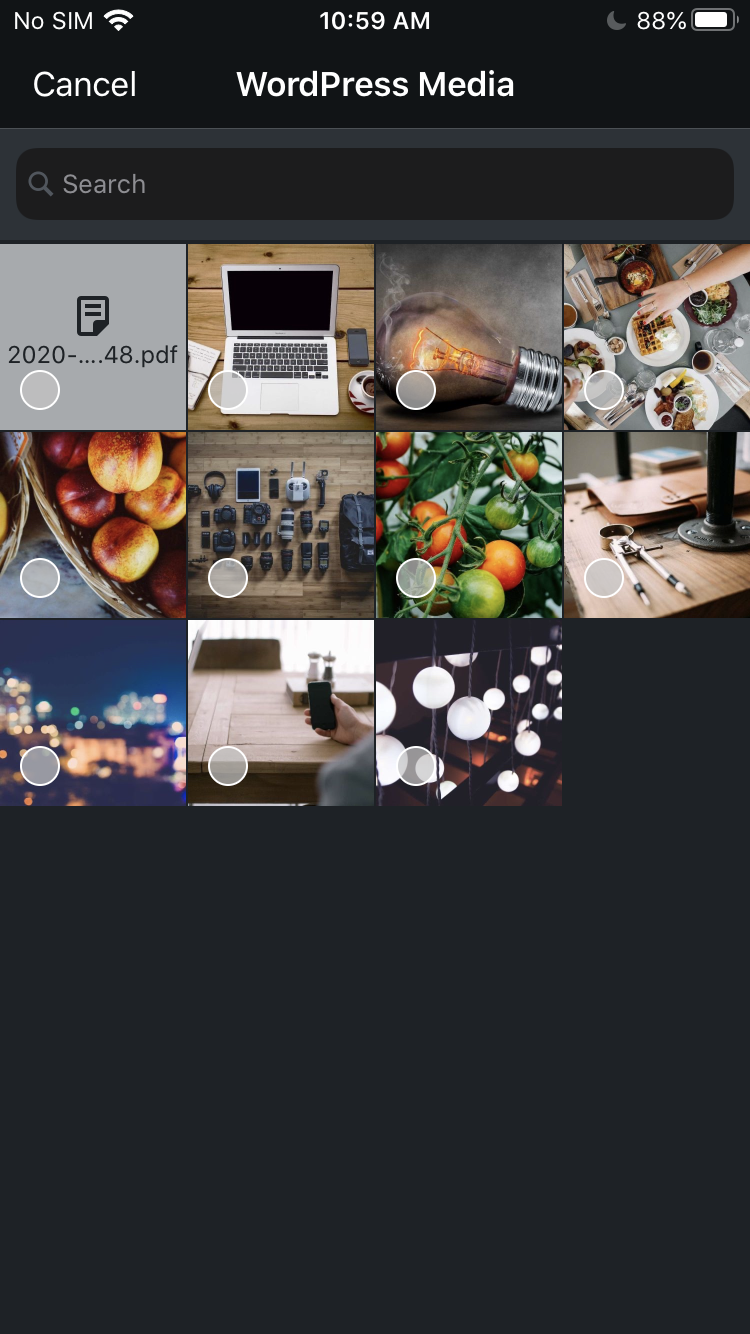
This can be achieved on the WP iOS app (version 15.6) but not on Android.
Actual behavior
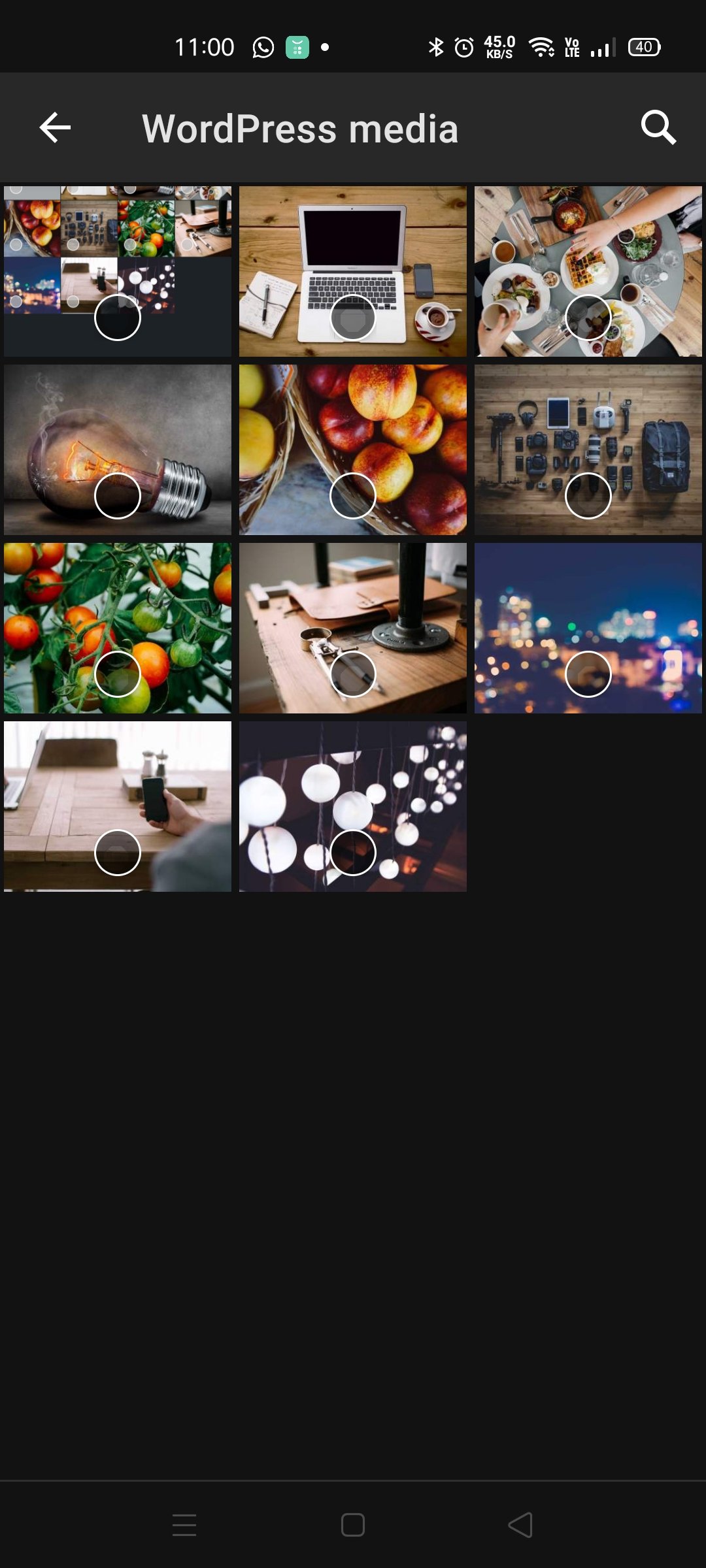
Only photos are showing on the media picker screen.
Steps to reproduce the behavior
- Go to My Site > Media and upload a PDF file to the site
- Go to My Site > Site Pages or Blog Posts
- Create a new page/post, or edit an existing page/post
- Tap on the three dots and select "Switch to classic editor"
- Tap the + icon and then the W icon
- Only photos are showing on the screen, not the PDF file that's uploaded in Step 1.
Screenshots
Screenshot of the media picker screen on WPAndroid
Screenshot of the media picker screen on WPiOS (15.6)
Tested on [device], Android [version], WPAndroid [version]
Device: Oppo Reno 4 Android version: 10 WPAndroid version: 15.7-rc-2
Reported in 3314184-zen with WPAndroid version 15.6.

I am still able to reproduce this in WP Android 20.6, however with two caveats.
- "Switch to classic editor" is no longer available in post settings on WordPress.com sites.
- Classic editor is no longer available in site settings on WordPress.com sites.
In order to reproduce, I had to find an old post which had been created in the classic editor, and was not yet using the block editor.
I was also able to reproduce on a self-hosted site with Jetpack, with "use block editor" site setting disabled.
