google-listings-and-ads
 google-listings-and-ads copied to clipboard
 woocommerce
Onboarding wizard show plugin name with ampersand
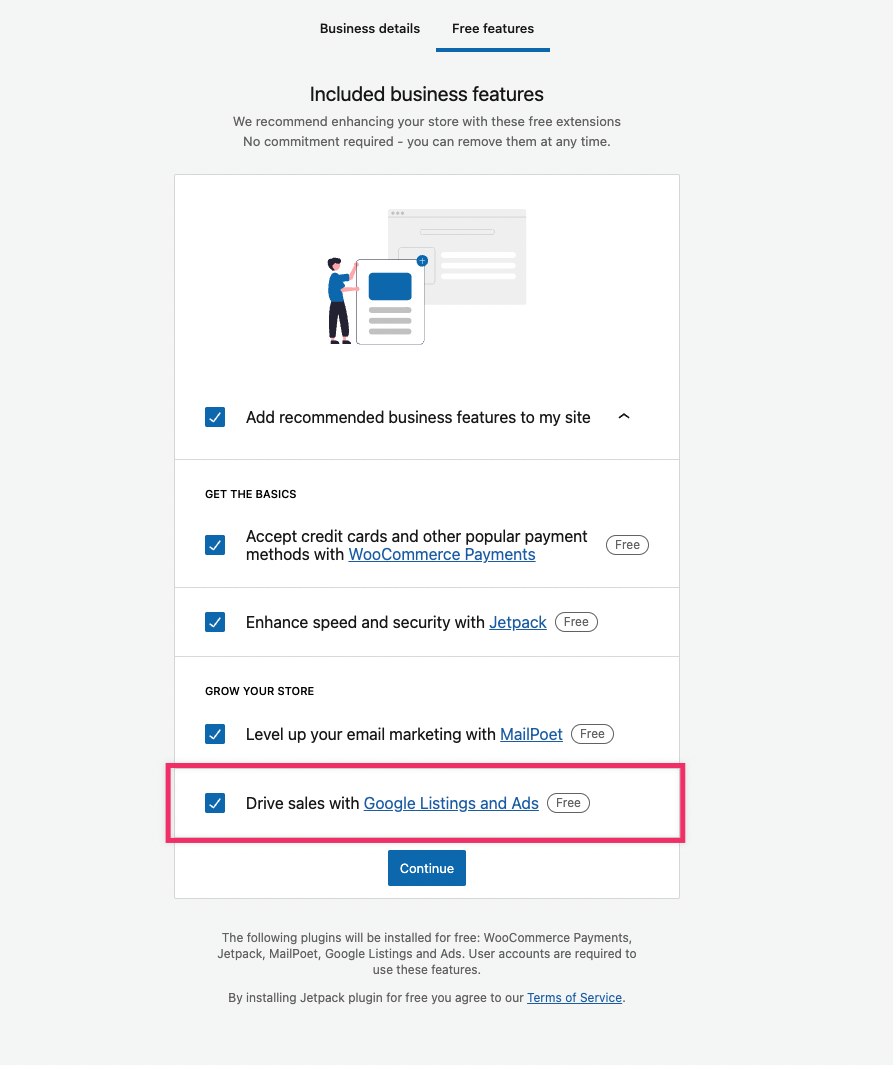
When going through the Onboarding Wizard in WooCommerce our extension gets recommended to install. In one of the views it combines this with an image which is still showing an older Google Ads image.
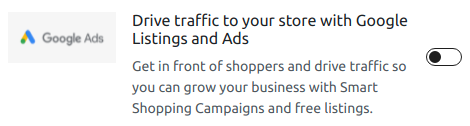
This image should be replaced with the one here: https://www.dropbox.com/s/aem5azqoomuhruy/obw-gla.png?dl=0

The image to be replaced can be found here: https://github.com/woocommerce/woocommerce-admin/tree/v2.3.1/images/onboarding It's referenced in the following location: https://github.com/woocommerce/woocommerce-admin/blob/v2.3.1/client/profile-wizard/steps/business-details/data/extension-benefits.js#L34
Steps to reproduce
- Go through the onboarding wizard in WooCommerce (can be restarted though WooCommerce > Status > Help > Setup Wizard)
- On the first step select a country that's not included on the list, like Spain
- Fill out the information and proceed to the Business Details tab
- See the Google Listings and Ads extension listed with the older image

In addition to replacing the image the correct name (in text form) is Google Listings & Ads
There are a few locations in the onboarding wizard where and will need to be replaced with &. We'll need to double check if that should be a & in certain locations to display correctly.
The original business flow has already been removed in https://github.com/woocommerce/woocommerce-admin/pull/7103 (included in WooCommerce 5.5 RC 1)
So replacing the image is no longer relevant. We can still change the text and replace and with & in the plugin name.
Just a side note: we also have a bunch of places in our own code where the name is written like Google Listings and Ads (for example, in the Plugin Name section of google-listings-and-ads.php file, and in some of the errors). Should we also replace all those references in our code with Google Listings & Ads?

the Plugin Name section of google-listings-and-ads.php file
We'd have to be careful with changing that one. Because on WordPress.org the plugin slug is auto generated from the plugin name. I'm not a 100% sure if this can be changed since we completed the initial submit, but I think we can leave it as is and replace it in all other locations where it's shown to the user.
Also some parts in readme.txt where it can be updated.
I think next step here is doing bit of an audit and identifying exactly where the name needs to be updated

I tested this on WooCommerce version 6.8.0. In my test, the recommendation to install Google Listings and Ads does not present an image, but the text still says Google Listings "and" Ads instead of Google Listings "&" Ads: