
facebook-for-woocommerce
 facebook-for-woocommerce copied to clipboard
 woocommerce
facebook shop choose randomly from variant product instead of the parent img
I checked solutions for my problem, and I find that on one forum to change all variants setup to use the parent image. The problem with that is than on facbook all variant will show the parent img instead to the variant. So this solution creates an other problem.. not to mention I should go threw few 1000 product variations to set them one by one.. Could you please find a solution to use the parent img as default as it is on the webshop? And only use the variations on the variations option? As I use the same variation images to multiple products it is really confusing to customers.

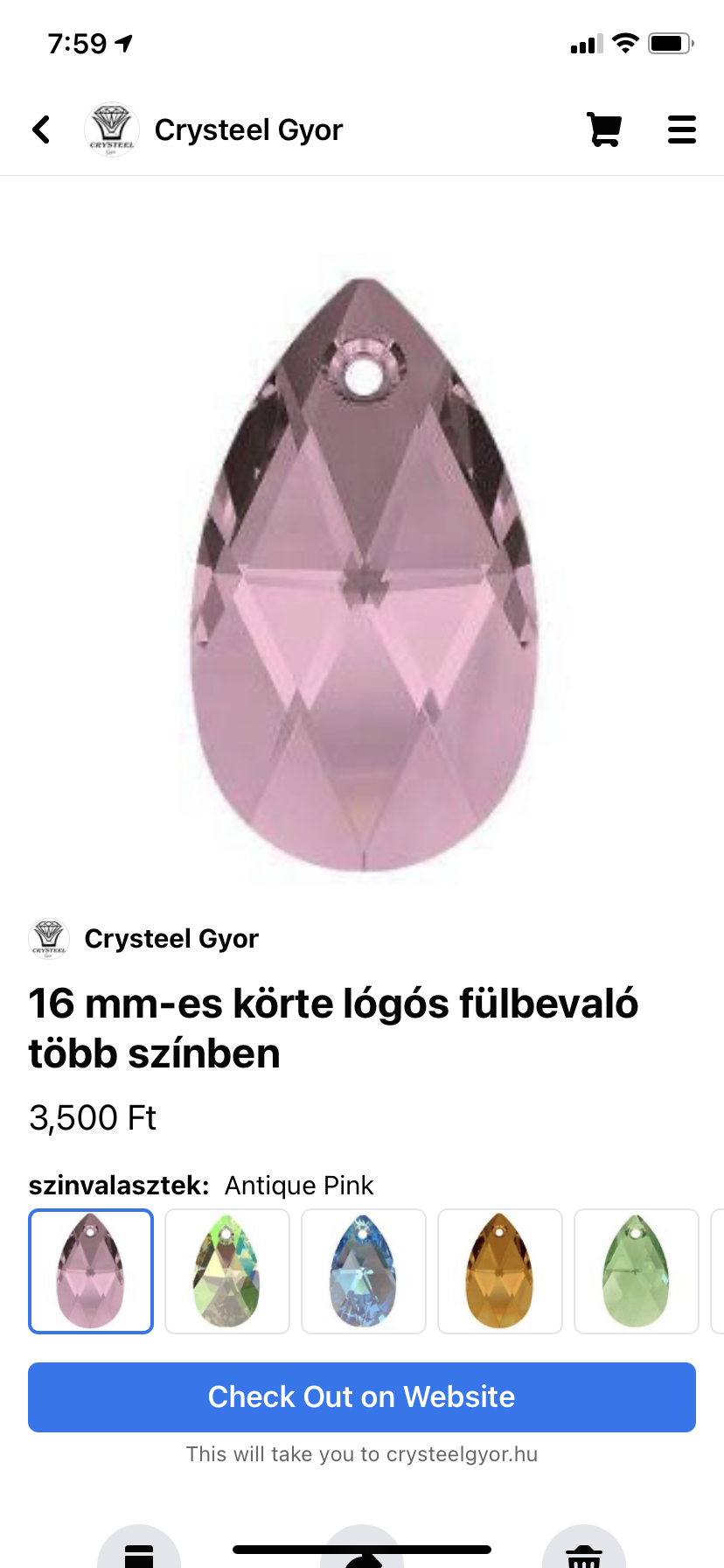
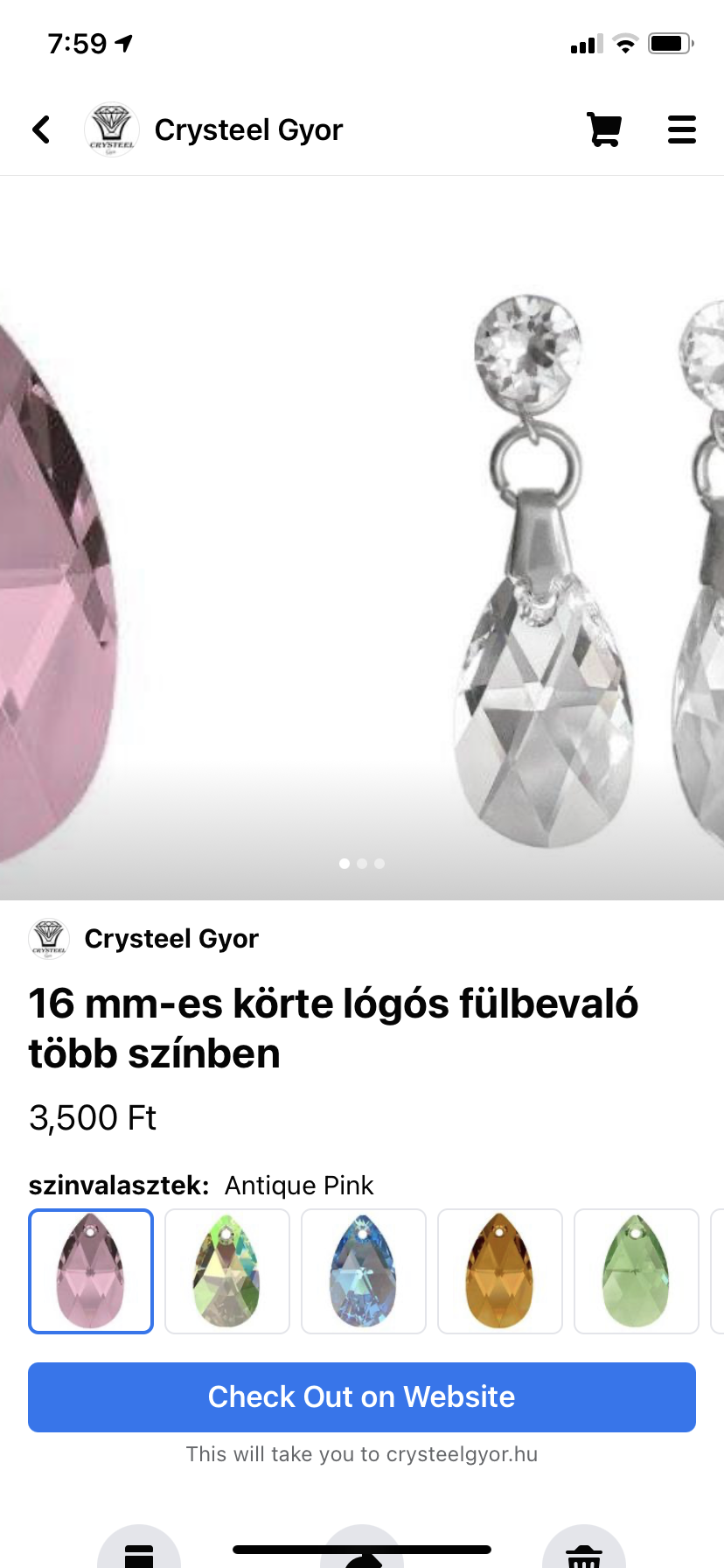
as it appears the problem is that facebook use randomly one of the variant img to set as the first product image on facebook shop. The rest of the product images are there as 2nd 3rd etc.
Hi @elboy84,
Thanks so much for writing in with your question. You're spot on here! In previous versions of the plugin, it wasn't possible to specify a default variation to be shown on the shop page, instead, Facebook would select one at random during the sync process. This meant the only reliable way to keep the image the same was to use the same image across all variations.
This changed however with our newest v2 version, as we were able to use the API to sync again. Our developers have been working on this issue and have just recently released version 2.1.2! This will now sync the default variation when set in the WooCommerce product settings, and therefore, use the correct variation image too.
Could you please update to the latest release, set one of your variations as default within WooCommerce, and initiate another sync to let me know if this works for you?
Cheers,

Hi Simon,
I just can't find that setting.. is it in the variant? I go in the product and then the settings or where can I set it up? I would need to use the product default img not the variant img. As you see in the pics.
Hi @elboy84!
You can select the default variation that WooCommerce will use in the edit product screen after selecting the variation tab: https://cloud.skyver.ge/Z4uy4yNl
If you'd like to use the product image instead of the variation image, then this should be possible from the edit product settings: https://cloud.skyver.ge/yAulqleg where you can choose to use parent image.
Could you please give these settings a try and see which works best for your store?
Cheers,
Hi @simonporter007 ,
thank You for your letter. This is how the sync page looks like.
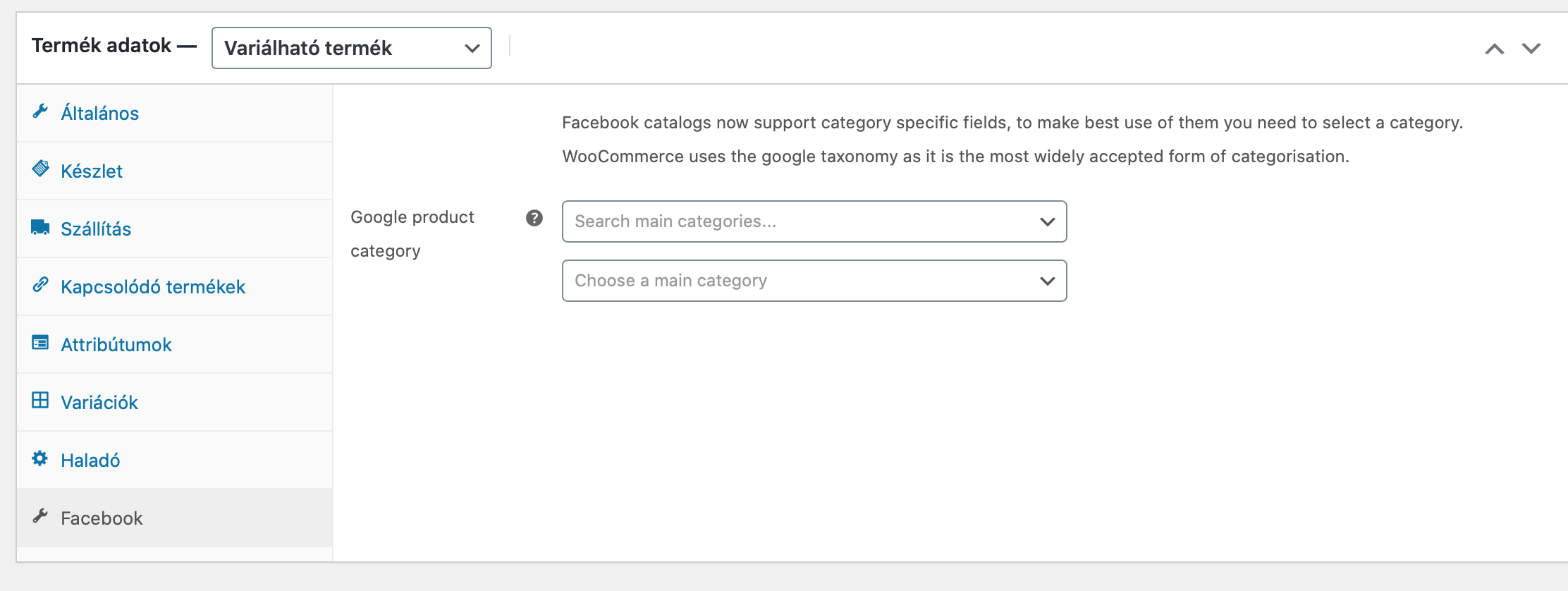
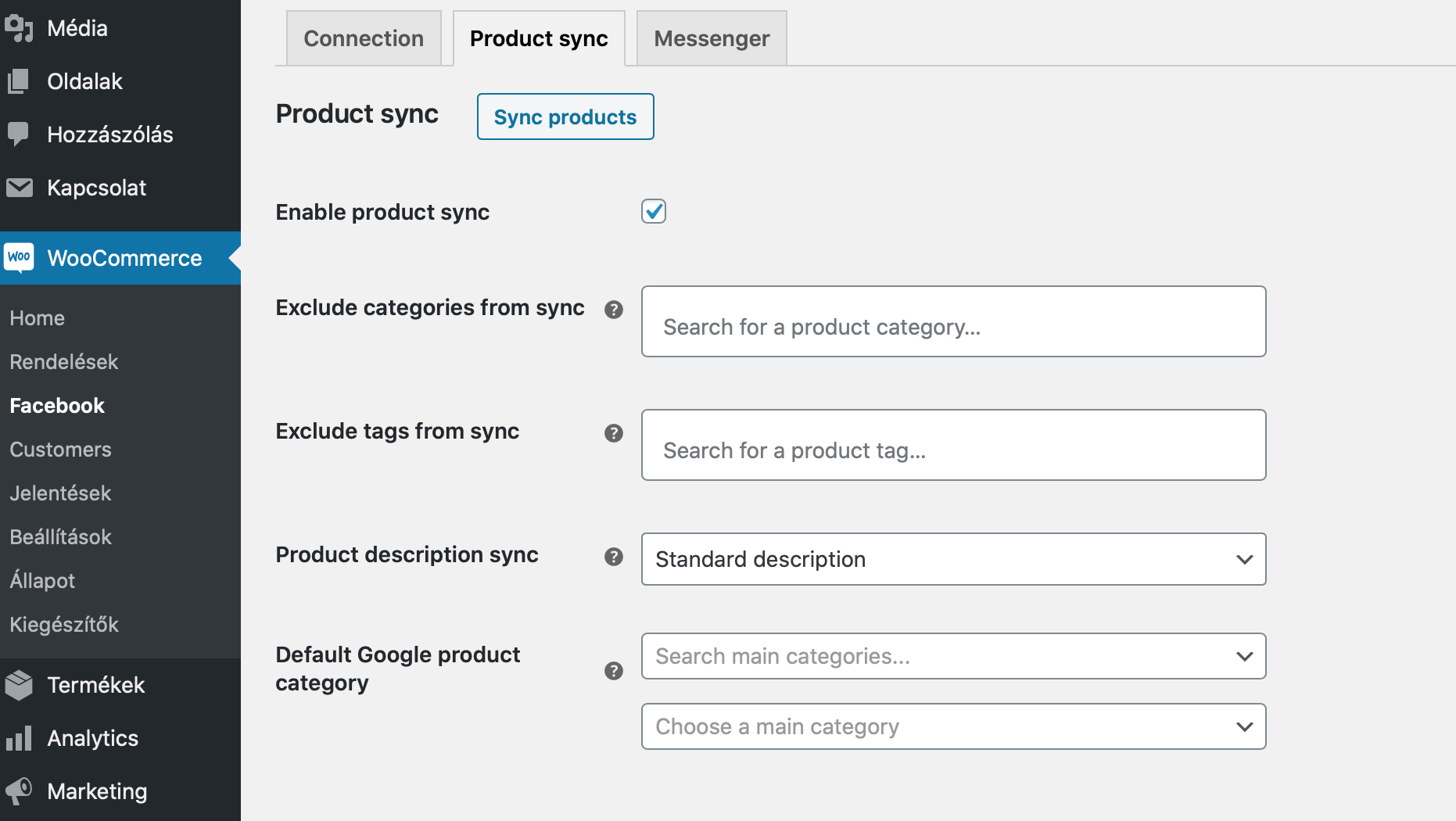 I go to product setting facebook, and this is all I see.
Hi @elboy84,
Thanks for sharing the screenshot! The product you've shown looks to be a "Variable Product". In which case, the Facebook settings are controlled per Variation instead. If you click the Variaciok link from your screenshot, and then select the individual variations, you should then see the Facebook fields: https://cloud.skyver.ge/wbuPpO48
Could you check if this works for you too?
Cheers!