

 williamyang1991
Can we toonify more than just a portrait
Can we toonify more than just a portrait? What I mean I want the rest of the scene to be visible as normal but the head to be toonifyed rather than cropped

Use --padding to prevent cropping.

Example:
python style_transfer.py --content ./data/038648.jpg \
       --scale_image --backbone toonify \
       --ckpt ./checkpoint/vtoonify_t_arcane/vtoonify.pt \
       --padding 600 600 600 600     # use large padding to avoid cropping the image


Thank you. Is it possible to toonify more than one person at a time in a single scene?
On Tue, 27 Sept 2022, 02:35 Shuai Yang, @.***> wrote:
Use --padding to prevent cropping.
[image: 077436_overview] https://user-images.githubusercontent.com/18130694/189530937-eb468f96-ac02-4f33-8621-03cb93d17e73.jpg Example:
python style_transfer.py --content ./data/038648.jpg
--scale_image --backbone toonify
--ckpt ./checkpoint/vtoonify_t_arcane/vtoonify.pt
--padding 600 600 600 600 # use large padding to avoid cropping the image[image: arcane2] https://user-images.githubusercontent.com/18130694/189540365-d04ffb2a-d72f-4ada-a2a8-89b8ac9ea441.jpg
— Reply to this email directly, view it on GitHub https://github.com/williamyang1991/VToonify/issues/6#issuecomment-1258853843, or unsubscribe https://github.com/notifications/unsubscribe-auth/AUOEBZYUMCA7R7ZA42RLMHTWAJFNHANCNFSM6AAAAAAQWBH3Q4 . You are receiving this because you authored the thread.Message ID: @.***>
I haven't tried this before. Our content features should be applied to multiple faces at a time, but our style code is extracted from only one face. So I don't have any idea on what the results will be like. Maybe you can have a try.
Thanks. I tried a picture with 3 people, howe
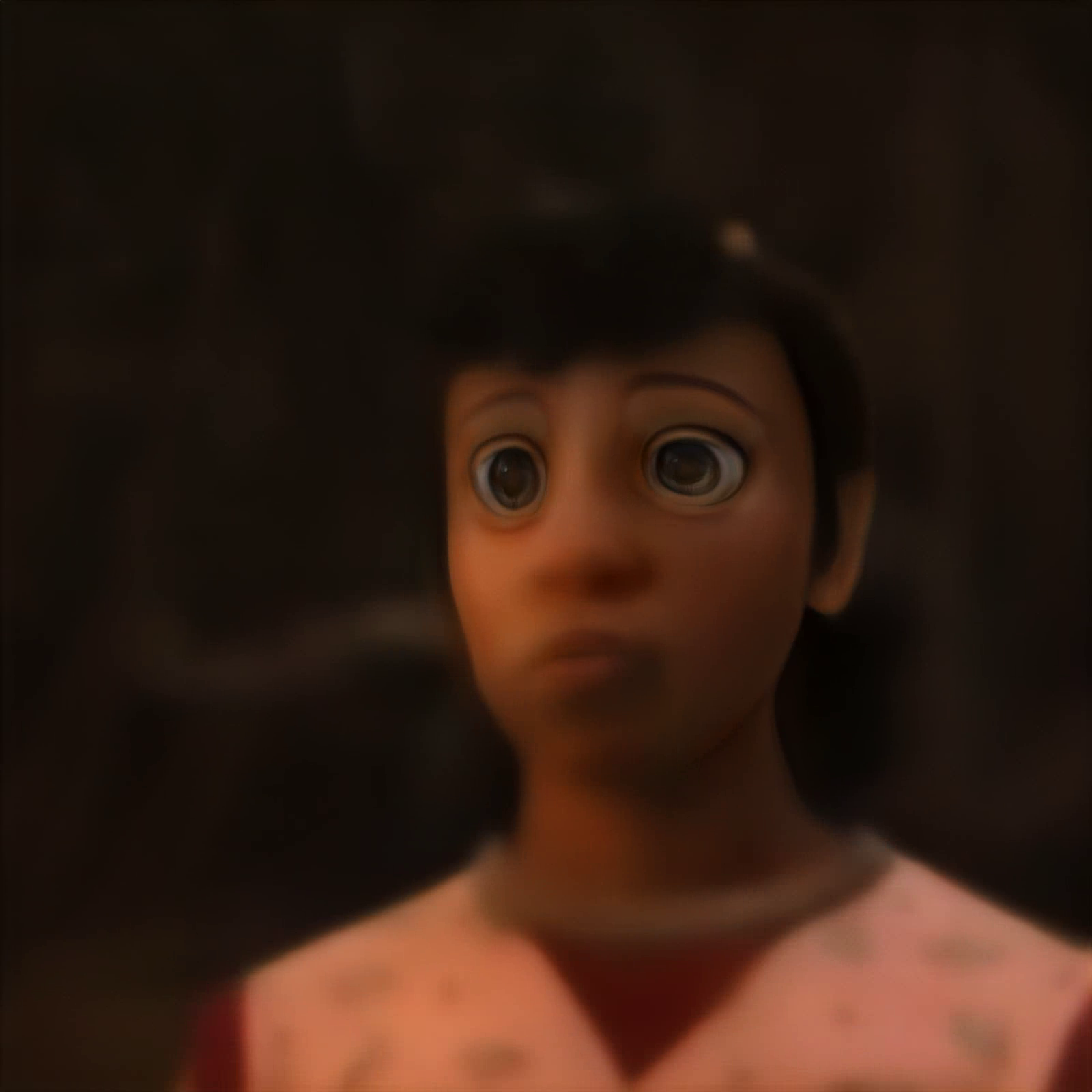
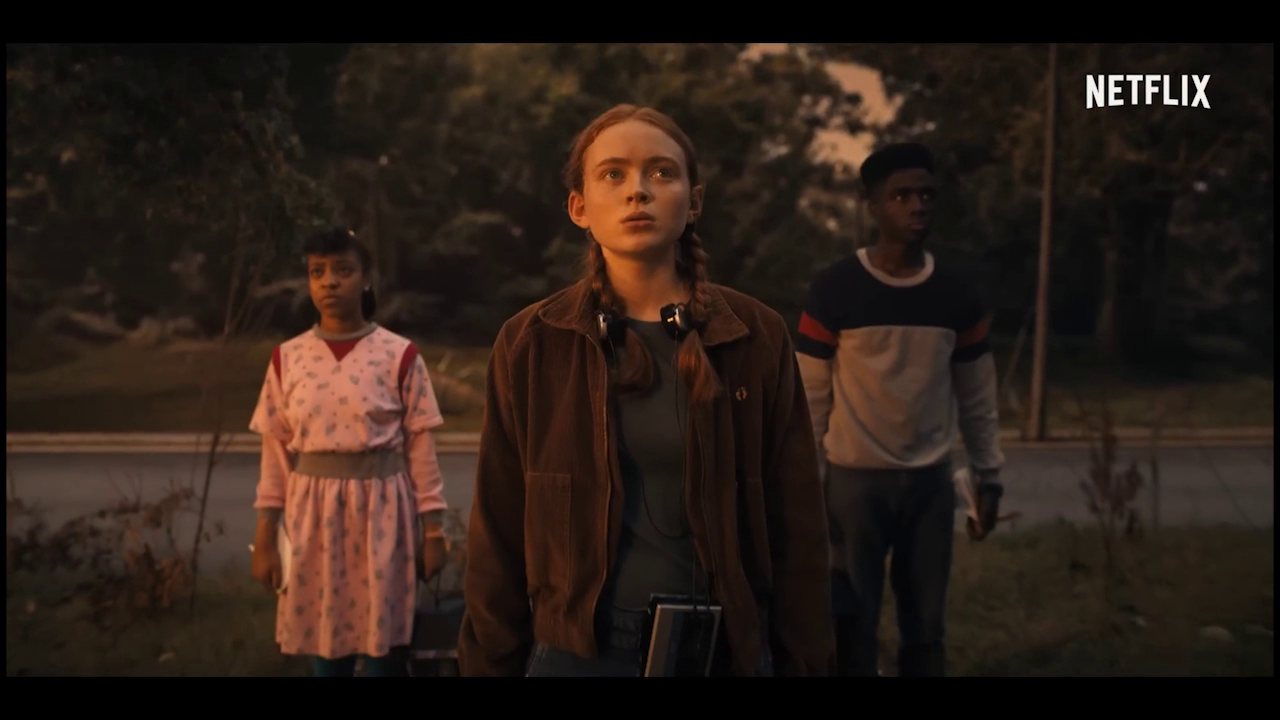 ver the output image only has one face which is zoomed in. So I don't think multiple is possible.