
storybook-addon-html
 storybook-addon-html copied to clipboard
 whitespace-se
A Storybook addon that extracts and displays compiled syntax-highlighted HTML
Storybook Addon HTML
This addon for Storybook adds a tab that displays the compiled HTML for each story. It uses highlight.js for syntax highlighting.
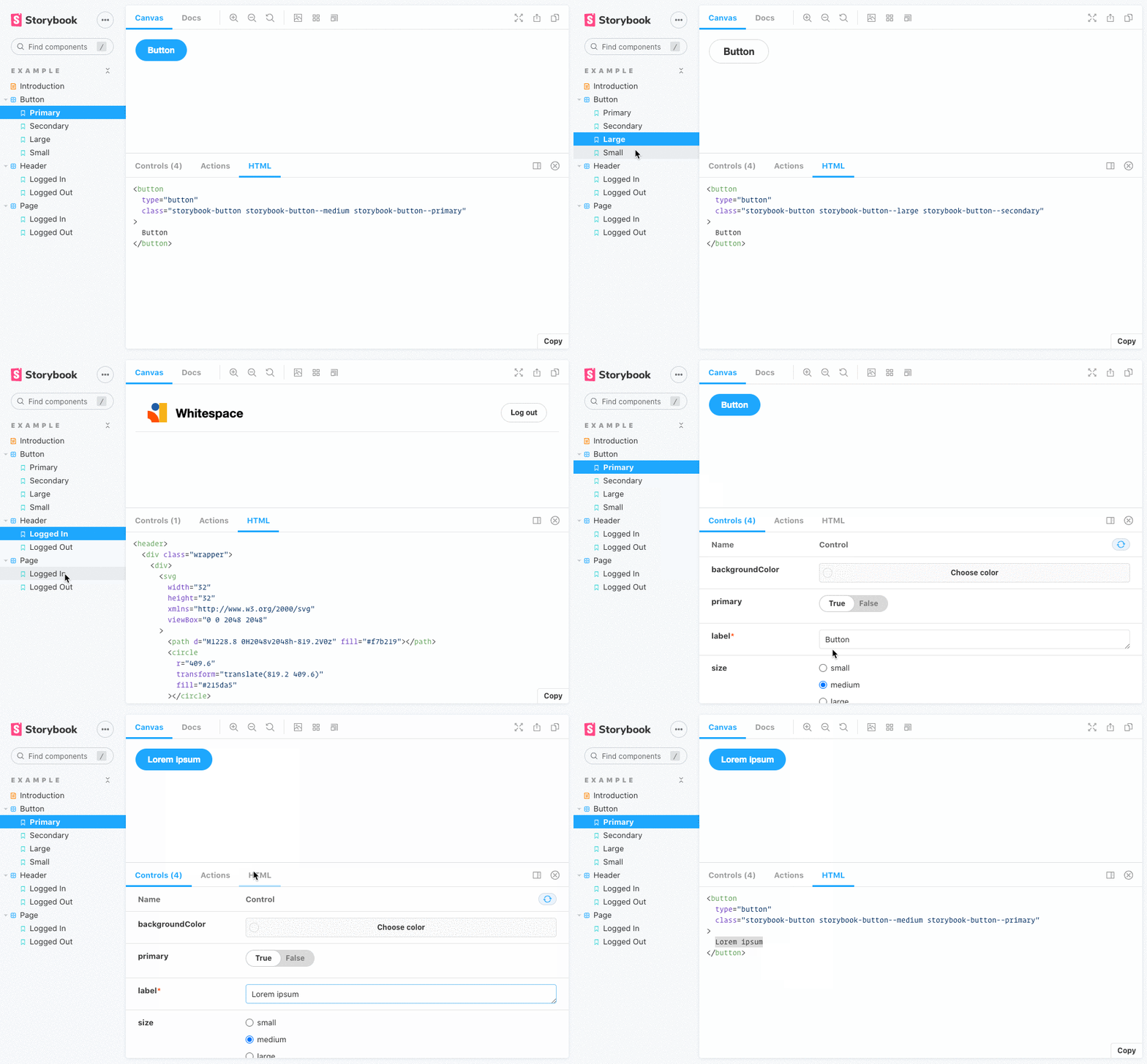
Getting Started
With NPM:
npm i --save-dev @whitespace/storybook-addon-html
With Yarn:
yarn add -D @whitespace/storybook-addon-html
Register addon
// .storybook/main.js

module.exports = {
  // ...
  addons: [
    '@whitespace/storybook-addon-html',
    // ...
  ],
};
Usage
The HTML is formatted with Prettier. You can override the Prettier config
(except parser and plugins) by providing an object following the
Prettier API override format in the
html parameter:
// .storybook/preview.js

export const parameters = {
  // ...
  html: {
    prettier: {
      tabWidth: 4,
      useTabs: false,
      htmlWhitespaceSensitivity: 'strict',
    },
  },
};
You can override the wrapper element selector used to grab the component HTML.
export const parameters = {
  html: {
    root: '#my-custom-wrapper', // default: #root
  },
};
When using Web Components, the HTML will contain empty comments, i.e. <!---->.
If you want to remove these, use the removeEmptyComments parameter:
export const parameters = {
  html: {
    removeEmptyComments: true, // default: false
  },
};
You can override the showLineNumbers and wrapLines settings for the syntax
highlighter by using the highlighter parameter:
export const parameters = {
  html: {
    highlighter: {
      showLineNumbers: true, // default: false
      wrapLines: false, // default: true
    },
  },
};
Supported frameworks
As of version 4.0.0 all frameworks are supported per default 🎉
Metadata
Owner
 whitespace-se
Metadata
A Storybook addon that extracts and displays compiled syntax-highlighted HTML