

 wewewe718
Some barcodes aren't scanned.
 The attached barcode was not scanned. Google Lens provided a result for it. This means the code was scannable, but the app failed to pick it.
Maybe you would like to check this up.
The attached barcode was not scanned. Google Lens provided a result for it. This means the code was scannable, but the app failed to pick it.
Maybe you would like to check this up.
Cheers!

That's weird because in my case it was scanned almost immediately.
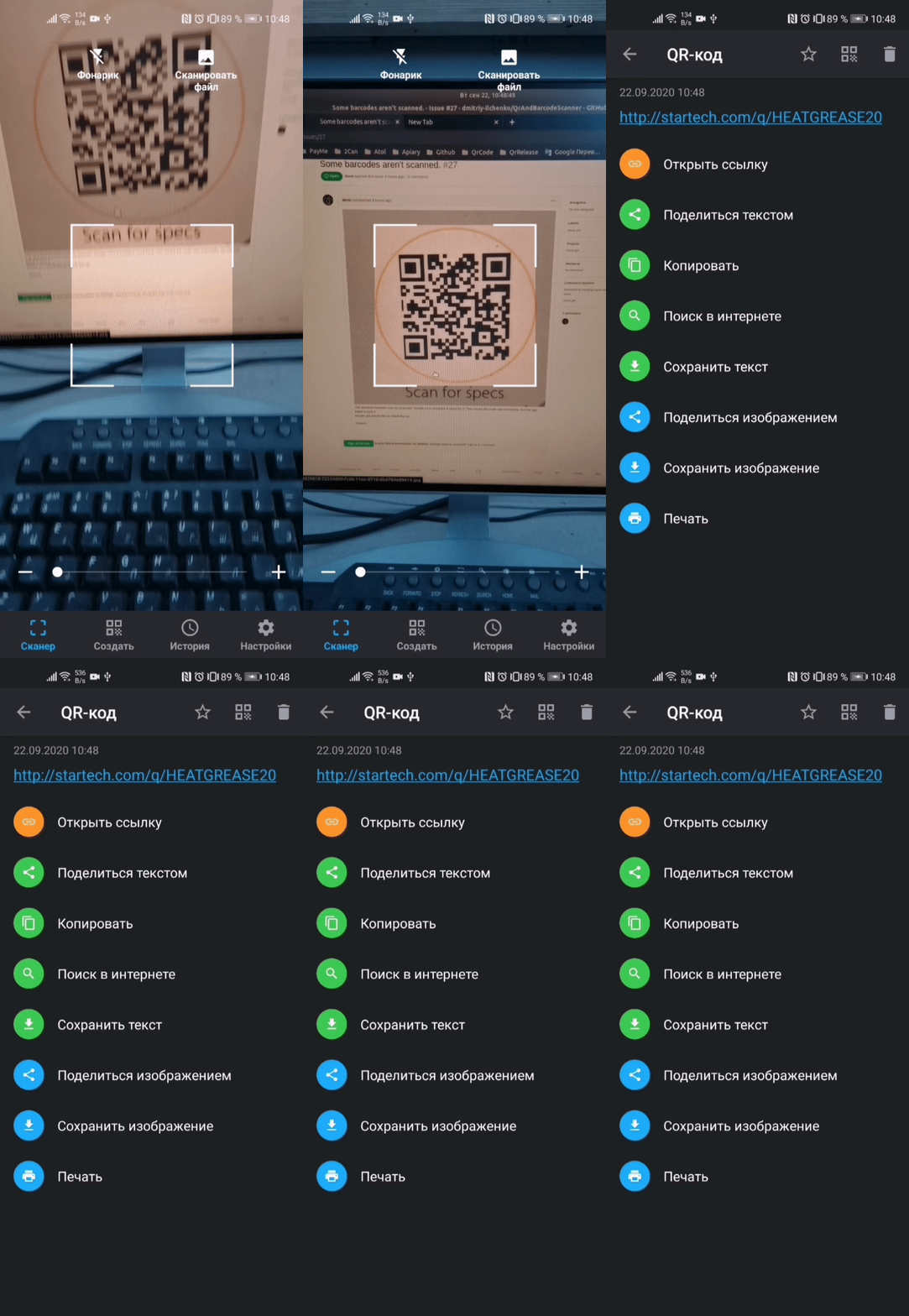 Maybe the code was not in focus or camera was too close?

I can confirm that I was not able to scan the code either. I tried scanning with camera and after that, jpg image file. I was using version 1.2 from F-Droid.

I can confirm erratic behavior. Initially, repeated scans failed one after another. Tried again yesterday and some scans went through, others did not. At the same time, google lens picked it up every time.
Using version 1.3 (as described in app's settings)
I gonna refactor the app to use new CameraX API. Hopefully it will solve this issue.
F-Droid had an update, now in version 1.5 I was able to scan using camera, but only when a bit further away. I needed to have some area outside the original image. Using the downloaded image, I was still not able to scan the code, no matter how close or far I adjusted the selection box.
Version 1.7 1.9 is same as 1.5
Camera can scan the code from far away, but not from closer distances.
Downloaded image does not work in "Scan image"-mode.