

 wesbos
Fixed Drum kit bug
In the first application: "01 - JavaScript Drum Kit", when we hit the keys with a gap of a fraction of seconds, it works fine. But when we keep the key pressed for a longer time, the CSS animation gets stuck.
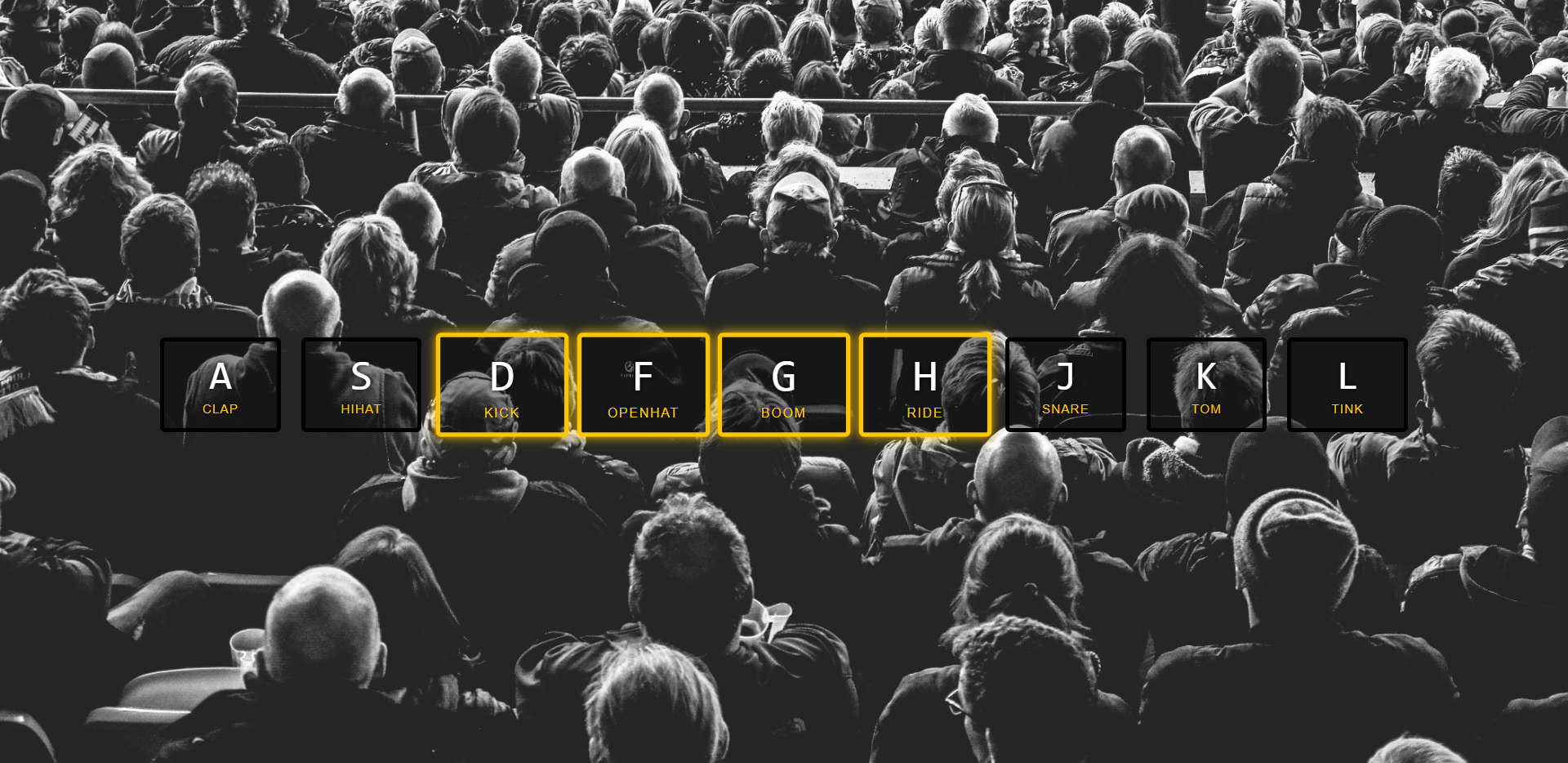
This issue has been resolved by using "keyframes" for better animation and updating javascript by replacing the key (div tag with class = key) with a new key (its copy), every time the key is pressed.
References: css-tricks

@siddhanth339 Do you know why does the 'playing' class got stuck with the element if the key is pressed for a long time? I want to know what is causing the bug?

This happens probably because the animation isn't complete when the event is called. If you put a tiny delay between removing and re-adding the class e.g. setTimeout() (or) class "playing" in our application, it will work but we do not want a time delay so we create a new key and replace it with the previous one.
@siddhanth339 I understand your point, but how does the animation continue to play even if we replace the element which is being animated with a new element? I mean if the javascript has inserted a new element in place of the current element how does the animation still continues unless otherwise prompted by a keypress.
Because the class of the new key will not change, the animation continues to play. Animation is applied for the element with .key class so, as we do not change the class name, the animation keeps playing.
Hi, thanks for this PR, but not sure if we will be able to merge this as we need to keep 1:1 copies of what is done in the video. I will leave this open for @wesbos to review. Have a good day!
