browsertrix-crawler

browsertrix-crawler copied to clipboard
 webrecorder
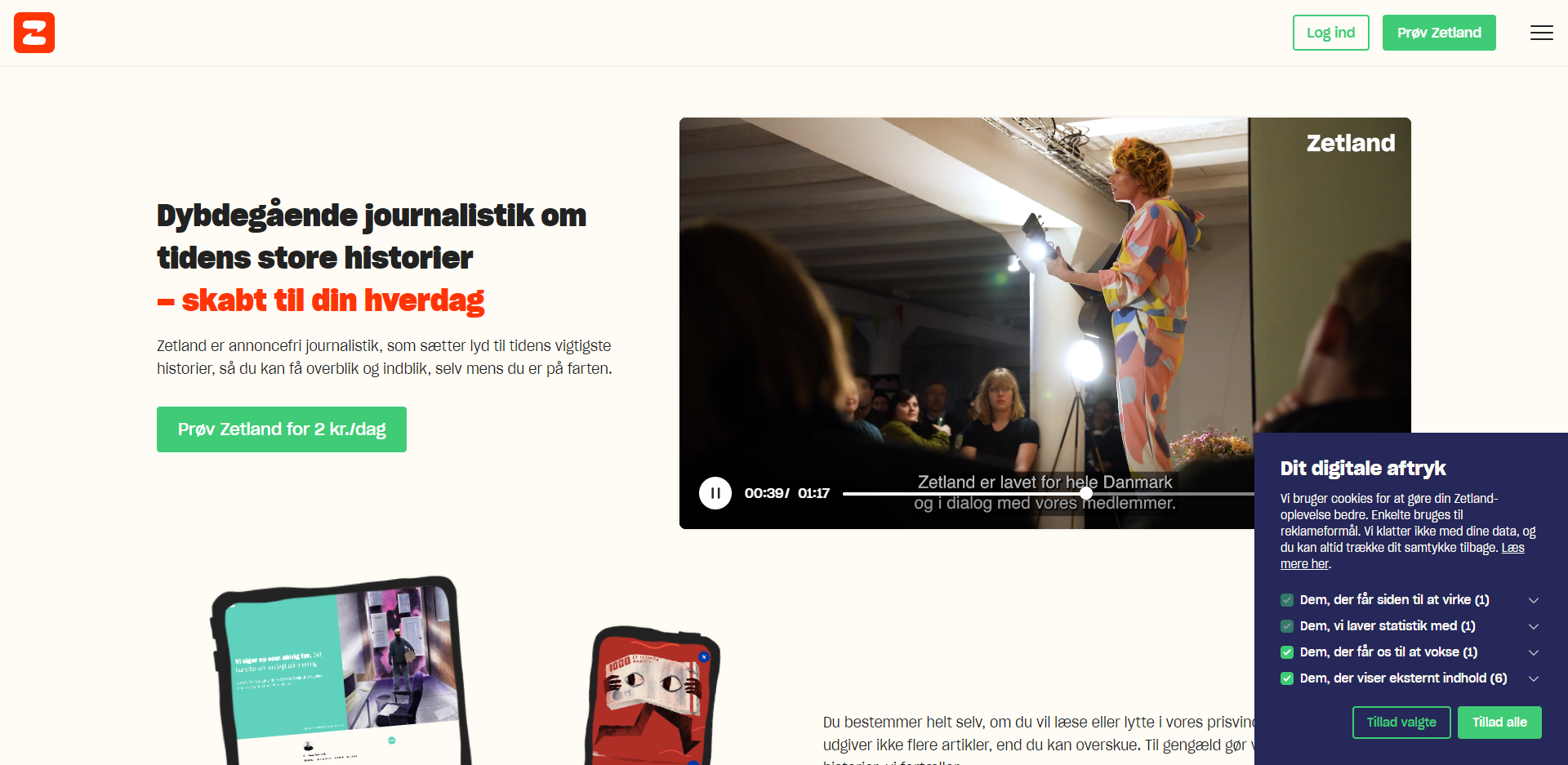
Cookie popup and choices set using "Browser Profiles" not implemented in crawl/playback (zetland.dk)
- In "Browser Profiles" go to https://www.zetland.dk/
- Click "Tillad alle" (accept all) on cookie popup or - Choose 1-4 of checkboxes AND Click "Tillad alle"
- Make a crawl of https://www.zetland.dk/ with the Zetlands-browser-profile
- Replay the crawl
- The click and/or choices has no been set. You still get the popup.