
browsertrix-crawler
 browsertrix-crawler copied to clipboard
 webrecorder
How to run "Interactive Profile Creation" using docker compose?
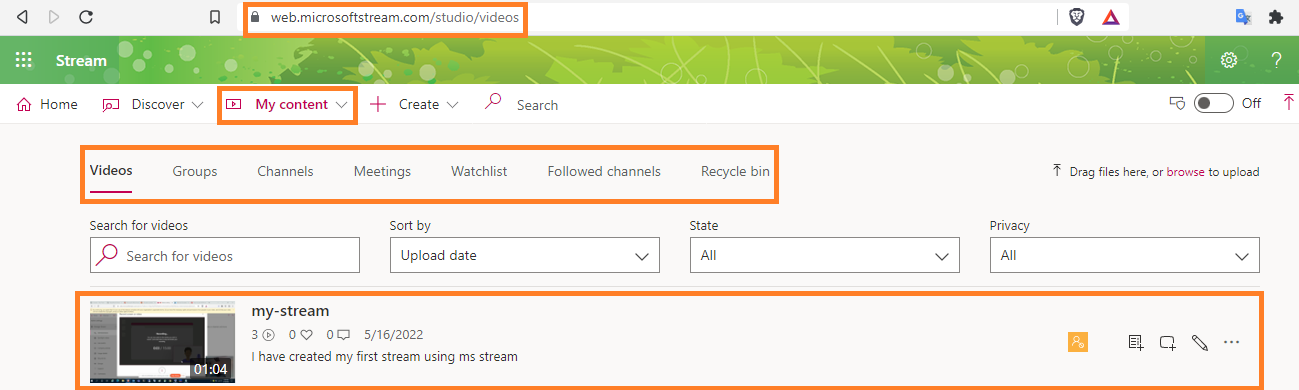
I am trying to crawl the Oauth2 authentication Microsoft Stream site and found https://github.com/internetarchive/heritrix3/issues/446 that suggests using the Interactive Profile Creation option.
Please let me know how to use the Interactive Profile Creation option using docker-compose.

see the profile section of the readme https://github.com/webrecorder/browsertrix-crawler#creating-and-using-browser-profiles
have done 2FA on Sharepoint sites, which makes creating the profile just a bit more complex (and seems to be rather limited in reusing the same profile later on)
wouldn't know what you could actually capture from the MS Stream site (streaming video) & the content you can access depends on your profile/user rights ... see issue #140 on Sharepoint capturing

see the profile section of the readme https://github.com/webrecorder/browsertrix-crawler#creating-and-using-browser-profiles
have done 2FA on Sharepoint sites, which makes creating the profile just a bit more complex (and seems to be rather limited in reusing the same profile later on)
wouldn't know what you could actually capture from the MS Stream site (streaming video) & the content you can access depends on your profile/user rights ... see issue #140 on Sharepoint capturing
@robert-1043, Thanks for the reply. I went through the profile section. I wanted the steps in the docker-compose format like below.
version: '3.5'
services:
    crawler:
        image: webrecorder/browsertrix-crawler:latest
        build:
          context: ./
        volumes:
          - ./crawls:/crawls
        cap_add:
          - NET_ADMIN
          - SYS_ADMIN
        shm_size: 1gb
I wanted to crawl videos from the Stream site.
Not sure if this resolves your issue
docker-compose run -p 9223:9223 -p 6080:6080 crawler create-login-profile --url "YOUR URL GOES HERE" Ports: 9223: Browser UI that enables a connection to the VNC instance 6080: Websockify/VNC port that also needs to be live
