
webiny-js
 webiny-js copied to clipboard
 webiny
Rich Text is acting strange.
Version
5.27.0
Operating System
Windows 11
Browser
Chrome
What steps will reproduce the bug?
Using the rich text in a cms model. Columns were added to the rich text
What is the expected behavior?
https://github.com/calumk/editorjs-columns/raw/main/assets/demo.gif
What do you see instead?
https://www.awesomescreenshot.com/video/9180610?key=e2ead198214a3f4941e9396e71ed04f0
Additional information
It might be that there is no space on the left for the icons
Possible solution
No response

Hi @digital-inception, there are two problems here:
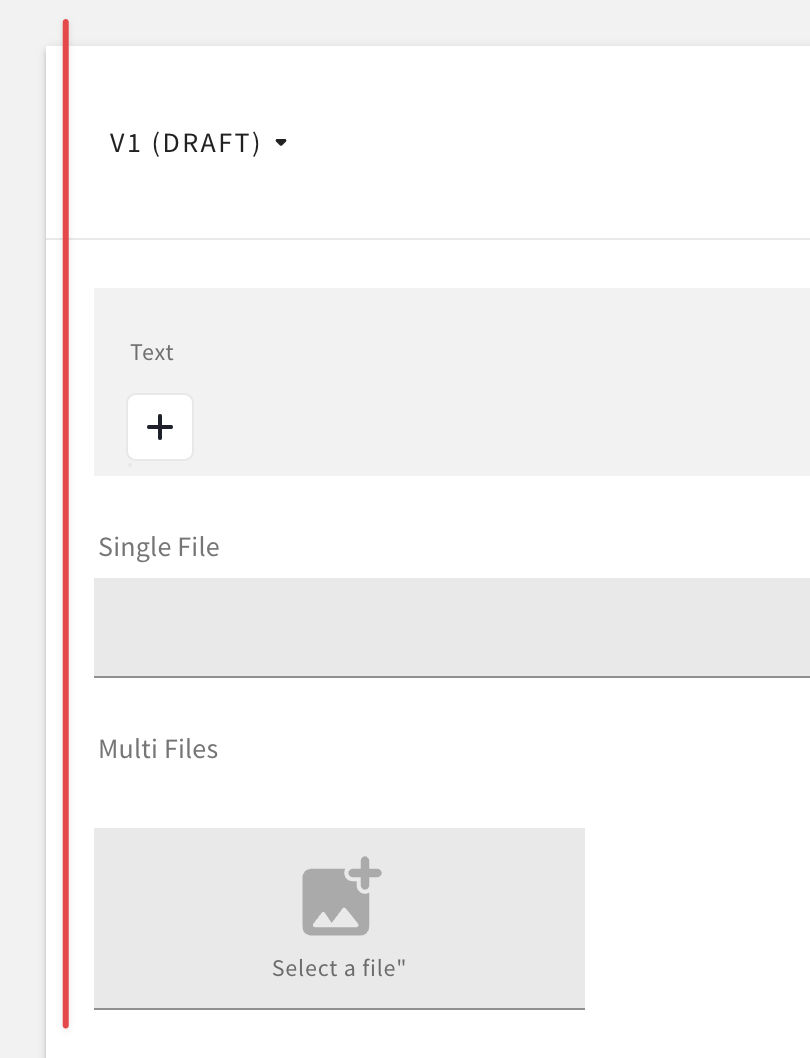
- the space around the editor: we don't have enough space to keep that toolbar outside of the typing area (see the image below), so we had to move it inside, and with that we had to add the background color, so the icons are visible on top of the text. Not ideal, but we don't have better idea at this point.
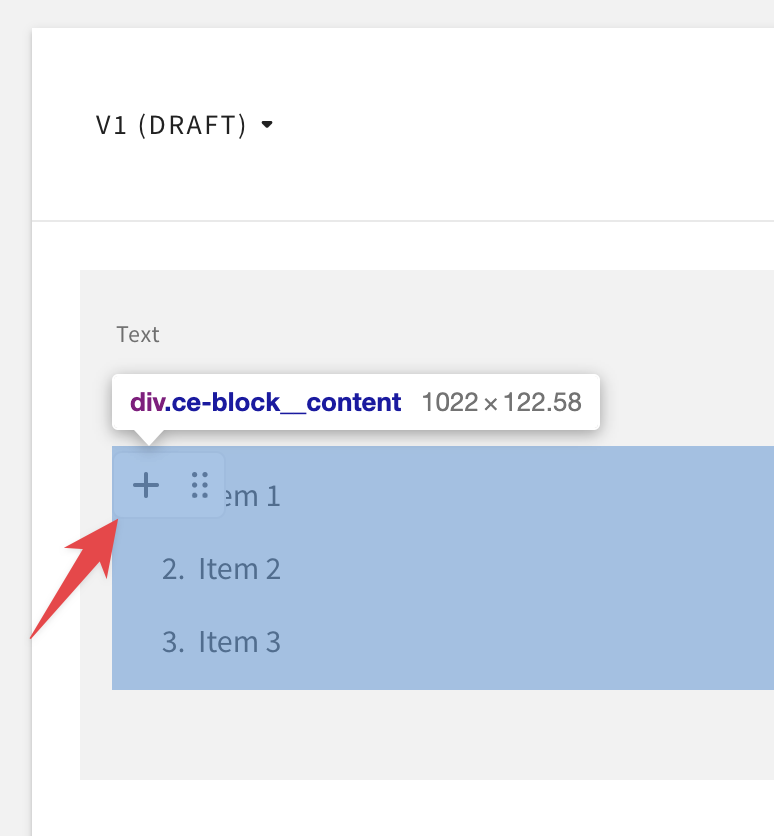
The block toolbar is position correctly I would say, it's at the top of the block (paragraph, list, etc.), same as on editor.js demo. You can't have a toolbar for individual list items, only for the whole list.
- "Columns" are a plugin which we never used before; we'll have to try it ourselves and see how it behaves. If you have any other plugins enabled, let us know so we can try those as well.

Thanks @Pavel910 that's what my suspicions were. The Columns is the only additional plugin used.