

 webcompat
www.evernote.com - Unable to scroll to reach the bottom of the page using mouse wheel
URL: https://www.evernote.com/client/web#?hm=true&
Browser / Version: Firefox 94.0.1 Operating System: Windows 10 Tested Another Browser: Yes Chrome
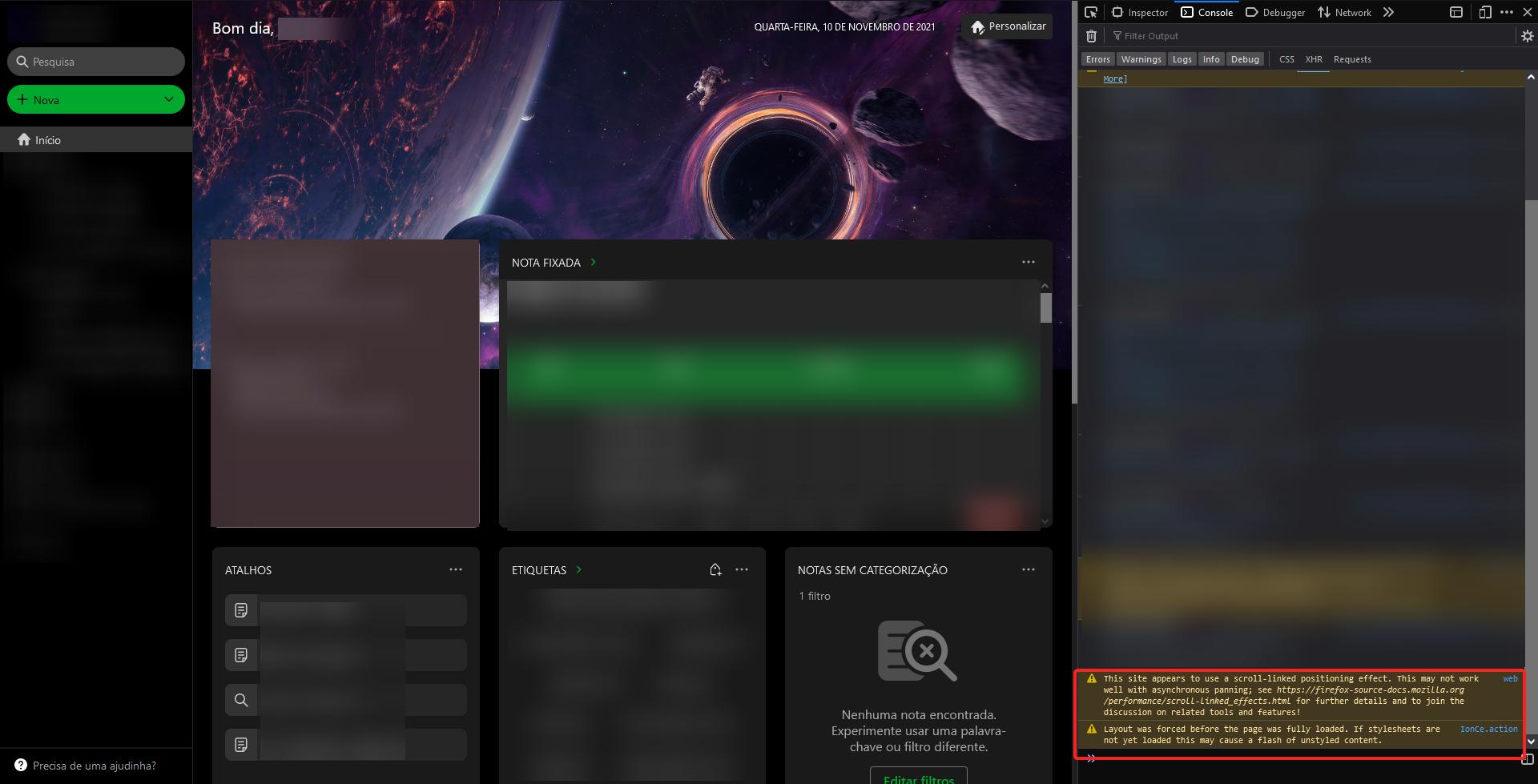
Problem type: Something else Description: Can't scroll from the top to the bottom with the scroll wheel Steps to Reproduce: Log into your Evernote account, then on the "Home" page, try to scroll down from the top to the bottom using the scroll wheel. It's important that your "Home" page has multiple widgets rows.
View the screenshot
Browser Configuration
- None
From webcompat.com with ❤️

Thanks for the report, but I'm not able to reproduce the issue. I was not able to reach the bottom of the page using mouse wheel.
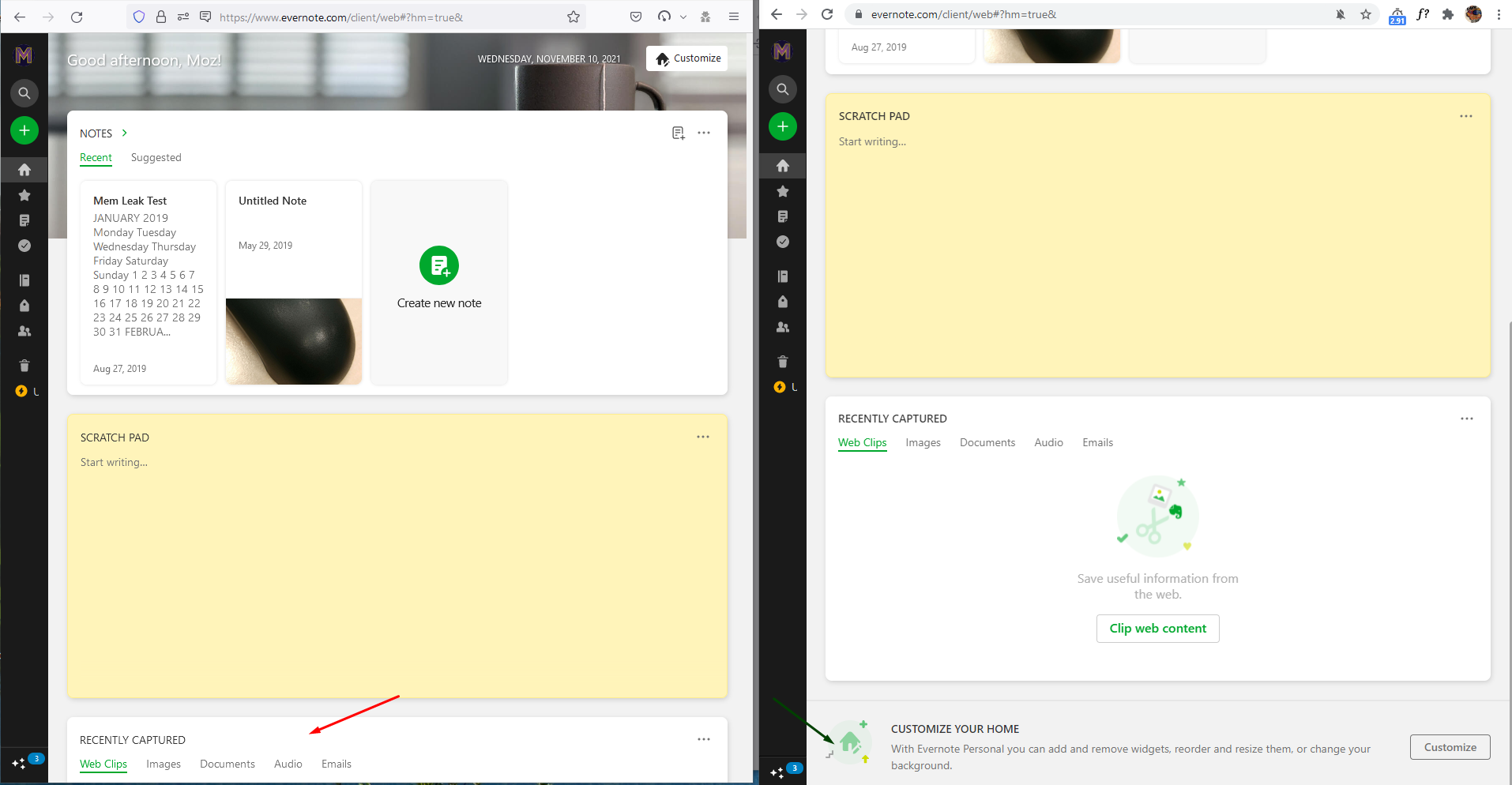
Note:
- The issue is not reproducible on Chrome.
- Workaround: using the scroll bar, I can reach the end of the page.
Tested with: Browser / Version: Firefox Nightly 96.0a1 (2021-11-09) Operating System: Windows 10 Pro
Moving to Needsdiagnosis for further investigation.

on macOS with the trackpad I have no issues. but with a mouse the scrolling stops when the bottom of the scratch pad area reaches the bottom of the page.
I have the feeling this is related to IntersectionObserver and a threshold. It's working only if I wheel very fast when at the bottom.

On
<div id="qa-HOME-CONTAINER" class="udh9eux2W7pbsurMeff6 QcclBKo925jw1SVtJqnl Zrcjv4WX_UNSgK9IhBBR" style="margin-right: 0px;">

…

</div>
there is
.Zrcjv4WX_UNSgK9IhBBR {
	-ms-scroll-snap-type: y proximity;
	scroll-snap-type: y proximity;
}
if I remove this, it is working
/* Inline #398 | https://www.evernote.com/client/web#?hm=true& */

.Zrcjv4WX_UNSgK9IhBBR {
  /* -ms-scroll-snap-type: y proximity; */
  /* scroll-snap-type: y proximity; */
}
So at least we have a solution. And this seems to happen only with mouse wheel events, with the trackpad it is working.
Duplicate of https://bugzilla.mozilla.org/show_bug.cgi?id=1741135
Still pushing to needscontact to see if we can get it fixed.

Maybe @baron816 could help us to find the right person at @evernote to fix this issue with the scroll-snap-type in the CSS.
@GabeVilela Can you please provide more info on how to replicate the issue, mainly
It's important that your "Home" page has multiple widgets rows.
[inv_12/2024]

I've tested it now with Firefox 124.0 and the issue is no longer reproducible.
I guess Evernote team fixed the issue with their new redesign, but I don't know for sure when it got fixed since I'm no longer using Evernote.
Glad to hear that the issue has been solved .Please feel free to submit other encountered issues, as your input is highly appreciated.
[inv_13/2024]