
web-bugs
 web-bugs copied to clipboard
 webcompat
chatgpt.com - site is not usable
URL: https://chatgpt.com/
Browser / Version: Firefox 138.0 Operating System: Windows 10 Tested Another Browser: Yes Chrome
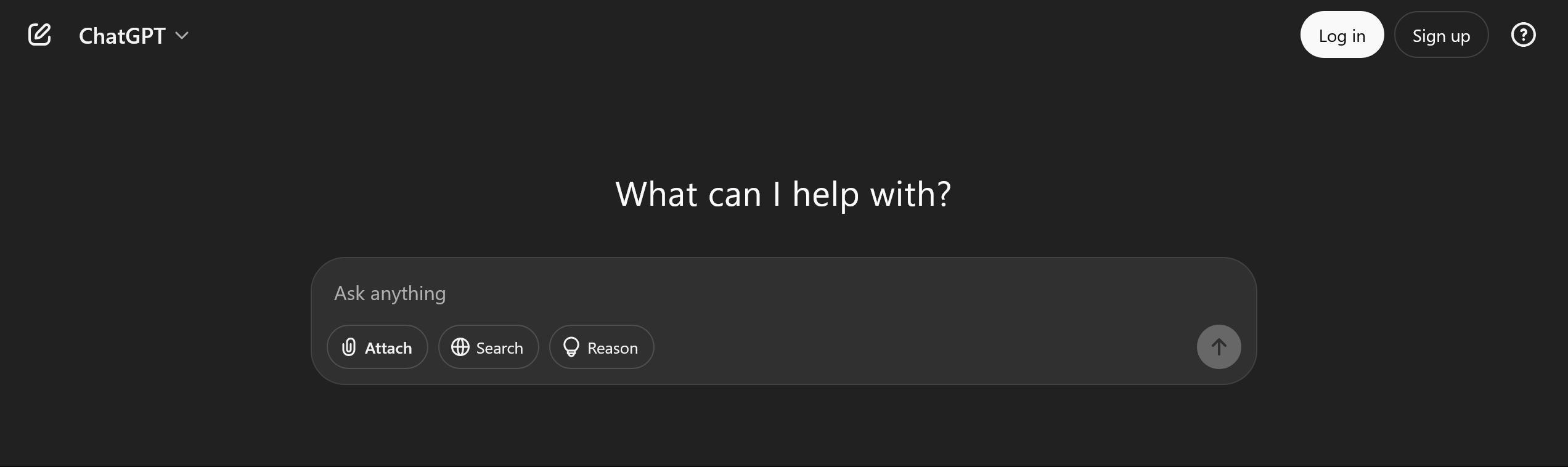
Problem type: Site is not usable Description: Missing items Steps to Reproduce: Buttons don't work, ie can't login. Resources don't load at all (ie the sidebar is empty). I see this in the dev console:
Content-Security-Policy: The page’s settings blocked an inline script (script-src-elem) from being executed because it violates the following directive: “script-src-elem 'nonce-358963ba-8607-4a2d-a4e0-b1d9cafd847a' 'self' 'sha256-eMuh8xiwcX72rRYNAGENurQBAcH7kLlAUQcoOri3BIo=' https://auth0.openai.com blob: https://challenges.cloudflare.com https://chatgpt.com/ces https://.chatgpt.com https://.chatgpt.com/ https://.js.stripe.com https://.oaistatic.com https://apis.google.com https://chat.openai.com https://chatgpt.com https://chatgpt.com/ https://chatgpt.com/backend-anon https://chatgpt.com/backend-api https://chatgpt.com/backend/se https://chatgpt.com/public-api https://chatgpt.com/voice https://connect.facebook.net https://docs.google.com https://js.live.net/v7.2/OneDrive.js https://js.stripe.com https://maps.googleapis.com https://oaistatic.com https://pixel-config.reddit.com https://snc.apps.openai.com https://www-onepick-opensocial.googleusercontent.com https://www.redditstatic.com wss://.chatgpt.com wss://.chatgpt.com/”
View the screenshot
Browser Configuration
- gfx.webrender.software: false
- blockList: basic
- channel: release
- defaultUserAgent: Mozilla/5.0 (Windows NT 10.0; Win64; x64; rv:138.0) Gecko/20100101 Firefox/138.0
- hasTouchScreen: false
- frameworks: {'fastclick': False, 'mobify': False, 'marfeel': False}
- mixed active content blocked: false
- mixed passive content blocked: false
- tracking content blocked: false
- btp has purged site: false
From webcompat.com with ❤️
