
web-bugs
 web-bugs copied to clipboard
 webcompat
store.steampowered.com - Video cannot be played
URL: https://store.steampowered.com/video/watch/909090/
Browser / Version: Firefox 125.0 Operating System: Windows 10 Tested Another Browser: Yes Edge
Problem type: Site is not usable Description: Browser unsupported Steps to Reproduce: First, you need an Steam account and I don't know if you need first to add the free film Paradox: A Rusty Lake Film to your account https://store.steampowered.com/app/909090/Paradox_A_Rusty_Lake_Film/
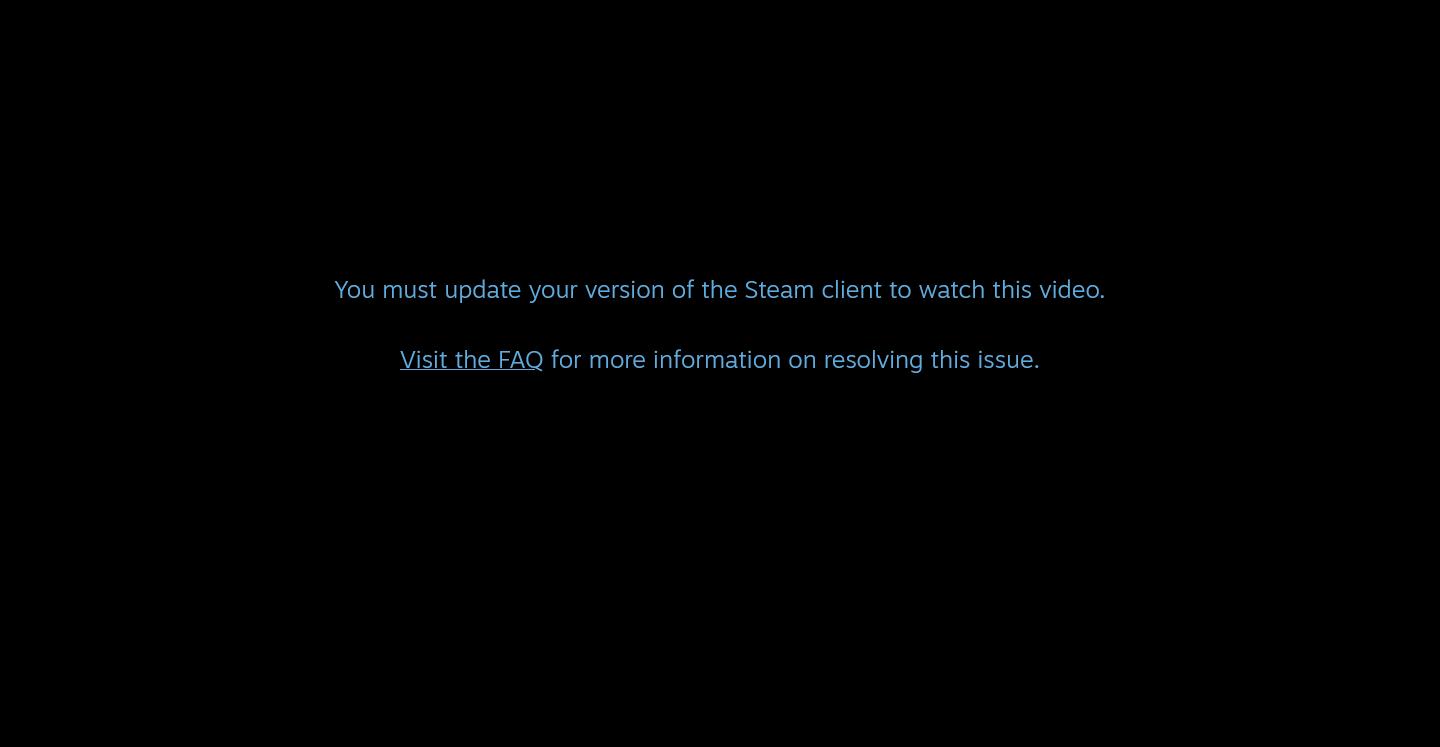
If you try to play the film through Firefox https://store.steampowered.com/video/watch/909090/, Steam through directly "You must update your version of the Steam client to watch this video." which it is a generic error because you are not even in the Steam Client. In Edge, for example, plays normally.
Researching about this issue, I don't know how compatible is Firefox with this page, DRM (The setting is ON), EME, Codecs (It should), MPEG-DASH (Not by default, maybe with extensions)... but the problem looks like the page it isn't even trying to load the player, it detects It's Firefox, and it puts directly it is "emeCapable = false" (You can see it in the page code), it does another check and throws that error. It can't be tested in any way what works and what not, and the error doesn't help in any way.
This is worse because right now if you try to play it in the Steam Client it tries to open the browser instead of playing it in the client (only it's possible to play it there using a special link or in big picture mode).
Thanks!
View the screenshot
Browser Configuration
- None
From webcompat.com with ❤️

Thank you for reporting this issue, I was able to reproduce it. On Firefox, the movie cannot be watched, while on Chrome it plays normally.
https://github.com/webcompat/web-bugs/assets/164893854/5cac304b-753c-4489-a1a0-962c7cc0b1e7
Tested on: • Browser / Version: Firefox Nightly 127.0a1 (2024-04-24) / Firefox Release 125.0.2 / Chrome 124.0.6367.79 • Operating System: Windows 10
Notes:
- Reproducible on both Firefox Release and Nightly
- Not reproducible on Chrome.
- Reproducible regardless of settings of Enhanced Tracking Protection
Moving to Needsdiagnosis.
[qa_17/2024]

Adding something important:
I just thought something i didn't try after all the research... change the User Agent.
Changing it to Chrome/118.0.0.0 (using https://addons.mozilla.org/es/firefox/addon/user-agent-string-switcher/) and with DRM content option activated, It works, simply as that.
Hi everyone. Your Firefox versions are pretty old. Please update Firefox to 128 or above (or ESR 115.13+). One of the reasons could be related to the recent root certificate expiration:
https://support.mozilla.org/en-US/kb/root-certificate-expiration

Hi everyone. Your Firefox versions are pretty old. Please update Firefox to 128 or above (or ESR 115.13+). One of the reasons could be related to the recent root certificate expiration:
https://support.mozilla.org/en-US/kb/root-certificate-expiration
Hello.
The report is almost one year old, when Firefox 125.0 was the newest main one, so that's why I tested with that one at that point.
To make an update: With Firefox 136.0.2 (the main current one), the issue is the same, and the trick changing the user agent still works.
Thanks anyway.