

 wayou
wayou
List Highlighted Annotations - Failure
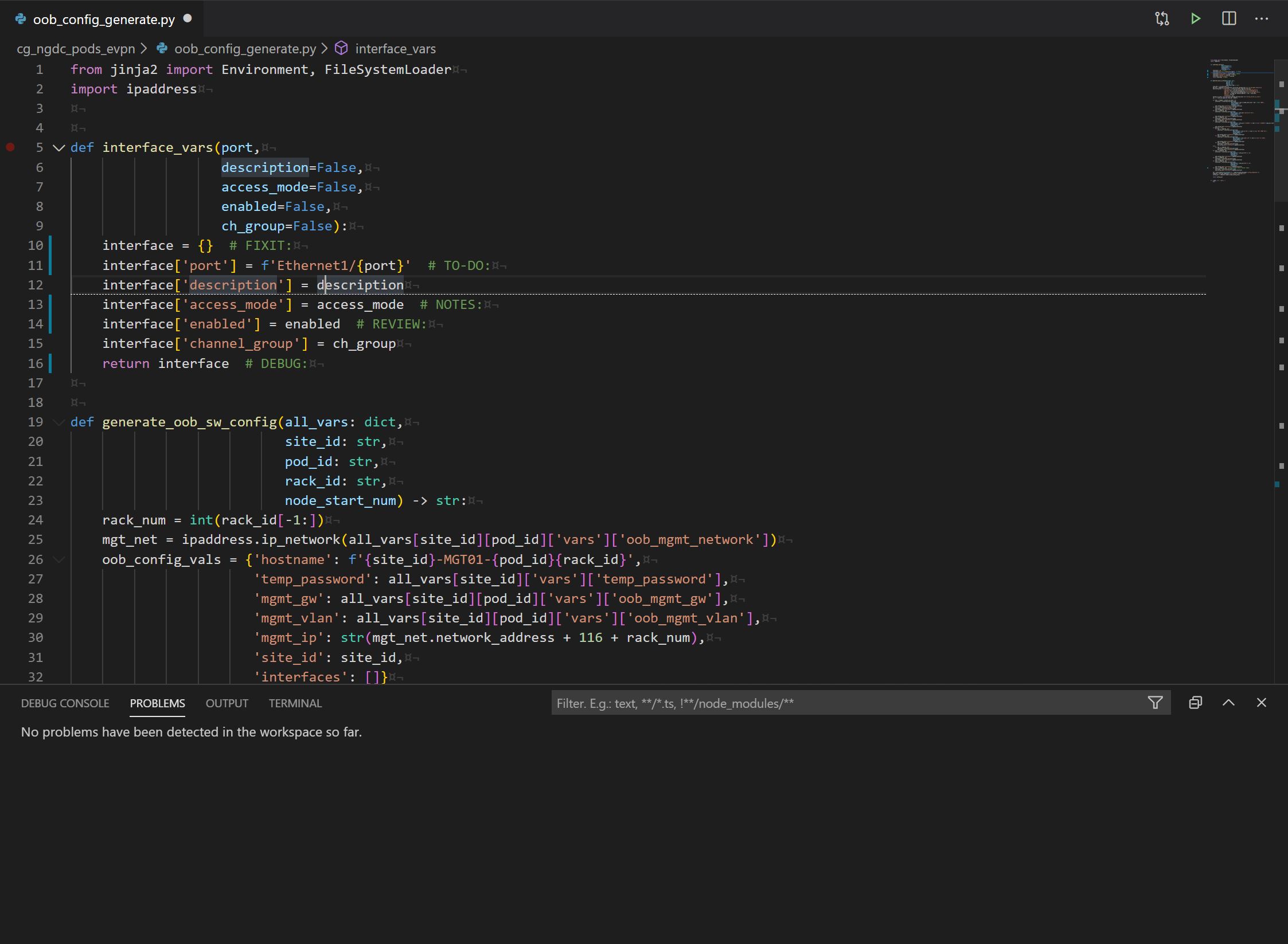
Here is with toggle highlight off (notice in terminal problems are 0):
Here is with toggle highlight on (notice in terminal problems are 0):
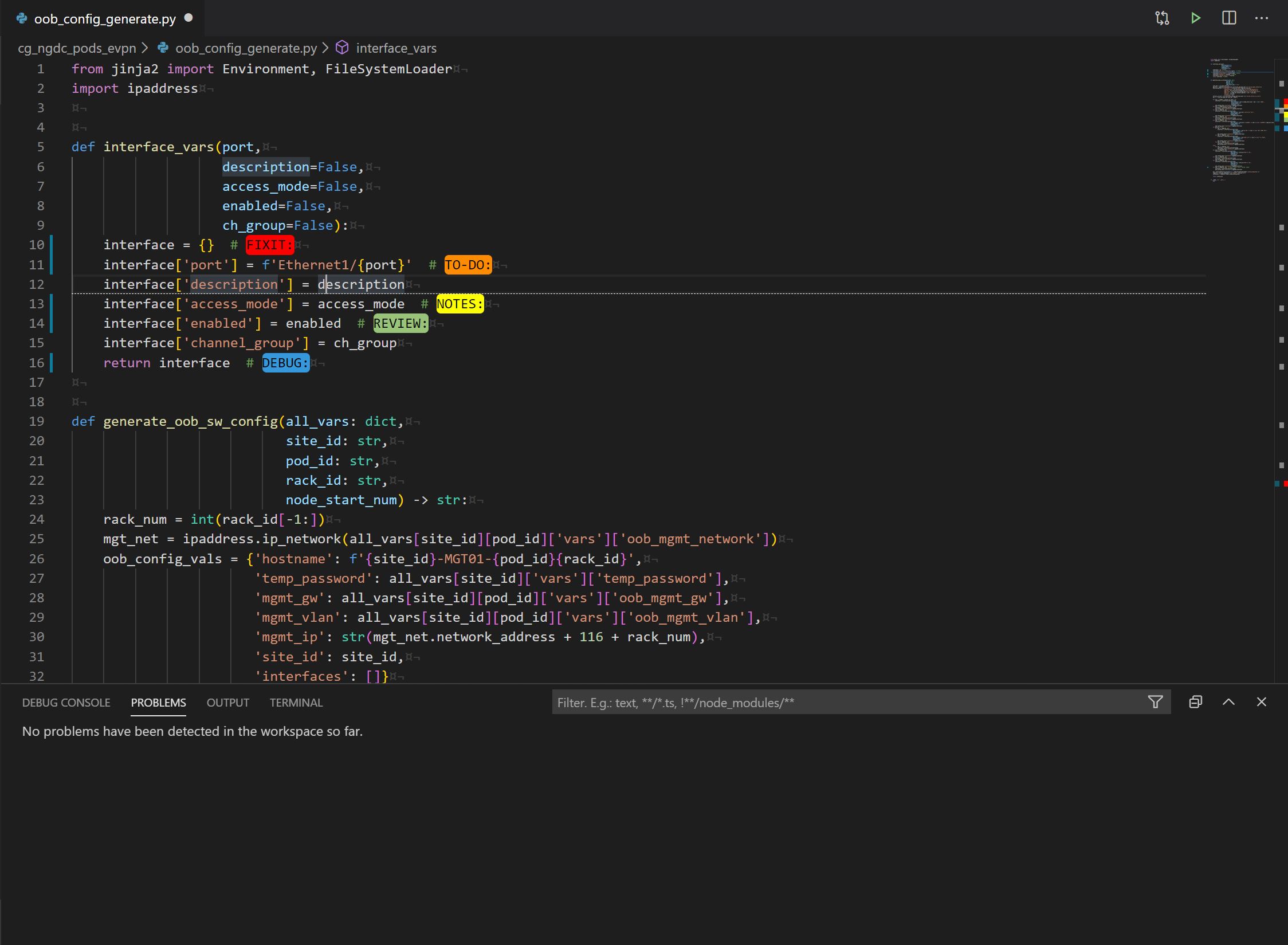
Here is when I attempt to List Highlighted Annotations, select DEBUG: from the list, and hit enter (notice in terminal problems are 952):

Not sure what went wrong with List Highlighted Annotations, but I can see from the demo page how this feature works and really hope to get it working because it's super handy!
I should also note that "TODO:" and "FIXME:" are still in the drop down list even though I don't have those keywords configured in my settings.json file.
Cheers.

The List shows up in Output tab, not Problems tab. The TODO: and FIXME: appear because they're built in to the extension, whether or not you have them in the settings.json file. Ideally it would be good to be able to turn these highlights off.
Incidentally, I've now forked this extension into https://github.com/jgclark/vscode-todo-highlight, and made available on the Marketplace. It includes better documentation, more examples, update for remote development, addition of regex per highlight etc.
You'll need to uninstall this extension and then install the new one from the marketplace, TODO Highlight v1.2.0.

That repo you mentioned is returning a 404.
Also, when I select list highlighted annotations, and look in the output table with TodoHighlight selected, it's empty, even though I have a highlighted annotation
