

 waydroid
multi_windows mode opens transparent windows
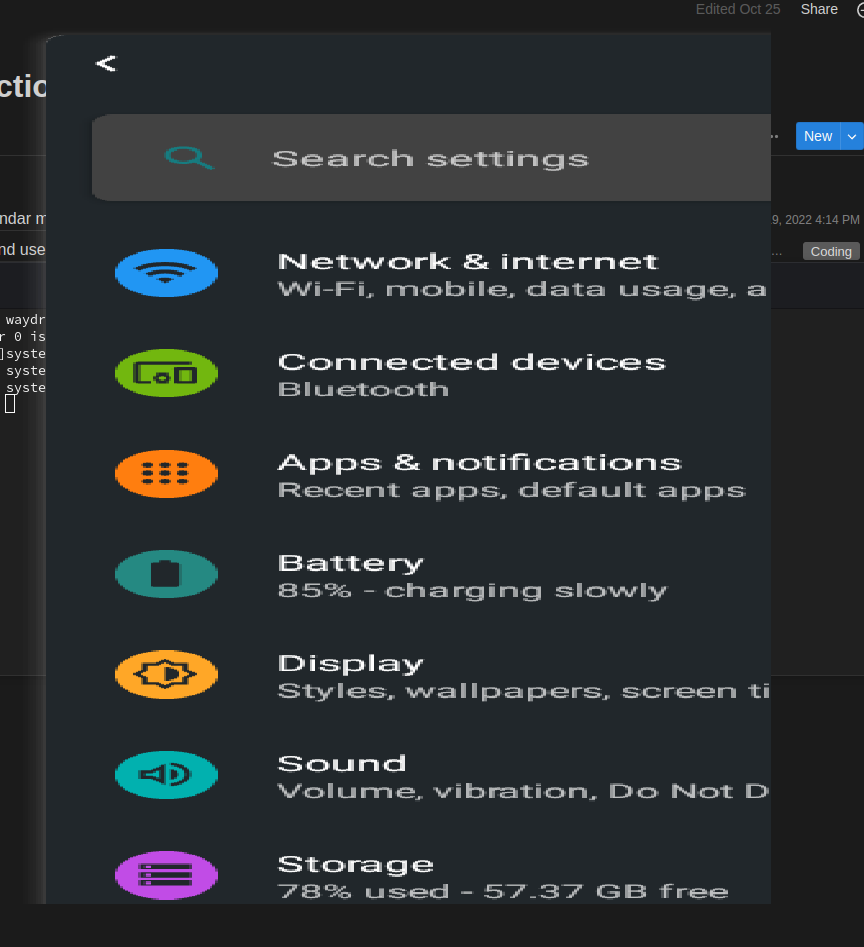
Describe the bug When I enable multi_windows mode and restart container and session, all apps as well as full waydroid ui open up as transparent overlays, the first time an app is launched after restarting container, I can see a barely visible transparent overlay, but after that its all transparent, I know its there since I can hear sounds and I can't interact with applications below.
Screenshots
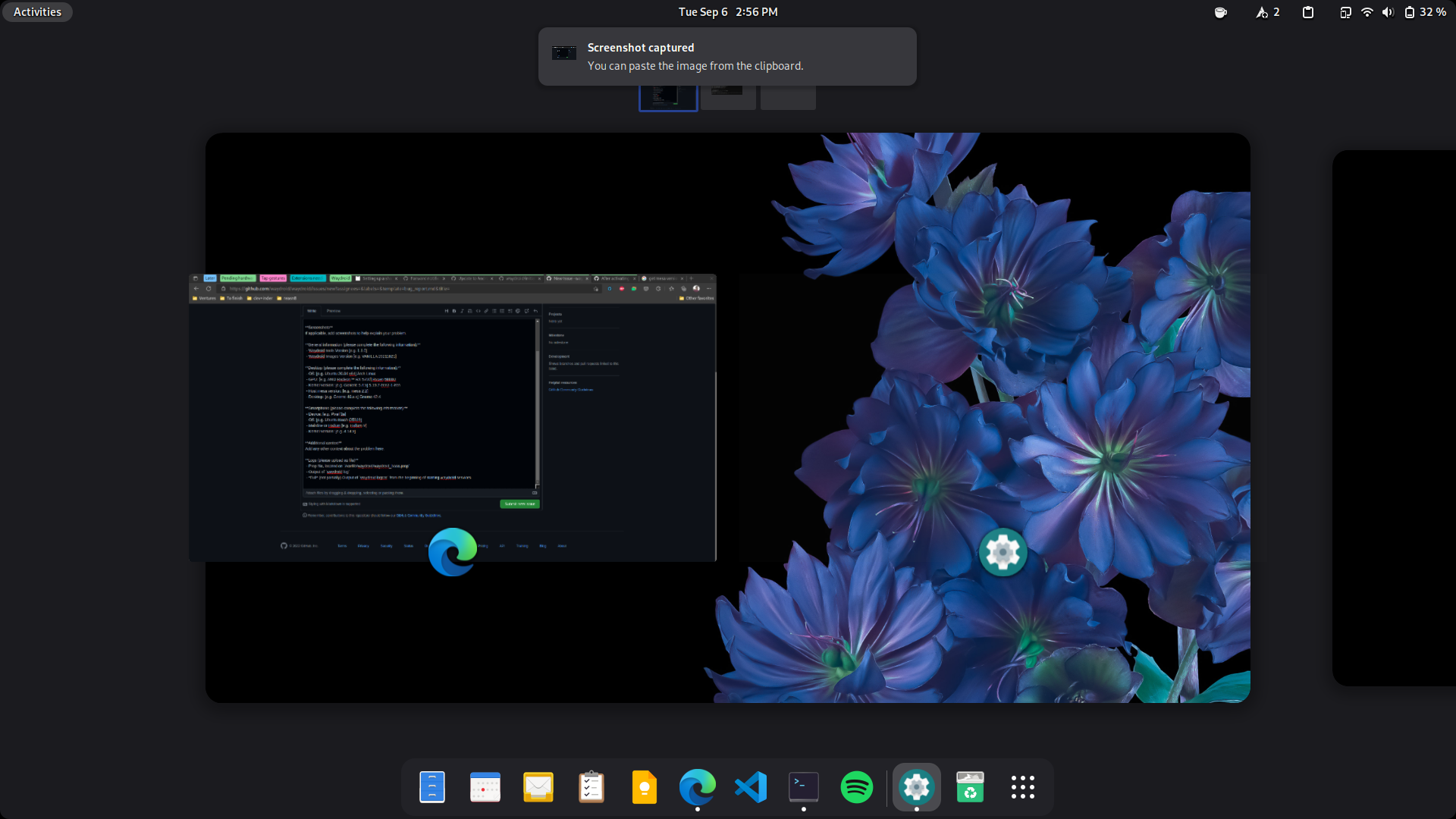
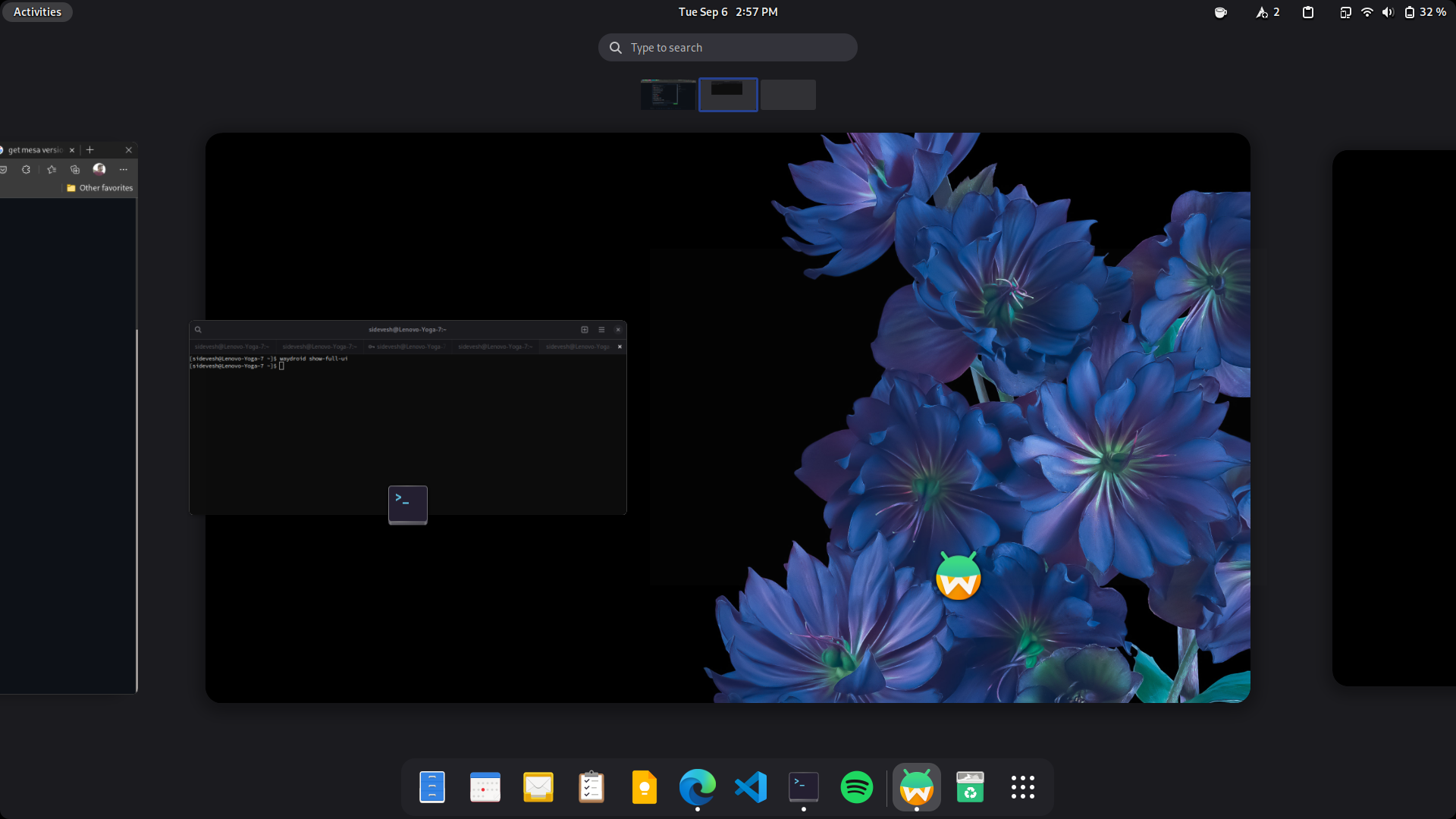
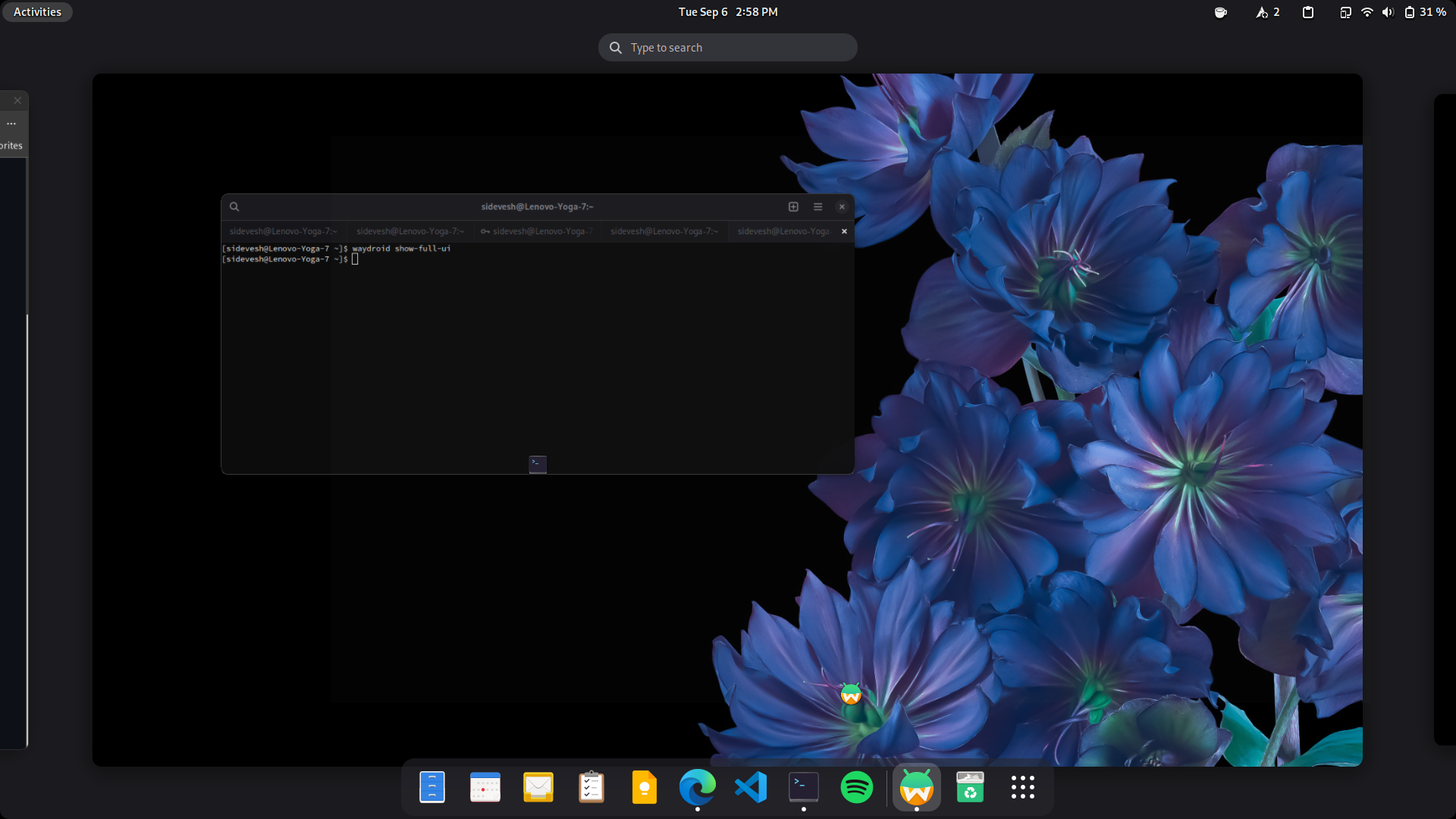
In the third screenshot you can see the faint white content of the waydroid window when it overlaps the console
General information (please complete the following information):
- Waydroid tools Version [e.g. 1.1.0] 1.3.1
- Waydroid Images Version [e.g. VANILLA 20211021] latest lineage gapps
Desktop (please complete the following information):
- OS: [e.g. Ubuntu 20.04 x64] Arch Linux
- GPU: [e.g. AMD Radeon™ RX 5700] Ryzen 5800U
- Kernel version: [e.g. Generic 5.4.x] 5.19.7-zen2-1-zen
- Host mesa version: [e.g. mesa 2.2] 22.1.7-1
- Desktop: [e.g. Gnome 40.x.x] Gnome 42.4
Smartphone (please complete the following information):
- Device: [e.g. Pixel 3a]
- OS: [e.g. Ubuntu touch OTA19]
- Mainline or Halium [e.g. Halium 9]
- Kernel version: [e.g. 4.14.x]
Additional context Add any other context about the problem here.
Logs (please upload as file)
- Prop file, located on
/var/lib/waydroid/waydroid_base.propwayland_base.prop.txt - Output of
waydroid loglog.txt -
Full (not partially) Output of
waydroid logcatfrom the beginning of starting waydroid services logcat.txt

You cut down the logcat to only 18 lines so it contains no valuable information.
But I can guess this is probably fixed in the upcoming Android 11 release with newer mesa and better multi-windows handling

logcat.txt My bad, this should have the full logcat when this issue occurs. Anyway I can try the upcoming version to see if the issue still happens on the upcoming release ?

@sidevesh we just released android 11 for waydroid. You can upgrade with sudo waydroid upgrade. Let me know if it works now
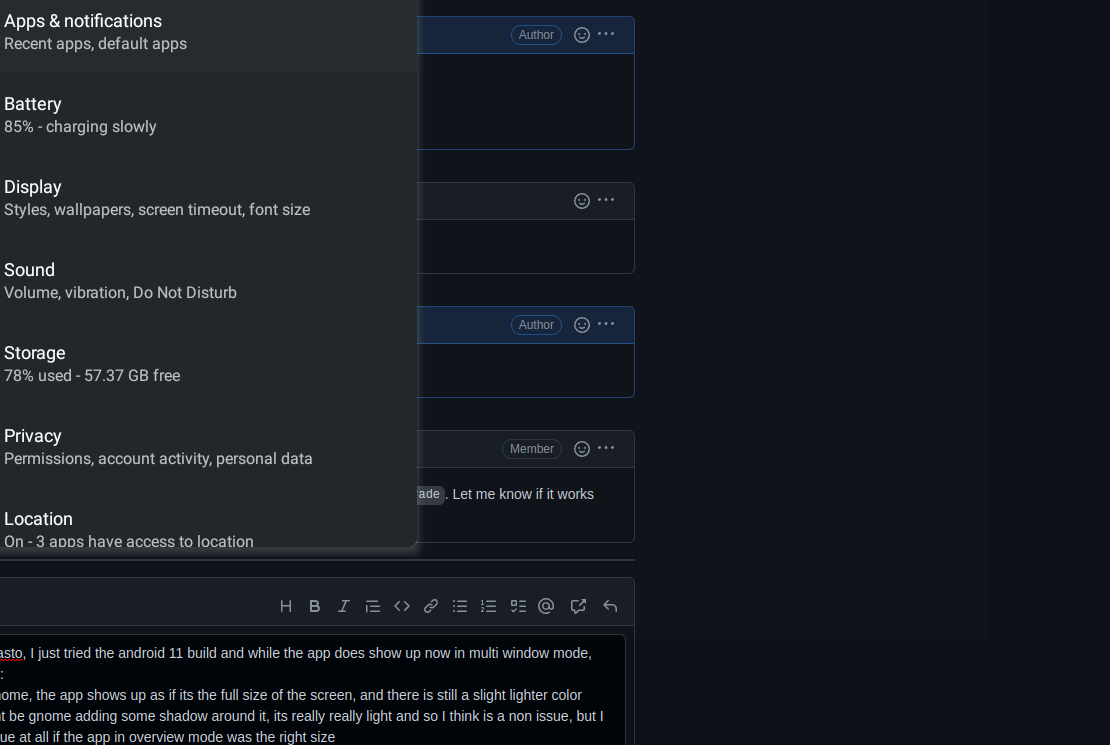
thanks for the heads up @aleasto, I just tried the android 11 build and while the app does show up now in multi window mode, there's still some issues with it: -- In the overview mode in gnome, the app shows up as if its the full size of the screen, and there is still a slight lighter color overlay around it, I guess this would not be an issue at all if the app in overview mode was the right size -- I cant seem to be able to move the app between multiple monitors, more so sometimes in multiwindow mode or otherwise apps launch in one monitor but take the dimensions of the other bigger monitor, causing it to overflow from the screen edges to other monitors, it looks like it reads the dimensions of one monitor at random on launch and sets the android screen size to that size but then ends up showing up on the other monitor, multiwindows enabled or otherwise and the android apps in overview mode also show up in that size -- Resizing an app just makes it glitch out and then all apps stop opening till I restart the container -- Using the minimize button on the android app makes it so the icon disappears from gnome dock, as if the app closed -- The button between close and minimize on the android app window (not sure what its called), when I press it to switch from fullscreen mode to windowed mode, some apps it seems switch to resizable mode but remain the same size as before but now I cant even resize them since the resize handle boundaries seems to be a little bigger than the screen or the waydroid actual window size, this is with all apps set to forced to be resizable
I have attached screenshots and recordings of all these below. Also, thanks to you guys for working on this and for the new update, really appreciate it!

 Screencast from 31-10-22 01:54:20 AM IST.webm
Screencast from 31-10-22 01:55:47 AM IST.webm
Screencast from 31-10-22 01:54:20 AM IST.webm
Screencast from 31-10-22 01:55:47 AM IST.webm
Please consider that this kind of a hack in experimental stage.
The overview behaviour is expected and there's no other "easy" way. The minimize button closing the app is also not a bug, but i do agree it should be changed. I'm not sure how hard that would be. The (un)maximize button will sometimes cause the window to remain at full width/height if that's its preferred size (or some bug...), but you can drag it from the top bar downwards-right until you're able to use the handles to resize.
What shouldn't happen is the glitching and eventual crash during resize...
Yeah, I think I get that most of these issues are due to how multi window is implemented here and its experimental nature, just wanted to share a verbose overview of the overall behavior to help you guys with debugging things, I think most of those issues can be ignored untill later stage, the main issue here is the glitching and crash on resize, let me know if you need logs or any help with testing from me.
The (un)maximize button issue I think would be solved if the resize handles were not showing up outside of app boundaries but rather within the boundaries, that way even if the app remains screen size when unmaximized, it can be resized to smaller size. You can see this in one of the videos I have attached.
Also, if the logic by which waydroid decides the dimensions of the overall waydroid window based on screen size would account for multiple monitors correctly so that it doesnt launch on one monitor after having set itself to the size of other, or even better if it can resize when moved from one to the other monitor, although I can see that may be more problematic to change on the fly.
Ok so the stretched app after a resize bug is a mutter bug: https://gitlab.gnome.org/GNOME/mutter/-/merge_requests/2689 and will be fixed... whenever that hits your distribution.
I cannot reproduce the "and then all apps stop opening till I restart the container"
if this is not (completely) a duplicate of #234, it is at least very closely related.

if this is not (completely) a duplicate of #234, it is at least very closely related.
It is not. But all the issues here were resolved