waveshareteam
Unable to draw with epd2in13_V3
Hi,
I have a 2.13" V3 screen and I am unable to get epdpaint to output anything to the screen. When I upload to my arduino the screen flashes between black and white a couple of times then goes to sleep. I have used the basic example code included in epd2in13_V3 to test the screen and that code works fine.
Below is the code I am using, not sure if I am missing something. All the examples I have looked at seem to be for V1 and V2 screens and use functions not available in epd2in13_V3. I have also tried using epd2in13_V2 and epd2in13d, neither of which work.
#include <SPI.h>
#include "epd2in13_V3.h"
#include "epdpaint.h"
#include "imagedata.h"

#define COLORED     0
#define UNCOLORED   1

unsigned char image[1024];
Paint paint(image, EPD_WIDTH, EPD_HEIGHT);
Epd epd;

void setup()
{
  epd.Init(FULL);
  epd.Clear();

  paint.Clear(UNCOLORED);

  paint.DrawStringAt(0, 0, "Hello World!", &Font16, COLORED);
//  paint.DrawFilledCircle(0, 0, 20, COLORED);
//  paint.DrawCharAt(0, 0, 'A', &Font16, COLORED);
//  paint.DrawHorizontalLine(0, 0 , 100, COLORED);

  epd.Display(paint.GetImage());

  epd.Sleep();
}
void loop() {
}

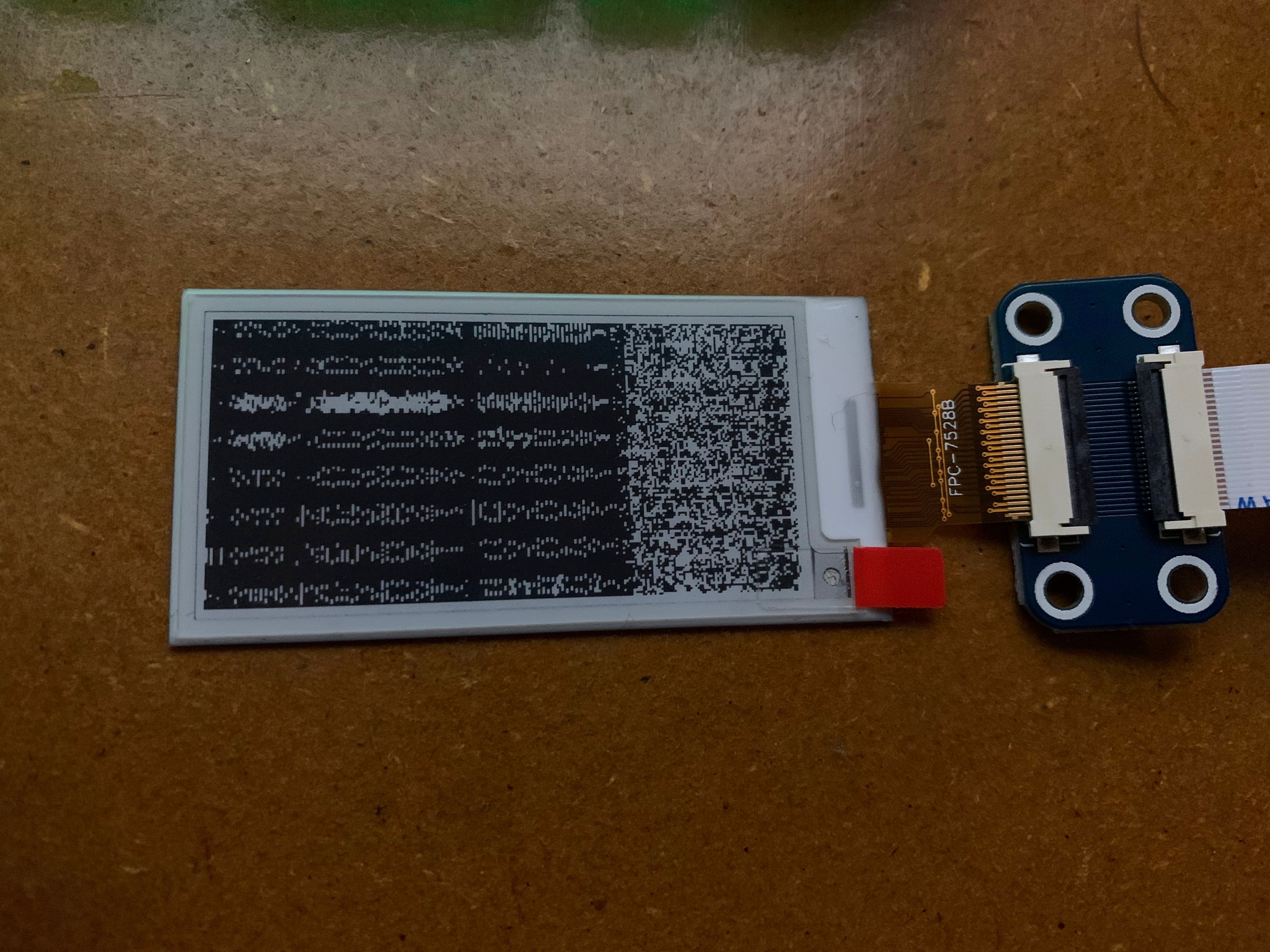
I've modified the code slightly and now instead of a blank screen I am getting noise as the output.
unsigned char image[1024];
Paint paint(image, 0, 0); // <-- Changed the width/height to 0 and moved into the setup
Epd epd;

void setup()
{
  epd.Init(FULL);
  epd.Clear();

  paint.Clear(UNCOLORED);
  paint.SetWidth(EPD_WIDTH);     // <-- SetWidth/Height here instead
  paint.SetHeight(EPD_HEIGHT);

  paint.DrawStringAt(5, 5, "Hello World!", &Font16, COLORED);

  epd.Display(paint.GetImage());
  epd.Sleep();
}
Hello, does the direct run routine display correctly? Looks like Paint didn't port well. I'll check later.

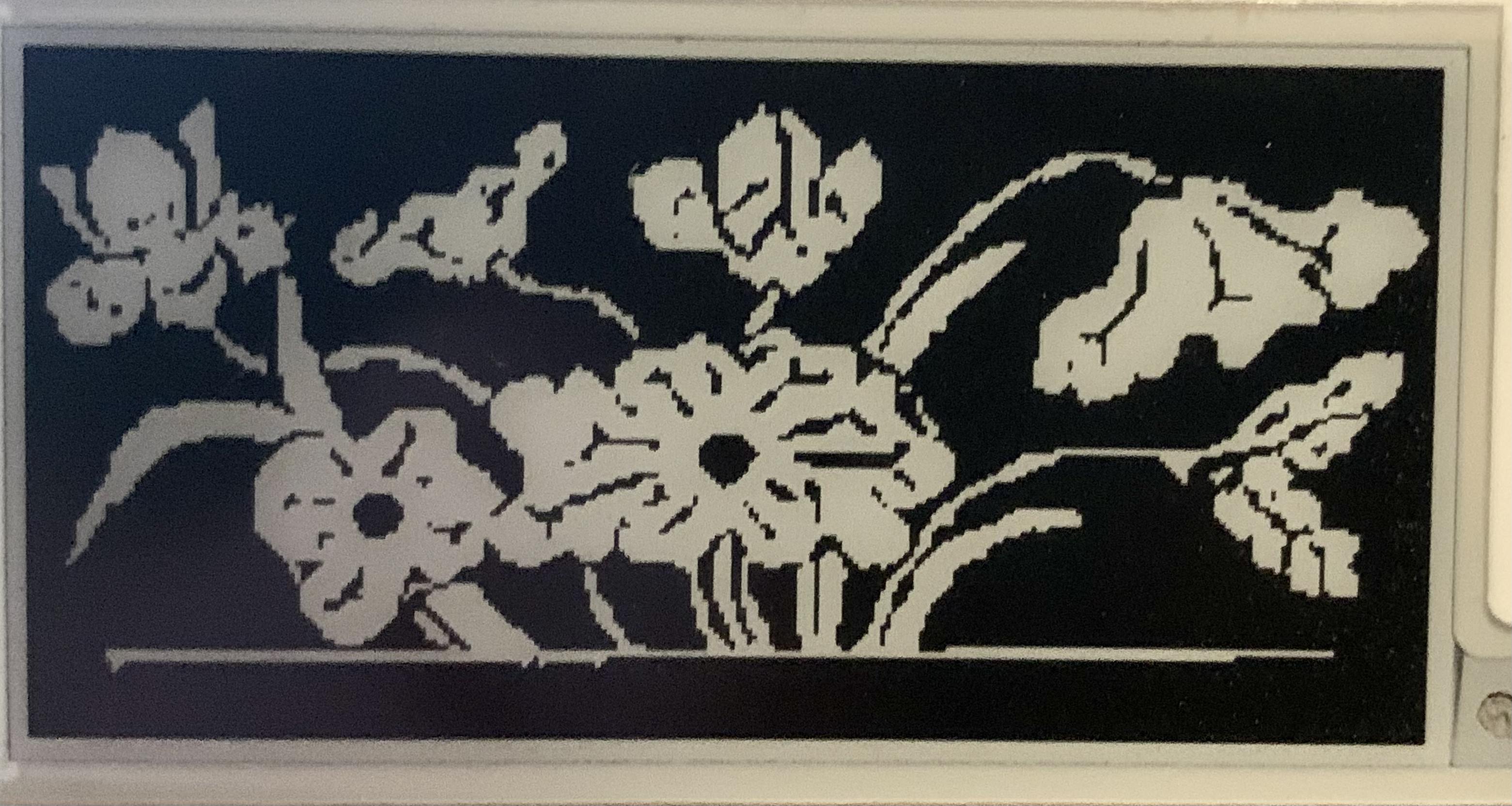
Ok, I got some time to take a look at the code again. Starting with the basics I’ve run a condensed version of the example code, which produces the expected result of an image of flowers. (Image 1).
#include <SPI.h>
#include "epd2in13_V3.h"
#include "imagedata.h"

Epd epd;

void setup()
{
  Serial.begin(115200);
  epd.Init(FULL);
  epd.Display(IMAGE_DATA);
  epd.Sleep();
}

void loop(){}
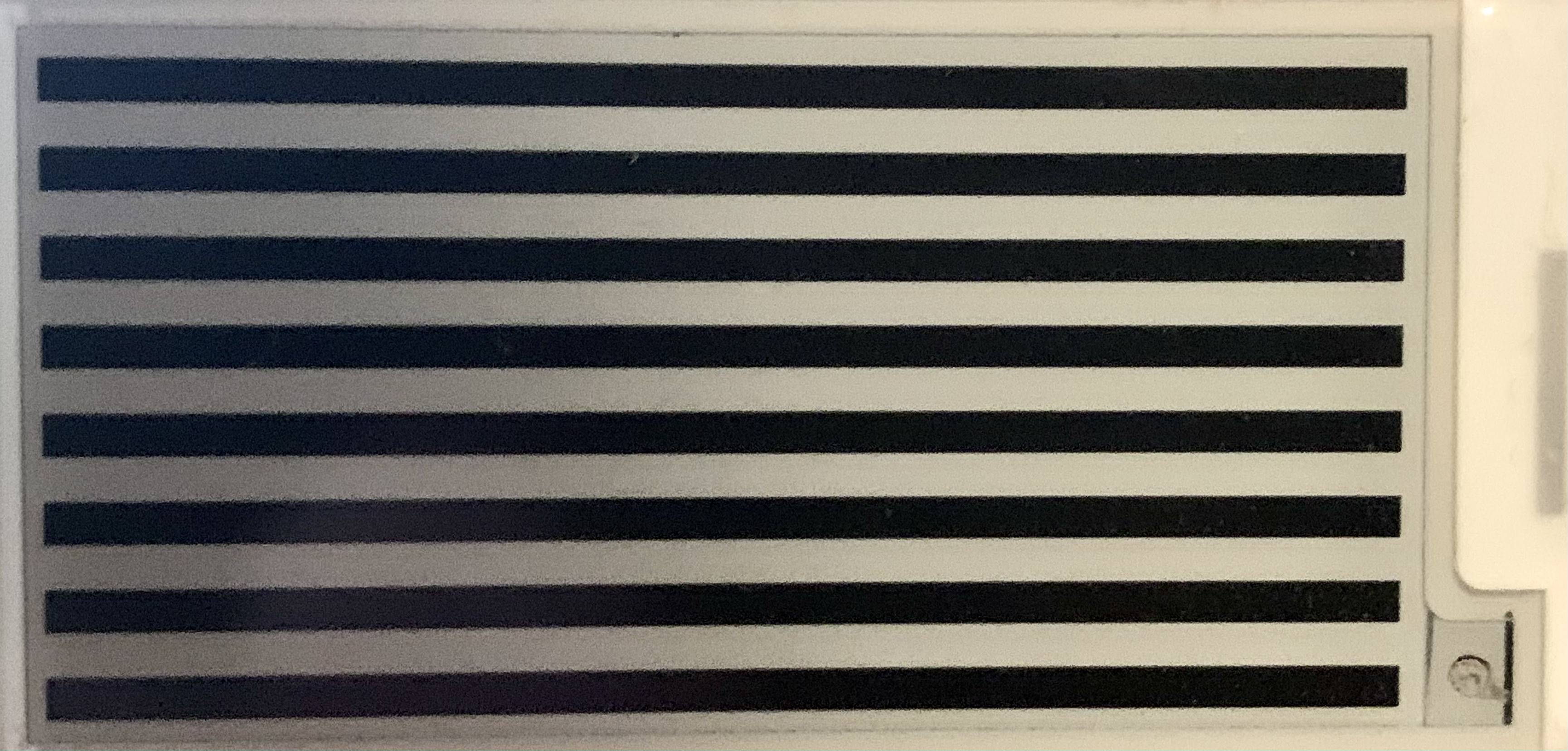
I can also draw to the screen by creating a custom char array, in this case I just quickly threw together a pattern that would render alternating black and white stripes across the screen (Image 2). Its effectivly just doing the same as IMAGE_DATA above.
#include <SPI.h>
#include "epd2in13_V3.h"
#include "imagedata.h"

Epd epd;
const unsigned char IMAGE_1[] PROGMEM = {
  0X00,0XFF,0X00,0XFF,0X00,0XFF,0X00,0XFF,0X00,0XFF,0X00,0XFF,0X00,0XFF,0X00,0XFF,
  /* Repeat above line 250 times. Edited out to reduce comment length */
};

void setup()
{
  Serial.begin(115200);
  epd.Init(FULL);
  epd.Display(IMAGE_1);
  epd.Sleep();
}

void loop(){}
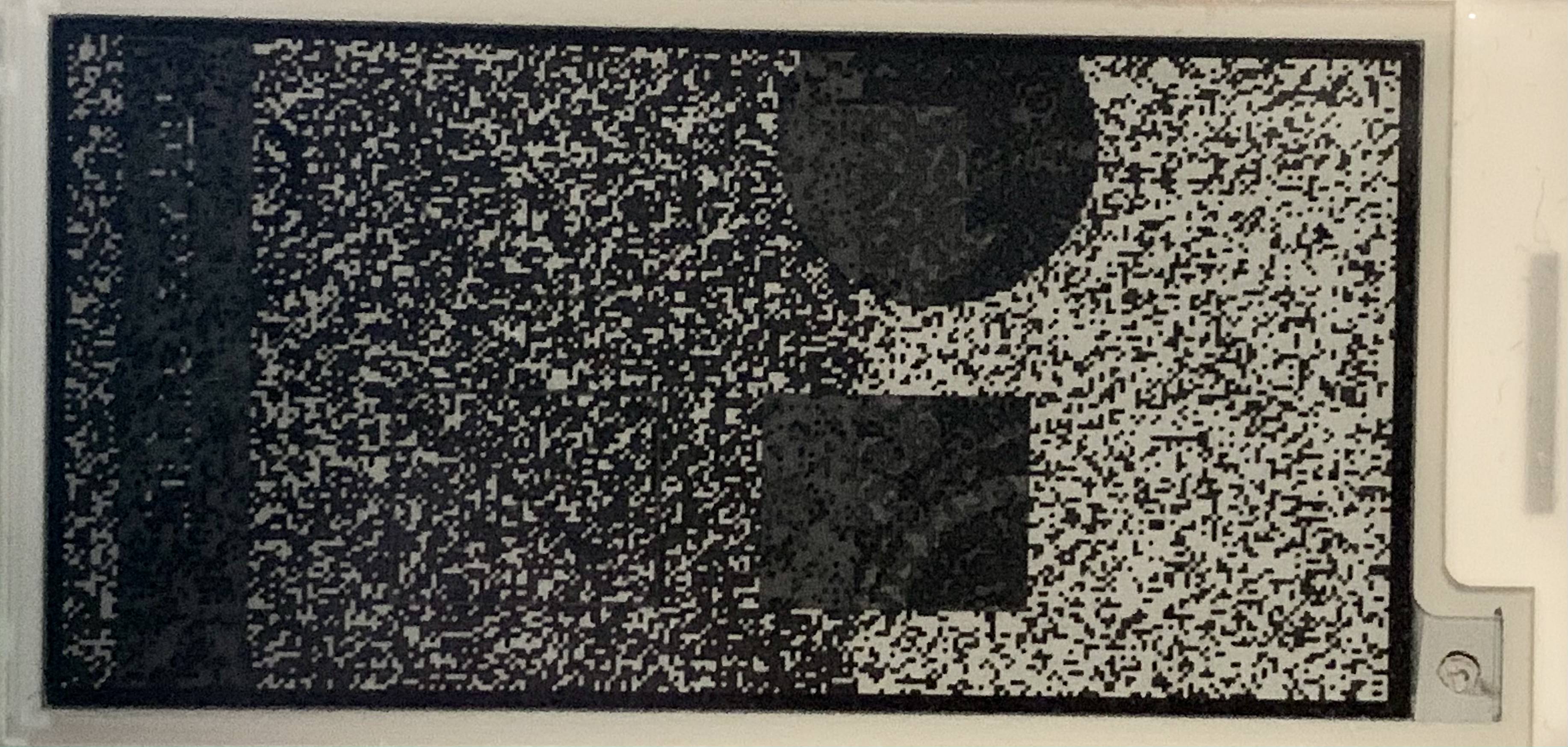
I also took a look at epd2in13 (version 1 I guess) and tried using that and interestingly I was able to get a partial working output that's pretty fuzzy (Image 3). However also interestingly, if I run the first demo code that outputs the flowers in epd2in13_V3:
  epd.Init(FULL);
  epd.Display(IMAGE_DATA);
  epd.Sleep();
and then try to run the below code, nothing will happen and the screen won't update. But if I run anything else to first clear the screen so that it starts blank then run the below code then the screen will update with a partial image.
#include <SPI.h>
#include "epd2in13.h"
#include "epdpaint.h"
#include "imagedata.h"

#define COLORED     0
#define UNCOLORED   1

unsigned char image[1024];
Paint paint(image, 0, 0);
Epd epd;

void setup() {
  // put your setup code here, to run once:
  Serial.begin(9600);
  if (epd.Init(lut_full_update) != 0) {
      Serial.print("e-Paper init failed");
      return;
  }

  epd.ClearFrameMemory(0xFF);   // bit set = white, bit reset = black

  paint.SetRotate(ROTATE_0);
  paint.SetWidth(128);    // width should be the multiple of 8
  paint.SetHeight(24);

  /* For simplicity, the arguments are explicit numerical coordinates */
  paint.Clear(COLORED);
  paint.DrawStringAt(30, 4, "Hello world!", &Font12, UNCOLORED);
  epd.SetFrameMemory(paint.GetImage(), 0, 10, paint.GetWidth(), paint.GetHeight());

  paint.SetWidth(64);
  paint.SetHeight(64);

  paint.Clear(UNCOLORED);
  paint.DrawRectangle(0, 0, 40, 50, COLORED);
  paint.DrawLine(0, 0, 40, 50, COLORED);
  paint.DrawLine(40, 0, 0, 50, COLORED);
  epd.SetFrameMemory(paint.GetImage(), 16, 60, paint.GetWidth(), paint.GetHeight());

  paint.Clear(UNCOLORED);
  paint.DrawCircle(32, 32, 30, COLORED);
  epd.SetFrameMemory(paint.GetImage(), 72, 60, paint.GetWidth(), paint.GetHeight());

  paint.Clear(UNCOLORED);
  paint.DrawFilledRectangle(0, 0, 40, 50, COLORED);
  epd.SetFrameMemory(paint.GetImage(), 16, 130, paint.GetWidth(), paint.GetHeight());

  paint.Clear(UNCOLORED);
  paint.DrawFilledCircle(32, 32, 30, COLORED);
  epd.SetFrameMemory(paint.GetImage(), 72, 130, paint.GetWidth(), paint.GetHeight());
  epd.DisplayFrame();
}

void loop() {
}
I took a quick look over epdpaint.cpp in both epd2in13 and epd2in13_V3 and they look to be identical, so I am wondering if something has gone wrong with epd.Display(). Perhaps pgm_read_byte is not being correctly iterated over.