
waveboxapp
 waveboxapp copied to clipboard
 wavebox
Error, unable to start due to "Cannot read property 'humanizedLogo' of undefined"
I see this when starting up, it started happening randomly after my computer crashed due to out of memory issues.
Cannot read property 'humanizedLogo' of undefined
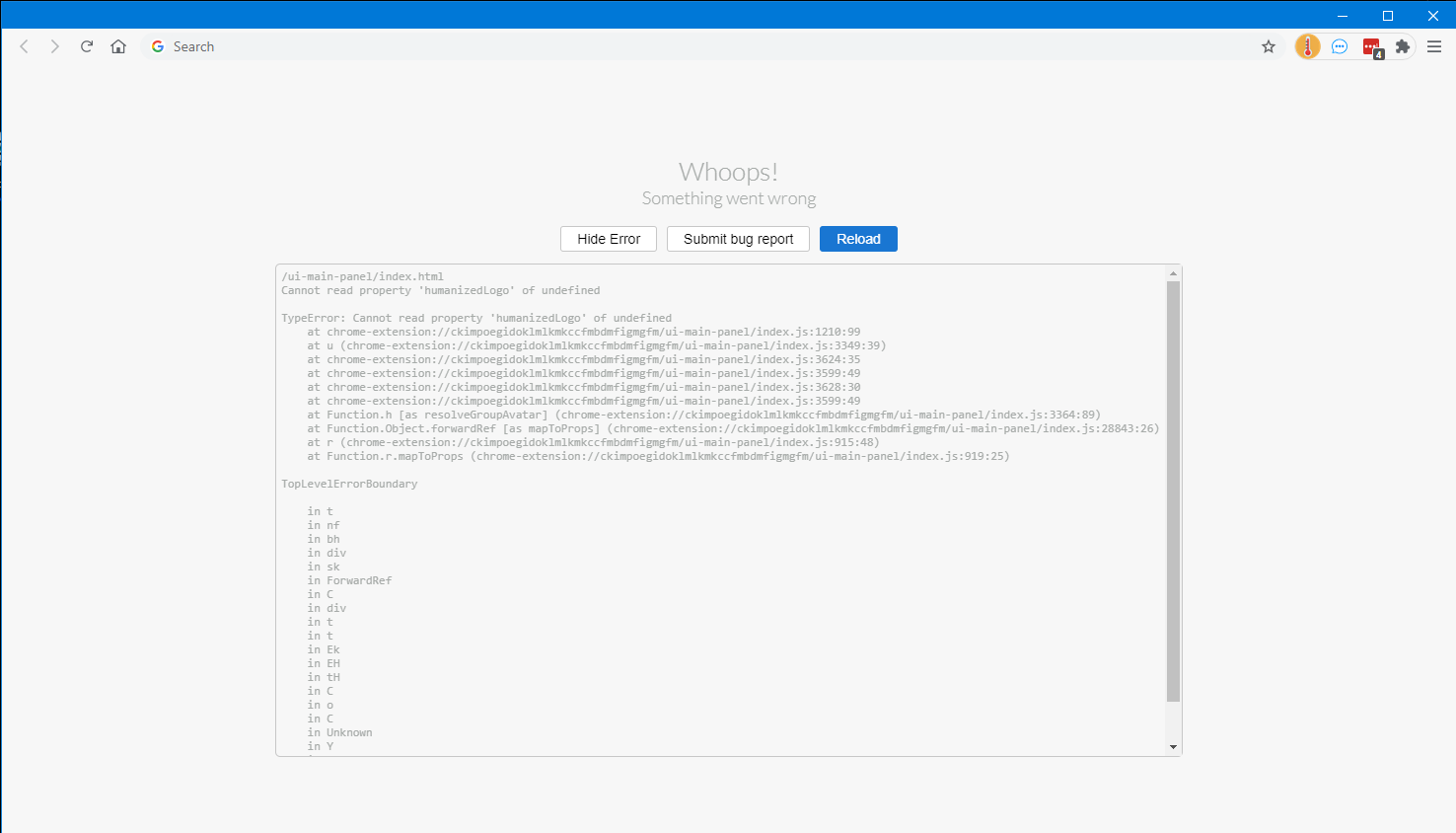
So I beautified the JS, replaced the offending code with this:

and it starts now, but here is what I see:
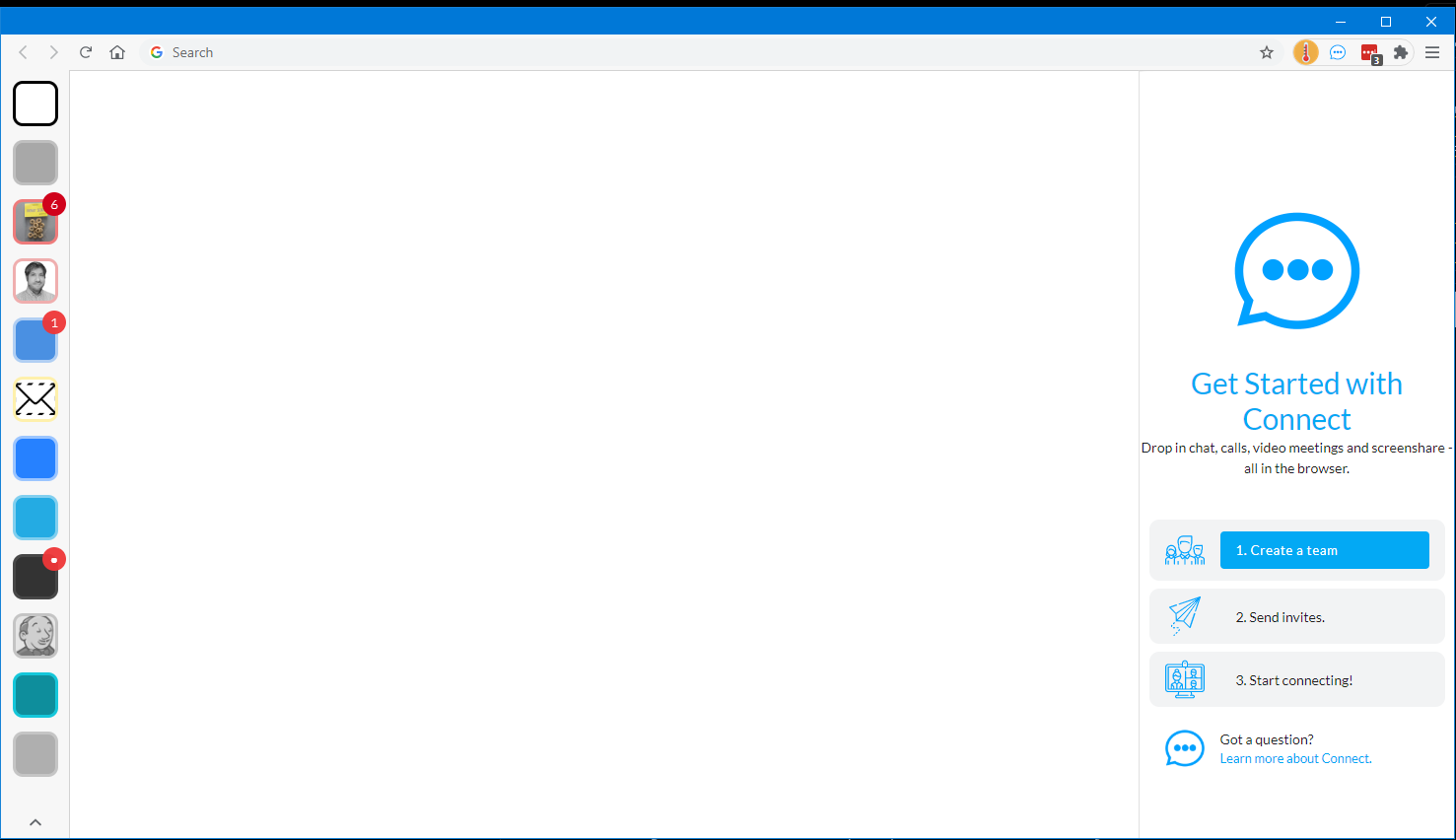
It's usable now, but the icons are missing. Not sure what to do to fix it as I can't debug the console for the application level, and alert is too cumbersome to get any usefulness out of it. I've not delved into the WebKit code in quite a while.
- Wavebox Version: 10.0.283.2 stable
- Operating System & Version: Windows 10
- Account type (if applicable): Any/All

Hi, thanks for reporting and for the in-depth dive in it. By the looks of it, the app has failed to write to disk just before the restart and then the rollback/recovery procedure has failed after that.
If you open a new tab and load chrome-extension://ckimpoegidoklmlkmkccfmbdmfigmgfm/ui-support-debug/index.html then press the auto-repair button it should be able to fix whatever's missing. It might be worth taking a screenshot of the success/failure report in case it doesn't.
You'll also need to revert the change you added in to get the icons back!

@Thomas101 Thank you for the response. It didn't appear to find anything wrong.

Thanks, can you drop wavebox support a quick message at https://wavebox.io/support and I'll pick it up from there :)