

 wavebox
Turn off scrolling in settings
- Wavebox Version: [e.g. 3.0.0] 10.0.56-3 beta
- Operating System & Version: [e.g. Windows 10, Mac OSX 10.3.4, Ubuntu 17.10] Windows 10
Is your feature request related to a problem? Please describe. This is similar to issue #1085
Is your feature request related to an account type? No.
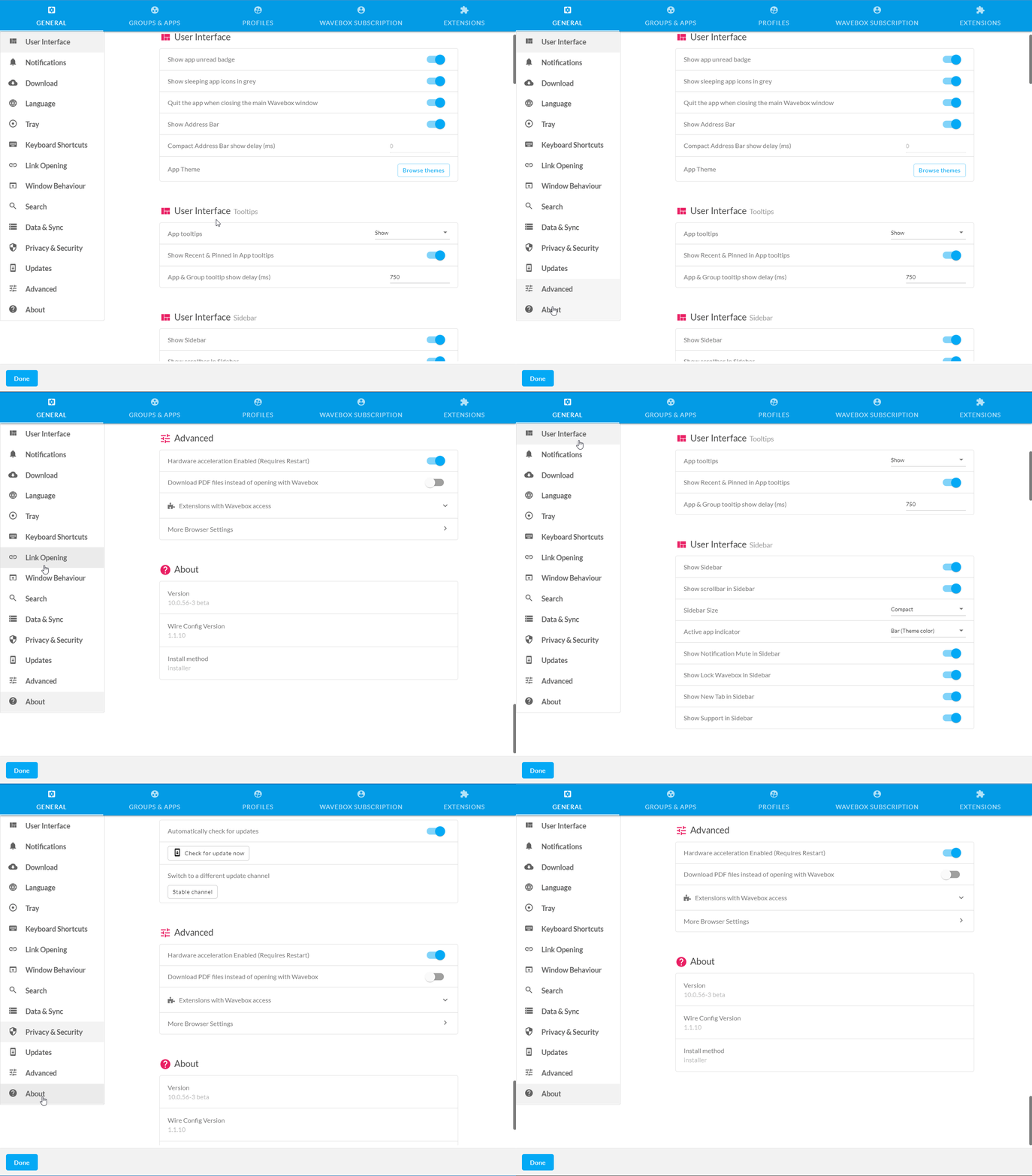
Describe the solution you'd like When clicking Settings within Wavebox and then one of the menu items on the left (lets use 'About' as the example), instead of jumping to 'About' it scrolls to it. This adds nothing and is just eye candy. Can this either be turned off or give us a setting to disable it? It has been turned off for Account Settings (it no longer scrolls as per #1085)
Additional info

I think the original reason was to provide feedback about scrolling between the different sections, but I agree it's a bit of useless eye-candy - especially given the length of the page. I'll have a play with disabling it, make sure it still makes sense
