

 wavebox
something went wrong with this tab and it crashed
- Wavebox Version: last version
- Operating System & Version: windows 10 i am using the 14 days free trial
Hello, i am a new user of this app and i think is fantastic. I have been using the app for one week, but suddenly one day when i opened the app I get an issue: whoops something went wrong with this tab and it crashed, and when i put reload, nothing happen, even if i restart the app, nothing happens.
I have deleted and reinstalled the app and only works one time, then the error appears.


Can you provide a little more information please?
Was the computer sleeping when the tab crashed?
Is it only related to gmail specific tab or are all the tabs crashed?
How are you connected to the internet? Is it through a proxy or something?
You can try to re add the service and see if it loads. It would be interesting to know if there is a consistency when this happened though.

Can you provide a little more information please?
Was the computer sleeping when the tab crashed?
Is it only related to gmail specific tab or are all the tabs crashed?
How are you connected to the internet? Is it through a proxy or something?
You can try to re add the service and see if it loads. It would be interesting to know if there is a consistency when this happened though.
My computer has not been sleeping, the error comes out when I open the app after turning my computer on.
All the tabs have the same error.
I'm connected by ethernet
The error continue when i re add the tab, I have to restart the app several times to connect the services
Thanks for reporting @RayitoMacuin . This isn't something we've really seen, but there are a couple of things to try...
Firstly, try disabling Hardware Acceleration, under Settings > Advanced and then restart the app to see if that makes any difference.
If it doesn't, it could be that some of the runtime data has been corrupted, (this would have persisted between installs). Try quitting the app completely, then deleting/moving C:\Users\<User>\AppData\Roaming\wavebox\wavebox\ and relaunching. You'll need to re-add your accounts after doing this.
If neither of those work, it would be good to know a little more about your machine setup, so we can see if we can reproduce here.
- Which Antivirus are you using?
- If you type into Cortana search
winverand run the program in the search results, you'll get a window that pops up with specific info about the version of Windows you're using. What's the version number (in the example below it would be1803)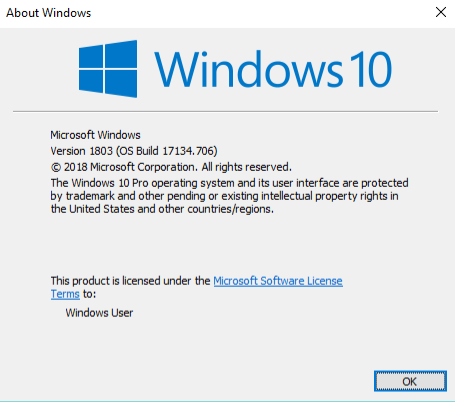
- Any other info about your machine, such as the amount of RAM, what kind of processor it has and what Graphics card it has would also be really useful
Thanks

Thanks for reporting @RayitoMacuin . This isn't something we've really seen, but there are a couple of things to try...
Firstly, try disabling Hardware Acceleration, under Settings > Advanced and then restart the app to see if that makes any difference.
If it doesn't, it could be that some of the runtime data has been corrupted, (this would have persisted between installs). Try quitting the app completely, then deleting/moving
C:\Users\<User>\AppData\Roaming\wavebox\wavebox\and relaunching. You'll need to re-add your accounts after doing this.If neither of those work, it would be good to know a little more about your machine setup, so we can see if we can reproduce here.
- Which Antivirus are you using?
- If you type into Cortana search
winverand run the program in the search results, you'll get a window that pops up with specific info about the version of Windows you're using. What's the version number (in the example below it would be1803)- Any other info about your machine, such as the amount of RAM, what kind of processor it has and what Graphics card it has would also be really useful
Thanks
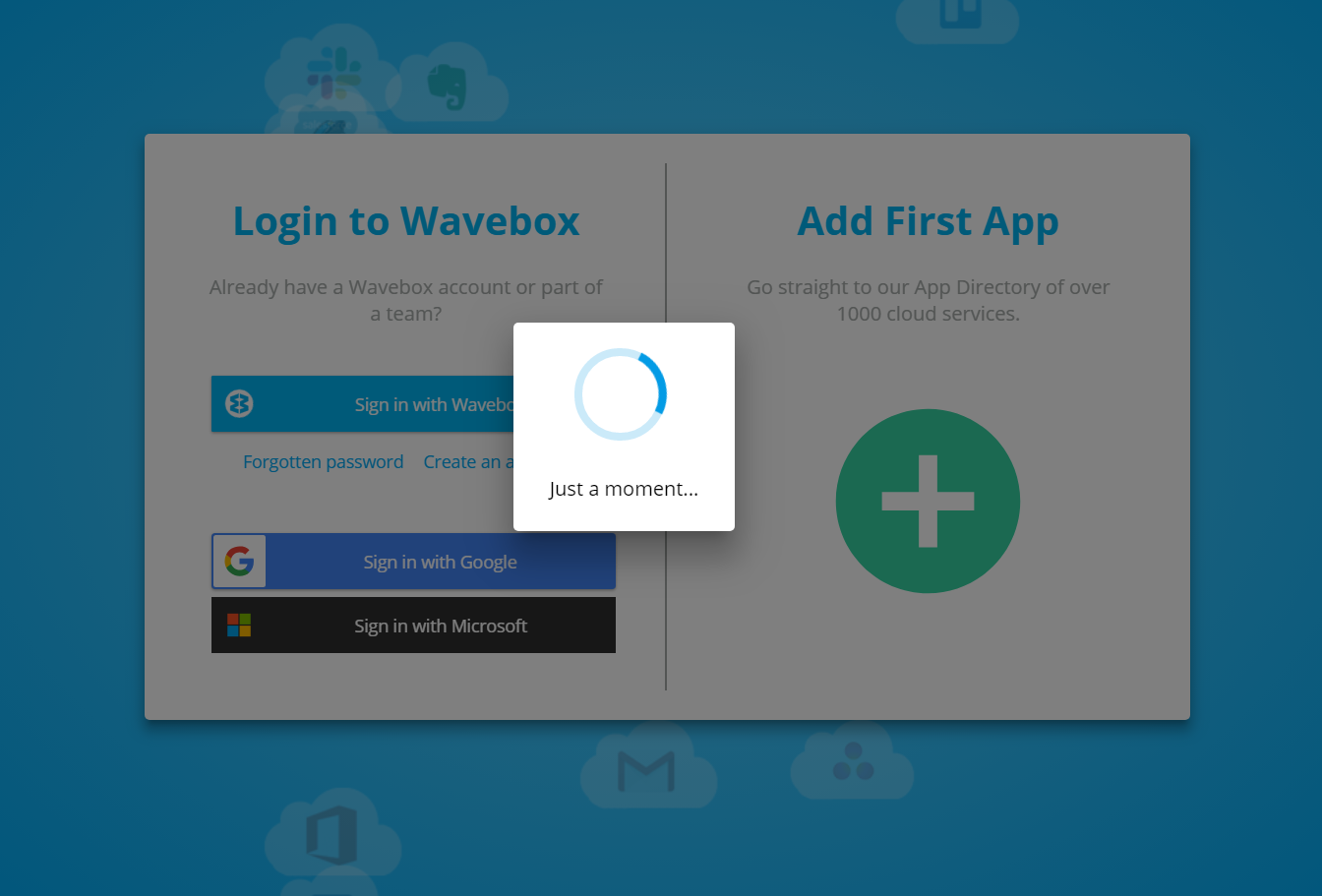
none of the first two options worked for me, when I delete the contents of the folder and I re-entered the program, I stay loading
 :cC:C:c:c:C
i am using windows defender.
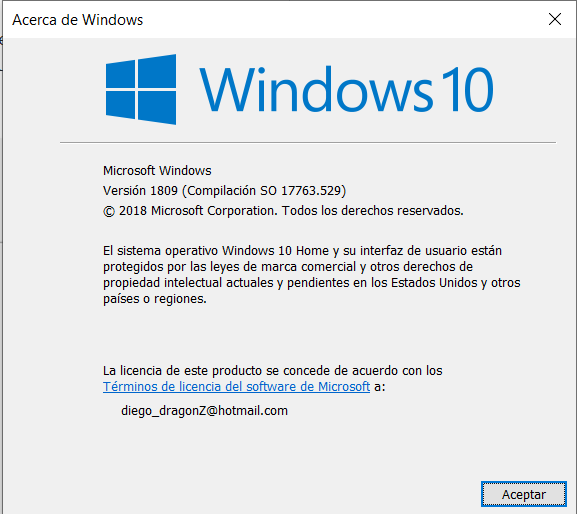
pc info: ryzen 7 16 GB RAM nvidia 1060 3gb
Thanks @RayitoMacuin
none of the first two options worked for me, when I delete the contents of the folder and I re-entered the program, I stay loading
Did you click one of the sign-in buttons to see the loading prompt, or did it appear on launch? If it didn't appear on launch, are you able to add any accounts without signing in (through the green add button)? Do these still crash?
Something has gone wrong here, but we're struggling to come up with what. We've got a machine here that's also running Windows 10 1809 and it seems to be okay. How much free disk space do you have on your machine? Are you using a firewall of any kind to block/filter connections? Do you know if you're logged in as administrator or as a standard user?
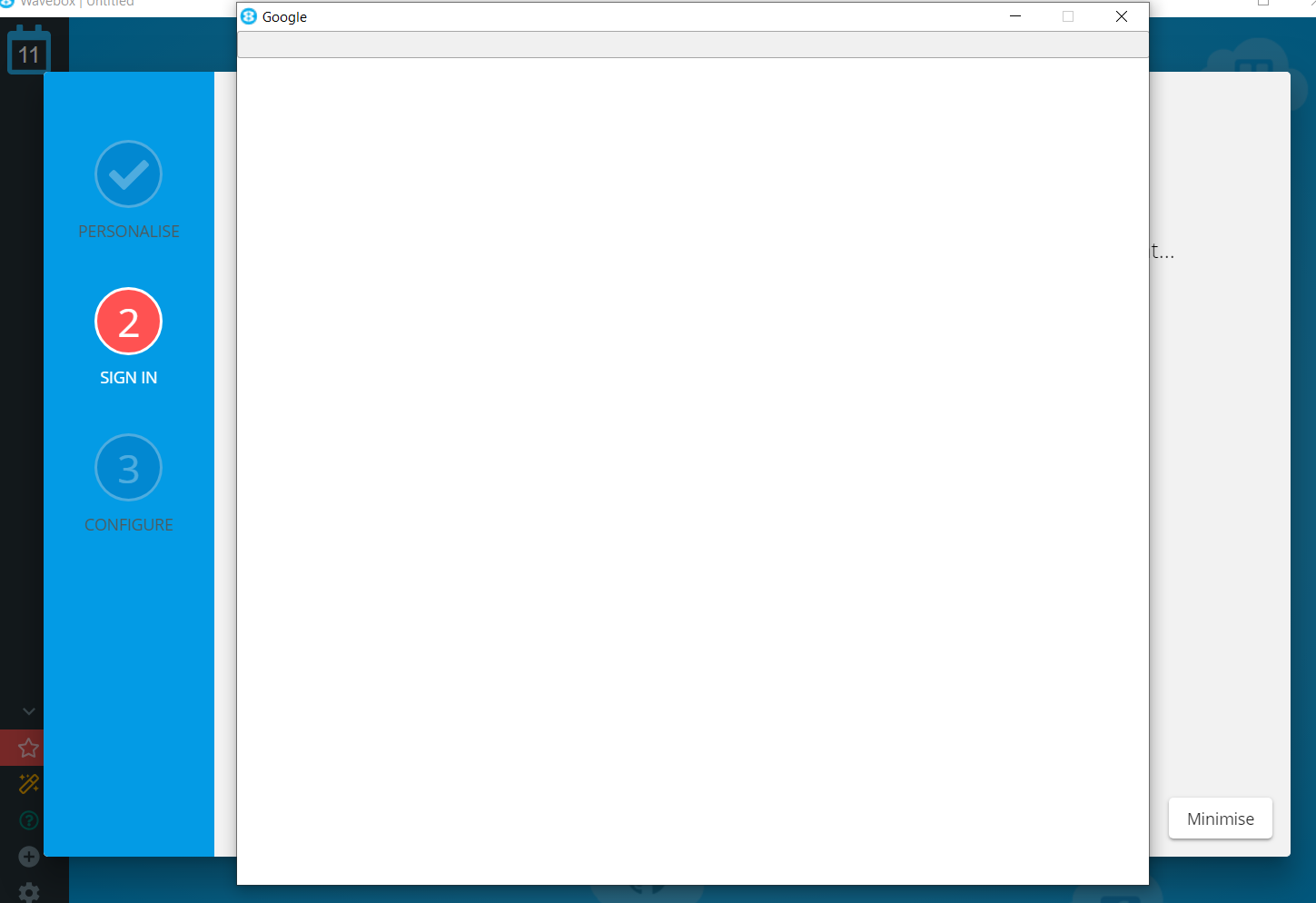
I clicked the log in button, and in any option it stays loading. when i click the add button i select gmail and it stays like this
 i have moree than 500gb of free, by I'm gonna try putting the program in firewall exemptions.
i am logged as administrator
i have moree than 500gb of free, by I'm gonna try putting the program in firewall exemptions.
i am logged as administrator
My original thought with the crashing was that it was down to some kind of data corruption or inability to write to disk. The fact that you're not seeing any pages load almost suggests that it could be network related, but then again the app calls out to the web on launch so that should also fail.
Did putting the app in the firewall exceptions make any difference? In the right-bar there is a red star, which opens the news feed. If you click on that does it load up?
I am on a linux notebook and I'm getting this very often recently with the google calendar or trello tabs, which also sometimes already cleared my input, which is super annoying. Any ideas on how to debug this?
