

 waspinator
Displaying samples not working/Mask cannot be generated properly
My dataset is a coco-style one, containing the hdd surfaces only. The dataset has 2 classes: screw and lid, annotations are done properly and they are stored in the folder structure given in the file. However when I want to display some random samples,here is the image I am getting:
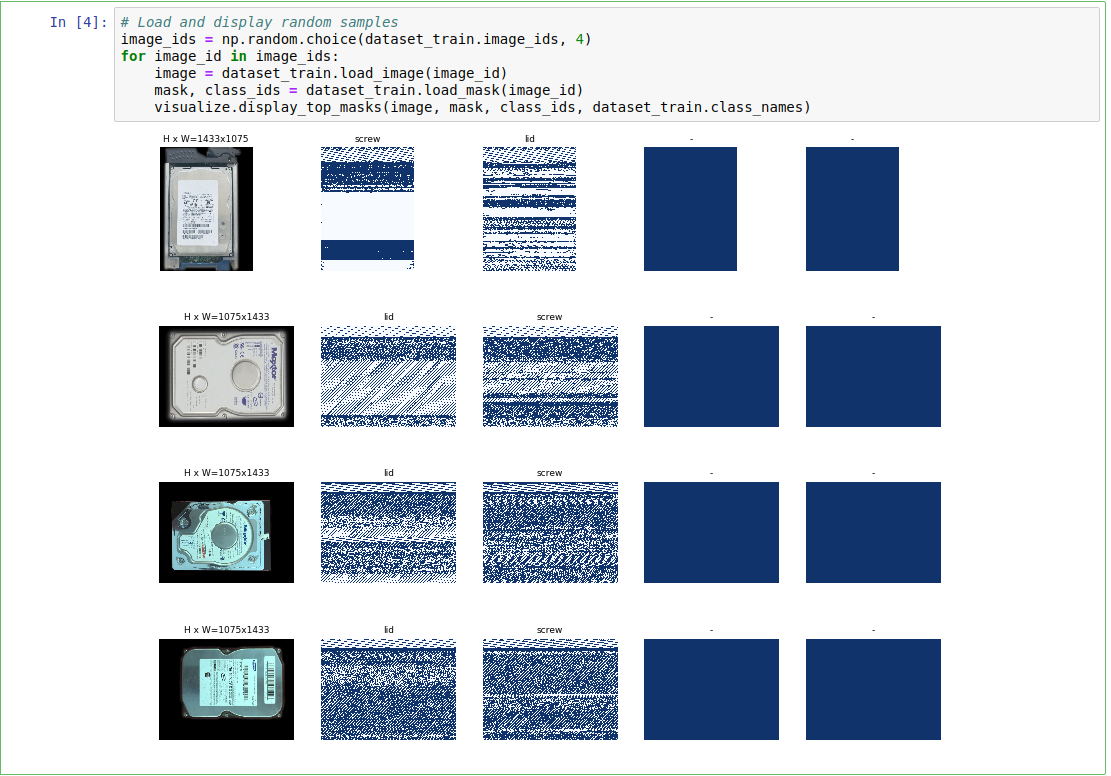
Is there something wrong with the library, or? Resolution of the images are seen in the picture as well.


@waspinator It's good that I can communicate with you about this, because I used your tutorial, I believe. I am going to upload a sample so that you know how I did the annotations:
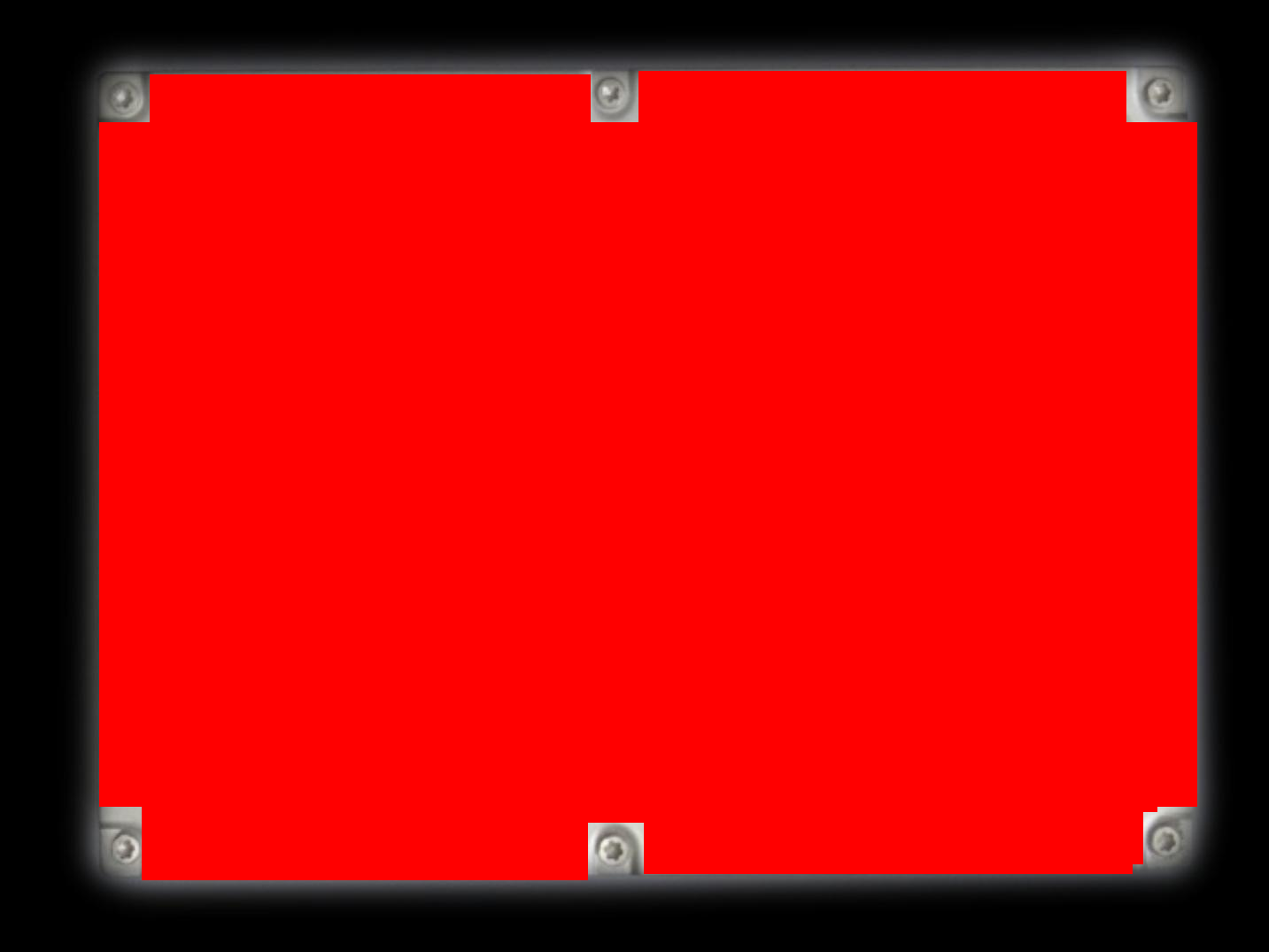
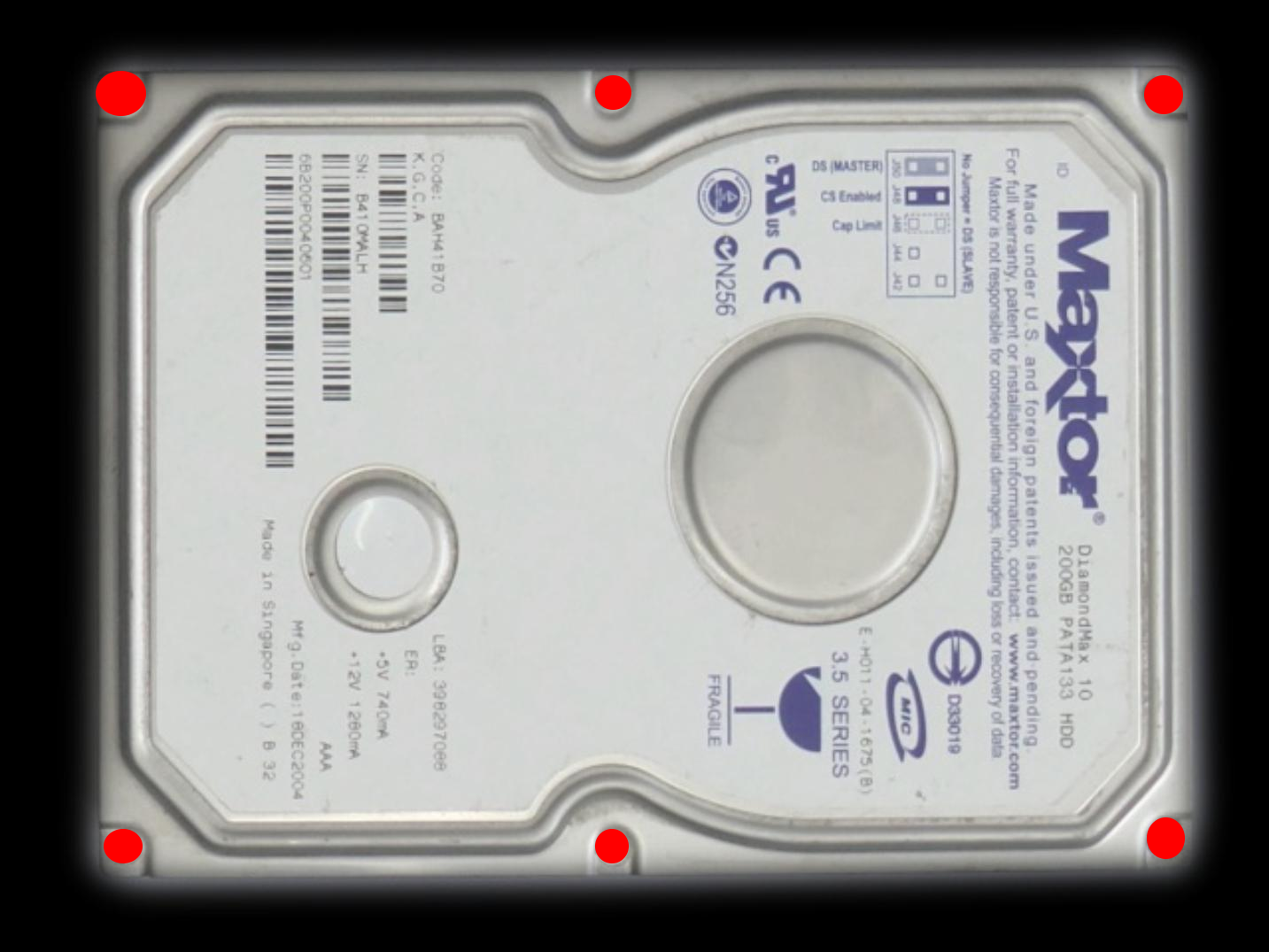
After this, I kept the originals (jpeg) in another folder and ran the script, and I got the .json file. However, when I try to load them in the notebook, I get the above nonsensical images.
Now I also tried visualising the dataset I have with coco visualiser found here which displays the samples with the following:
# load and display instance annotations
image = io.imread(image_directory + image_data['file_name'])
plt.imshow(image); plt.axis('off')
pylab.rcParams['figure.figsize'] = (8.0, 10.0)
annotation_ids = example_coco.getAnnIds(imgIds=image_data['id'], catIds=category_ids, iscrowd=None)
annotations = example_coco.loadAnns(annotation_ids)
example_coco.showAnns(annotations)
and unfortunately it seems that the mask is not generated correctly, since this is the output I am getting:
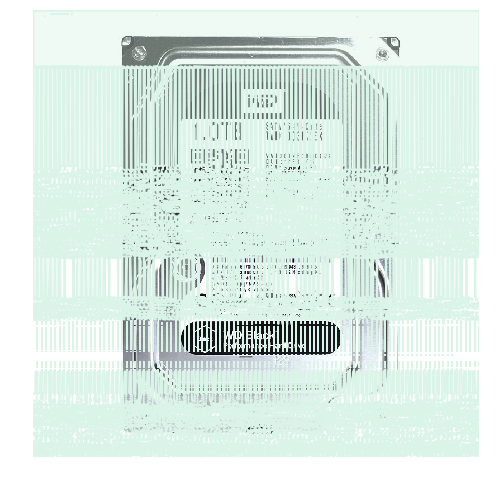
Do these images have to have a specific property? Like a ratio of height/weight? Or a channel-specific setting? I am trying to figure out why such a nonsensical thing is happening but I can't figure out why. As an author @waspinator do you have an idea? Would it be okay if you take a look at the dataset roughly, perhaps? Maybe I am missing something which you may be able to tell immediately?
@eyildiz-ugoe try using https://github.com/waspinator/js-segment-annotator to annotate a few images. Then use the generate_coco_json.py script to create a coco json file for use in mask rcnn.
@waspinator It's not clear how to use this program to be honest. You should write clearer instructions. What to run to do the labeling? Index.html does not open up anything. I put the images under data folder and wrote a .json for it but what's next? It's not clear. What's annotation.py for, if we are going to manually annotate the image?
@waspinator I recommend closing this issue because it appears to look less like an implementation issue and more of a training issue. That is to say the model hasn't been train sufficiently to produce meaningful masks. I've encountered this same sort of artifact with a different mrcnn implementation.
@eyildiz-ugoe I recommend training more of the earlier layers in the model. Your masks clearly show that your model is not properly detecting edges. Keep in mind just because you're using coco weights doesn't mean that those weights are going to solve your particular use case. I don't recall the coco data set having meaningful examples of an isolated rectangular shaped object.
