

 warpdotdev
Warp fails to return when using k9s
Describe the bug
Using the current warp version v0.2022.03.14.08.49.stable_00 and the lates k9s version v0.25.18, if I select a pod, deployment, etc resource and the press the 'e' key to edit, it will open the yaml for the resource. I don't have to make any edits, but typing ':q!' will cause a blank console to show with the cursor in the top left corner and then nothing. No key combo gets back to the k9s UI. I just have to close the tab and open a new one. This does not happen with iTerm2 3.4.12 using the same version of k9s. Also this use to work with warp, it's been a while since I needed to edit something live, so I don't know when this broke.
To Reproduce
Steps to reproduce:
- brew install k9s
- Use k9s to connect to a kubernetes cluster
- Select a resource and select 'e' for edit
- Try and quit editing by using :q!
- k9s UI is not returned
Expected behaviour
k9s UI should be available.
Screenshots
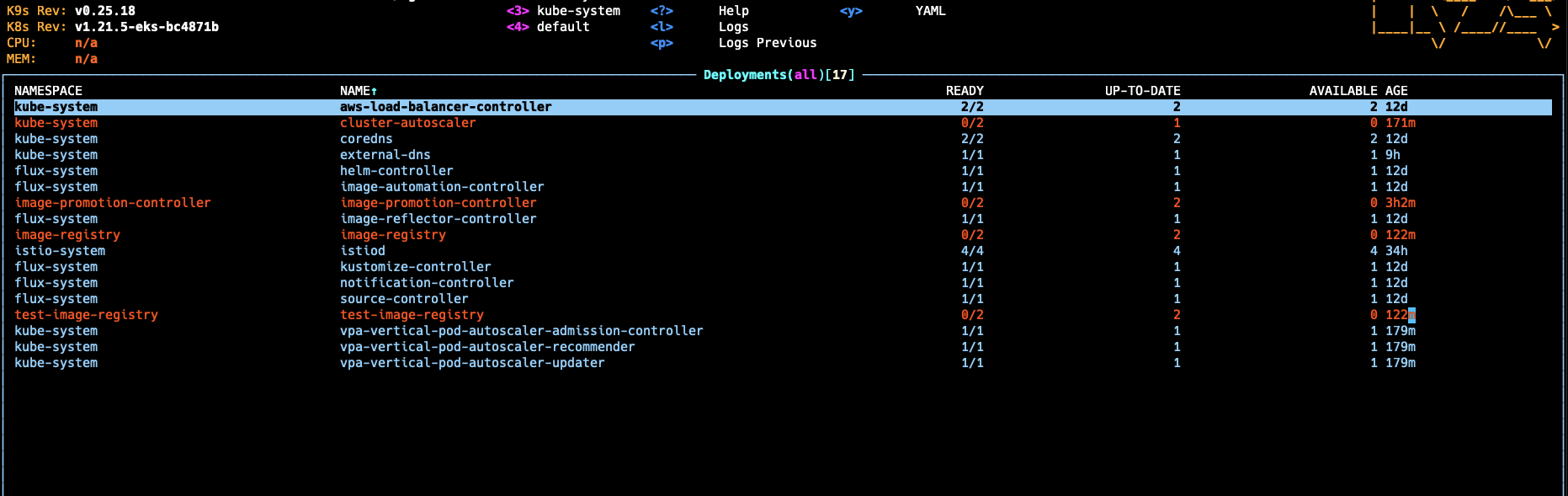 Before editing
 After exiting the editor
Operating System
MacOS
OS Version
12.2.1
Additional context
No response


This also happens when attaching to/logging into a running pod and then detaching from/logging out of that pod - I get a blank console with the cursor in the upper left hand corner and no key combination that I know of gets me back to k9s UI or a command prompt. The only thing I can do is close the tab.
This does work on iterm with the same version of k9s (0.25.18).

OK, I would love to bring more visibility to this issue. I was just mucking around trying to see what triggers it and what doesn't. I have a local kind cluster created with kind create cluster --name foo and then I selected a pod to edit and then immediately quit from editing and that worked.
However, I have a remote Platform9 cluster and an EKS cluster and just connecting, opening any thing to edit and then exiting will trigger the blank screen with the cursor in the top left corner. Is there a way to get logs out of warp to help with debugging?
This seems to occur on other K8s deployments when attaching to a debug shell and then running something like less in the shell.

Sorry about the all the issues with this! Will circle back when it's a work in progress.

Came here to say that I had this experience too. Easy clean exit from k9s when using iterm Does not return to terminal when exit k9s using warp

This is the main thing preventing me from using Warp, I would love to see a fix! :)

quick updated, we've been able to repro this issue and will circle back when we have and update/fix.

I just got the latest Warp update and there is always something good in there except for this issue. While I get the drive to add more features, I feel that equal measure needs to be given to breaking changes. This isn' a feature that never existed and we're pushing to get something new. This was broken many moons back and it has taken forever and a day to get visibility on it. Now that it has been reproduced, those of us waiting are hoping it won't take the same length of time to have the functionality restored.
This also happens to me when returning from editing a config in k9s.
Operating System
MacOS
OS Version
12.6

Same as @thezanke
Operating System MacOs
OS Version 12.6
K9S Version v0.26.7
WARP Version v0.2022.11.29.08.03.stable_03

The behavior for this issue seems similar to one seen when using lazygit, https://github.com/warpdotdev/Warp/issues/1511, which currently does not have a fix.
I saw on discord that there may be a fix incoming for this k9s issue (as of 2022-12-01):
david: this is a known issue, unfortunately - we have an understanding of what's going wrong and are hoping to have a fix out soon. sorry it's broken!
I'm hoping that this k9s fix may also help fix what may be going on with lazygit as well.

Hi Folks, today we released some improvements that should help with returning from alt screen( k9s ) issues. Please let us know if this helped or if the issues persist.


It's working, yes. Thank you very much for addressing this issue. Good work!

Awesome! thanks for the feedback, closing but feel free to reopen if the issue persists.
Hi Folks, today we released some improvements that should help with returning from alt screen( k9s ) issues. Please let us know if this helped or if the issues persist.
Works great! Editing deployments in k9s is now flawless! Huzzah! This was my only blocker to moving to this from iTerm. <3 <3 <3

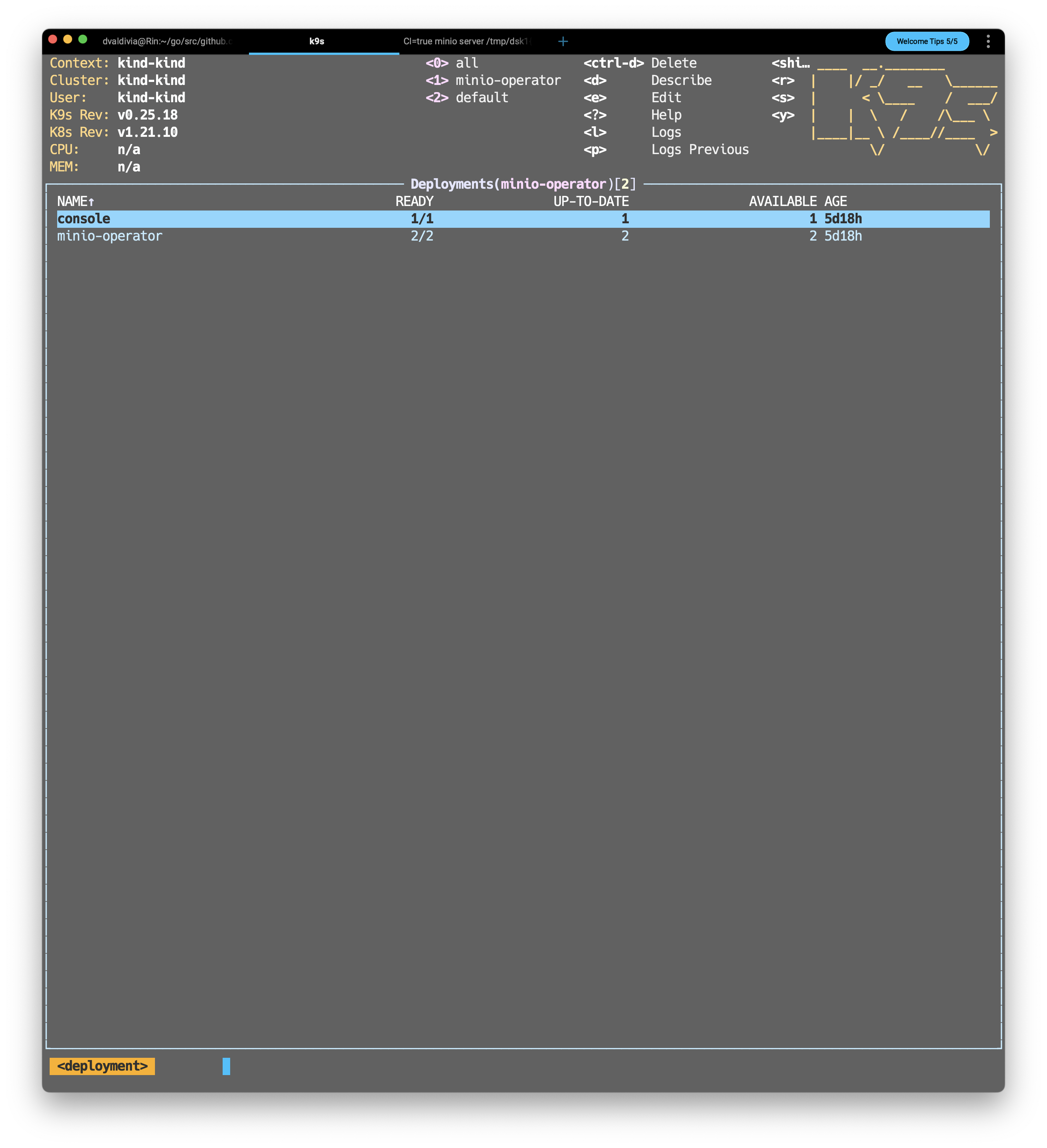
I'm not sure I understand how to resolve the grey background issue w/ warp and k9s. I'm still seeing this
Any thoughts?
Thanks!

@cmditch You most likely need to set the background as transparent for k9s so that you see Warps background instead of the grey one. It appears if you set the bg color to default it'll be transparent, but there are more instructions here https://k9scli.io/topics/skins/
To expand what @dannyneira said I had the same issue with the hazy overlay in my k9s
I had to open ~/.config/k9s/config.yaml and set .k9s.ui.bgColor=transparent
Additionally, if one wants to use skinds, then again background color has to be set to transparent.
For instance for dracula theme https://github.com/derailed/k9s/blob/1a2ee1028cedda4eb1d750f1d2998cf67292c32f/skins/dracula.yaml#L7 change the actual bg color to "transparent"
