
Warp
 Warp copied to clipboard
 warpdotdev
stuck at loading prompt...
Discord username (optional)
No response
Describe the bug
use oh-my-zsh and spaceship to replace p10k, but when tab "vi" to open nvim with a dir, warp stuck with Loading prompt...
like this
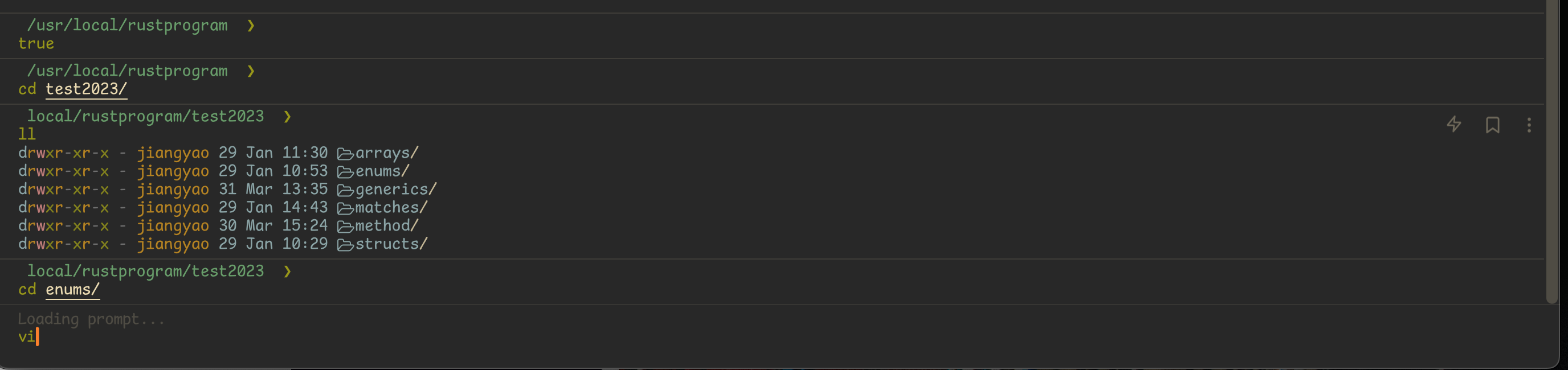
To Reproduce
1 set oh-my-zsh spaceship and nvim 2 open a dir with nvim
Expected behavior
like this
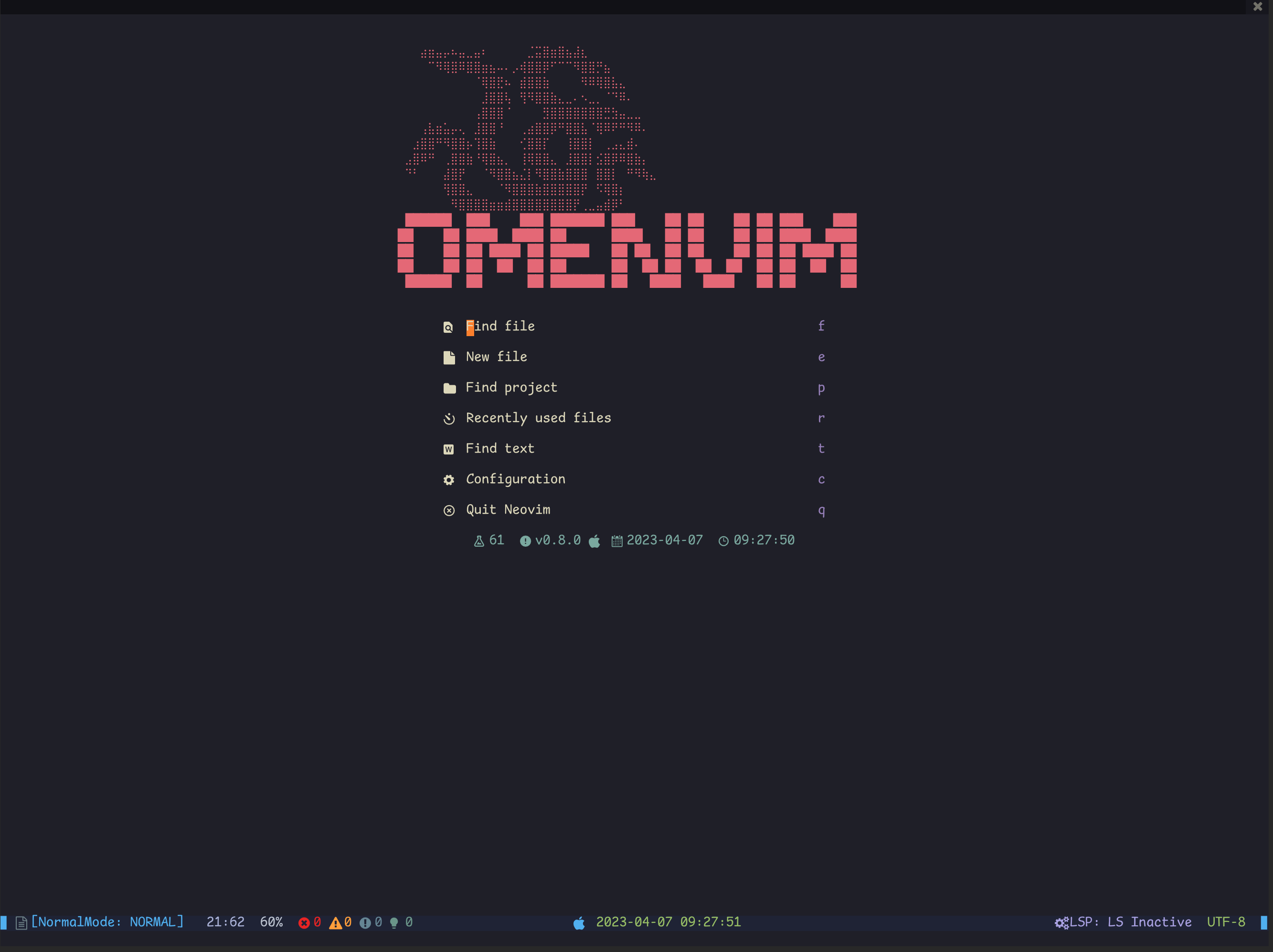
Screenshots

Operating System
MacOS
OS Version
12.6.3
Shell Version
zsh 5.8.1 (x86_64-apple-darwin21.0)
Warp Version
v0.2023.04.04.08.03.stable_01
Additional context
No response
Does this block you from using Warp daily?
No
Is this a Warp specific issue? (i.e. does it happen in Terminal, iTerm, Kitty, etc.)
No, this same issue happens in Warp and other terminals.
Warp Internal (ignore): linear-label:b8107fdf-ba31-488d-b103-d271c89cac3e
None

My guess is that you normally have a custom prompt, theme, or plugin and Warp is unable to parse it.
You can check whether it’s something in your dotfiles by setting up clean configs:
Run echo 'ZDOTDIR=/' > ~/.zshenv
This forces Zsh to run with zero configs.
You can disable parts of your dotfiles just for Warp by using this conditional statement:
# Bash and Zsh
if [[ $TERM_PROGRAM != "WarpTerminal" ]]; then
# > What you want to disable here <
fi
# Fish
if test "$TERM_PROGRAM" != "WarpTerminal"
# > What you want to disable here <
end
We have a list of incompatible tools here: https://docs.warp.dev/help/known-issues#list-of-incompatible-tools And more info on custom prompts here: https://docs.warp.dev/features/prompt

My guess is that you normally have a custom prompt, theme, or plugin and Warp is unable to parse it.
You can check whether it’s something in your dotfiles by setting up clean configs: Run
echo 'ZDOTDIR=/' > ~/.zshenvThis forces Zsh to run with zero configs.You can disable parts of your dotfiles just for Warp by using this conditional statement:
# Bash and Zsh
if [[ $TERM_PROGRAM != "WarpTerminal" ]]; then
# > What you want to disable here <
fi
# Fish if test "$TERM_PROGRAM" != "WarpTerminal" # > What you want to disable here < endWe have a list of incompatible tools here: https://docs.warp.dev/help/known-issues#list-of-incompatible-tools And more info on custom prompts here: https://docs.warp.dev/features/prompt
This solved for me! Thanks.


