

 warpdotdev
Maximize window on startup
Discord username (optional)
Source1#3167
Describe the solution you'd like?
An option in the settings where I can set whether or not Warp starts maximized or not. This is not the same as going into Fullscreen, rather it is to maximize/fill-in the Warp window to the maximum allowed by the OS on start-up.
Is your feature request related to a problem? Please describe.
Typically from startup, I primarily use the keyboard for navigation around the desktop and only ever touch the mouse to interact with websites or for development testing purposes.
As such, having the window maximized from start-up would be immensely helpful as I wouldn't need to use the mouse to maximize the window.
Additional context
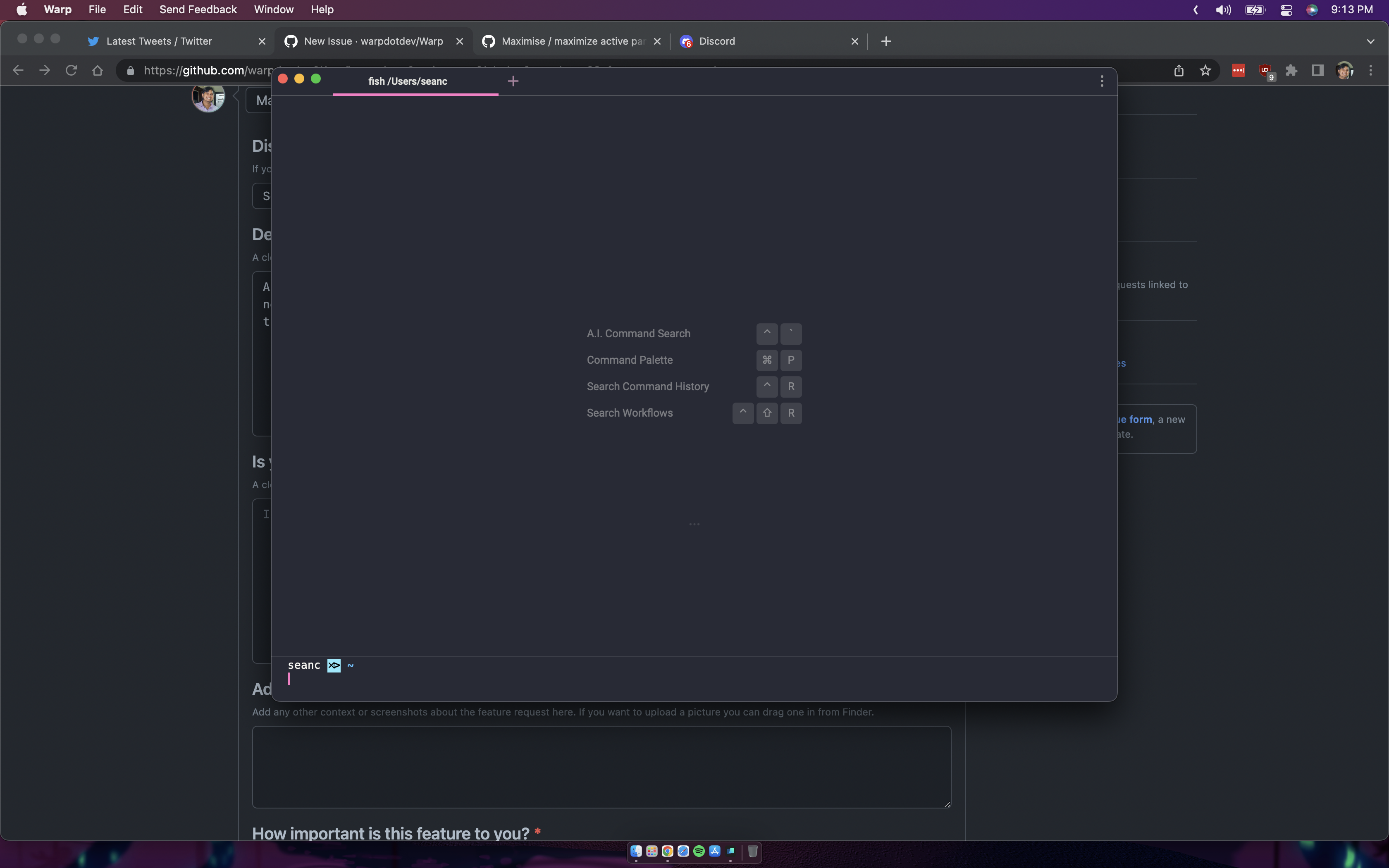
How it normally opens up.
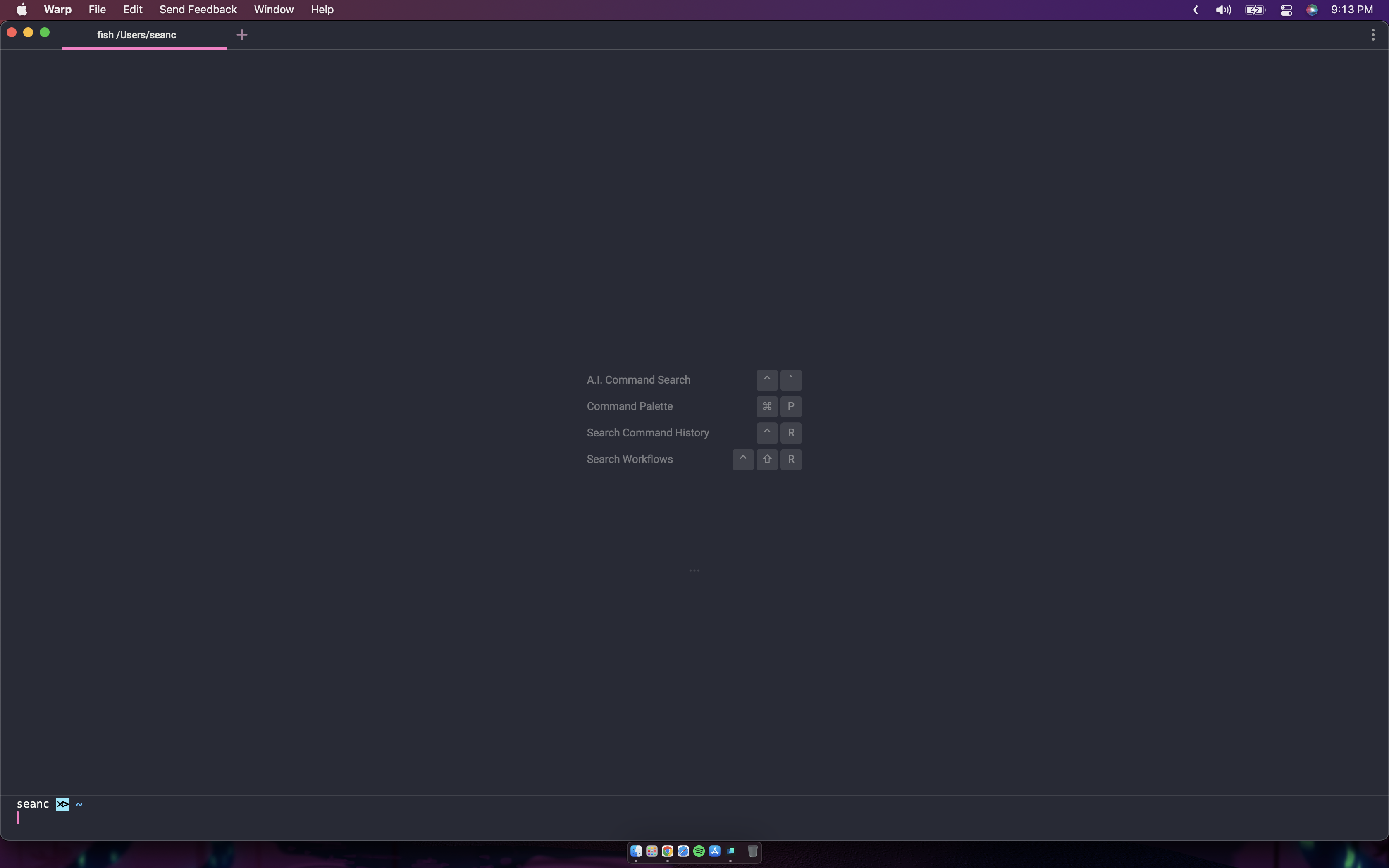
Opened in maximized mode.
How important is this feature to you?
4
Warp Internal (ignore) - linear-label:770f6576-d6c0-4e4f-a259-fc64b5156087
No response


#2166 + https://github.com/warpdotdev/Warp/issues/1399#issuecomment-1397031223 would provide the desired functionality, I believe.

#2166 + #1399 (comment) would provide the desired functionality, I believe.
I assume you mean manually setting the window dimensions yes?
@SeanCassiere: Maximize manually and save as a the default Launch Configuration. This approach won't work great if you have multiple screens with different resolutions or change the resolution often. So, a dedicated maximize option would be more universal, of course.
I just installed the new Linux Beta on Arch with the Hyprland window manager. Windows typically appear correct but Warp appears as shown in the image below.
If there was an option to open in full screen this would be very usable for me. As it is now I have to spend some time to move the window to where I can click the full screen button.
