

 warpdotdev
Warp unusable and 'command not found' errors on start
Discord username (optional)
No response
Describe the bug
So I had my macbook rebooted and on restart Warp was autostarted. It opened with Changelog screen open, from which I conclude that Warp was autoupdated.
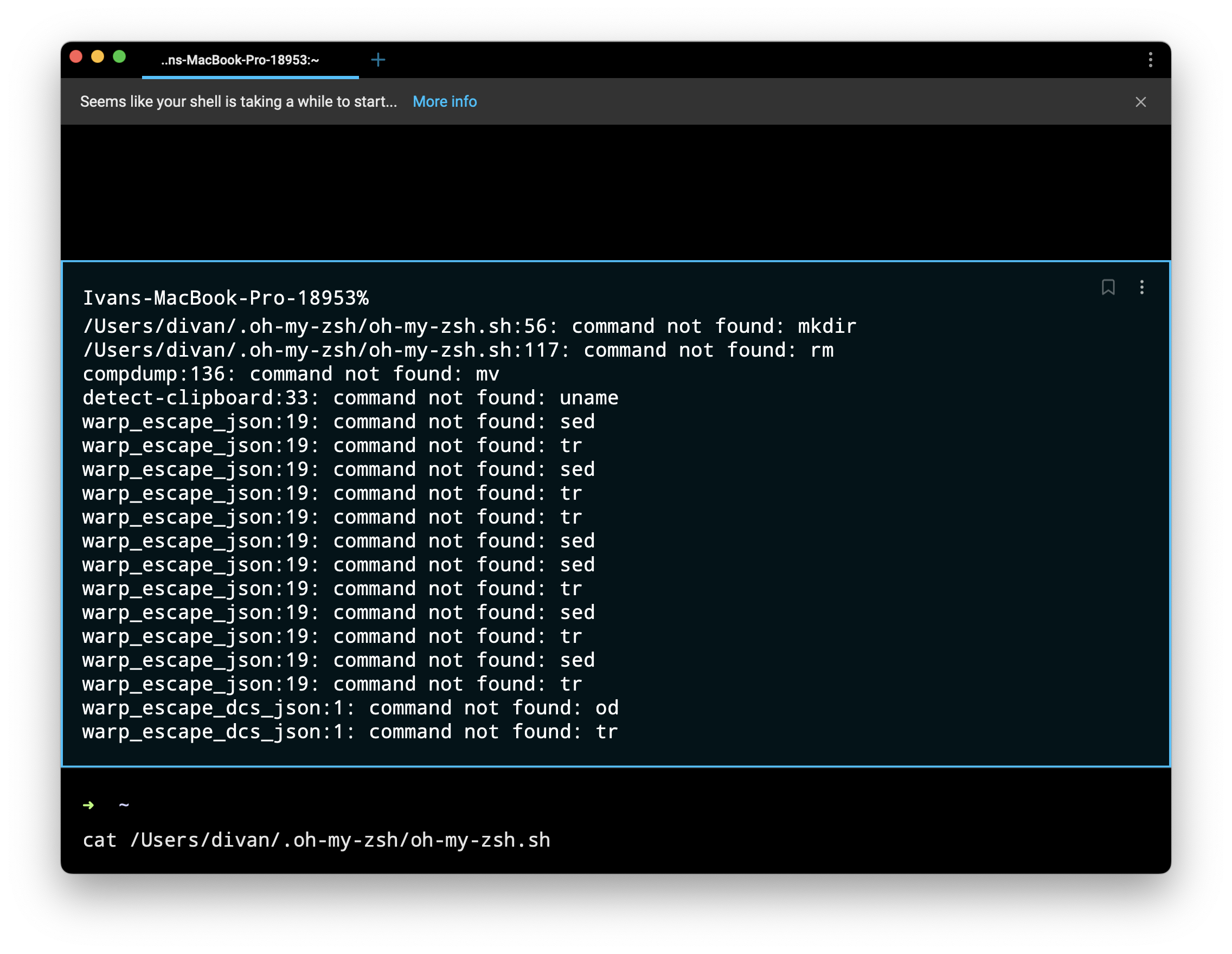
All auto-opened tabs shown this error:
Ivans-MacBook-Pro-18953%
/Users/divan/.oh-my-zsh/oh-my-zsh.sh:56: command not found: mkdir
/Users/divan/.oh-my-zsh/oh-my-zsh.sh:117: command not found: rm
compdump:136: command not found: mv
detect-clipboard:33: command not found: uname
warp_escape_json:19: command not found: sed
warp_escape_json:19: command not found: tr
warp_escape_json:19: command not found: sed
warp_escape_json:19: command not found: tr
warp_escape_json:19: command not found: tr
warp_escape_json:19: command not found: sed
warp_escape_json:19: command not found: sed
warp_escape_json:19: command not found: tr
warp_escape_json:19: command not found: sed
warp_escape_json:19: command not found: tr
warp_escape_json:19: command not found: sed
warp_escape_json:19: command not found: tr
warp_escape_dcs_json:1: command not found: od
warp_escape_dcs_json:1: command not found: tr
Command input stopped working – I can input letters, but nothing happens when I press Enter.
I restarted Warp, but got the same behavior. iTerm and Terminal works fine.
Some context that might be helpful:
- I use Warp daily for month or two, and not using any other terminal
- my zsh config is as close to the default as possible (i.e. couple of aliases and bin paths, nothing else)
- I haven't update zsh config in the last days/weeks
Any ideas how to debug this or what can be the cause?
To Reproduce
Update to the latest Warp?
Expected behaviour
No response
Screenshots
Operating System
MacOS
OS Version
12.4 (21F79)
Shell Version
zsh 5.8.1 (x86_64-apple-darwin21.0)
Warp Version
v0 2022.07.11.09.11 stable 00
Additional context
No response
Does this block you from using Warp daily?
Yes
Warp Internal (ignore): linear-label:b8107fdf-ba31-488d-b103-d271c89cac3e
No response

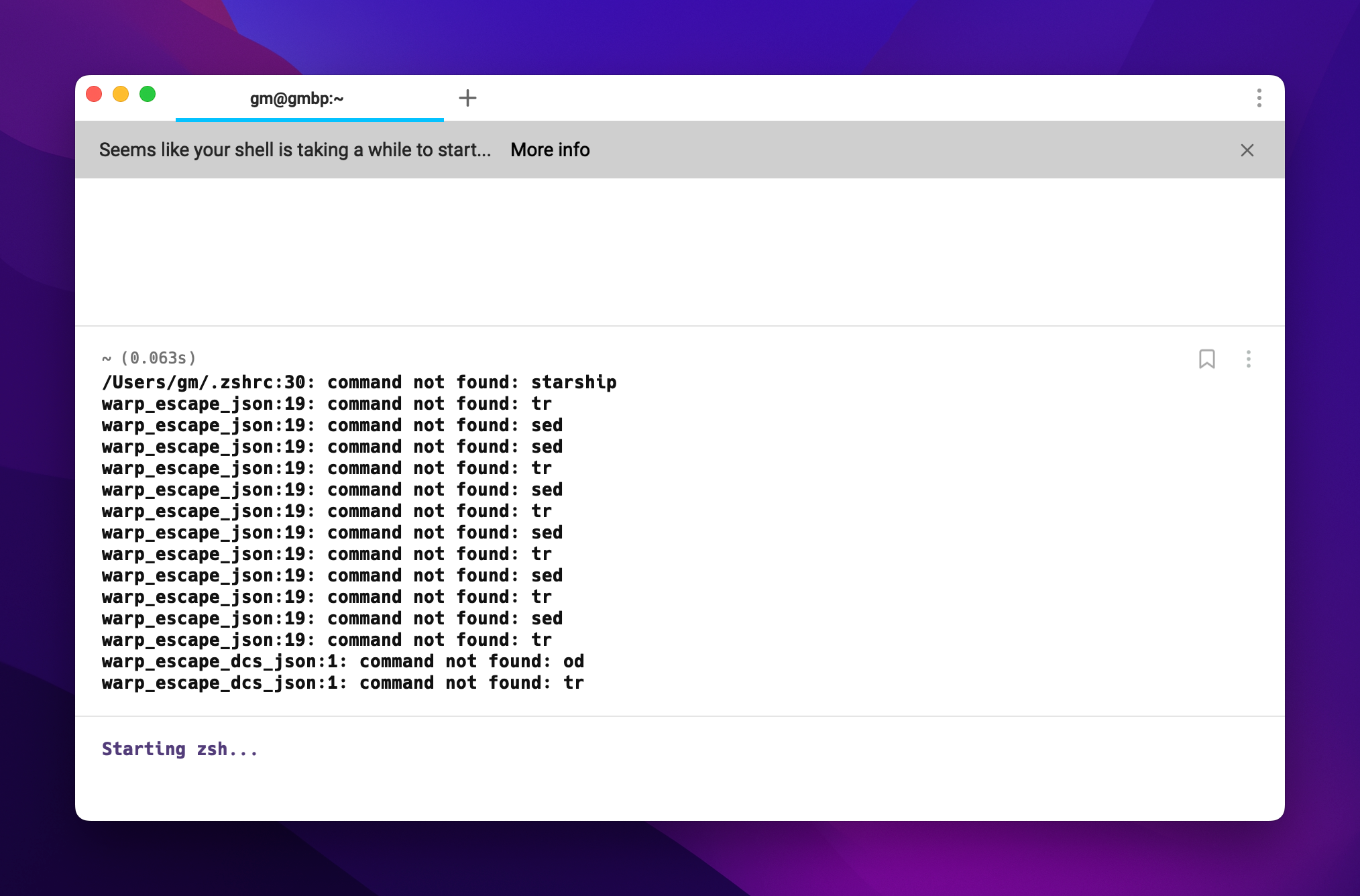
Same issue. The issue was founded When I upgrade Warp to latest version.
Wrap version: v0.2022.07.11.09.11.stable_00;
oh-my-zsh version: master (249c708) (When I disabled omz the issue still here);

Thanks for the reports, and really sorry about the regression! :(
Would you mind sharing the value of your PATH (grabbed from a different terminal)? The output of echo $PATH would be sufficient. Curious if something about the PATH is causing the command-not-found issues.

Ok, we figured out where the issue is, and are working on rolling out a new release. Should have a fix live within the next 2 hours. Sorry again for the inconvenience!
The fix is now live; Warp should still be able to auto-update even though shells failed to start.
Please re-open this issue if you're still seeing this issue on v0.2022.07.11.09.11.stable_01!
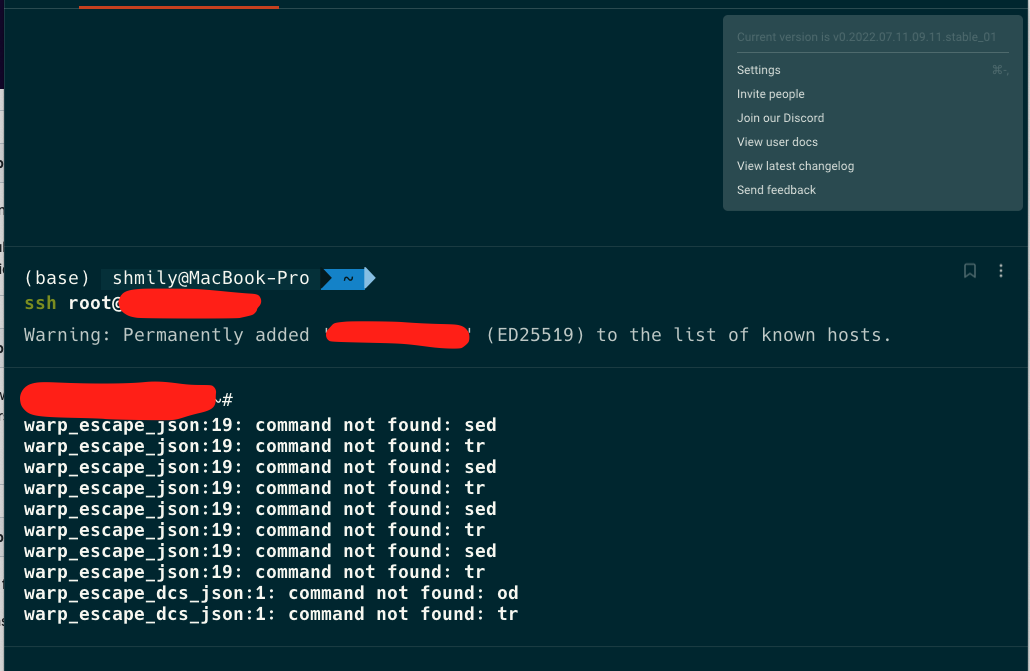

Ok, confirming that issue fixed for me.
(Though initially Warp incorrectly showed new version before actually updating)
@geek981108 I'm assuming ssh worked for you before Wednesday's release? When you ssh into that same machine from another terminal, what is the shell on the remote end? Does the remote machine have sed/tr/od available? (I'm assuming so, but asking for completeness.)

Sorry for untimely response.
- SSH never worked properly for that machine.
iTerm2andTerminalon MacOS worked.- Commands like
sed/tr/oddo avaliable. - Additional: Remote machine default shell set to
zshwith plugin 'oh-my-zsh' installed.
It's probably some incompatibility with OMZ.
You can also disable parts of your dotfiles (OMZ) just for Warp by using this conditional statement:
if [[ $TERM_PROGRAM != "WarpTerminal" ]]; then
WHAT YOU WANT TO DISABLE FOR WARP - BELOW
Whatever you want to disable
WHAT YOU WANT TO DISABLE FOR WARP - ABOVE
fi
We have a list of incompatible tools in our documentation: https://docs.warp.dev/help/known-issues#list-of-incompatible-tools
--- original message --- On July 26, 2022, 2:16 PM EDT @.*** wrote:
Reopened #1607.
—
Reply to this email directly, view it on GitHub, or unsubscribe.
You are receiving this because you are subscribed to this thread.Message ID: @.***>
-- You received this message because you are subscribed to the Google Groups "github" group. To unsubscribe from this group and stop receiving emails from it, send an email to @.*** --- end of original message ---
