

 wagtail
Dateinput widget does not work in Custom Document modal chooser
I create a custom document model with a custom datefield named "record_date". Its default value is the current date. HomePage has a field named "doc" which is referenced by the custom document.
The problem is that when I click the "record_date" field in the document modal chooser, the datepicker widget does not show.
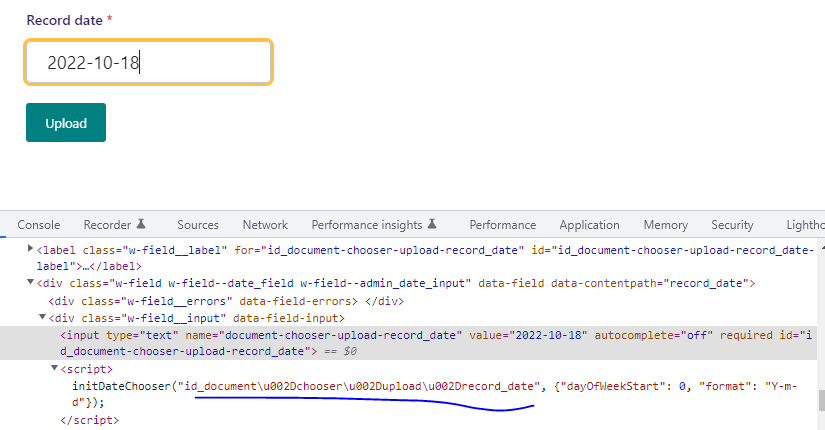
However, when I edit the document in document edition page, the datepicker shows properly.
Wagtail version: 4.0.2 django version: 4.1.2 python version: 3.10

@thibaudcolas I'd like to attempt this. (Outreachy participant) -working on this

@FatumaA
class CustomDocument(AbstractDocument):
    record_date = models.DateField(default=datetime.date.today)

    admin_form_fields = Document.admin_form_fields + (
        'record_date',
    )

class HomePage(Page):
    body = RichTextField(blank=True)
    doc = models.ForeignKey(
        get_document_model_string(),
        on_delete=models.SET_NULL,
        blank=True, null=True
    )

    content_panels = Page.content_panels + [
        FieldPanel("body"),
        FieldPanel("doc"),
    ]
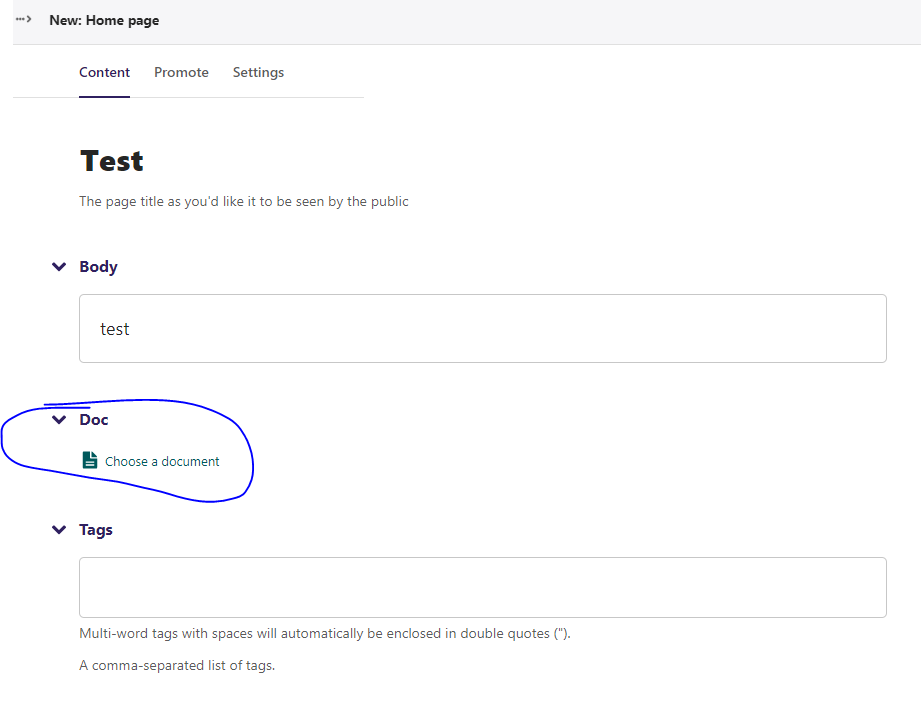
The datepicker widget do not show in the document modal chooser
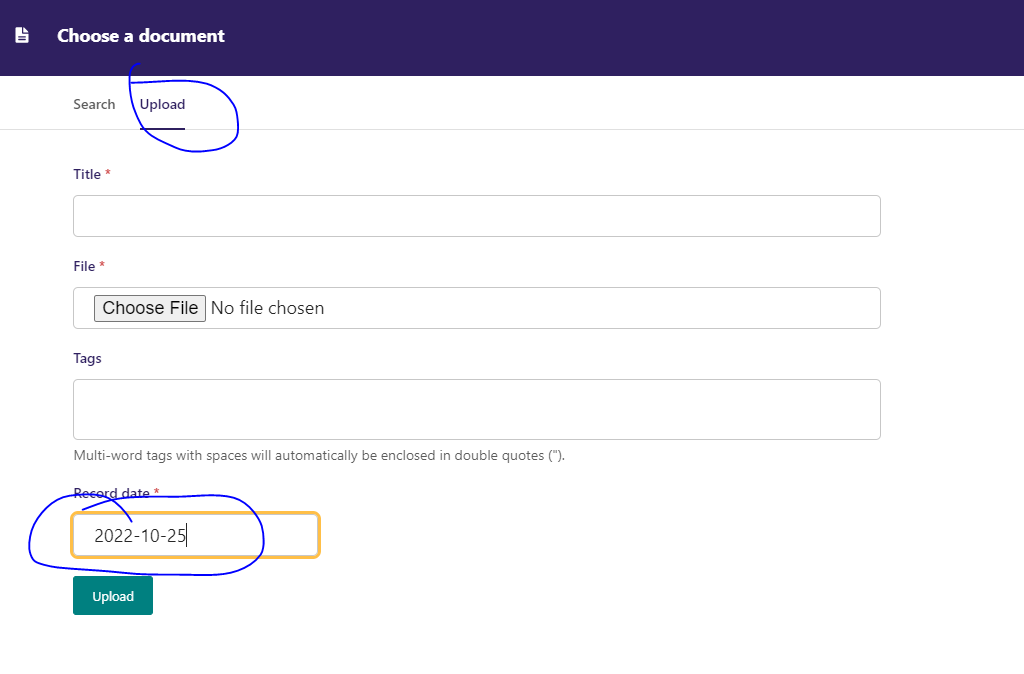
Note: this is actually just a duplicate of #3604 - the date picker correctly works but rather is just not visible inside the modal (z-index stacking issue).
Also, the steps to reproduce were not very close at all to getting to reproduce the problem.
from wagtail.documents.forms import BaseDocumentForm

from wagtail.admin.widgets.datetime import AdminDateInput


class CustomDocumentForm(BaseDocumentForm):
    class Meta(BaseDocumentForm.Meta):
        widgets = {"record_date": AdminDateInput}
For reference - a custom form is also required, along with the relevant settings.
WAGTAILDOCS_DOCUMENT_MODEL = 'base.CustomDocument'
WAGTAILDOCS_DOCUMENT_FORM_BASE = 'bakerydemo.base.forms.CustomDocumentForm'
