

 vslavik
Space closes the Update window
In Poedit, click on File > Check for updates…
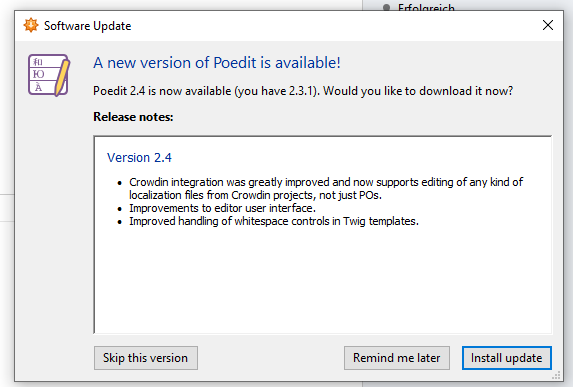
Take a screenshot using Greenshot or a similar program, by pressing Alt+PrtScr. This takes away the keyboard focus from the window, and the blue border around the "Install update" button disappears:
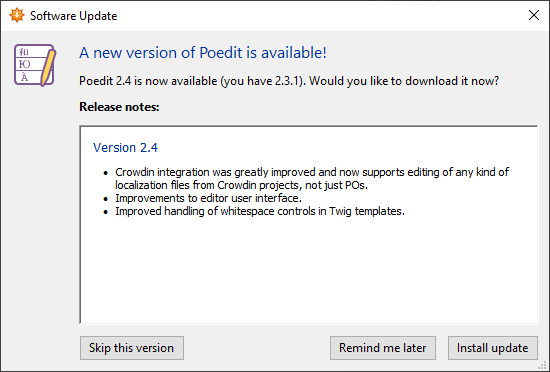
(Pressing Alt+Tab twice has the same effect.)
Now press Space. The window closes. This is unexpected. Neither of the buttons has a visible focus border, therefore I'm unsure what should really happen. It might be that pressing Space activates the Skip button. But this contradicts the blue border around the Update button.

This came up before in a different issue (#457) — anything about the update window is https://github.com/vslavik/winsparkle project; or is there anything specific to Poedit/

I didn't know where you drew the line between Poedit and Winsparkle. I thought that the main update window was still Poedit, and clicking on the Update button would switch to Winsparkle. Apparently I was wrong.
What's strange though is that you said in 2018 that you fixed this, and now it seems to appear again (or still? I'm not sure).