vsch
vsch
How to not repeat Grid headers in each page in markdown to docx
I do not want to repeat table header in the subsequent page and if any column information is empty wanted to show | in between in generated docx.
Example markdown :
-
Grid
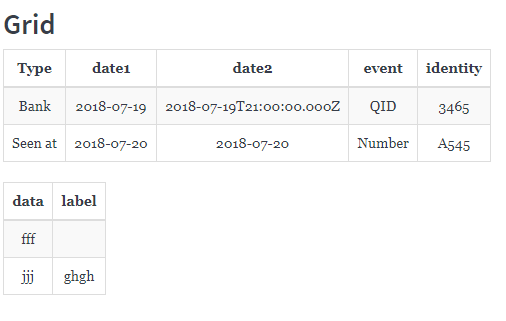
- |Type|date1|date2|event|identity|
- |:-:|:-:|:-:|:-:|:-:|
- |Bank|2018-07-19|2018-07-19T21:00:00.000Z|QID|3465|
- |Seen at|2018-07-20|2018-07-20|Number|A545|
- |data|label|
- |:-:|:-:|
- |fff||
- |jjj|ghgh|
then I don't want to repeat the header of above table to other pages to and show space for second table column
like:

@sirishayalavarthi, not repeating the table heading on every page is probably a docx table option. I will need to look into it.
The second item, empty table cell, repeated | are treated by default as column spans. Each additional | is extra column added to the span. So || means 2 column span.
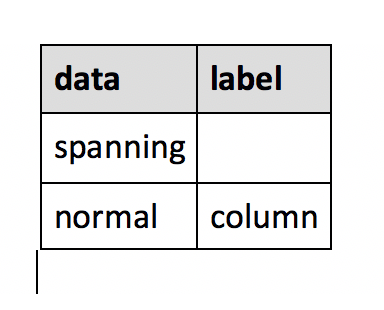
You either need to add a space between || or disable spanning columns for the table extension in your options with options.set(TablesExtension.COLUMN_SPANS, false)
| data   | label  |
|:-------|:-------|
| spanning       ||
| normal | column |
Spans enabled:
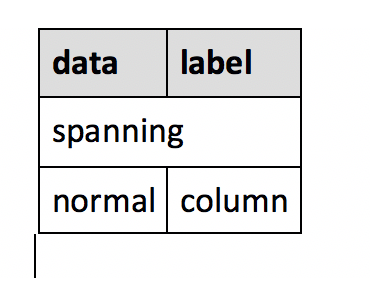
Spans disabled: