
fiftyone
 fiftyone copied to clipboard
 voxel51
[SETUP-BUG] localhost refused to connect on GCP notebook
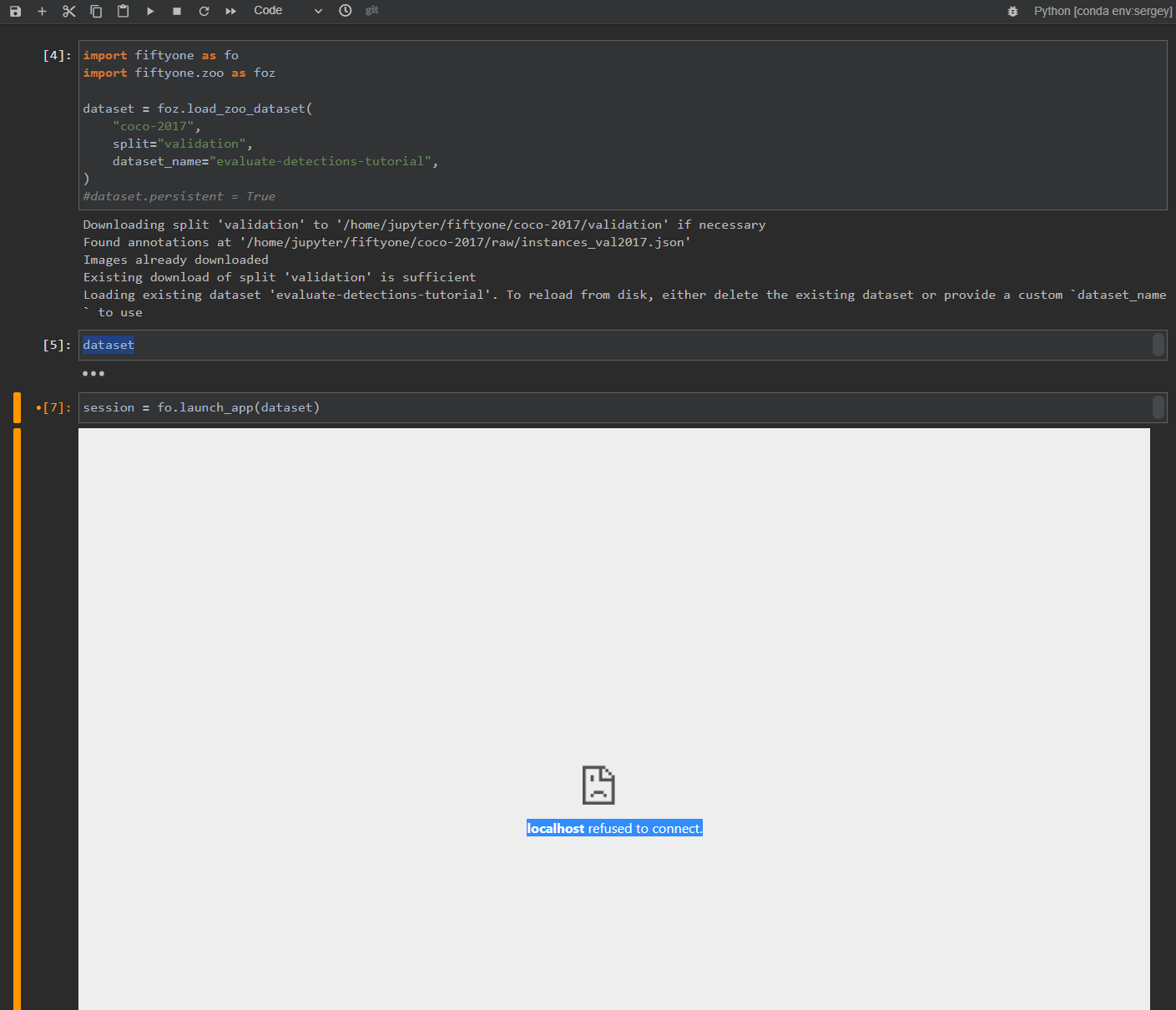
Using Jupyter Lab notebooks on a GCP VM instance (Vortex AI notebooks). When executing session = fo.launch_app(dataset) the app doesnt start but instead shows localhost refused to connect.

@Robotatron we do not officially support Vortex AI notebooks. Likely only a small amount of changes need to be made.
We will have a new release soon that resolves a handful of outstanding notebook improvements. January, likely.
Releated: #1339, #1343, #1389


@Robotatron we do not officially support Vortex AI notebooks. Likely only a small amount of changes need to be made.
We will have a new release soon that resolves a handful of outstanding notebook improvements. January, likely.
Releated: #1339, #1343, #1389
Thanks for the reply. Any updated ETA for Vortex AI integration? Just a rough estimate, I understand you have priorities etc.
@benjaminpkane I just realized the notebook I am using is a normal GCP cloud instance, a normal VM machine. Maybe I need to enable port forwarding or something else for the fiftyone UI to work properly?
Yes, directions for remote notebooks can be found here.
Remote machine does not seem to work under Windows - https://github.com/voxel51/fiftyone/issues/1732
However, this ticket is not about remote connection, fiftyone simply does not work in a regular notebook when run on Google VM instances. Instead of rendering the UI the cell shows an error localhost refused connection
There must be something in the configuration of the VM, maybe port forwarding or permission change to make it work. VM is a regular machine, it should work same as locally.
It's hard for me to believe I am the only user in the world who uses Google VM instances + fiftyone, there must be a workaround for that:
This will be resolved in due time. There are quite a few cloud products that each offer their own versions of "Notebooks". Each one handles networking a little differently.
The only one we officially support is Colab, but we will be adding more very soon, including this one (the next couple releases).
Any VM can be used with a remote setup, port forwarding just needs to be used so localhost connections work.
Hi @benjaminpkane, do you support SageMaker? I get a similar message in SM notebook when I run fo.launch_app(dataset)

@austinmw not officially. But sagemaker is the next environment we want to add. Contributions are welcome
@austinmw not officially. But sagemaker is the next environment we want to add. Contributions are welcome
@benjaminpkane you mentioned about not officially. Do you have any workaround currently that works for the sagemaker environment ?
