

 vlang
vlang
UI can't display Chinese correctly
V version: V 0.2.2 4c22370 UI version: commit 6e6f55ec27e72146b2048491e474121ff593e7e8 OS: macOS Big Sur
What did you do? UI can't display Chinese correctly


@ylluminate It can work. we must set chinese font path in ui.window(), just like:
	window := ui.window({
		width: win_width
		height: win_height
		state: app
		title: 'V UI Demo'
		font_path: os.resource_abs_path(os.join_path('assets/fonts/', 'simsun.ttf'))
		// bg_color: gx.light_blue
	}, [
...
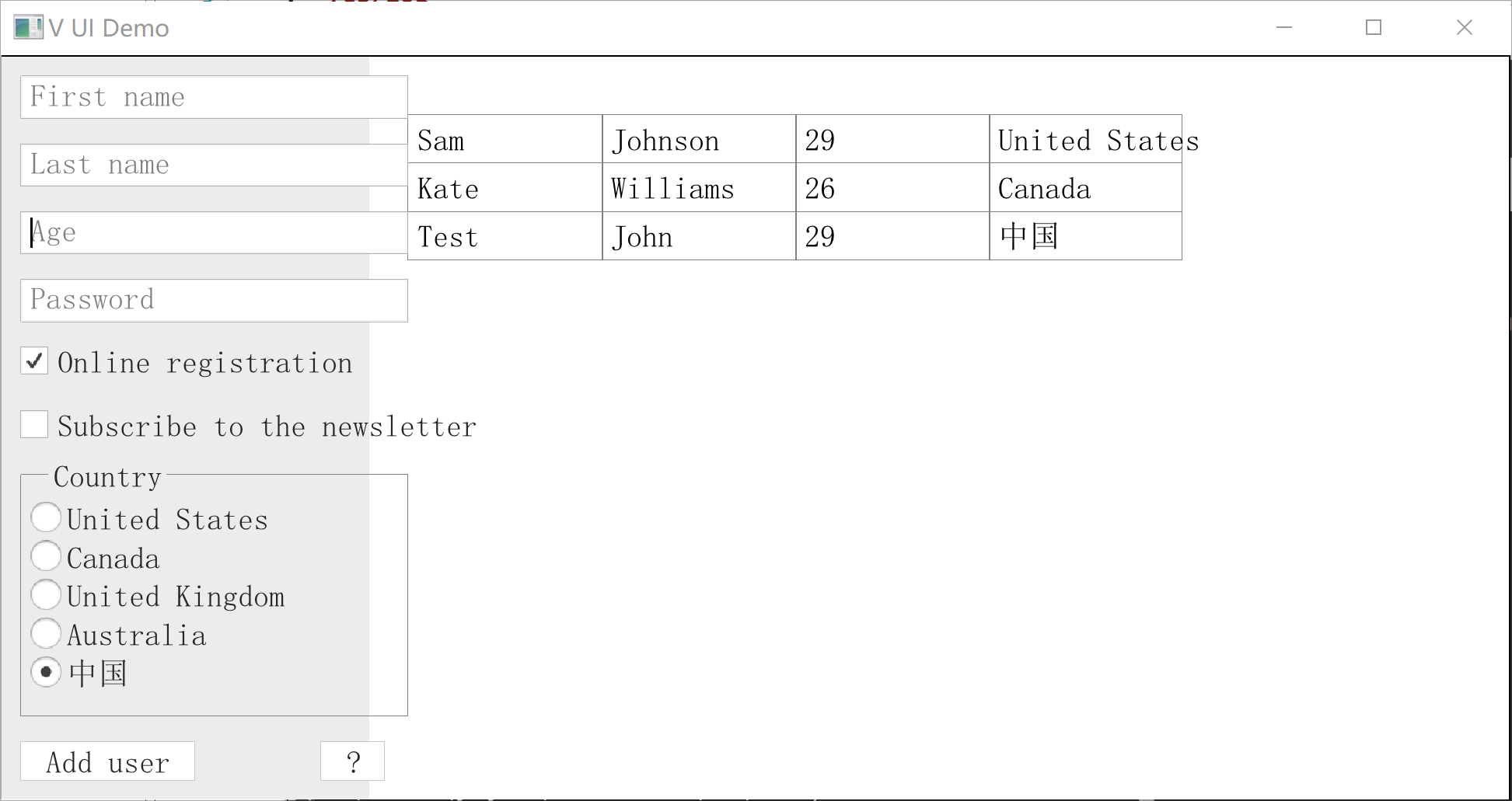
@sail1972 does this info help with both this and your other issue?
Thank you for looking into this @yuyi98!
I think the cause is that gg module get some error. See https://github.com/vlang/v/pull/10309
You can set Window.font_path to display it correctly.
So this issue can be closed.


@yuyi98 When I run v,but get an err, get a frozen window! v run users.v gg error: WGL: ARB_create_context_profile required!
Then ,get a tip window, title is 'Microsft Visual C++ Runtime library'. What can I do ,thank you!
