
deck.gl
 deck.gl copied to clipboard
 visgl
visgl
BitmapLayer world copies don't blend with vector GoogleMapsOverlay
Description
Steps:
- vector GoogleMapsOverlay
- BitmapLayer with opacity <1
- zoomed out viewState so that multiple world copies are visible
The first world copy of BitmapLayer blends well. The other world copies don't blend.
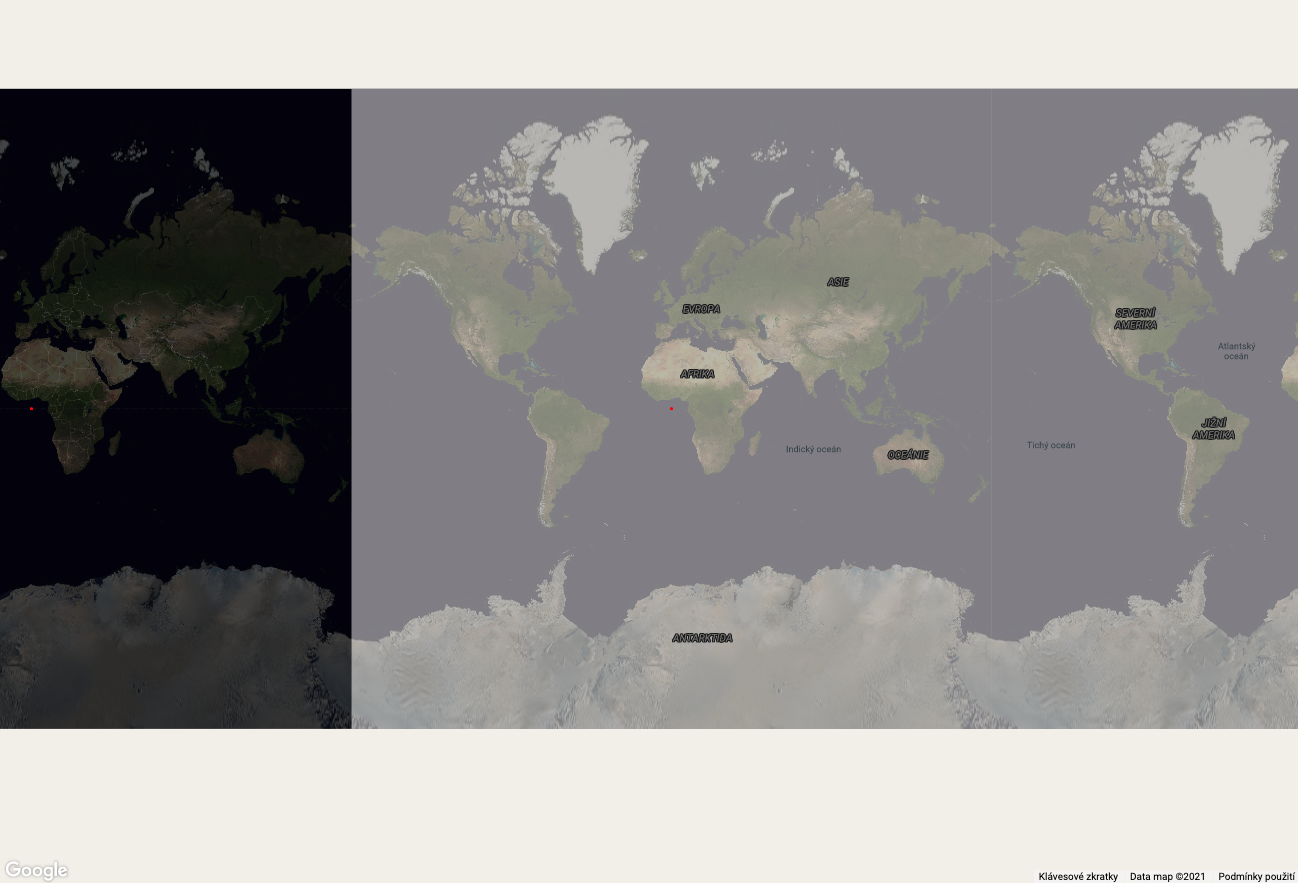
Expected Behavior
All BitmapLayer world copies blend well.
Repro Steps
https://codepen.io/zakjan/pen/yLXPWNe
Environment
- Framework Version: 8.6.0
- Browser Version: Chrome 94

If you add
    parameters: {
      depthMask: false,
    },
To the layer, it renders as expected.
@felixpalmer Can you report this to Google and get some clarifications on how we should project extra world copies?

Interesting, when I add this, the extra copies start blending, but each copy with a different effective opacity. As if each copy is also repeated itself inside, and they get overlaid.
However, there is no MapView({ repeat: true }). Is it because Google Maps automatically renders the copies, and deck doesn't have any control about it?

MapView({ repeat: true }) is the default view of GoogleMapsOverlay. It's not clear to me how Google Maps handles the repeat, maybe they duplicate the custom overlay as part of a "copy"? Is the custom overlay drawn once for the main copy, or once for each copy, or after all copies are drawn? Should we just draw one copy instead of repeating? What about 3D objects then?
MapView({ repeat: true })is the default view ofGoogleMapsOverlay.
Ah I see, here it is. https://github.com/visgl/deck.gl/blob/755b2768c21f4d2a5983002c79e7099704d9c776/modules/google-maps/src/utils.js#L201
Update: this issue has been reported to Google Maps team, they're going to investigate further, we'll keep you posted once we've more info

Are there any news about this issue from Google Maps team?
For now, there is a workaround of using latest deck.gl with @deck.gl/google-maps 8.5.0, but I'm worried about a potential compatibility breaking change in future releases.
I've done some experimenting and it isn't just the BitmapLayer, I also see this with the ScenegraphLayer, i.e. with 3D objects. It doesn't appear to be the case that there is some copy happening, but the opacity is different
https://user-images.githubusercontent.com/453755/157007797-1b827967-effe-404c-bee0-55c1f0c88b5f.mov
.

@amuramoto you can find a demo of the above bug here: https://jsfiddle.net/felixp/ac20sfqd/
Considering that this is outside of deck control, is it possible to bring back the overlaid mode from <=8.5.0, and allow developers to choose? Related to https://github.com/visgl/deck.gl/issues/6773
Google has just confirmed it's been fixed, I've tested the codepen and it works (depthMask true or false) for me. @zakjan feel free to re-open if you see something wrong
Thanks @alasarr for tracking this, but it seems that the fix from Google is not released yet?
The codepen was created with deck.gl 8.6.0, which looked for the old google.maps.WebglOverlayView, but the beta channel now has google.maps.WebGLOverlayView. Opening the codepen now falls back to the raster mode. Upgrading the codepen to 8.6.7+ (with #6579) triggers the bug again. @felixpalmer's demo with 8.7.0 keeps showing the bug as well.
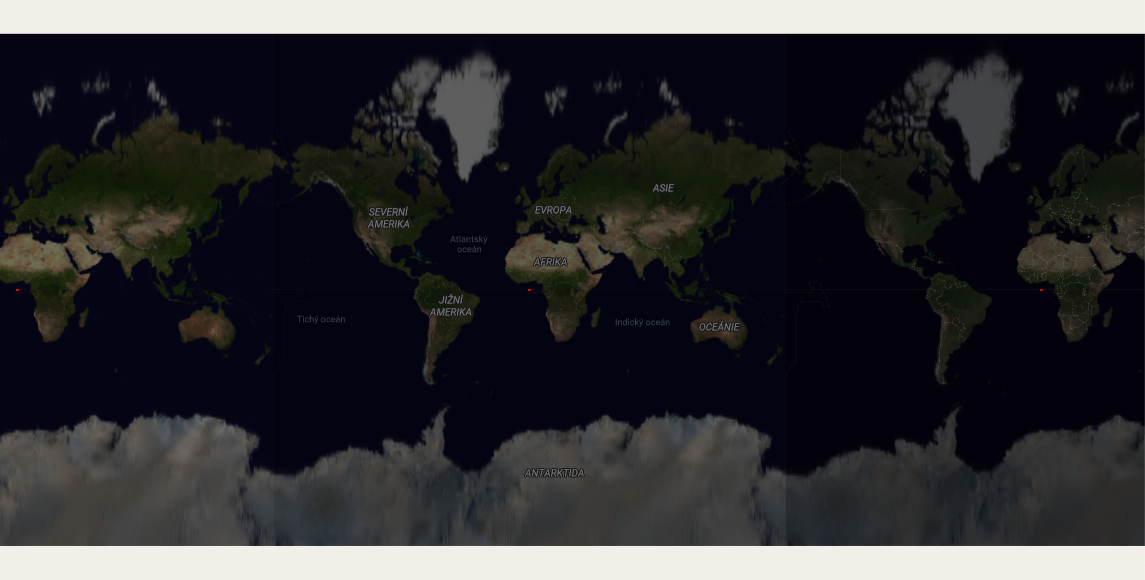
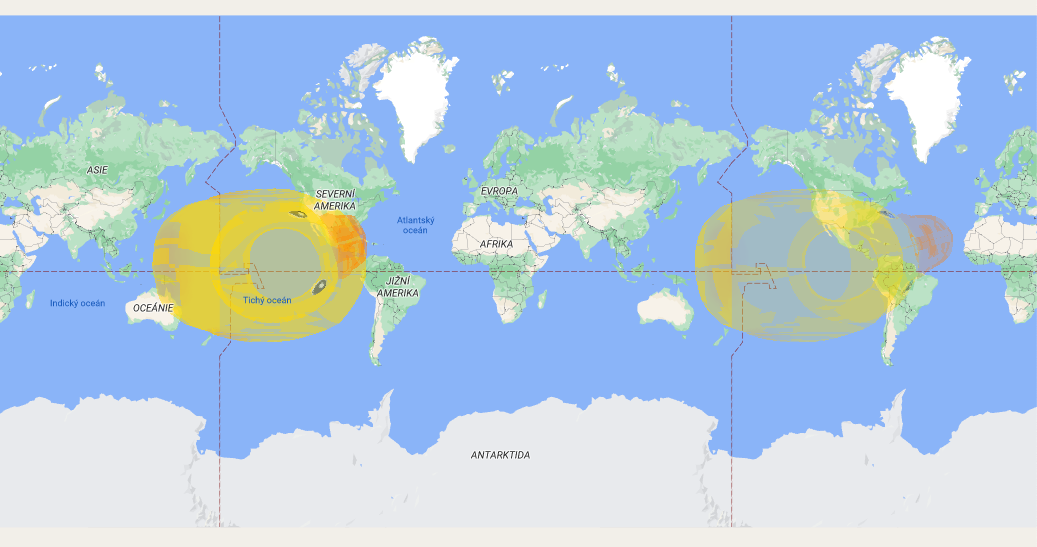
Reopening as the bug is still present: https://jsfiddle.net/felixp/ac20sfqd/