

 visgl
visgl
deck.gl and ArcGIS' `SceneView` 3D camera are not aligned properly
Description
deck.gl and ArcGIS' SceneView 3D camera are not aligned properly.
Repro Steps
- Open this pen: https://codepen.io/dawken/pen/abmyLoP
- The first
SceneViewuses an Esri VTL basemap - The second
SceneViewuses the raster version of the same basemap - Notice how the scale of the deck.gl
ScatterplotLayeris different compared to the basemap - Move the camera; both views suffer from alignment issues. Notably, the view with the VTL basemap is good if you don't tilt; the view with the raster basemap shows severe lack of alignment even without tilt.
Environment (please complete the following information):
Reported in deck.gl 8.3.0 by @llwinner.
Logs
Nothing relevant.

Is there any timeline as to when this bug may be resolved or is support for ESRI going away? At NOAA, we are visualizing weather data with deck.gl and unfortunately our mapping contracts are tied to ESRI.

Thank you @wilson0028. We are working on it, I apologize for the delay in addressing this. I'll get back to you with updates next week. Thank you for your patience.
You are right @wilson0028 there is still an issue with the zoom level; @Pessimistress made a lot of improvements to the original code and I believe that a lot of cases have been fixed. But there is still a difference between vector tiles basemaps and raster basemaps.

It could be solved by properly translating the zoom level; we are basically off by a factor of 2 (i.e. a single zoom level).
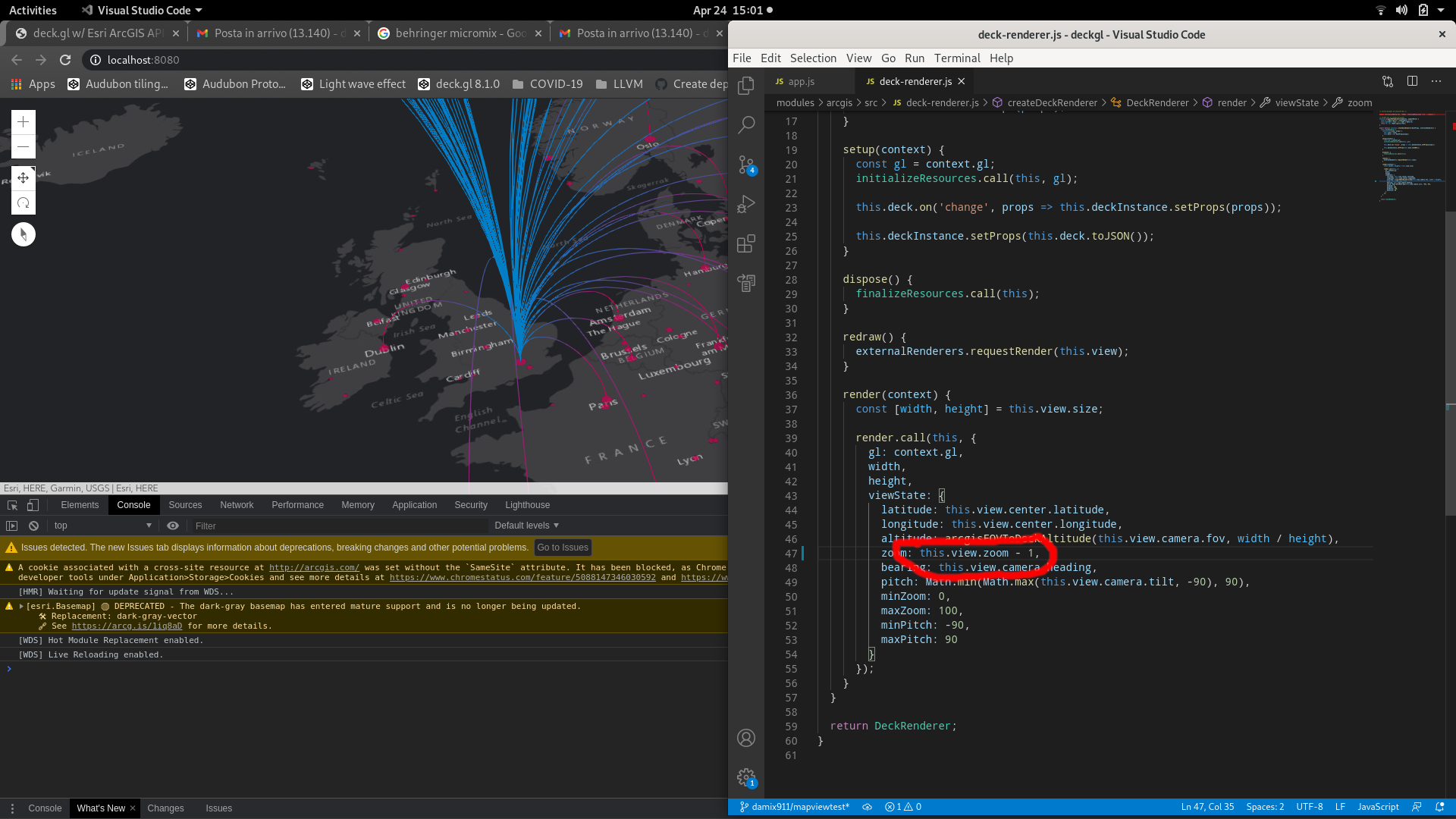
Can you please tell us more about the issue that you are experiencing? Is it happening in local 3D mode with a raster tile basemap?
Thanks!
@damix911 Thank you for looking into this issue! We are using SceneView with vector and raster tiles. Some vector tiles work like the example below (dark-gray-vector) while others fail (topo-vector)
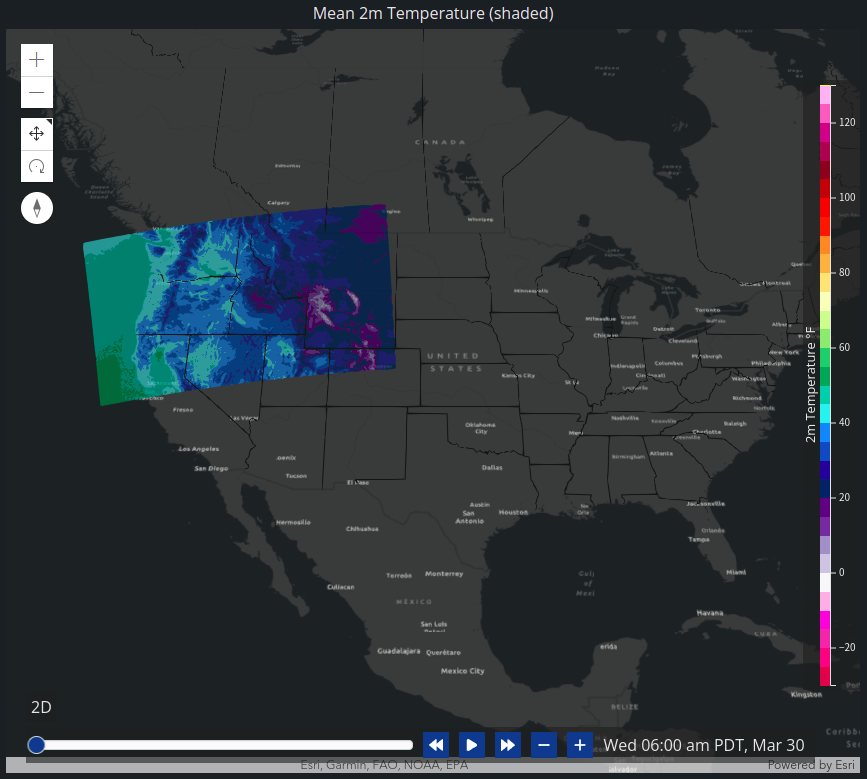 Here is an example of a vector layer that doesn't work (topo-vector - notice how my state lines layer doesn't match the ESRI state lines)
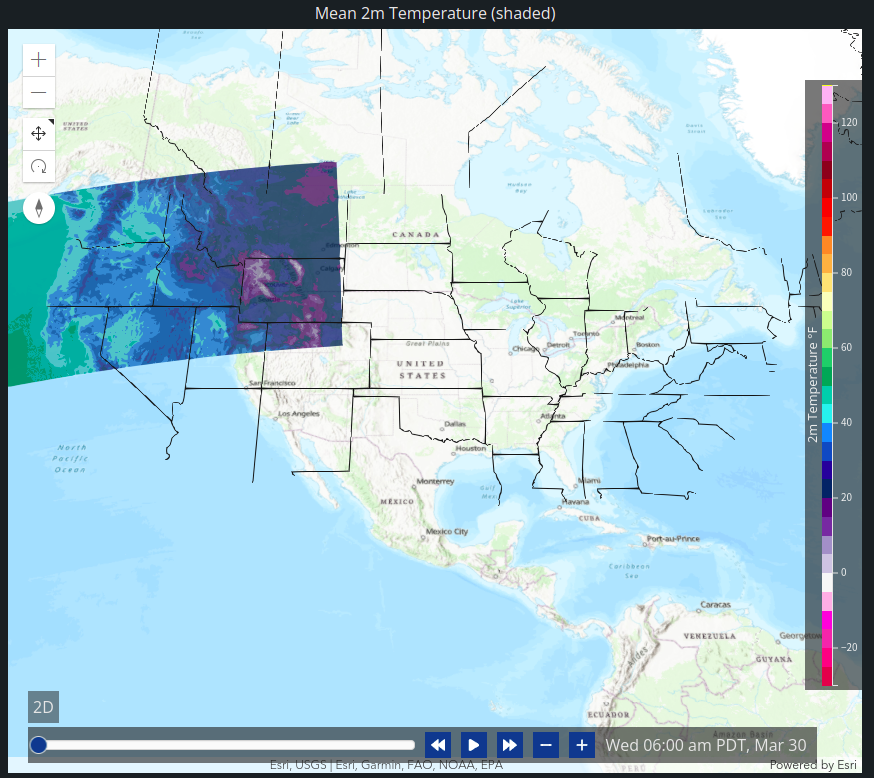 Here is an example using a raster ESRI layer (satellite - again notice how the state lines don't match up)
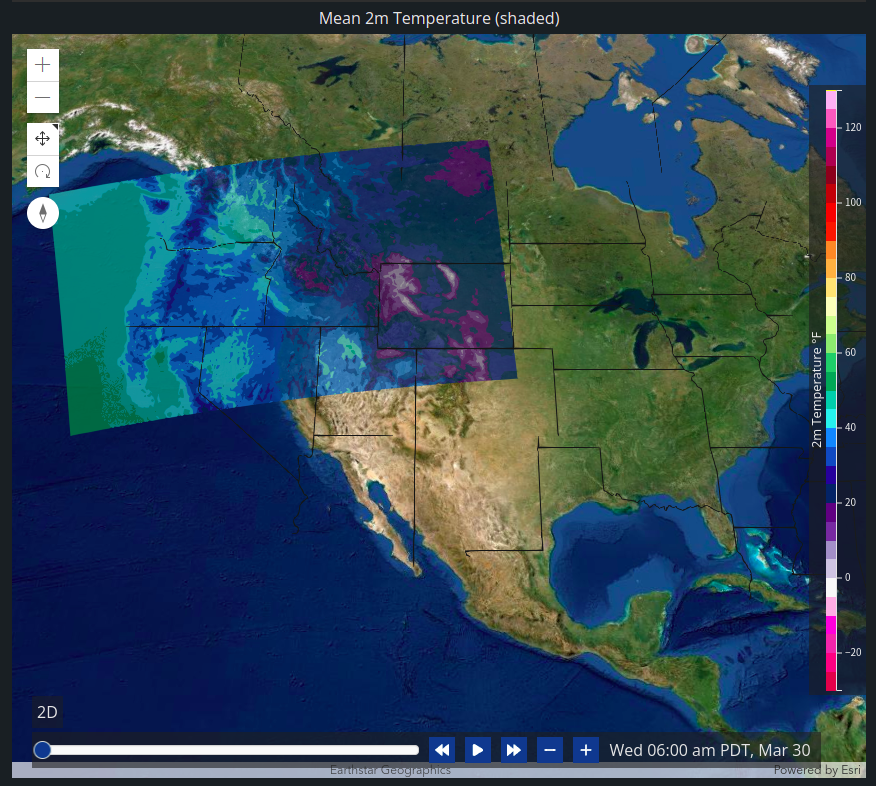
Yes, makes sense, thank you. I am surprised by topo-vector, but not entirely because it includes a raster component (the hillshade) and so it behaves as raster from a scale perspective.
The problem is that the integration between deck.gl and ArcGIS is still based on this view class: https://deck.gl/docs/api-reference/core/map-view We really shouldn't; I hope to switch to a different integration strategy soon but I haven't been able so far, sorry :-(
Anyway, there is nothing wrong with map-view; but it is modelled after MapBox GL. For the ArcGIS/deck.gl 2D integration, we have a reliable way to determine the zoom level from the scale in the WebMercator case; we can do this both for vector tile basemaps (where the behaviors of the ArcGIS JS API/MapBox/Deck.GL all match) and raster basemaps, where we are off by a factor of 2 but it can be detected.
We need to do the same for 3D. I am in contact with my colleagues that work on 3D, hopefully we can fix it soon. In the meantime, I have been experimenting in a local branch of mine. Basically, if you inject a scale factor (1 or 2, depending on the basemap) from the app, any basemap can be made to work; see this and this.
If it helps in the meantime, you can check out my branch, and yarn bootstrap, cd examples/get-started/pure-js/arcgis-3d, yarn, yarn start-local.
We need to make this scale detection automatic.

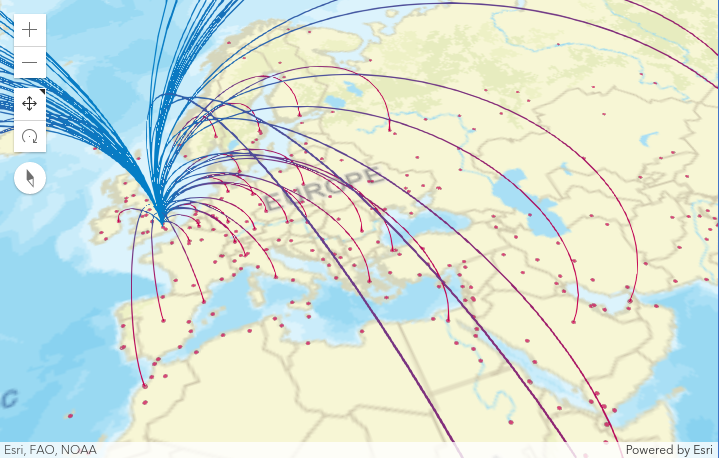
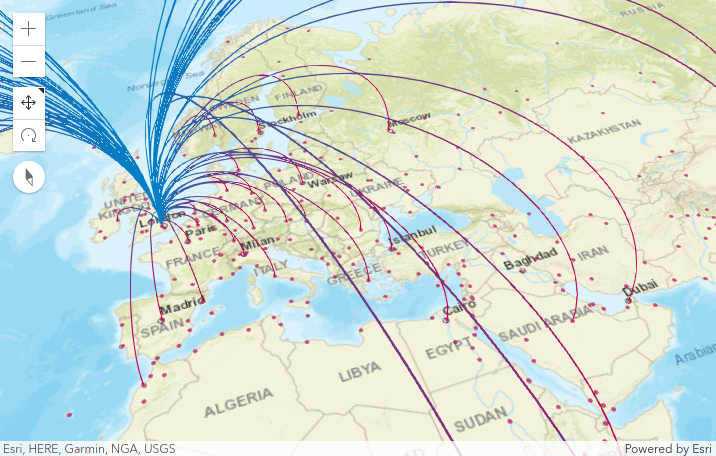
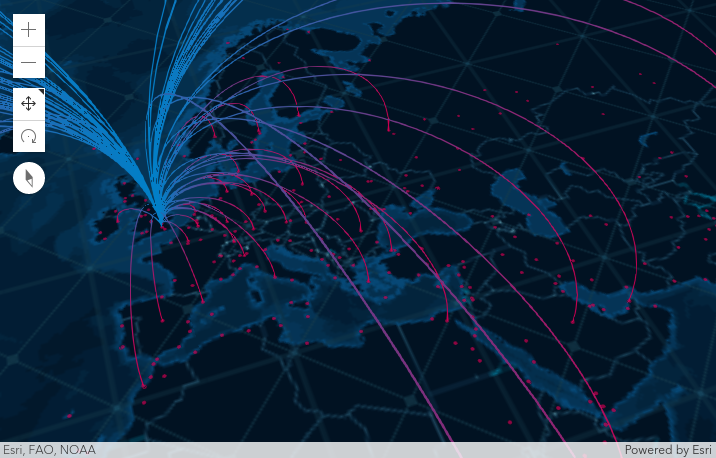
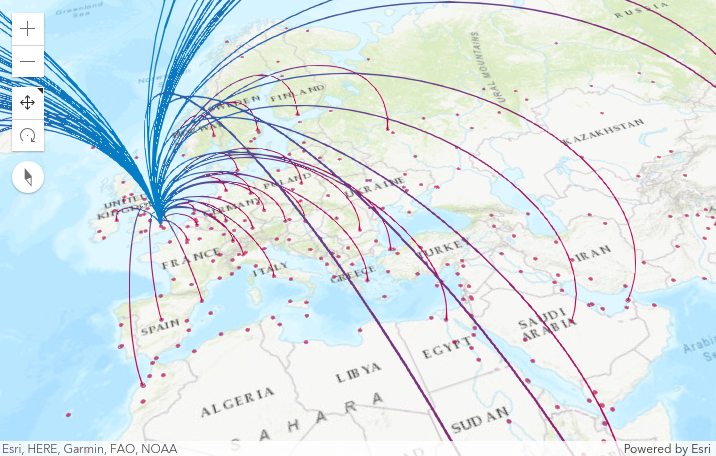
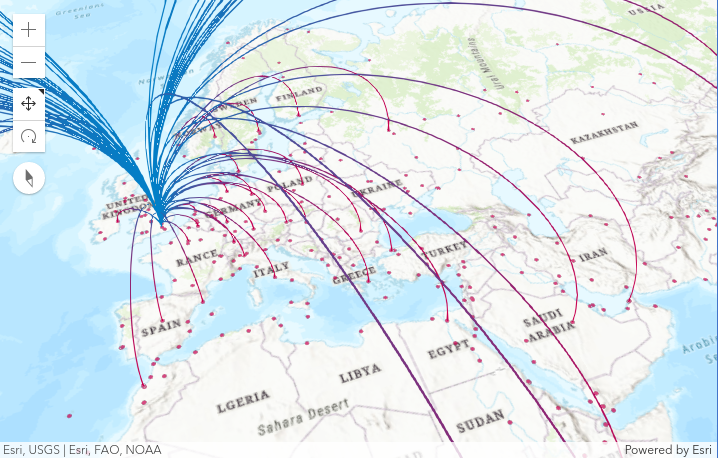
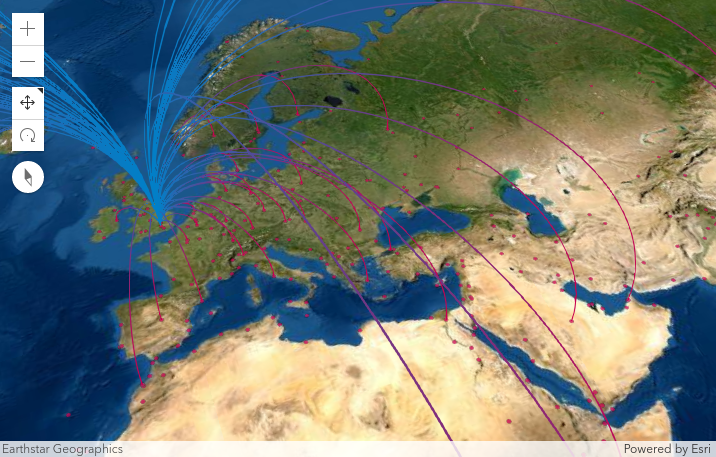
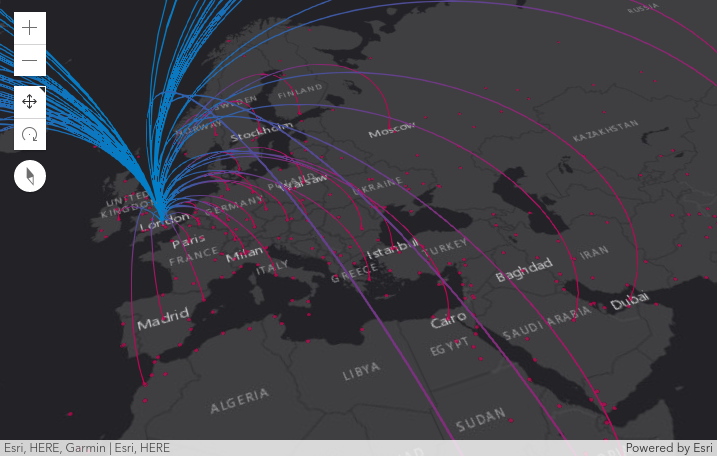
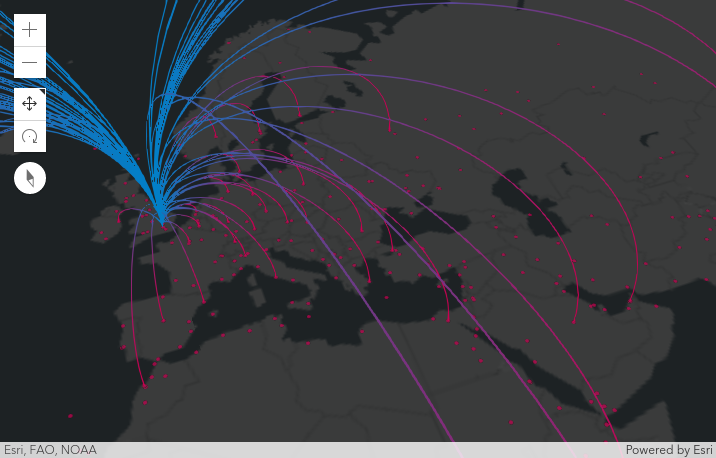
@damix911 Would love to see this working under ESRI 3d? If you give me any pointers, I can look at fixing it. We display Network Graphs on the map with ArcLayer (curve lines). Would be cool to see them in 3d. For now we disabled deck.gl and used ESRI FeatureLayer under 3d because of this issue.
Thanks.

HI, is there any progress on this issue, I test the problem still exists. Thank you!


