

 vinsworldcom
Git Panel unusable on on high DPI monitor
Built in panel is unusable on 4K monitor with hi DPI. Using Notepad++ 8.4.8 64bit on Windows 11 machine.
Buttons are too small & panels overlap
GIT SCM Version 1.4.8.2


Interesting. I don't have a high DPI monitor to check with. Happy to accept a pull request that fixes.

Hi i think i have the same problem, and i don't think DPIs are causing it. I have these monitors 1- philips 244e; 24" diagonal, 1080p res, 90 DPI/PPI (calculated) 2- notebook's integrated monitor: 15.6" diagonal, 1080p res, 141 DPI/PPI (calculated)
i think these are pretty low PPIs, but this is what i see:
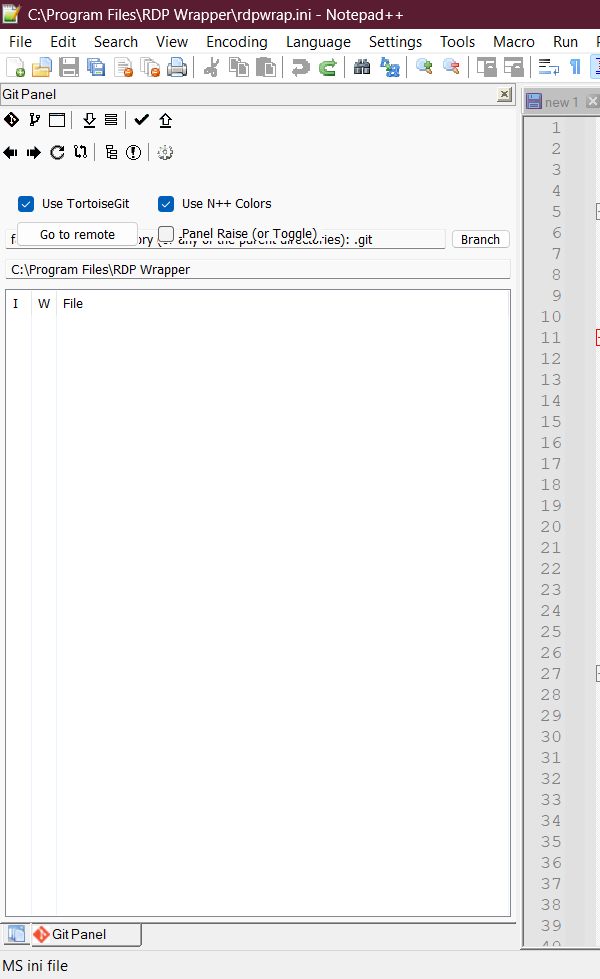


external monitor
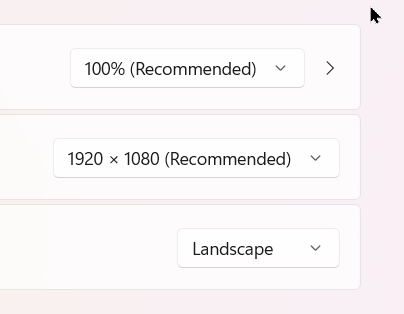
integrated display
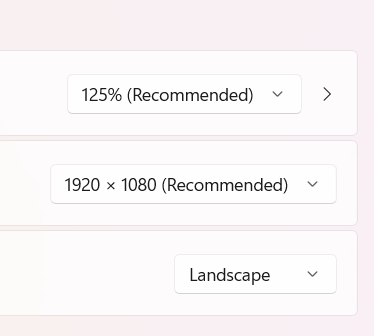
different scaling but exact same problem
The scaling has caused problems in the past for me. Additionally, Notepad++ has difficulty with High DPI monitors. The panel looks fine for me on both my laptop and external monitor, both set to the same size and scaling.
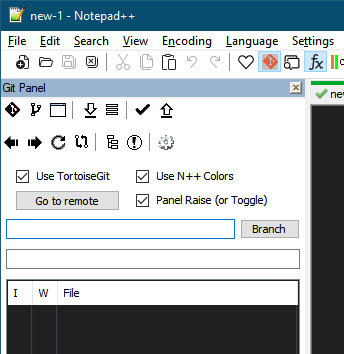
Not sure how to fix but happy to test a pull request if you have a fix.
Cheers.