
SCLAlertView-Swift
 SCLAlertView-Swift copied to clipboard
 vikmeup
Beautiful animated Alert View. Written in Swift

When I try to transition an alertview from showWait to showSuccess the showWait icon still shows in the background. What is the supported method to transition this alertview? Thanks again...

Hi there, when i check the code, i've seen that you are settings both title and subtitle to the same color. I've added subtitle color value to the struct. thanks...

I want to change style after button push. How can i do that? Just like that: 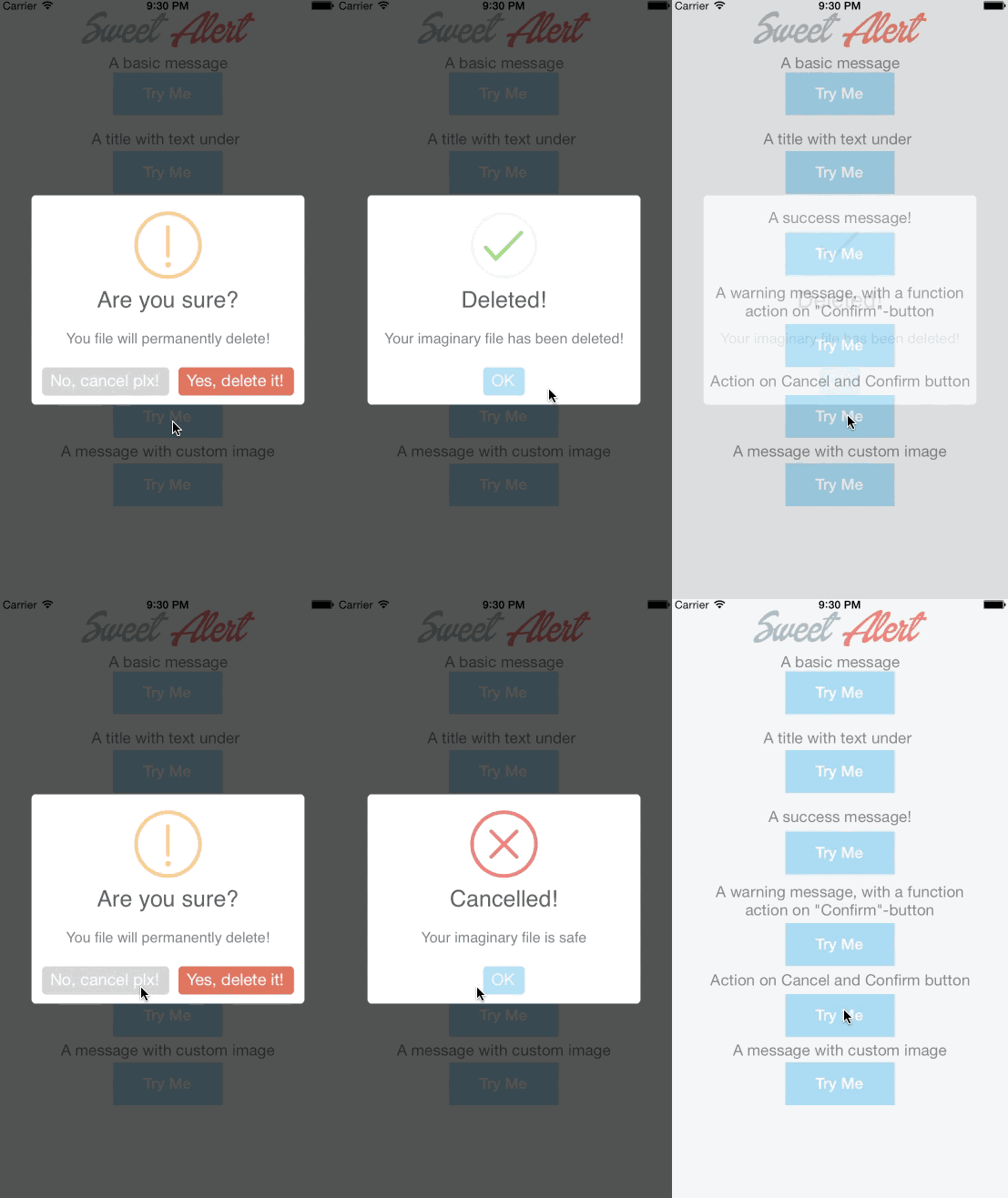

I need to input only numeric value from alert and i dont have any option to set keyboard type as numberpad in this library. please suggest me any fix for...

I'd like the buttons to be side by side, instead of on top of each other, because my project is for iPad only and I think buttons which are one...

At line 642 of SCLAlertView.swift, there're both `icon: UIImage` and `circleIconImage: UIImage? = nil` as input parameters, but only the former one is used with the name of `circleIconImage` in...

I'm looking for a method/attribute like "SCLAlertView.isShowing".

I don't want to auto dismiss the alert as I have two buttons and don't want to dismiss the alert on both. So I have set `shouldAutoDismiss` as `false`. This...

Here is the screenshot for horizontal alignment. It's not aligned correctly. Any idea? Thanks.

Hi, I use the updated code to swift 4. And how can I justify the text in the alert view? Tnk
