Ventoy

Ventoy copied to clipboard
 ventoy
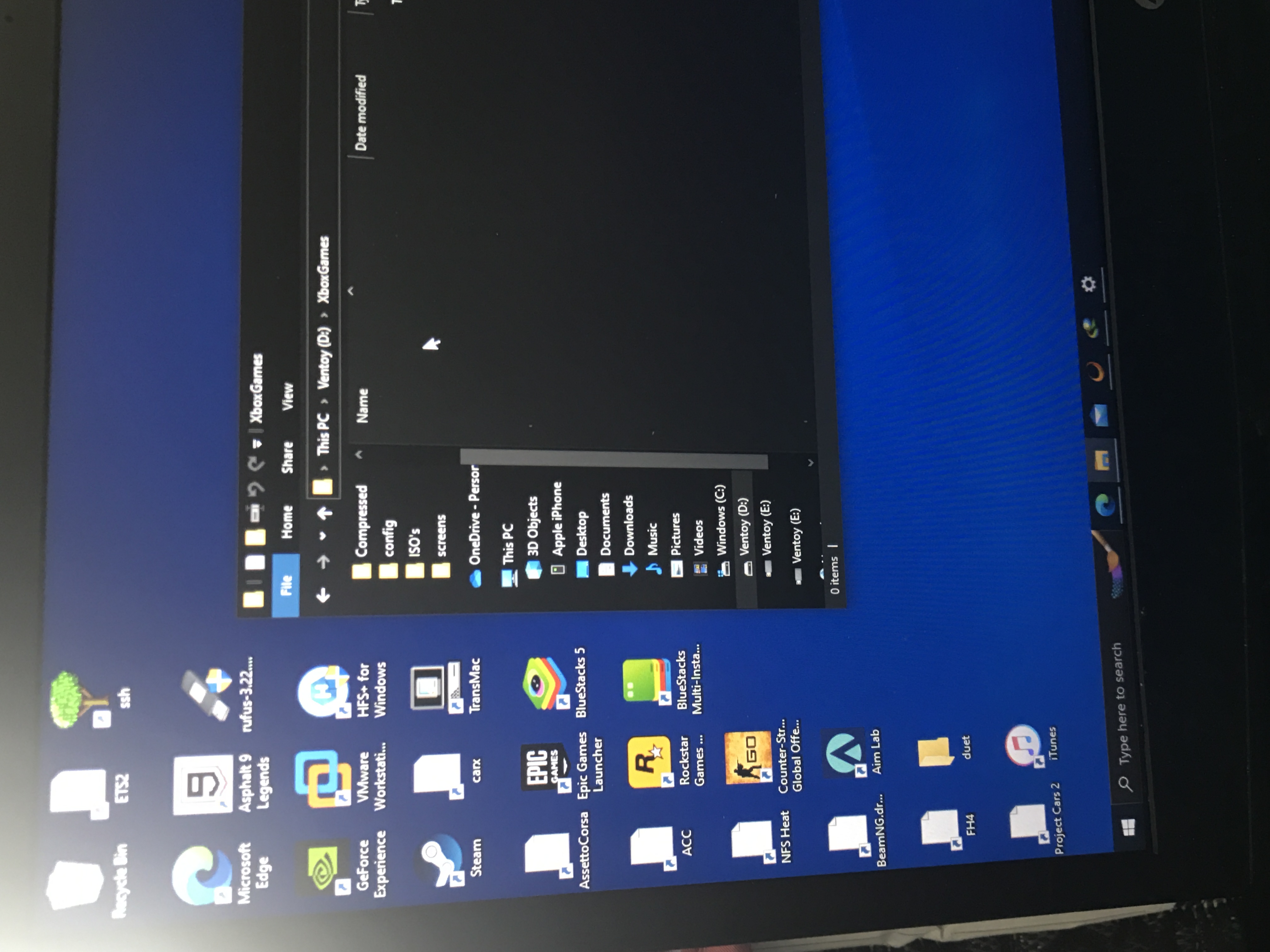
[issue]: Flashing ventoy on an unformatted usb drive caused it to install Ventoy on internal harddrive
Official FAQ
- [X] I have checked the official FAQ.
Ventoy Version
1.0.90
What about latest release
Yes. I have tried the latest release, but the bug still exist.
Try alternative boot mode
Yes. I have tried them, but the bug still exist.
BIOS Mode
Both
Partition Style
MBR
Disk Capacity
1tb
Disk Manufacturer
Western Digital
Image file checksum (if applicable)
None
Image file download link (if applicable)
No response
What happened?
i uninstalled ventoy off of a usb and tried to do it again without formatting inside Windows. This caused Ventoy to install on my internal HDD. My configuration is a 256gb boot SSD and a 1tb HDD where I store OS images and games.