

 ventoy
[issue]: Unable to install Fedora Silverblue Rawhide Build
Official FAQ
- [X] I have checked the official FAQ.
Ventoy Version
1.0.88
What about latest release
Yes. I have tried the latest release, but the bug still exist.
Try alternative boot mode
Yes. I have tried them, but the bug still exist.
BIOS Mode
UEFI Mode
Partition Style
GPT
Disk Capacity
32GB
Disk Manufacturer
No response
Image file checksum (if applicable)
Yes.
Image file download link (if applicable)
https://dl.fedoraproject.org/pub/fedora/linux/development/rawhide/Silverblue/x86_64/iso/
What happened?
Booting the image from the Ventoy menu results in a stuck process and may apply to other Fedora distributions.

Please checksum the ISO file in Ventoy menu as in the following gif to make sure that the ISO file was not corrupted during copy to the USB. Take a screenshot of the result and upload here.
https://www.ventoy.net/static/img/filechecksum.gif

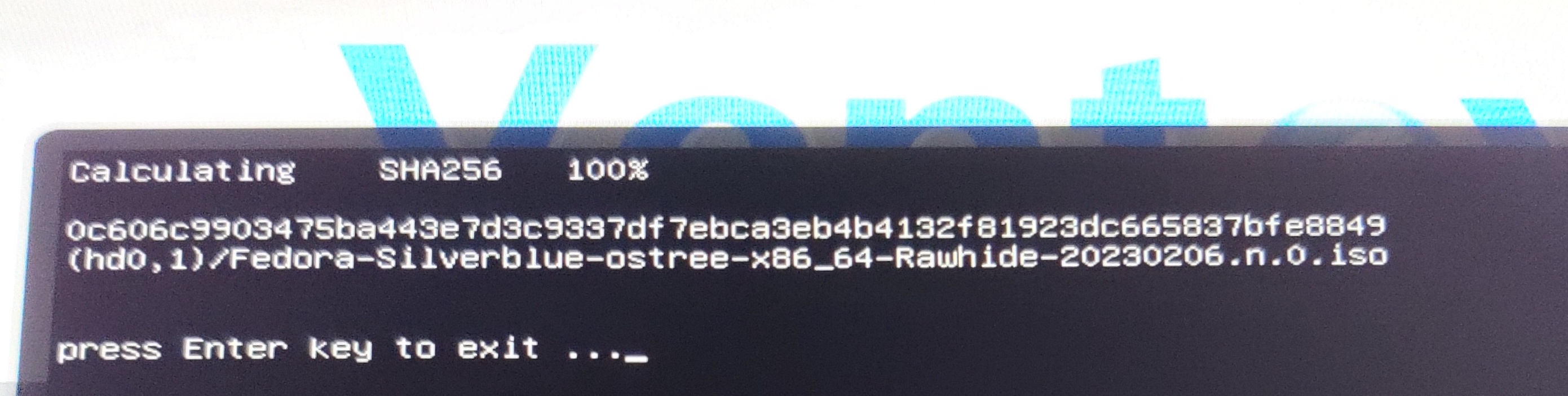
The issue is:
Job systemd-udev-settle.service/start running and the iso does not boot.
I'm not sure if this is related to Ventoy, as I have not yet tried another USB solution.
With the latest CI release: https://github.com/ventoy/Ventoy/actions/runs/4211423289 https://www.ventoy.net/en/doc_github_ci.html
I can boot it OK in my laptop in both Legacy BIOS mode and UEFI mode.

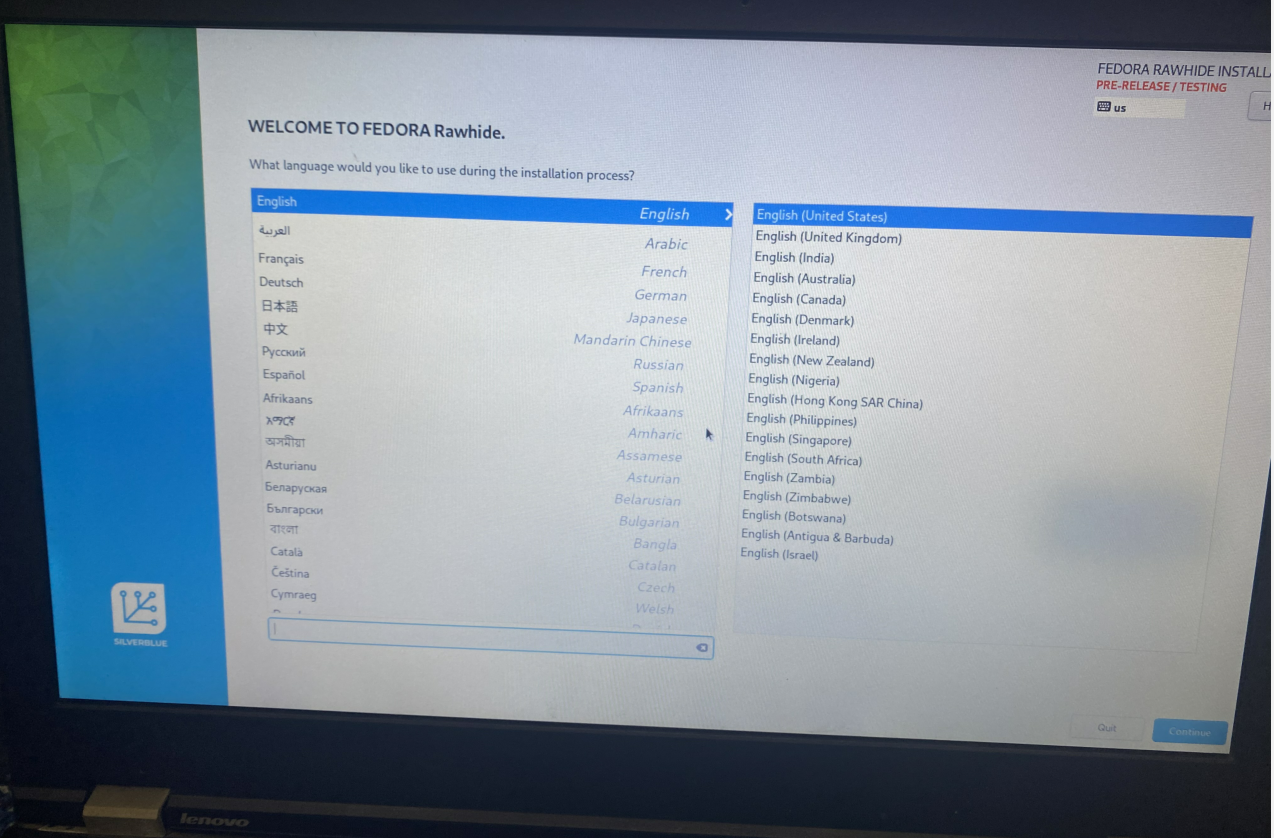
Okay. I am unable to test at the moment, so you can close the issue. I will reopen or open an issue if I notice anything.