
xen-orchestra

xen-orchestra copied to clipboard
 vatesfr
feat(xolite): display ram usage from pool dashboard
Screenshot
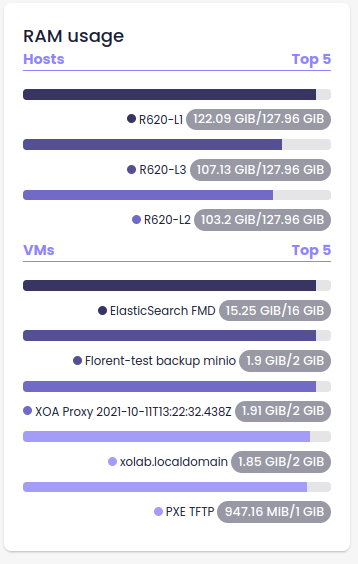
Check list
Check if done, if not relevant leave unchecked.
- [ ] PR reference the relevant issue (e.g.
Fixes #007orSee xoa-support#42) - [x] if UI changes, a screenshot has been added to the PR
- [ ] documentation updated
CHANGELOG.unreleased.md:- [ ] enhancement/bug fix entry added
- [ ] list of packages to release updated (
${name} v${new version})
- I have tested added/updated features (and impacted code)
- [ ] unit tests (e.g.
cron/parse.spec.js) - [ ] if
xo-serverAPI changes, the corresponding test has been added to/updated onxo-server-test - [x] at least manual testing
- [ ] unit tests (e.g.
Process
- create a PR as soon as possible
- mark it as
WiP:(Work in Progress) if not ready to be merged - when you want a review, add a reviewer (and only one)
- if necessary, update your PR, and re- add a reviewer
From the Four Agreements:
- Be impeccable with your word.
- Don't take anything personally.
- Don't make assumptions.
- Always do your best.

Nice! What's the behavior when the name is too long to be displayed? Ellipsis + hover text?

Nice! What's the behavior when the name is too long to be displayed? Ellipsis + hover text?
ATM, the component UsageBar displays the text on several lines if he is too long.
We can fix this in another PR.

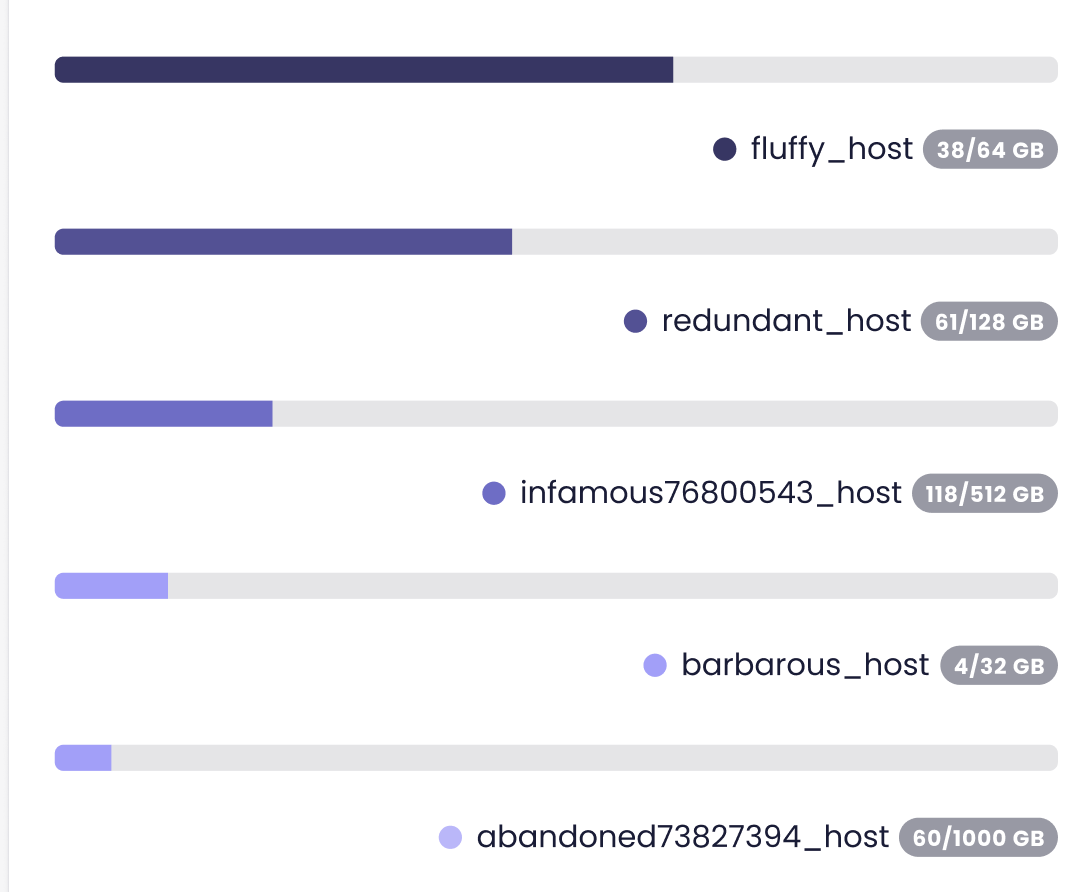
UI misses some margins also compared to Figma:
This will be fixed in another PR.
When I shutdown a VM that is in the top 5, it doesn't disappear from the list. Can you reproduce?
