

 vasturiano
Link Opacity goes to 1 regardless of what I do
Describe the bug
As soon as I manipulate linkOpacity, it goes to 1 regardless of condition.
To Reproduce Steps to reproduce this:
- Create a
SetoffocusLinksset to empty - Create Graph with:
Graph
          ...
          .linkOpacity(link => focusLinks.has(link) ? 1 : 0.15)
At this point, all links are instantly solid if you render the graph.
Setting this to a constant like 0.15 works, but as soon as you try to evaluate Graph.linkOpacity() again, all links are solid. Setting color, etc., doesn't help.
Expected behavior
I would expect to be able to use a set like:
focusLinks = new Set(Graph.graphData().links.filter((l) => l.target === node));
...in onNodeClick to set the links I want highlighted by changing their opacity, but right now that doesn't work since using anything other than a constant seems to set opacity to 1.
Desktop (please complete the following information):
- OS: Linux, Windows, Mac
- Firefox, Edge, Safari

@rcarmo thanks for reaching out.
Unlike other methods, linkOpacity does not accept an accessor function. This is because it's meant primarily to augment/decrease the overall luminosity of the links, as a whole. Therefore, this is invalid:
.linkOpacity(link => focusLinks.has(link) ? 1 : 0.15)
However, if you wish to set different opacities for different links what I recommend doing is using the alpha channel on the linkColor method, as this one does accept link accessor functions.
Something like:
.linkColor(link => `rgba(255, 0, 0, ${focusLinks.has(link) ? 1 : 0.15})`)

Makes perfect sense, thank you. I will give it a try on https://taoofmac.com/static/graph On 3 Nov 2022, at 20:20, Vasco Asturiano @.***> wrote:
@rcarmo thanks for reaching out.
Unlike other methods, linkOpacity does not accept an accessor function. This is because it's meant primarily to augment/decrease the overall luminosity of the links, as a whole. Therefore, this is invalid:
.linkOpacity(link => focusLinks.has(link) ? 1 : 0.15)
However, if you wish to set different opacities for different links what I recommend doing is using the alpha channel on the linkColor method, as this one does accept link accessor functions.
Something like:
.linkColor(link => rgba(255, 0, 0, ${focusLinks.has(link) ? 1 : 0.15}))
—Reply to this email directly, view it on GitHub, or unsubscribe.You are receiving this because you were mentioned.Message ID: @.***>
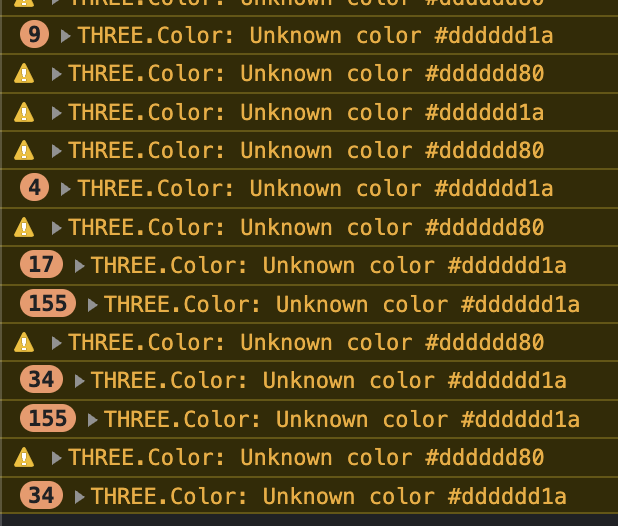
Hello, Sorry for bothering. Am using 3d-force-graph and found that I can set the node opacity with the suggested way (color with alpha) correctly. But am having a problem when doing it for links.
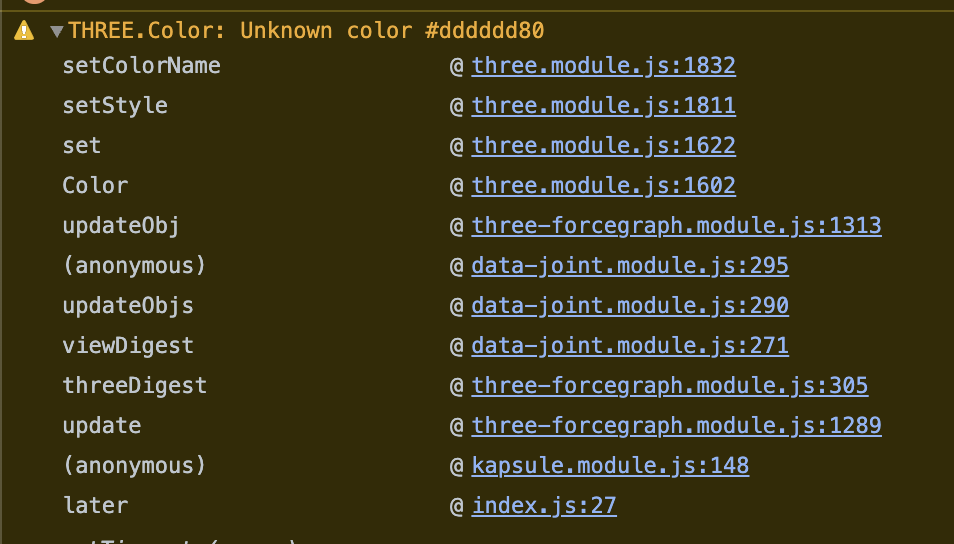
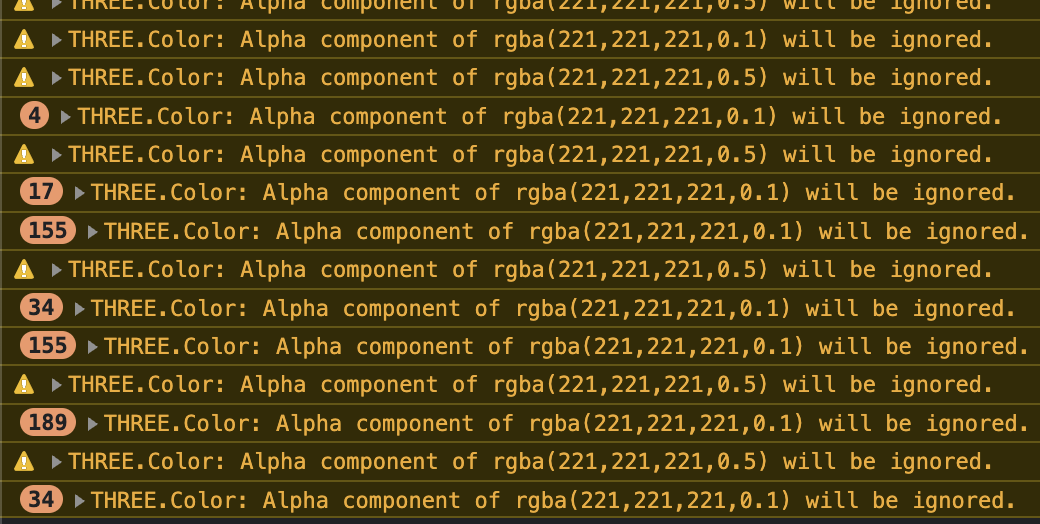
It works, but I get lots of warnings from Three js Color. Apparently somewhere it's complaining about having an alpha value. If instead of using a hex value I use rgba it shows a different warning and still prints to console.
This doesn't happen with nodes, just links.
Is there any way of avoiding this?
UPDATE: Just found out it's related to the link directional arrow. Apparently whether it takes the link color or it's own function, it does not support alpha/opacity.
Thanks.

@AgustinBanchio this should now be fixed in the latest version 1.70.20 so you just need to upgrade your app.
@AgustinBanchio this should now be fixed in the latest version
1.70.20so you just need to upgrade your app.
Hey, can confirm it's fixed in that version! Thanks for the quick response!