

 variar
Incorrect display when working on a 4k monitor through the RDP
Details for the issue
What did you do?
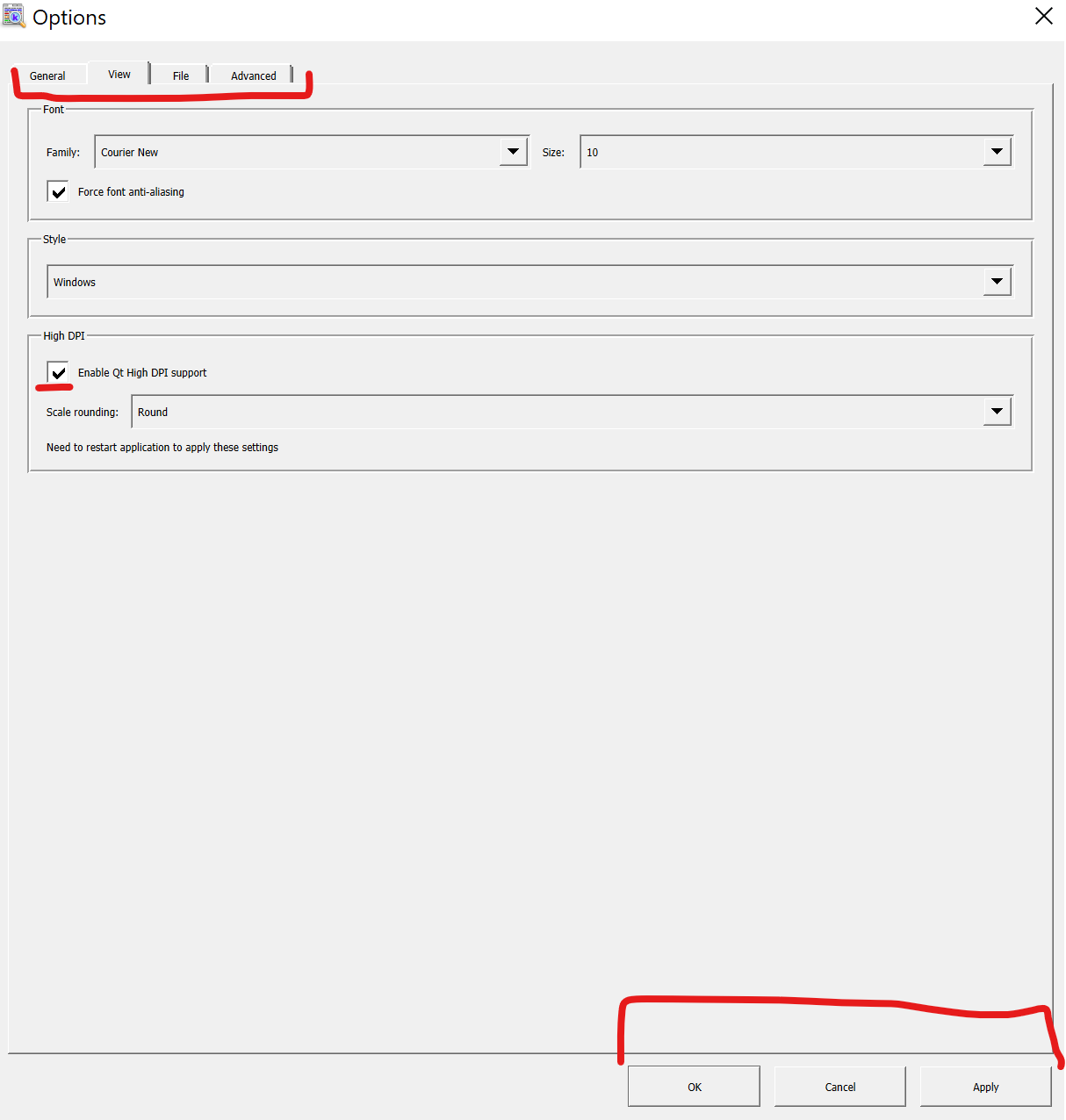
"Enable Qt High DPI support" is enabled
What did you expect to see?
Correct font size in GUI
What did you see instead?
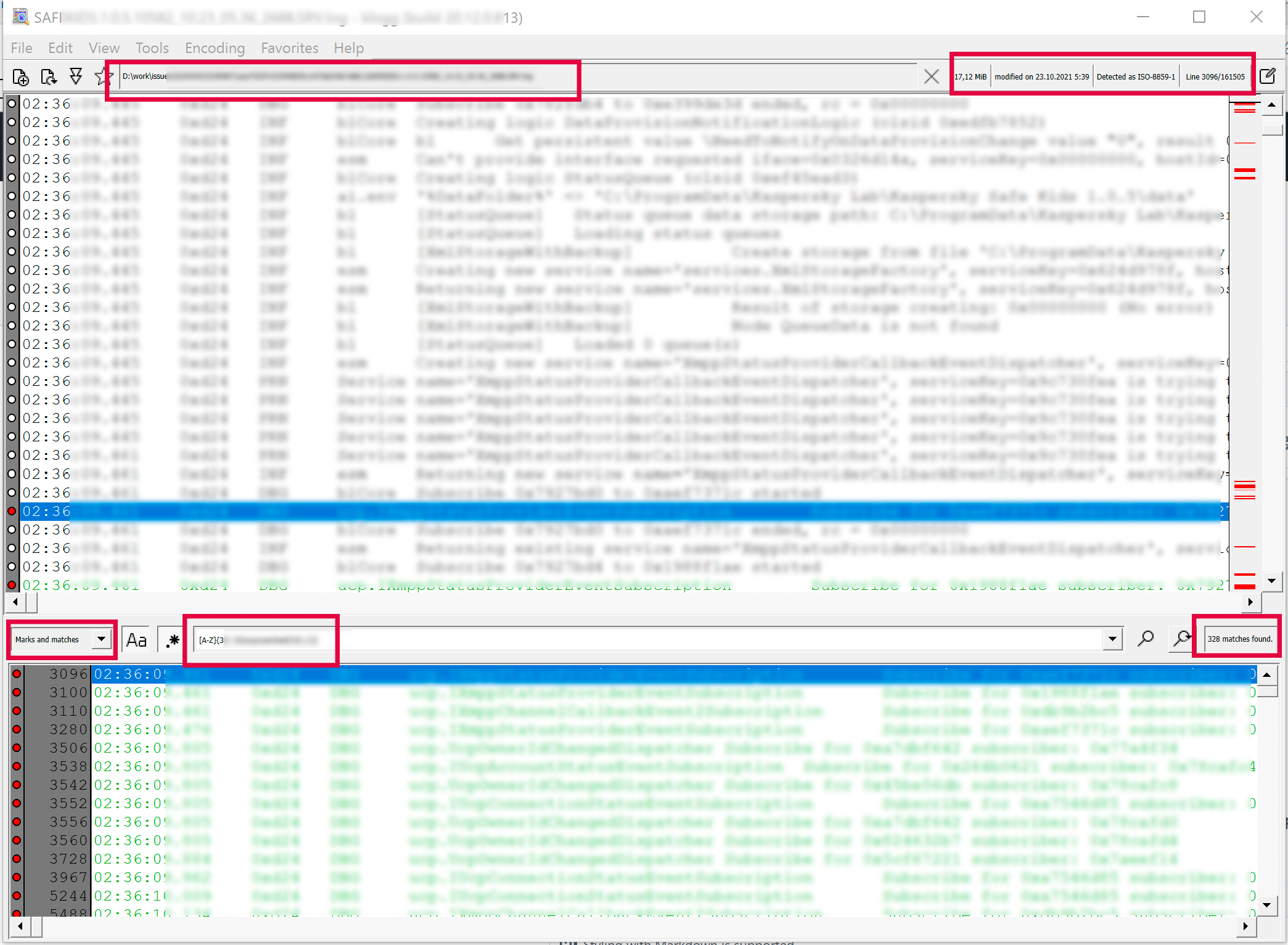
Useful extra information
Klogg version 20.12.0.813 (built on 2020-12-24 from commit 576b91d) [built for x86_64-little_endian-llp64] running on Windows 10 Version 2004 (winnt/10.0.19041) [x86_64] and Qt 5.15.2


I have installed klogg-21.09.0.1165-x64-setup.exe. The issue is still actual.
"Enable Qt High DPI support" only changes dialogs size but not dialog font size.
Here is dialog without and with setting enabled

When the application does not work through the rdp, then everything looks fine
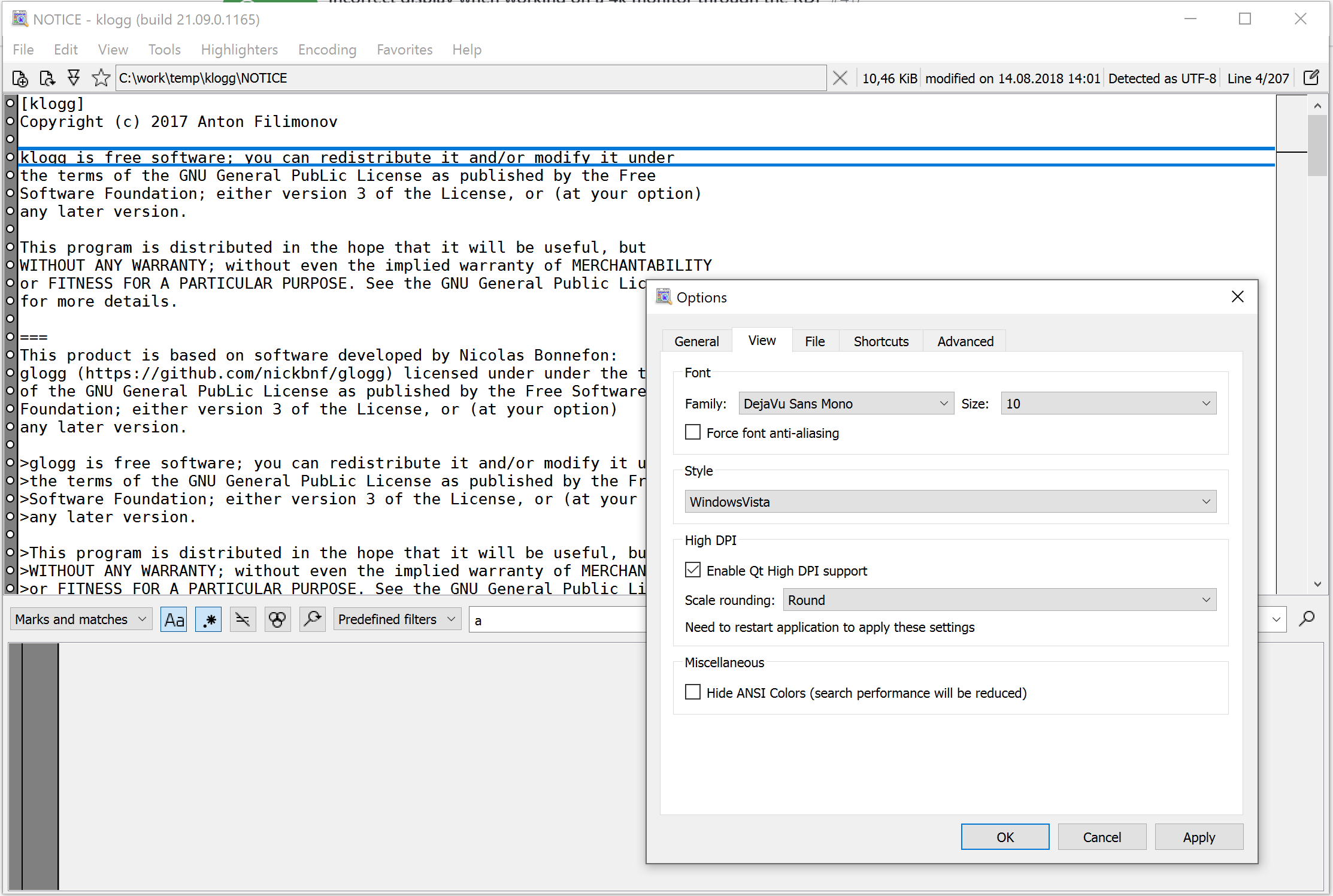
I'm encountering this same issue on 20.06.0.1289. I can't read the text mentioned above it's so small.
