

 vaadin
[owc + rollup build] Website not loaded on chrome desktop incognito & chrome mobile
Hello,
TLDR;
I used the default starter kit from Open Web Component, and added vaadin router 1.7.1 Once built, the website will load normally on chrome desktop (80.0.3987.163 (Build officiel) (64 bits)), but not in incognito mode, and neither on chrome mobile (80.0.3987.162).
Steps to reproduce
I made a repo to help reproduce the problem
-
Init repo
npm init @open-wcChoose rollup -
Add router as dependency
yarn add @vaadin/router -
Modify index.html to add a "main" html tag, and use the following (don't mind the name of the view):
import { Router } from '@vaadin/router';
import { WiredCalendarBug } from './WiredCalendarBug.js';

customElements.define('wired-calendar-bug', WiredCalendarBug);

function initRouter() {
    const router = new Router(document.querySelector('main'));
    router.setRoutes([
      {
        path: '/',
        component: 'wired-calendar-bug',
      },
    ]);
}

window.addEventListener('load', () => {
    initRouter();
});
- Build and launch:
yarn build
yarn start:build
- Result:
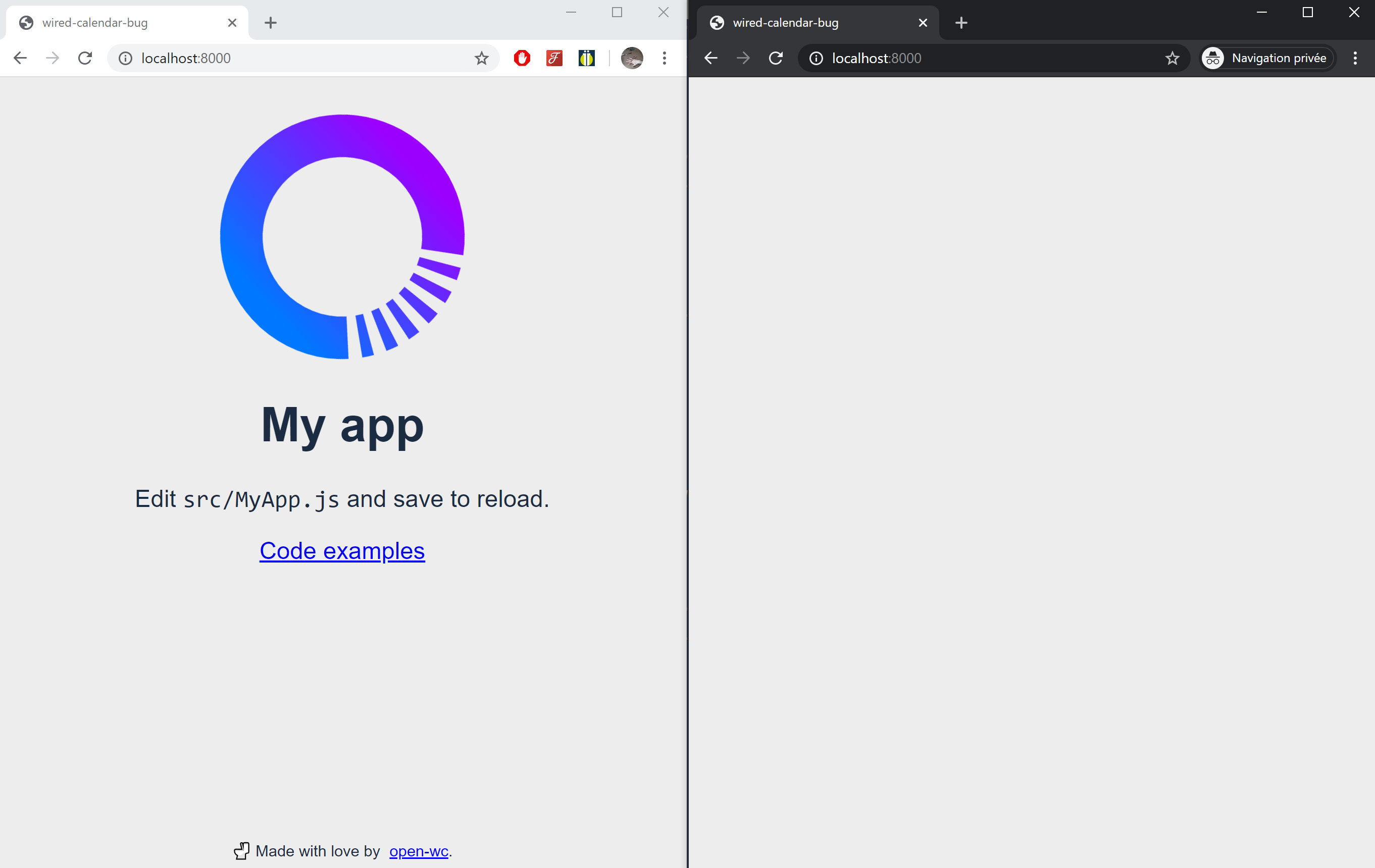
Why do I suspect vaadin router ?
Without vaadin router, the app works in both incognito mode and normal mode. Same for the mobile version.
There is no error in the console, however on the performance panel I can see that vaadin-router is called.


OK I found the root cause 5 minutes after posting this issue...
It's because of this:
window.addEventListener('load', () => {
    initRouter();
});
In incognito mode and on mobile, this event is not detected (I don't know why...)
I "fixed" this by replacing directly by a call, without the addEventListener (or with an iife) :
initRouter();
Guess we can close the issue! Hope others found this issue if they encounter the same problem, I was following this tutorial: https://vaadin.com/learn/tutorials/lit-element/navigation-and-code-splitting?utm_campaign=Learning%20Center&utm_content=81570384&utm_medium=social&utm_source=linkedin&hss_channel=lcp-52231