

 utom
utom
text styles don't show up when exported through Measure
I'm using Sketch58 and Measure 2.8.1 and when I export my screens the Style of text doesn't show up.
Used to be: 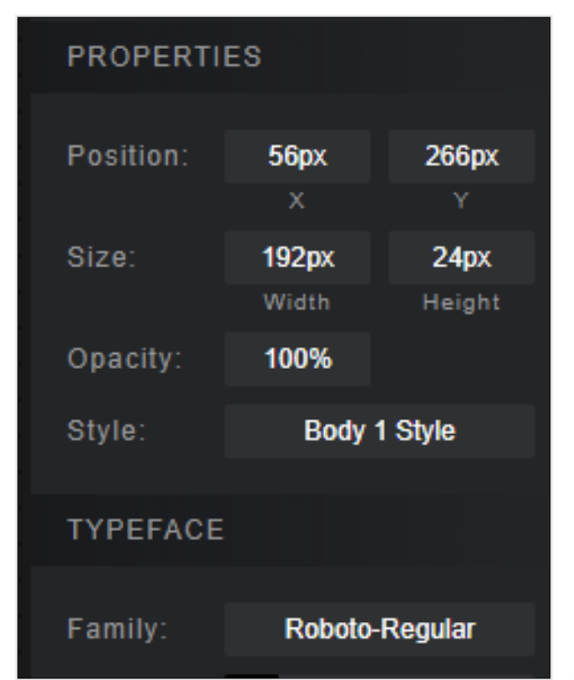 and now it's: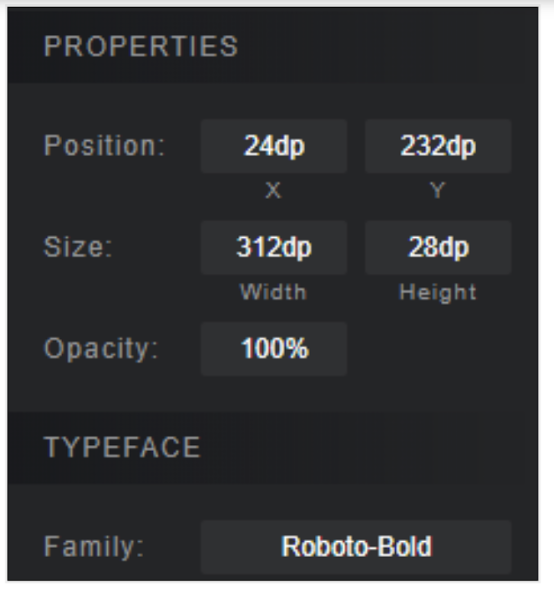
I have re-installed both, the plugin and Sketch and it still doesn't work. Any idea what else I can look into? @utom

@gutsol cross reference #616 - does the sketch measure branch discussed there work for you? That is the one I have used for quite a while now @ellunium branched a while back and was maintaining fixes through a period when Sketch themselves made a lot of symbol related architecture changes. I use his branch because it works!

@kiwimagic Now I'm thinking it might be a Sketch problem on my machine because I've tried that branch and InVision...and the style still doesn't show up. Re-installed Sketch, but still ran into the same issue, so I need to see if in some setting folders (potentially) there is something that's causing this.