
UTM
 UTM copied to clipboard
 utmapp
show actual size (how much it takes up) of the VM OR show "reclaimable space"
because of v3.2.0 (pre-release), trimming the drives in the VM will result in reduced disk usage. however, that is not reflected in UTM, as the current size UTM shows is the size of the images (disk images) with the holes (i.e. UTM shows apparent size, not actual size).
before reclaim: 
after reclaim: 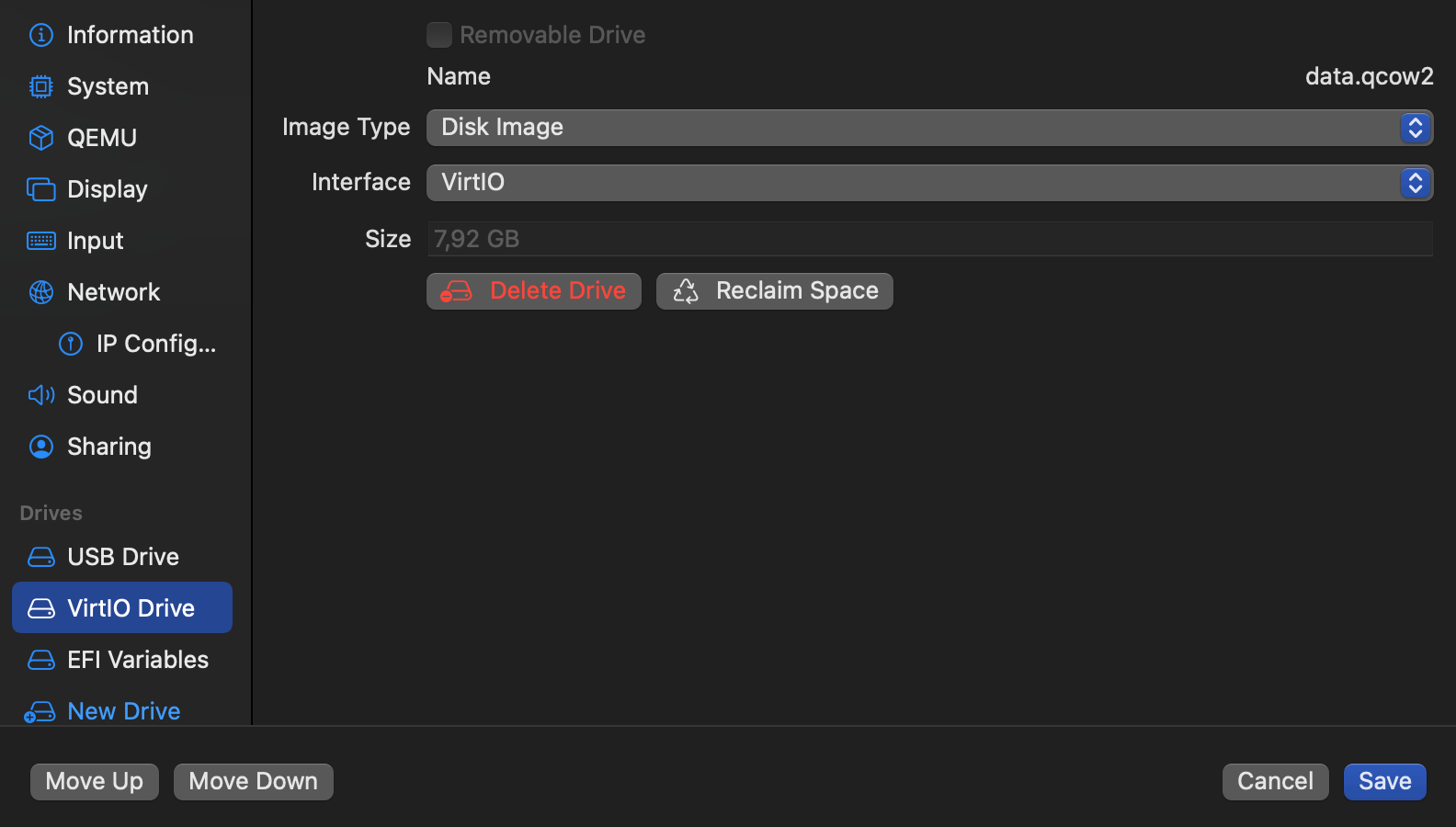
solutions:
- show the actual size it would take up on disk (maybe along with the apparent size (refer to
DU(1)man page)) - another is to show the amount of space the disk images can be "reduced" by (it doesn't actually get reduced in the sense of disk usage, since the disk image contains holes)

QCOW2 images are not sparse (i.e. zeros are stored and take up space). Hence the ability to reclaim space. For Apple VMs, the raw IMG are sparse, but I have no idea how to calculate the "actual size on disk". There's no good documentation for APFS stuff.

QCOW2 images are not sparse (i.e. zeros are stored and take up space).
true, but when qemu is made to create holes in the disk image (which i'm highly confident is already implemented and pre-released), i would consider it a sparse file after meeting the requirements for creating holes (write zeros to disk or trim) and so the size might differ.
Hence the ability to reclaim space. For Apple VMs, the raw IMG are sparse, but I have no idea how to calculate the "actual size on disk". There's no good documentation for APFS stuff.
there is du (the command), which if it works might be useful.
however, i'm not sure how "reclaimable space" would be implemented. the actual space might be better than none, but reclaimable space is likely going to be more complex.
Maybe I’m misunderstanding what you’re asking here. So currently, we get the file size by querying the file size attribute from the file URL. This returns the actual size of the file. If it uses APFS sparse files feature (which I don’t think the QCOW2 backend does), then it will think the file is larger than what is actually stored on the drive. This is applicable to “raw” images and I don’t know a way to query the actual size for those.
if i can't really explain it, then saying "the size output from du command" might be enough for some understanding of what i'm talking about
On MacOS UTM currently displays the size set during the creation of a VM's QCOW2 image.
So for example setting the VM's disk size to 215GB looks like this in Finder/du
Finder

du

They both, minor differences aside, show the file size and the actual file size on disk. I also think it would be useful to show both sizes in UTM. I created a little mockup.

I hope this is what OP was asking for and I did not misinterpret this.

@introns-bungles thanks for explaining, you have interpreted me pretty much correctly.
there's something you said which is slightly incorrect but that's not important (the size of the image isn't the disk image size specified necessarily unless it's raw).
should note, the output of du is actually in GibiBytes (powers of 2, what du uses) and not GigaBytes (powers of 10, what macOS uses), so using output straight from du will lead to an inconsistency with the unit of size represented. so what's shown in finder (the 39,24 GB) should be the one that'll be used.
On May 14, 2022 7:31:53 AM UTC, introns-bungles @.***> wrote:
On MacOS UTM currently displays the size set during the creation of a VM's QCOW2 image.
So for example setting the VM's disk size to
215GBlooks like this inFinder/du
FinderduThey both, minor differences aside, show the file size and the actual file size on disk. I also think it would be useful to show both sizes in UTM. I created a little mockup.
I hope this is what OP was asking for and I did not misinterpret this.
-- Reply to this email directly or view it on GitHub: https://github.com/utmapp/UTM/issues/4005#issuecomment-1126663141 You are receiving this because you authored the thread.
Message ID: @.***>
Thanks, I didn't know about the output difference between macOS and du.
Looking at utm files on macOS Sonoma I get SO confused what is really going on.... The UTM is a package that Finder offers to "Show package contents" of, if I "Get info" on the utm package/file it is 16,912,659,207 bytes (16.54 GB on disk) If I look in the package there is the Data folder with the gcow2 file, which finder now says is 27,724,480,512 bytes (27.72 GB on disk) If I look with a tool like Sparsity or Precize (eclecticlight.co.uk) they report there is a sparse file but that it is completely full at 27.72GB.
If I make a Finder copy on APFS drive it is immediately cloned. Finder now says the utm file/package is 27.7GB. I delete it and nothing much ever happened to the disc.
IF I run UTM routine to compact or reclaim space on the original UTM files disc the Finder "Get info" then reports it is now 20GB although the gcow2 file inside is reported as maybe 17GB. (Roughly, from memory- now all deleted).
du seems to agree with the 27.72 sizes, I did not run it during the compact/save space tests. I can't, so far, form an idea of what is true and reliable and what numbers differ from that , why and when!
Of course the disc image size reported when running or inspecting the VM config is yet another number. FYI this is a Windows 11 image.
