
Joaquín Sánchez



Joaquín Sánchez
@RDjarbeng I have it working on build, testing on dev: /cc @alkanna 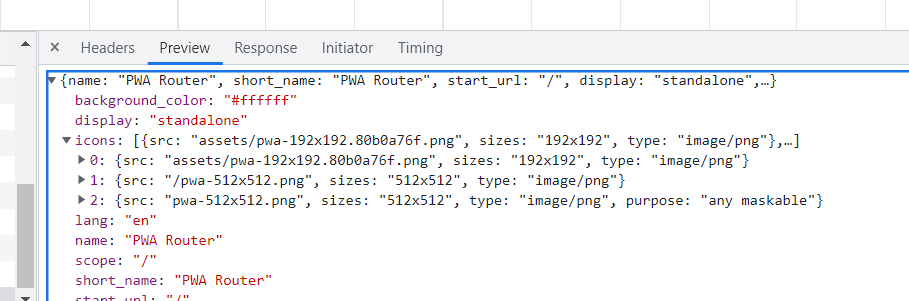
@RDjarbeng yes, but the referenced asset should be used in the codebase via static `import` (not in current version, I'm creating a PR to support icons on `src/assets` folder): ```vue...
@RDjarbeng about the `includeAssets` option: it is only required when you need some extra public assets excluded from the glob pattern, any entry on public will be copied to the...
@RDjarbeng I'll check later your repo, your are using MPA... you should use base prefix when adding the webmanifest link, if you just use `/` Vite should change it to...
@RDjarbeng if you're using previous glob pattern you don't need to add the `includeAssets` option. The default strategy is `generateSW` that uses workbox entry to configure the sw build using...
about the original issue: if we don't include an static import for the assets in the codebase we'll get an error like this one: ```shell Error while trying to use...
@RDjarbeng if you have any suggestion for the docs, anything can help ppl are welcome, sorry for that...
> Maybe, and you can also consider the case where the user prefers not to do this > > ``` > > import logo from './assets/pwa-192x192.png' > > ``` >...
@RDjarbeng you can use it with or without typescript: ```vue import logo from './assets/pwa-192x192.png' ``` About public folder, it is here, in the first paragraph: https://vite-plugin-pwa.netlify.app/guide/static-assets.html#static-assets-handling. Using `` also working......
@RDjarbeng this issue is for assets folder support, it is not related to Vite's `publicDir` option (defaults to `public` folder), check the vite.config.ts config file in the vue-router example (or...