useblocks
Datatable not displaying properly with Read the Docs theme
I'm using Read the Docs theme 1.0.0/1.1.0 and this is how a needstable with datatables style looks like:

If I remove the overflow: auto css property from .wy-table-responsive it fixes the issue, but I'm not sure if that is the right way to do this. Since this is very popular theme I was assuming it would work out of the box.
The regular table style displays fine.
Is this a needs issue or a rtd one?

@vasib This is a known issue and there is a PR created at RTD by @danwos before several months for this https://github.com/readthedocs/sphinx_rtd_theme/pull/1218 The RTD guys are too slow on their PRs.
See issues https://github.com/readthedocs/sphinx_rtd_theme/issues/1179 https://github.com/readthedocs/sphinx_rtd_theme/issues/767

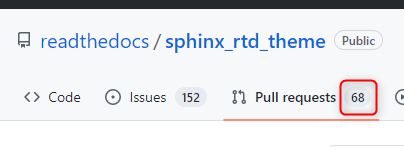
Thanks for the info. That 1 line PR has been sitting there for more than a year 😐.
@vasib That's right. We, at our project, are seriously thinking of moving to immaterial theme https://github.com/jbms/sphinx-immaterial
That number doesn't speak well for RTD Theme anymore